
If you run a Shopify store, you probably spend a lot of time looking at numbers.
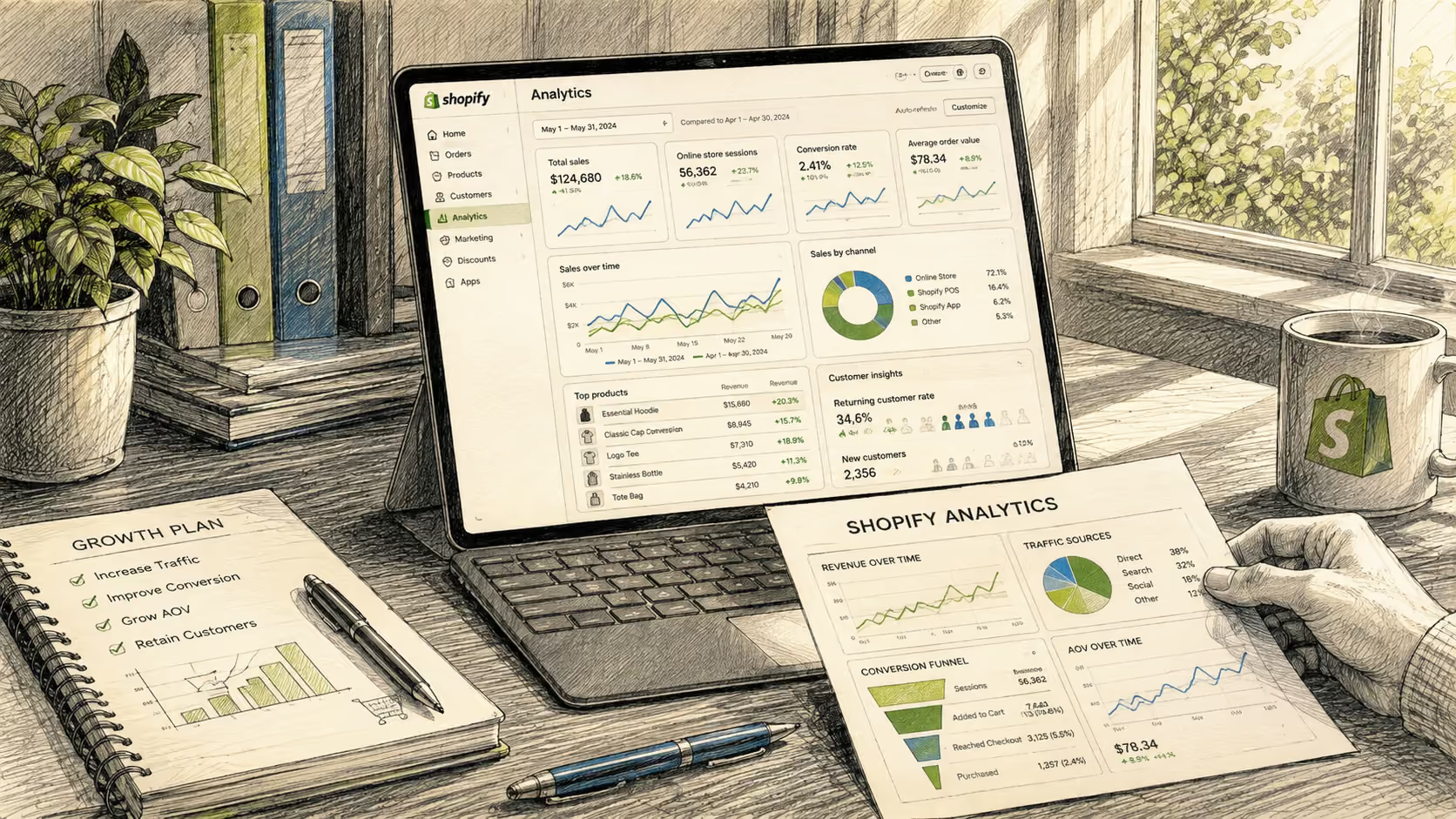
Shopify Analytics tells you what is happening inside your store. You can review sales, orders, customer behavior, product performance, marketing channels, and other useful metrics. Google Analytics 4 can add another layer by showing how visitors reach and interact with your website.
The problem is not a lack of data.
The problem is connecting all of that data into one clear answer.
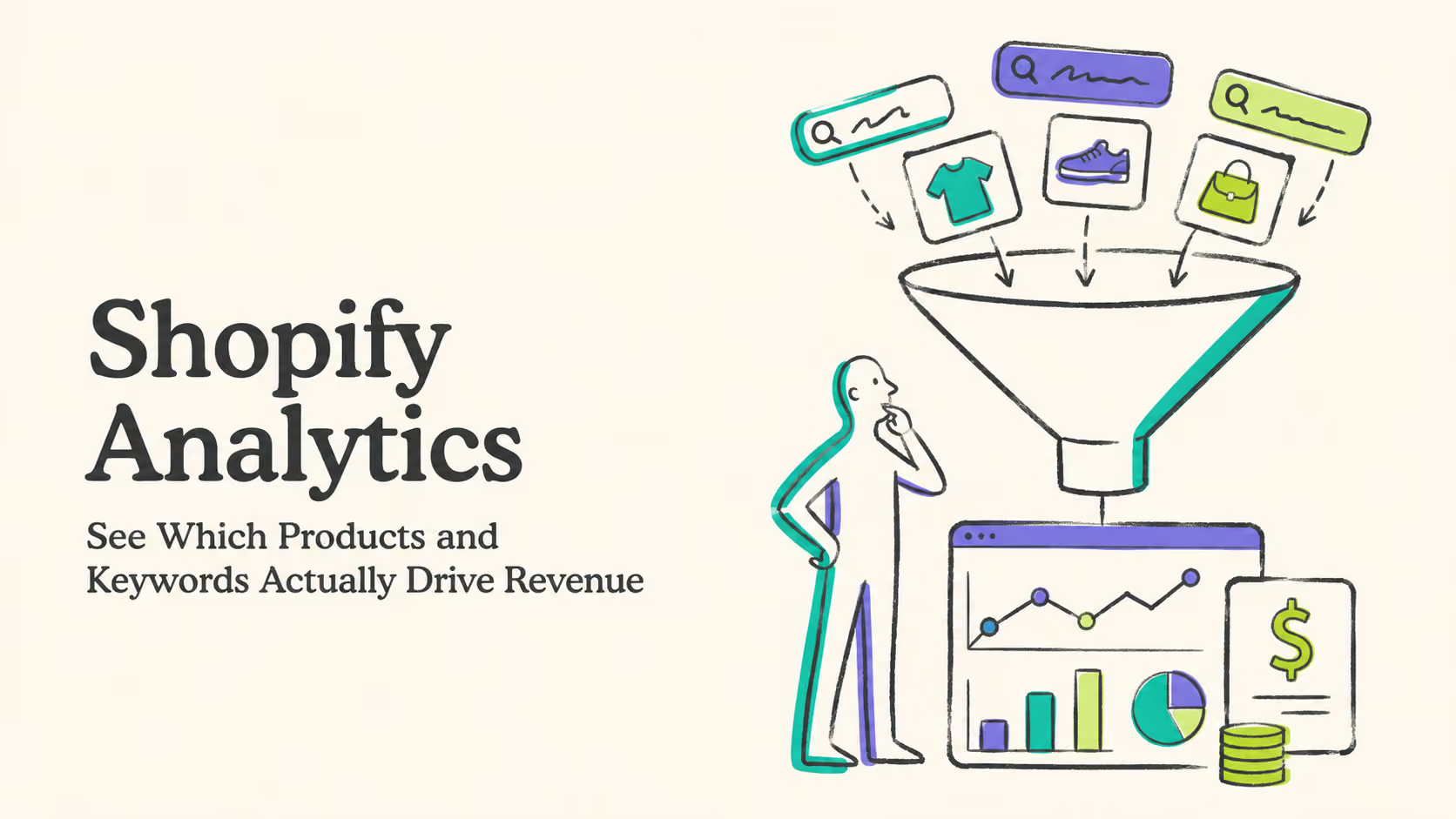
Which search keyword actually led to revenue? Which landing page is bringing in customers instead of just visitors? Did that influencer campaign generate orders, or did it simply generate clicks? Which product earns the most revenue from organic search?
Those are the questions that matter when you are deciding where to spend your next dollar.
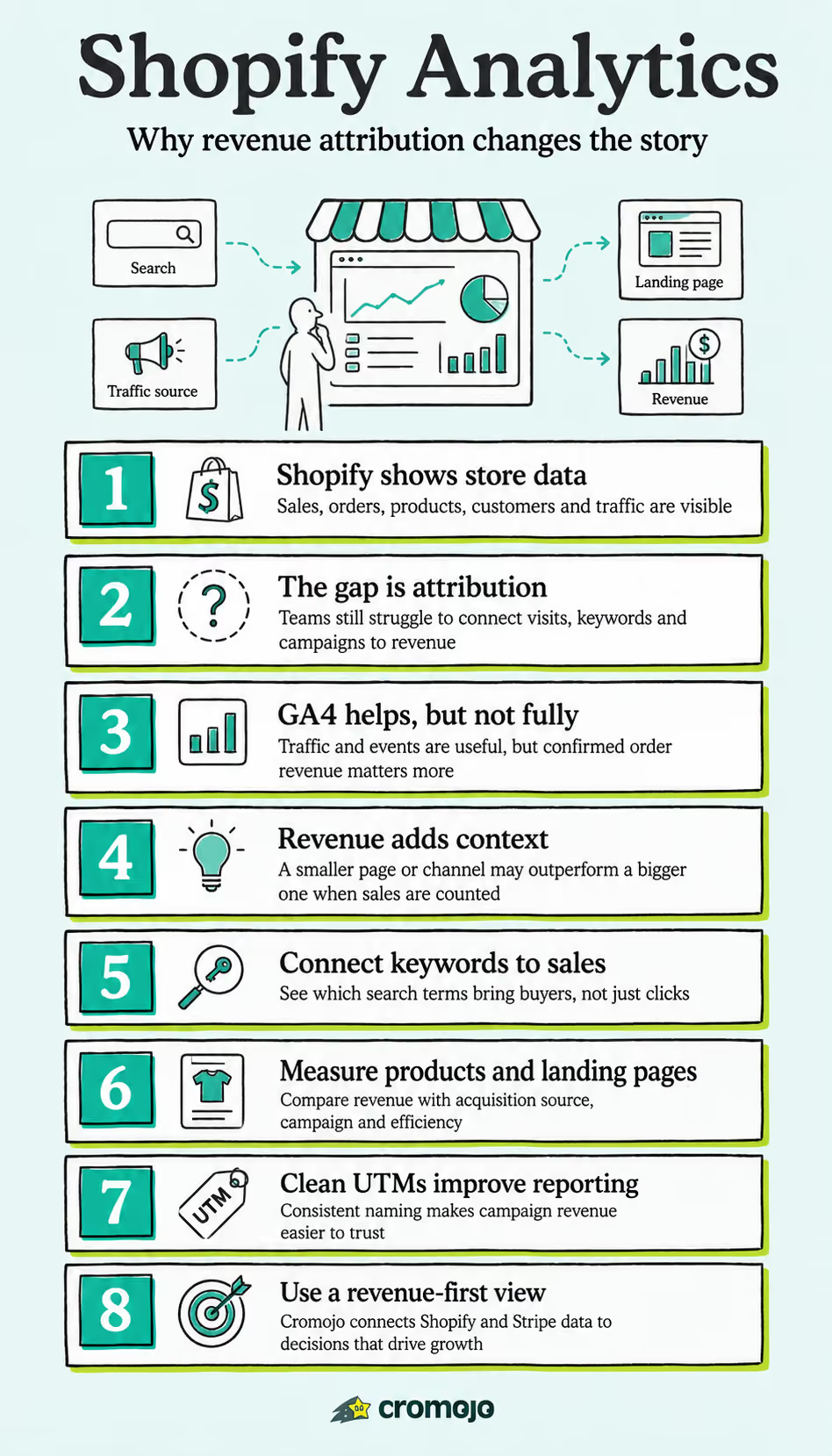
This is where Shopify Analytics can benefit from a stronger revenue attribution layer. Instead of looking at store activity, traffic, search data, and campaign performance separately, you can connect them to the sales that actually happened.
Cromojo approaches analytics from that perspective. It connects website and search data with confirmed revenue from Shopify and Stripe, helping you see which keywords, pages, sources, and campaigns are associated with real sales.
Key Takeaways
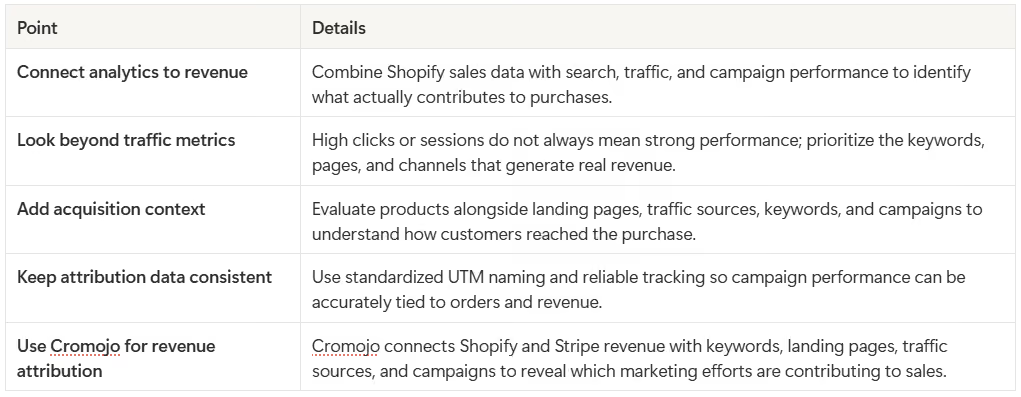
Shopify Analytics becomes more actionable when store, traffic, search, and campaign data are connected directly to confirmed revenue, making it easier to see what is actually driving sales.
What Does Shopify Analytics Show You?
Shopify Analytics already provides a useful picture of how your store is performing.
Depending on your Shopify setup and plan, you can analyze areas such as sales, orders, average order value, products, customers, traffic sources, marketing activities, and attribution.
That makes Shopify Analytics an important part of any ecommerce reporting setup.
The difficulty appears when you want to answer questions that cross several data sources.
You might know that Product A generated $20,000 in sales last month. You might also know that organic search brought 8,000 visitors to the store. What may still take more work is connecting the two and seeing which specific search queries, landing pages, campaigns, or visitor journeys contributed to that product revenue.
For many ecommerce teams, the real problem is not collecting another metric. It is bringing existing metrics together in a way that helps them make better decisions.
If you want a broader view of how different analytics platforms approach this problem, Cromojo's guide to the top web analytics tools in digital marketing is a useful place to start.
Where Can Shopify Analytics Leave Questions Unanswered?
Imagine opening your Shopify dashboard and seeing a strong week of sales.
Revenue is up. Several products performed well. Your paid social campaign was active, your email newsletter went out on Tuesday, and organic traffic also increased.
Which activity deserves the credit?
Shopify can provide marketing and attribution reporting, but the level of detail you need may depend on the question you are trying to answer. Merchants often work across Shopify, Google Search Console, advertising platforms, email platforms, GA4, and spreadsheets to understand the complete acquisition story.
That can make a simple question surprisingly difficult.
You do not just want to know that sales increased. You want to know why.
This is a common analytics problem. Dashboards can contain plenty of accurate numbers while still leaving important context hidden. Cromojo explores that issue further in Analytics Blind Spots: What Your Data Is Not Showing You.
Why Doesn't GA4 Completely Solve Shopify Revenue Attribution?
GA4 is useful for understanding website traffic, events, acquisition, engagement, and user behavior.
It can also track ecommerce events when it is configured correctly.
However, GA4 and Shopify are looking at your business from different angles. Shopify is the commerce platform where the order is processed. GA4 is an analytics platform that observes and reports visitor behavior based on the tracking data available to it.
Those numbers do not always line up perfectly.
Privacy settings, consent choices, browser restrictions, tagging issues, attribution settings, missing events, and implementation errors can all affect what appears in an analytics report.
Google also uses modeling in certain situations where user behavior or conversions cannot be observed directly. Modeling can be useful for understanding overall performance, but it is still different from reading the confirmed transaction directly from the commerce or payment platform.
That distinction becomes important when you are making budget decisions.
If you are deciding whether to spend another $5,000 on a campaign, you probably want to know how much confirmed revenue that campaign generated, not only how many sessions, events, or modeled conversions appeared in an analytics dashboard.
What Should Good Shopify Analytics Tell You?
Useful Shopify Analytics should help you move beyond reporting and toward decision-making.
Knowing that a product sold 300 units is useful. Knowing that most of those sales came from people who discovered the product through a particular search query is much more actionable.
Knowing that an influencer sent 5,000 visitors sounds impressive. Knowing that those visitors generated only three orders changes the conversation.
The same is true for organic search. A blog post with 20,000 monthly visits may look more valuable than a product guide with 2,000 visits. But if that smaller page consistently generates more revenue, it may deserve more attention.
Revenue gives the rest of your analytics context.
This is also why Cromojo's guide to keyword conversion rate focuses on connecting keyword performance with business outcomes rather than treating rankings or traffic as the final result.
How Does Cromojo Add Revenue Attribution to Shopify Analytics?
Cromojo connects traffic and search data with real transaction data from Shopify and Stripe.
Instead of stopping at sessions or clicks, the goal is to show which marketing activity is associated with revenue that has already been generated.
For example, you may discover that one search keyword consistently sends customers to a particular product page and produces sales. Another keyword may send significantly more traffic but almost no revenue.
From a traditional traffic report, the second keyword might look more successful.
From a revenue perspective, the first one may be far more valuable.
That difference matters because marketing budgets are not paid with pageviews. They are paid with revenue.
Cromojo's revenue analytics is designed to connect sales with dimensions such as keywords, pages, campaigns, and traffic sources so you can see what is actually contributing to growth.
Can Shopify Analytics Show Revenue by Keyword?
This is one of the more useful questions for stores that invest heavily in SEO.
Shopify Analytics can tell you a great deal about your products and sales, while Google Search Console can tell you which Google Search queries generated impressions and clicks.
The challenge is connecting those two datasets.
Suppose someone searches for "best lightweight travel backpack," lands on one of your product pages, and eventually buys a $180 backpack.
Search Console can help you understand the search query.
Shopify records the order.
Revenue attribution brings those two pieces closer together so you can understand the commercial value behind the search traffic.
That lets you move beyond questions such as, "Which keywords get the most clicks?"
You can start asking, "Which keywords generate the most revenue?"
That is a much more useful SEO metric for an ecommerce business.
How Can You Measure Revenue by Product and Landing Page?
Product performance becomes more useful when you add acquisition context.
You may have two products that each generated $10,000 last month. At first glance, they look equally valuable.
Then you look deeper.
The first product required thousands of dollars in paid advertising to generate those sales. The second product earned most of its revenue from organic search and returning customers.
The revenue number is the same, but the marketing story is completely different.
Looking at product revenue alongside landing pages, traffic sources, keywords, and campaigns can help you identify which products grow efficiently and which ones depend heavily on paid acquisition.
For Shopify stores investing in organic growth, Cromojo's Ecommerce SEO Audit: A Revenue-First Checklist explains why page-level revenue can be more useful than looking at impressions and rankings alone.
What Can UTM Tracking Tell You About Shopify Revenue?
UTM parameters help identify where campaign traffic came from.
For example, you can tag links from newsletters, paid campaigns, creators, affiliates, social posts, and product launches. When those naming conventions stay consistent, it becomes much easier to compare campaign performance.
The problem is that inconsistent UTMs create messy data surprisingly quickly.
One person might use facebook, another might use Facebook, and another might use fb. A campaign may also be named differently across ads, emails, spreadsheets, and reports.
Suddenly, what should have been one campaign appears as several different sources.
That makes revenue attribution harder than it needs to be.
Cromojo's guide to UTM naming conventions explains how to create a cleaner naming system so campaign data remains useful once orders start coming in.
When UTMs are structured properly and tied to transaction data, you can answer a much better question than "How many people clicked?"
You can ask, "How much revenue did this campaign actually generate?"
What About Customers Who Visit More Than Once Before Buying?
Ecommerce customer journeys are rarely simple.
A customer might first discover your product through Instagram. Three days later, they search for your brand on Google. They read a comparison article, leave again, receive an email, and finally return directly to purchase.
Which channel gets the credit?
There is no perfect answer for every business.
First-click attribution might emphasize discovery. Last-click attribution may emphasize the final interaction before the purchase. Other approaches try to distribute credit across several touchpoints.
The right model depends on what you are trying to understand.
What matters is seeing enough of the journey to avoid making decisions based on one isolated click.
Cromojo's User Journey Mapping That Ties Every Visit to Revenue goes deeper into connecting customer journeys with actual sales.
Does Cookieless Analytics Matter for Shopify Stores?
Privacy has become an important part of ecommerce analytics.
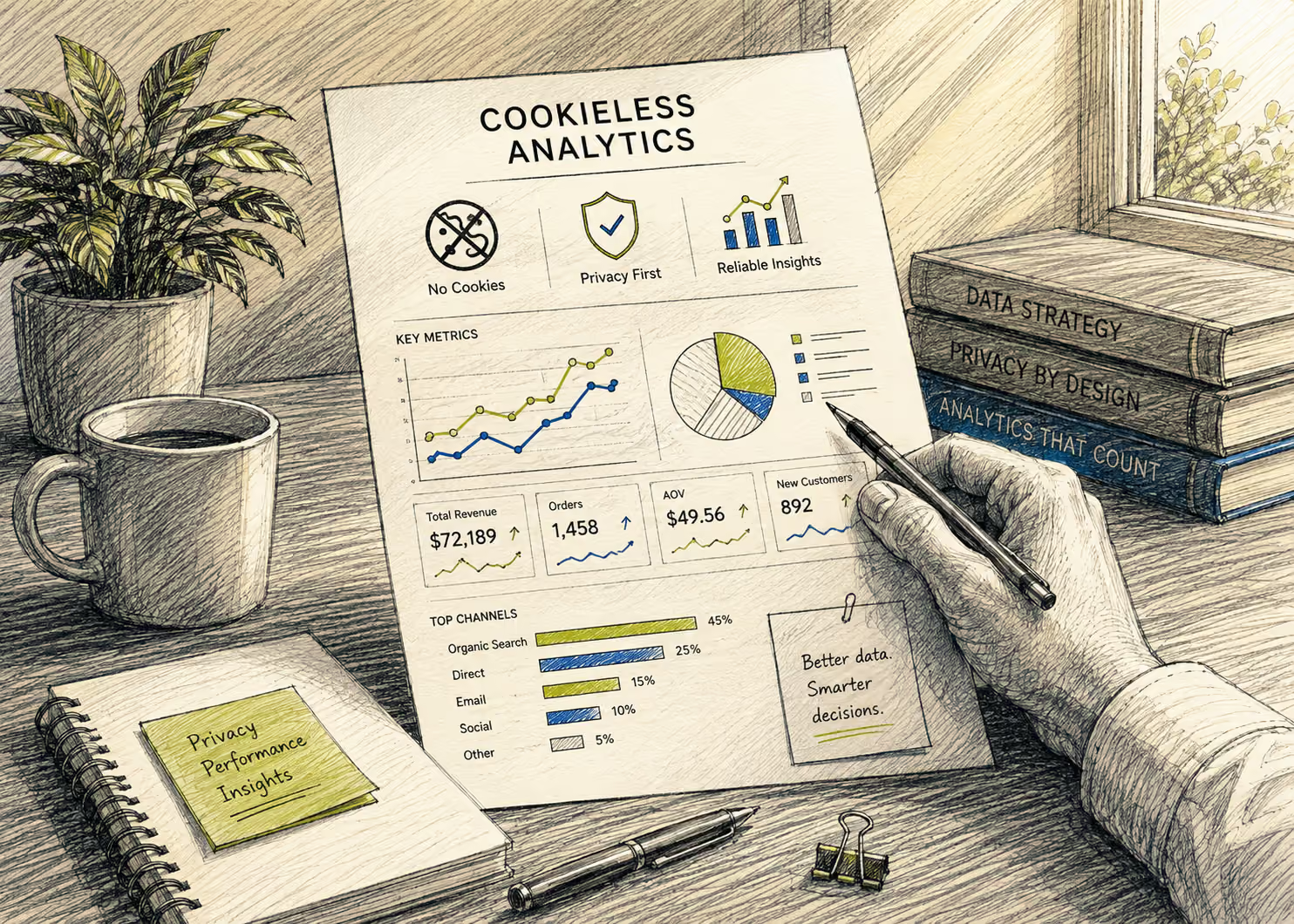
Traditional tracking setups often rely heavily on cookies and persistent identifiers. As browsers, devices, and privacy regulations have changed, marketers have had to rethink how much data they collect and how that data is collected.
Cookieless analytics offers another approach.
Cromojo uses first-party, cookieless tracking and connects revenue directly from platforms such as Shopify and Stripe. This reduces the platform's dependence on traditional cookie-based tracking for its analytics model.
Privacy requirements still depend on your location, implementation, data practices, and applicable regulations, so no analytics setup should be treated as a universal substitute for legal or privacy review.
If you want to explore the topic in more detail, read Cromojo's First-Party Analytics: A Privacy-First Guide for Marketers.
What Does Revenue-First Shopify Analytics Look Like Day to Day?
The value of better analytics is not having another dashboard open in your browser.
The value is knowing what to do next.
Suppose organic search traffic drops by 12 percent this month. That sounds bad.
Then you notice that organic revenue increased by 9 percent because the pages losing traffic were mostly low-intent blog posts, while your highest-converting product and category pages improved.
That is a very different story from "organic traffic is down."
Or imagine that an influencer campaign sends fewer visitors than expected but produces a much higher average order value than your paid social traffic.
Again, the traffic number alone would not tell the full story.
Revenue-first Shopify Analytics helps put those numbers in context so you can spend less time reporting what happened and more time deciding what to do about it.
Where Should You Start?
You do not need to rebuild your analytics stack overnight.
Start with your best-selling products and the marketing channels you already spend the most time or money on.
Look at what Shopify Analytics tells you about sales. Then compare that with your traffic, campaign, and search data.
Ask whether you can confidently connect the two.
Can you identify which landing pages are generating revenue? Can you see which campaigns produce actual orders? Do you know which organic keywords attract buyers rather than browsers? Can you tell which products perform best from each acquisition source?
If those answers require several dashboards, spreadsheets, and assumptions, that is the gap you should solve first.
You may also find Cromojo's Analytics for Agencies: The Revenue-First Playbook useful even if you work in-house, since many of the same principles apply to building reports around business outcomes instead of vanity metrics.
Shopify Analytics Should Help You Decide What to Do Next
Shopify Analytics is already a valuable source of ecommerce data.
The opportunity is to make that data more actionable by connecting it with the search queries, landing pages, campaigns, and customer journeys that contributed to the sale.
Traffic tells you where attention is coming from.
Orders tell you what sold.
Revenue attribution helps connect the two.
Once you can see which products, keywords, pages, and campaigns are actually generating revenue, marketing decisions become much easier to defend.
You know what deserves more budget.
You know what deserves more content.
You know which product pages are doing the real work.
Most importantly, you have a clearer picture of what is actually growing the business.
Turn Your Shopify Data Into Revenue Decisions
The point of Shopify Analytics is not to collect more numbers. It is to understand what is working well enough to make a better decision.
If you know which product sold but not what brought the customer there, part of the story is still missing.
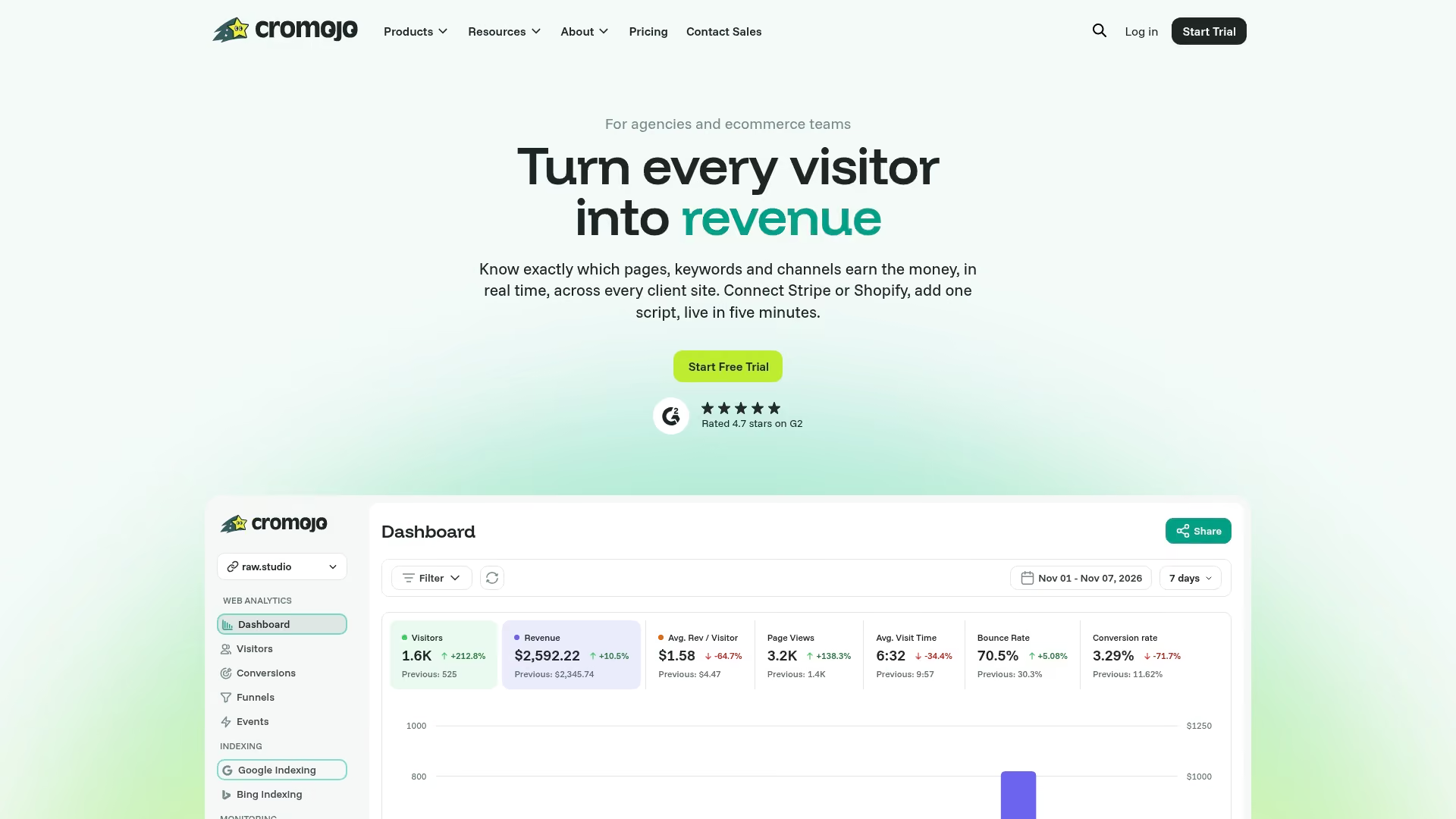
Cromojo connects your Shopify and Stripe revenue with keywords, landing pages, traffic sources, and campaigns so you can see which parts of your marketing are actually contributing to sales.
Stop guessing which channels look successful and start seeing which ones generate revenue.
Talk to the Cromojo team to learn how Cromojo can help you connect Shopify Analytics with revenue attribution and get a clearer view of what is driving your store's growth.