

Give clients a clearer view of the work.
Bring website traffic, conversions and recorded revenue into your reporting conversation. Share dashboard data and use supporting evidence to explain what deserves attention next.



Move from reporting activity to discussing the next step.
Cromojo helps you share website performance and support your recommendations with the data behind them.
- Show relevant outcomes: Review goals and recorded revenue alongside traffic.
- Share the evidence: Give clients access through supported dashboard sharing.
- Explain the next step: Use findings to guide a more focused discussion.
A report should move the conversation forward.
When every update is a collection of disconnected numbers, clients can struggle to see what changed or why it matters.
Traffic does not answer every client question.
Screenshots lose their context.
Recommendations need a stronger foundation.
Give clients a view they can return to.
Use supported dashboard sharing to make website data easier to access between meetings. Choose the available sharing controls that fit how you work with the client.
- Share relevant website dashboard data.
- Give clients a consistent place to review it.
- Keep the reporting conversation grounded in evidence.
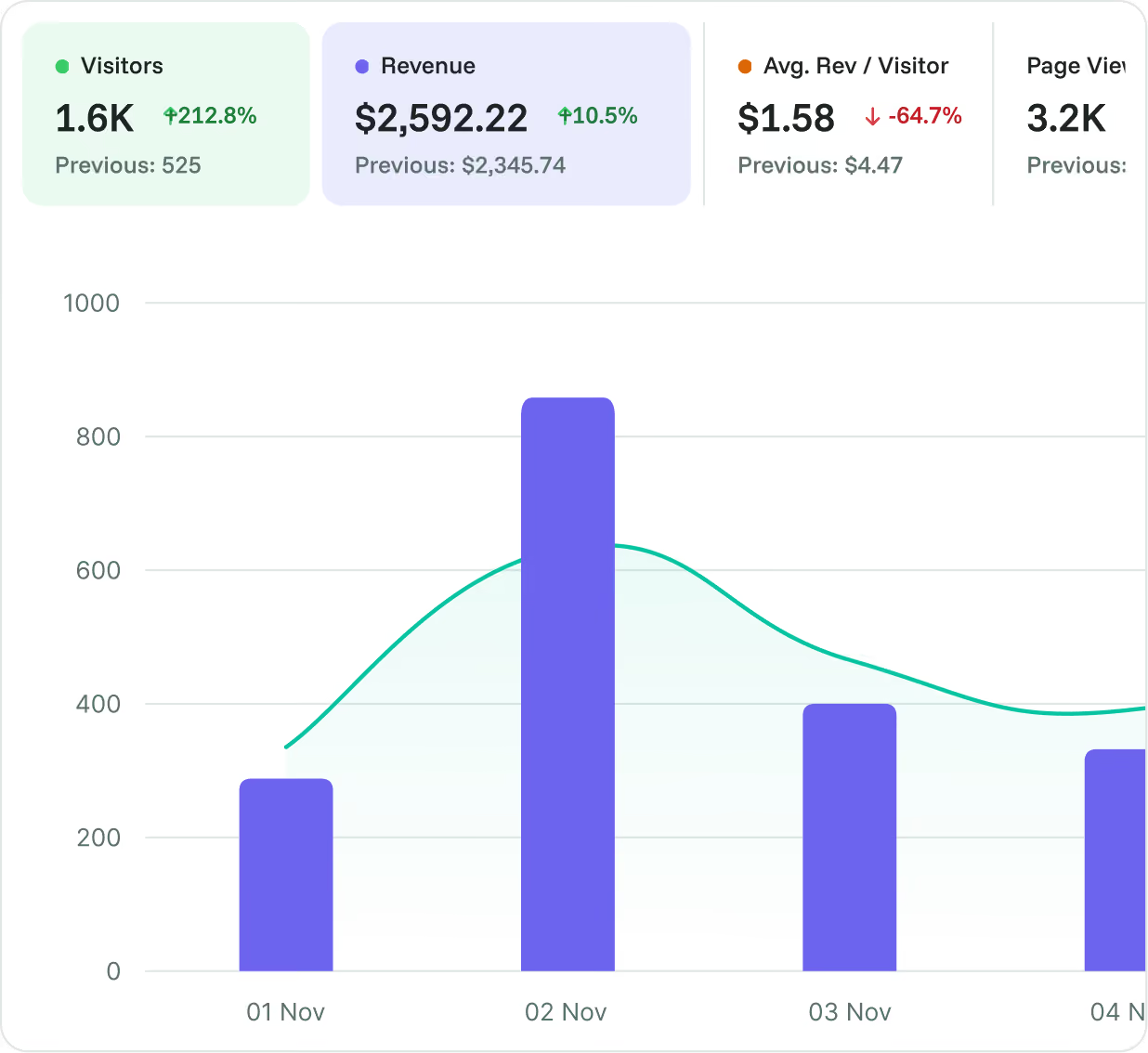
Put business outcomes beside website activity.
Review meaningful goals and recorded revenue alongside acquisition performance. Help clients understand what their website captures and which tracked sources contribute.
- Include enquiries, signups or purchase goals.
- Add revenue when tracking is connected.
- Explain attribution and measurement limits clearly.
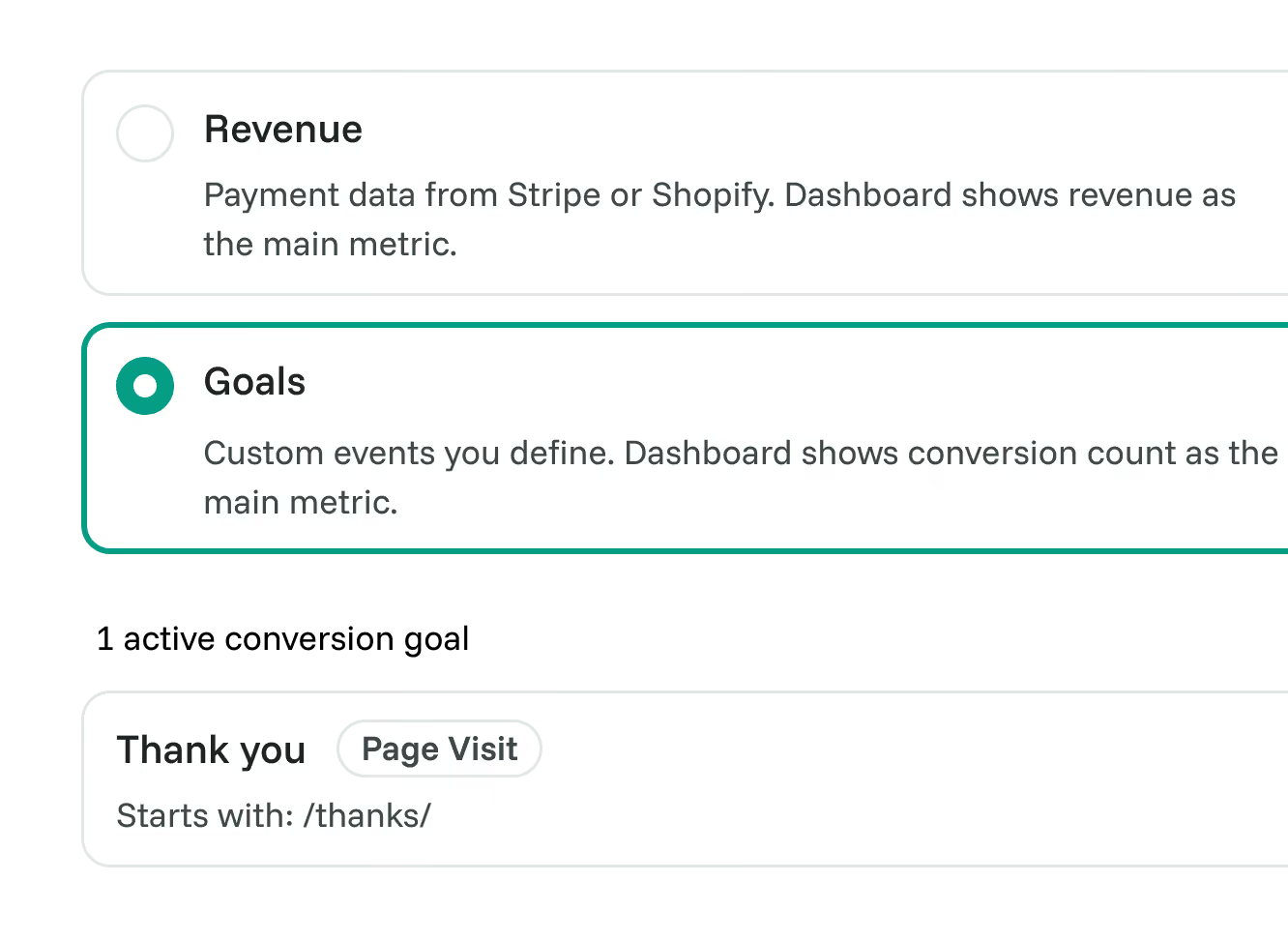
Arrive with a clearer next recommendation.
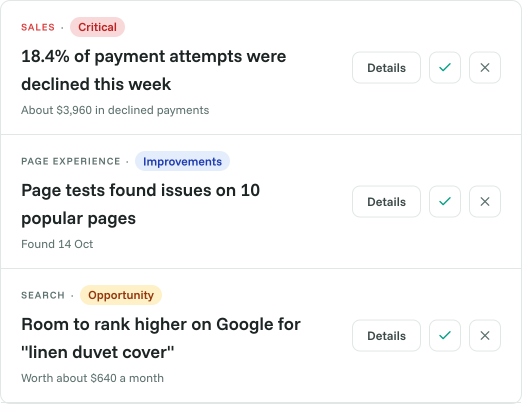
Review surfaced findings before the next client conversation. Use the evidence to explain what you want to investigate and how it relates to their website goals.
- Start with findings worth reviewing.
- Explore the data behind each recommendation.
- Agree on the next investigation with the client.
Make reporting easier to understand and act on.
Frequently asked questions
Conversion optimization made simple




