

AUTOMATED INDEXING
Automate URL submissions and track index status
Submit eligible URLs through your configured Google, Bing and IndexNow integrations. Review the latest available indexing and submission status in one place.


Rated 4.7 stars on G2

Cromojo has significantly aided our operations at Housing Japan. Being a leading real estate firm in Tokyo, it’s crucial for us to get our new listings indexed quickly. Cromojo efficiently accomplishes this for us.

INDEXING MODE
One tool, two indexing modes.
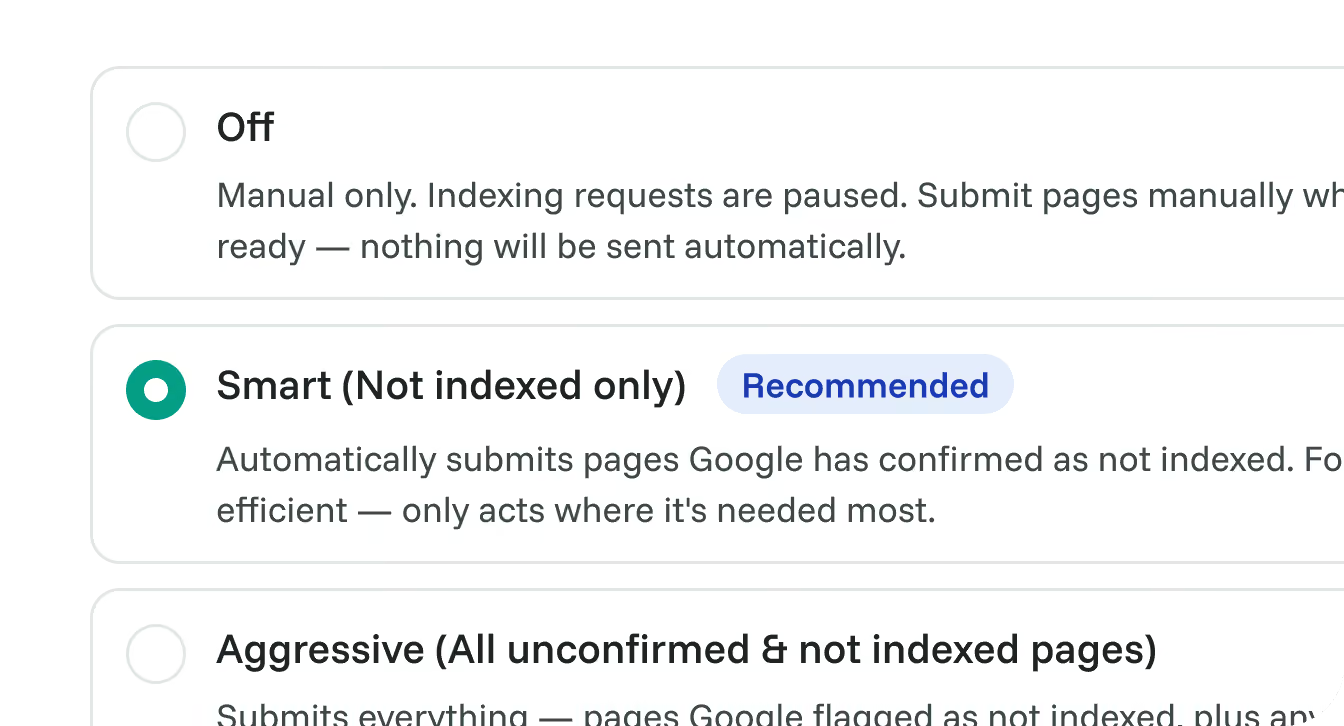
Choose which eligible Google URLs enter automatic submission. Both modes respect site settings and submission quotas.
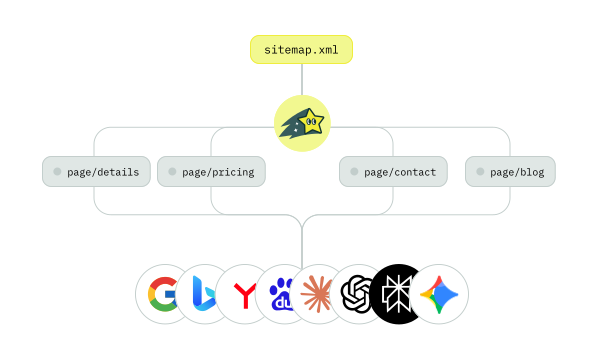
Smart
Submit pages reported as not indexed
Smart mode selects enabled pages reported as not indexed. Prioritised URLs can also enter the submission queue, subject to quotas.
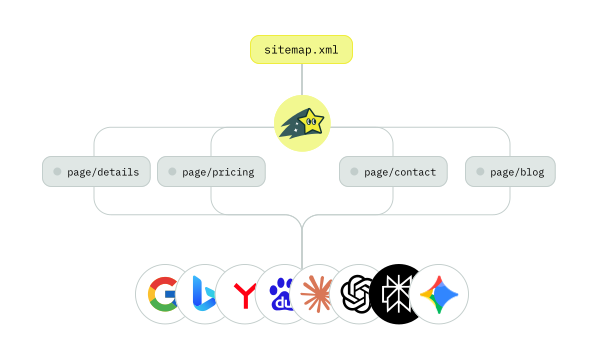
Aggressive
Include pages not yet checked
Aggressive mode also includes enabled pages whose index status has not yet been checked. Submission does not guarantee crawling or indexing.
Used Cromojo for a client site & within two days indexed several hundred blogs we couldn't get GSC to move from 'Crawled - currently not indexed' in the prior 6 months. It became a required cost once we saw that traffic came in.

I was struggling to get my programmatic pages indexed on VisitRome.com. Within a month of using Cromojo, 90% of the site was indexed. Great product.

Search integrations
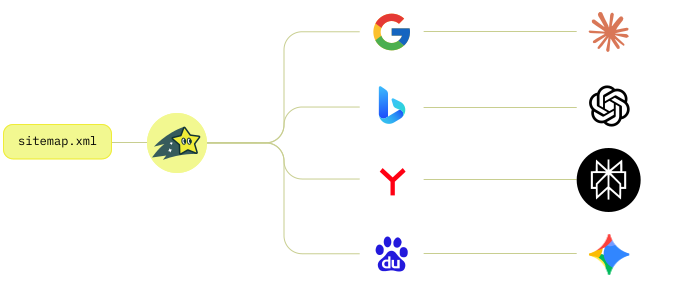
Manage Google, Bing and IndexNow submissions
Configure each integration and manage eligible URL submissions within your available quotas.
Google
Send eligible URL notifications through your configured Google integration. Google decides whether and when to crawl or index them.
Index status
Review the latest stored status information for checked URLs, alongside submission history.
Bulk actions
Submit batches of eligible URLs, with provider-specific removal controls.
Bing and IndexNow
Notify your connected Bing site and participating IndexNow engines through the integrations you enable.
Sitemaps
Discover sitemaps or add custom sitemap URLs to import pages for enabled workflows.
1
STEP 1
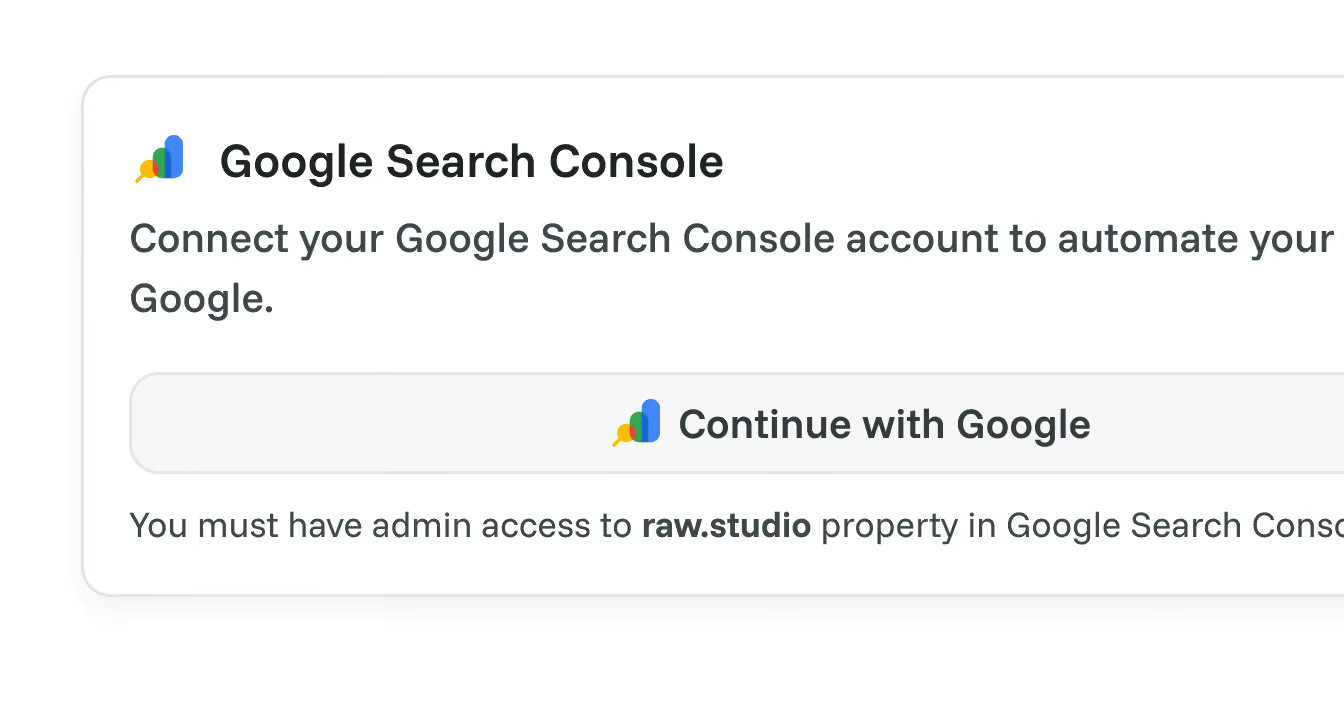
Connect your search accounts.
Connect Search Console and Bing as needed. Google indexing also requires an authorised service account, and Bing requires a verified site.
2
STEP 2
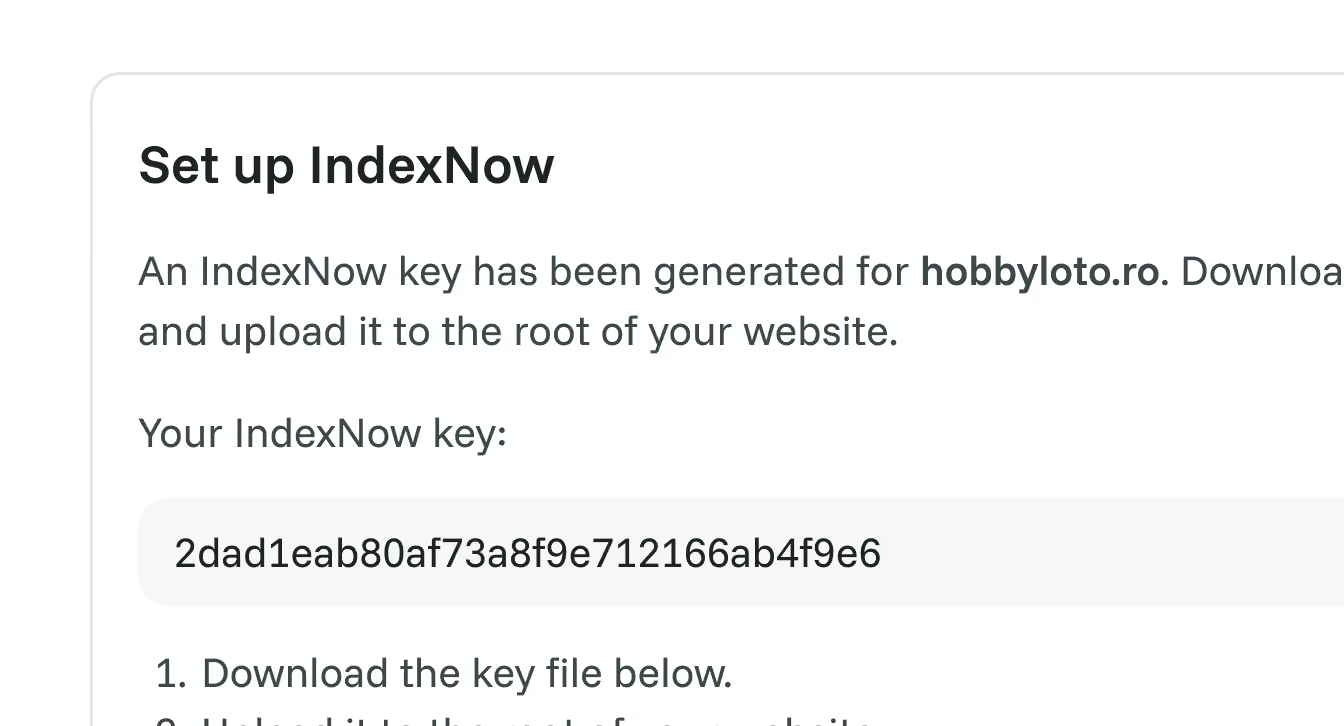
Add your IndexNow key
Host your IndexNow key file and complete verification before enabling submissions.
3
STEP 3
Pick your mode
Choose Smart or Aggressive for Google. Scheduled submissions and status checks run within your plan and integration limits.
Keep submissions moving.

Simplified Indexing for Google & Bing
Configure your integrations to submit eligible discovered URLs in scheduled batches. Review available status and re-submission activity from one dashboard.
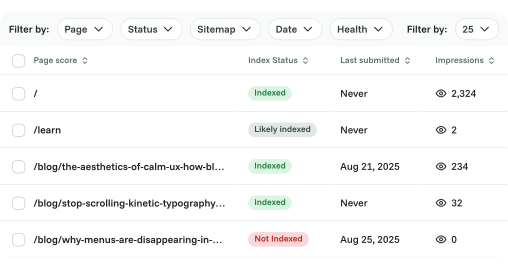
Review available URL status
Inspect the latest available indexing and submission results for recorded URLs. Checks run on schedules and within provider quotas, so status is not instantaneous.
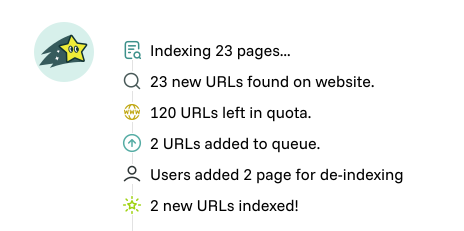
Keep eligible submissions running
Scheduled jobs process eligible URLs within your remaining quota. Review errors and setup requirements when submissions need attention.
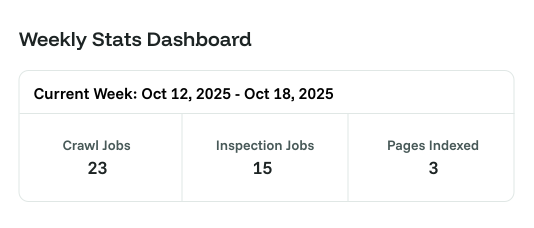
Indexing reports and summaries
Review indexed, pending and other reported URL states in the dashboard. Use available checks and submission history to decide what needs investigation.
Bulk Indexing Made Simple
Select eligible URLs and submit them in batches. Daily plan and provider quotas determine how many can be processed.
Page health & index tracking
Review available page checks and indexing results to investigate potential obstacles. Search engines still decide whether to index a page.
Submission and status history
Review recorded submissions and the latest available index status. A successful submission is not confirmation that a URL has been indexed.
Why you need automated indexing
Why automated indexing matters
Reduce manual submissions.
Let scheduled jobs submit eligible discovered URLs instead of sending each one by hand. Processing depends on your setup and remaining quota.
Coordinate search submissions
Manage Google, Bing and IndexNow integrations in one place. Each provider has its own verification, submission and status-check requirements.
Catch pages that fall out
Review reported status changes and eligible re-submission activity. Checks are scheduled and may not immediately reflect a search engine's current index.
Scale across many pages and sites.
Use batched submissions across the sites you manage. Cromojo applies plan and provider quotas; it does not bypass search-engine limits.
Review reported index status
See the latest available status for checked URLs and use submission history to investigate progress. Some URLs may still be unchecked or awaiting updated results.
Frequently asked questions
Quick answers on features, setup, and plans. For anything deeper, see our docs.
What people think
Cromojo, formerly URL Monitor, is a fairly under the radar tool that forms part of my daily SEO repertoire. Its not a fancy AI tool that promises magic, its just a really good tool that helps managing indexing much easier. If you have even a medium sized site the 10 URL submissions per day in GSC is not enough. This system allows you to submit hundreds of URLs for priority indexing. It has useful filters that can help you segment and diagnose indexing issues and control the flow of URL submissions and indexing requests. Cromojo is a tool I use on a daily basis to hep monitor and control site indexing. Highly recommended.

Discovered Cromojo shortly after stumbling across serious flaws in the sitemap data in a site we inherited. Cromojo helped us submit all the missing pages and helpfully alerts us when any page is deindexed. Being able to auto-submit pages is a huge benefit too, and we've upgraded our account so that we can offer the service to clients as well.

Cromojo did what Google Search Console failed to do since the moment I started using it. No matter how many sitemaps I published, I couldn't get all of my URLs on Google. Cromojo made it happen. The best part? I didn't have to be constantly involved! It was easy to set up and works like a charm. I would recommend it to anyone who is tired of fighting with Bing Webmaster and Google Search Console and just wants to get their URLs seen!

Cromojo helps me track the status of URLs that are not indexed by Google. With its easy-to-use and intuitive dashboard, I can easily receive updates about non-indexed URLs.
I can submit URLs for indexing manually, or choose to submit them automatically.
One more important feature that I loved is that it sends email reports on how many URLs have been de-indexed. I highly recommend Cromojo to stay updated on indexed URLs and improve your websites' indexing.

Cromojo is one of those tools that performs far beyond expectations. We had a few of our own sites that we hadn't given our full attention to due to a lack of time, which resulted in many pages not being found.

I am loving Cromojo so far! We manage a huge website and were struggling to get pages indexed. Not anymore.

Grow your conversion
Conversion optimization made simple
Rated 4.7 stars on G2

Featured on