

Real-time ANALYTICS
Simple, beautiful, privacy-first web analytics.
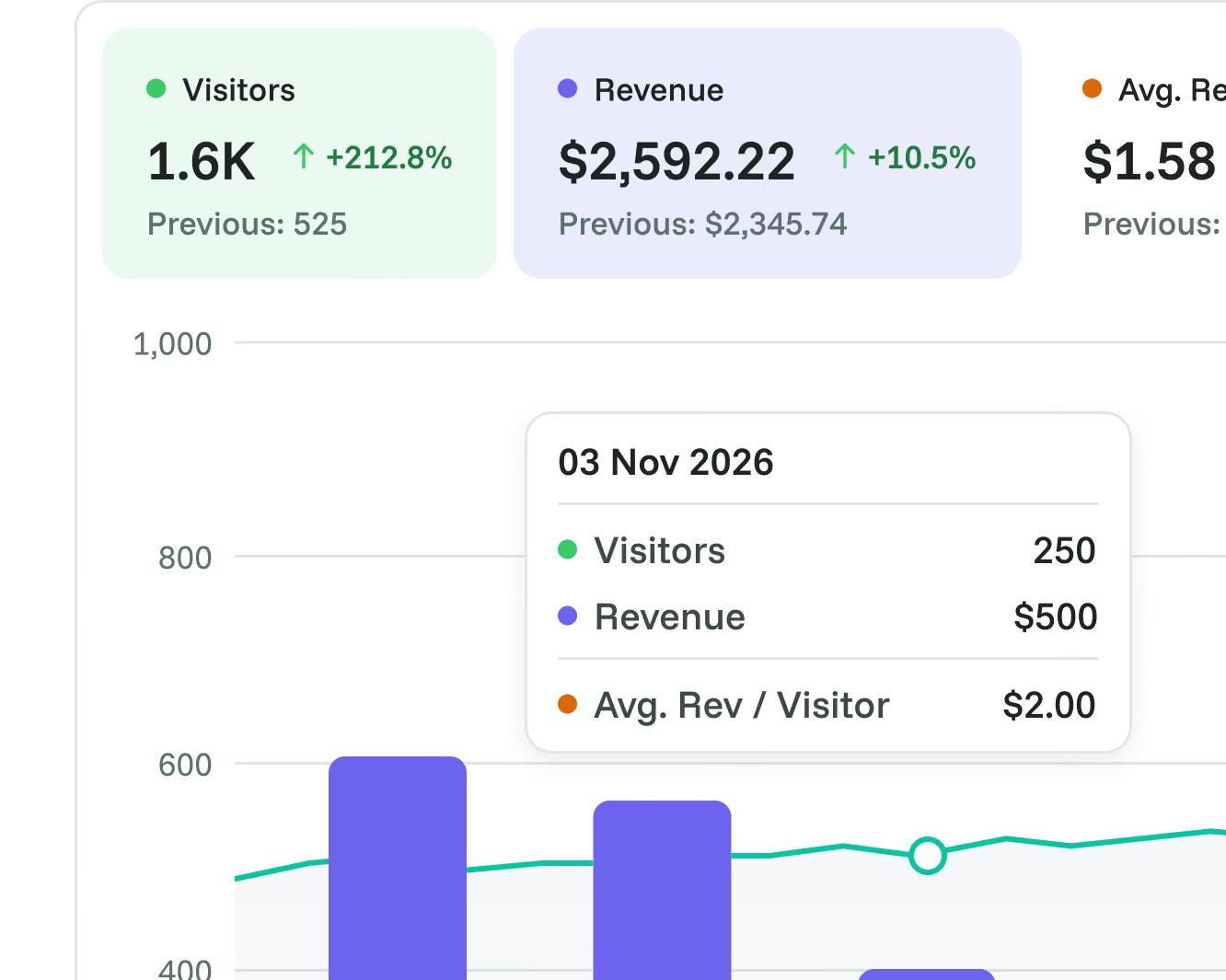
Cromojo gives you the metrics that matter in one clean, real-time dashboard, with cookie-free analytics by default. Explore traffic and conversions in a privacy-first workspace.


Rated 4.7 stars on G2

Switched from a competitor to Cromojo and couldn't be happier, it's just so simple and you can get started in as little as 5 minutes! No fluff + auto-pilot = the dream!

Why teams choose Cromojo
Simple to read.
Private by default.
Understand your website traffic and choose the tracking setup that fits your needs.
Everything that matters, nothing that does not
Simple & beautiful.
Explore visitors, pages and traffic sources in one dashboard. Add goals, events and checkout tracking for the outcomes you want to measure.
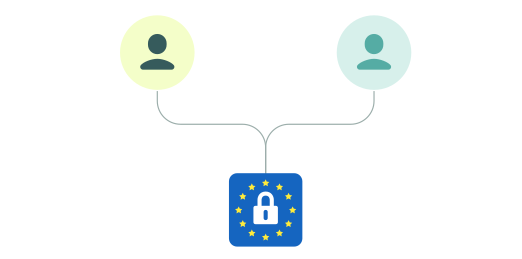
Cookie-free analytics by default
Choose your tracking setup
Start with cookie-free analytics. Optional returning-visitor tracking uses cookies and browser storage, respects consent signals and remains subject to browser restrictions.
Analytics metrics
The metrics you actually use.
The essentials, in real time, without digging through menus.
Live visitors
See recently recorded visitor activity and the pages being viewed.
Top, entry, and exit pages
Know what pulls people in and where they leave.
Trends and comparison
See whether traffic and engagement are moving up or down.
Traffic sources
Search, social, email, referral, and direct, cleaned up automatically.
Geography and device
Where your visitors are, and how they reach you.
HOW IT WORKS
Made for people, not data teams
Bring traffic, goals, funnels and supported revenue reporting together in a focused dashboard.
1
No steep learning curve.
Understand your dashboard the first time you open it.
2
Cookie-free by default
Start with cookie-free analytics. Configure consent for optional returning-visitor tracking.
3
No sampling
Explore recorded events without report sampling. Tracking coverage can still vary.
3
Website reports in one place
Explore traffic, goals and supported revenue reports together.
PACKED WITH FEATURES
Go deeper when you need to

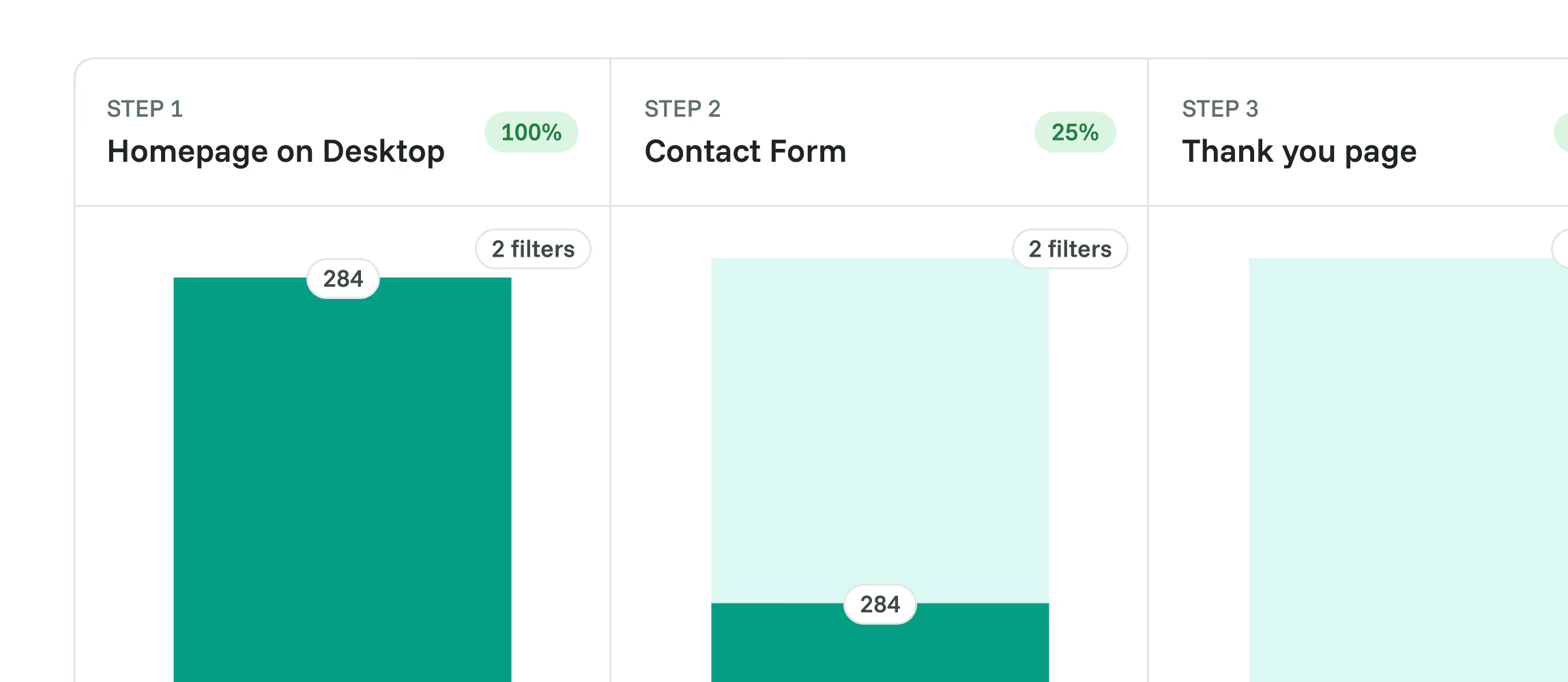
Conversion funnels
Build up to four ordered page or event steps and measure session drop-off and completion.

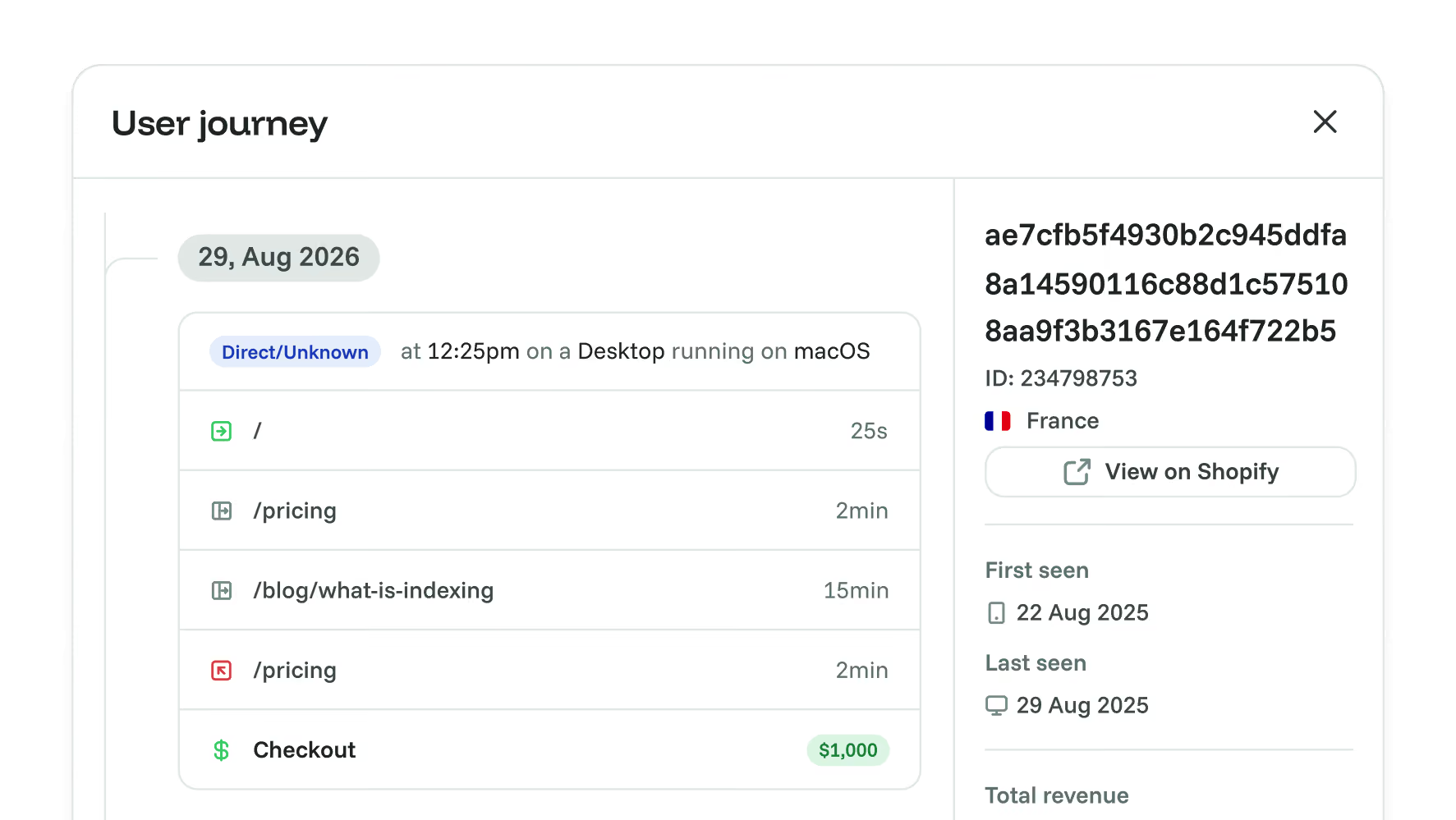
Visitor journeys
Explore recorded pages and events in a visitor's session timeline, alongside available purchase activity.

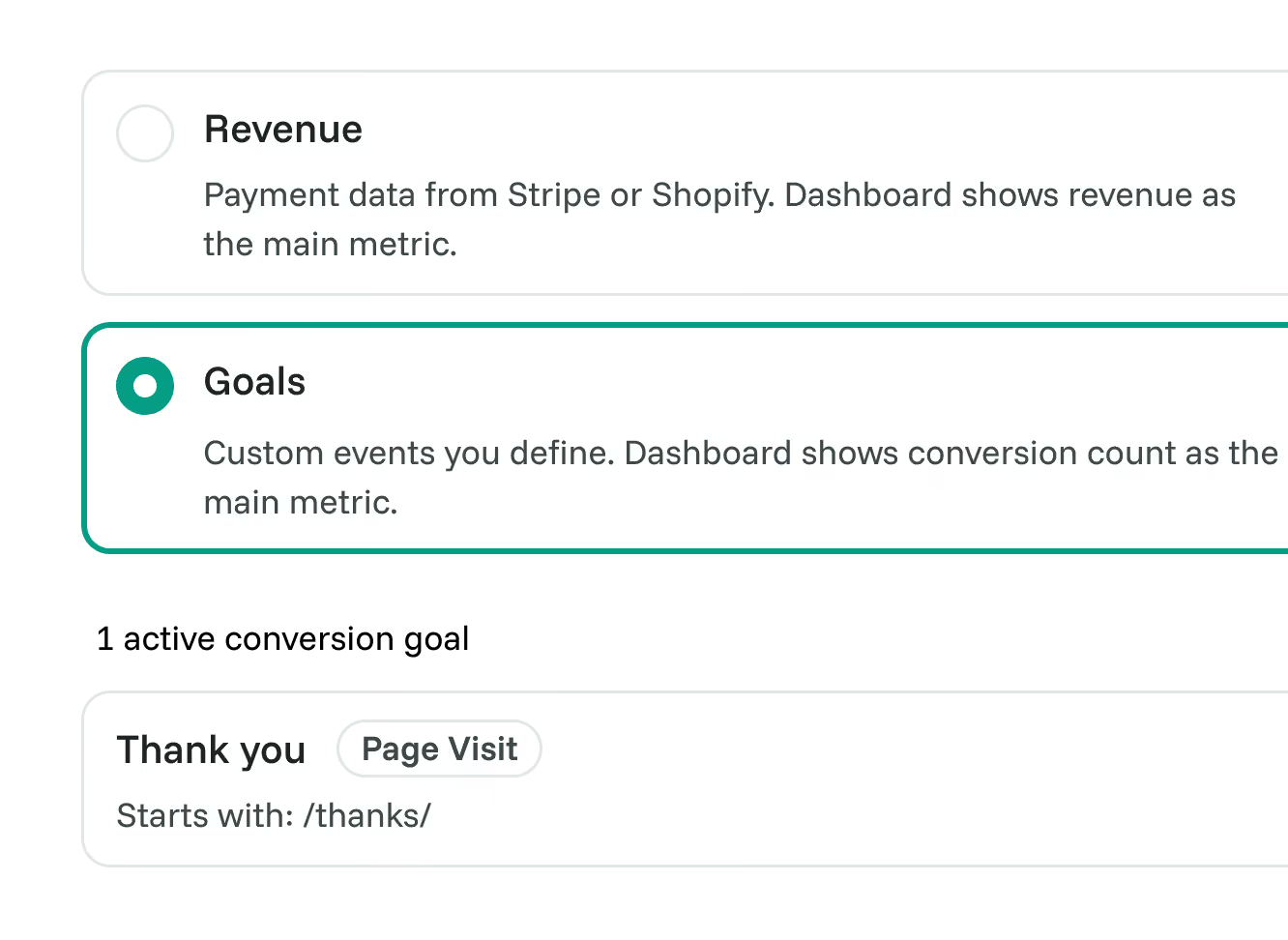
Goal tracking
Define goals by page visit or custom event

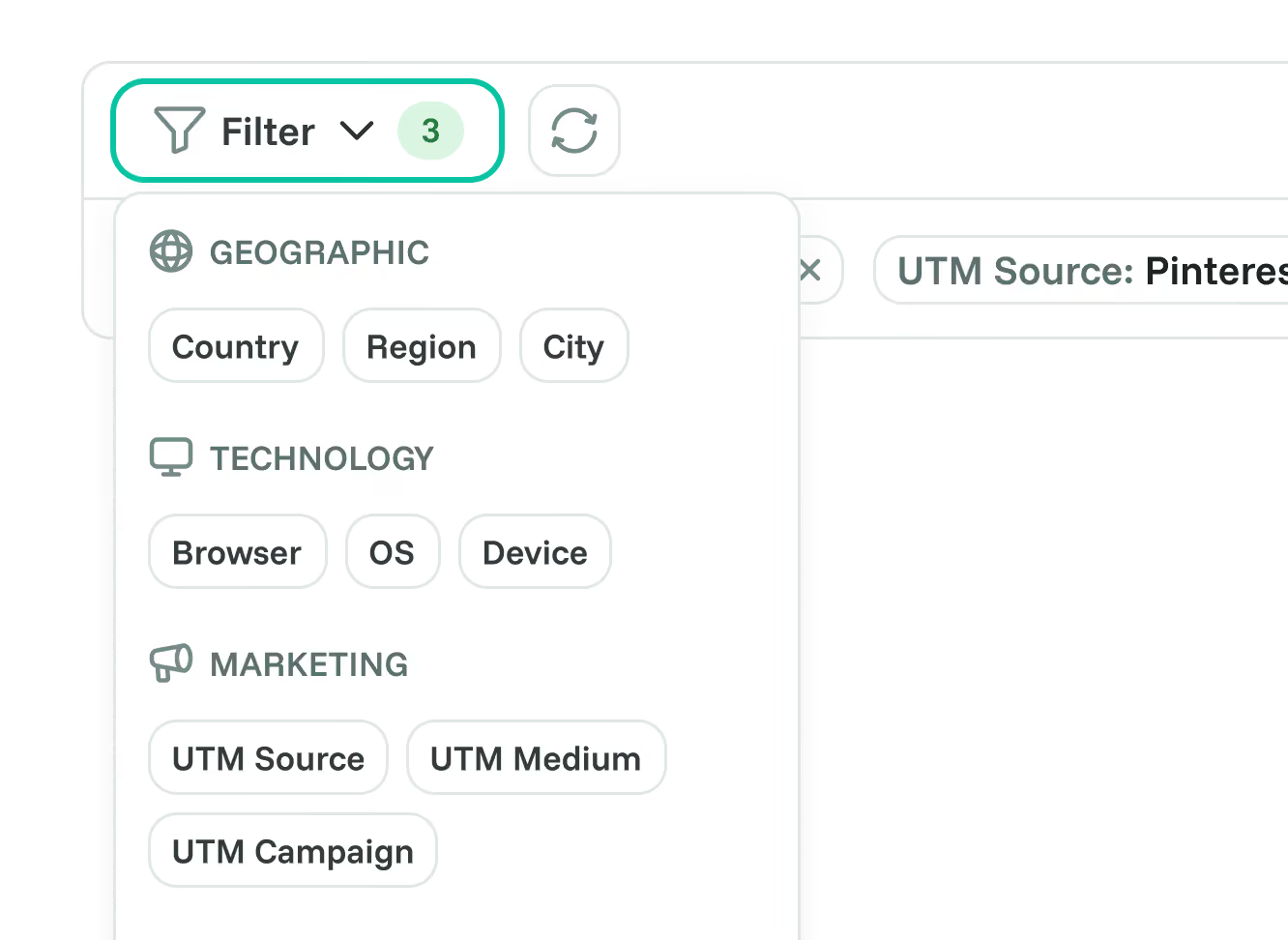
Advanced segmentation
Use supported filters to explore traffic segments and, where available on your plan, conversion and revenue conditions.

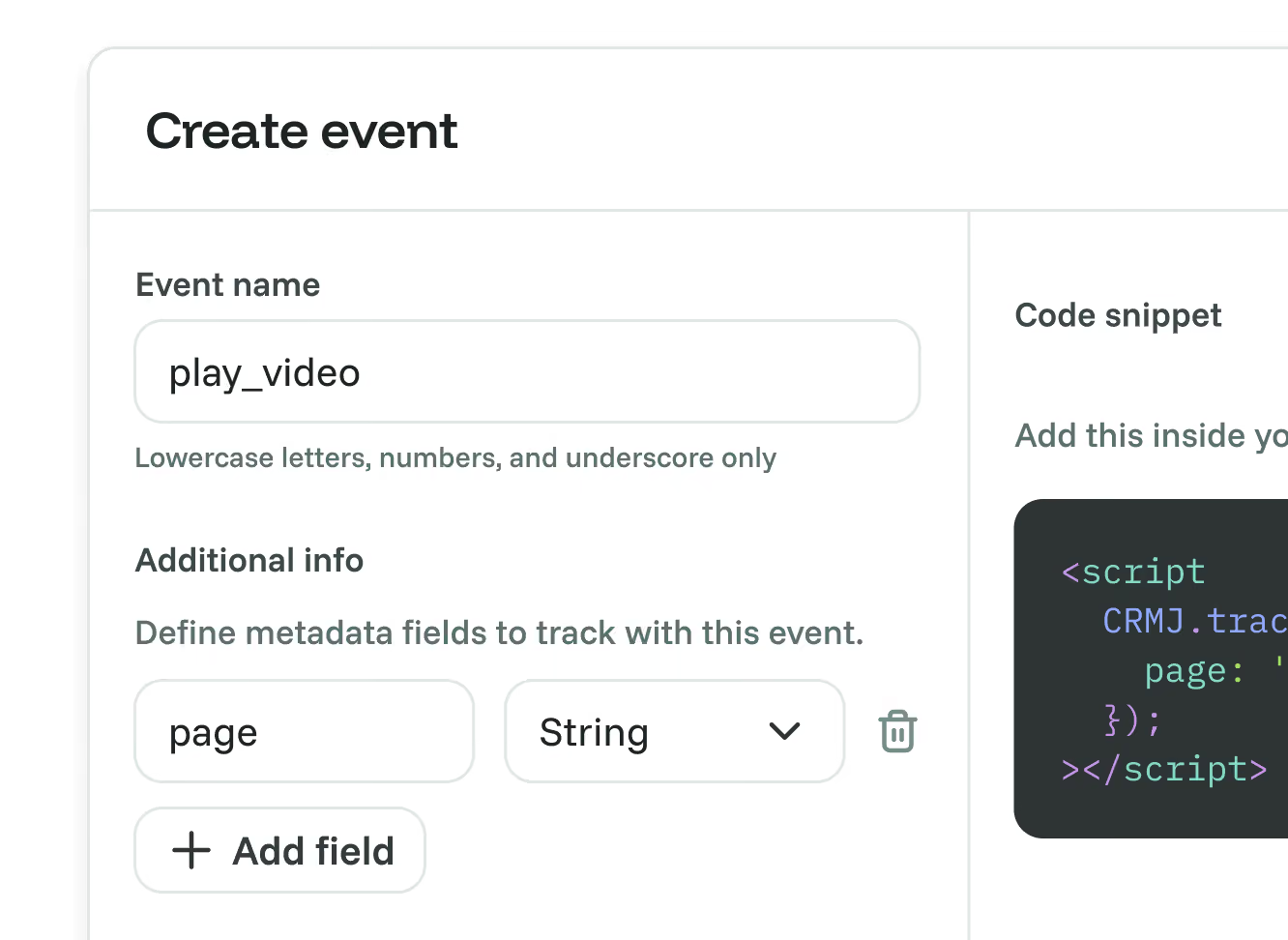
Custom events
Send custom events from your website code, then use event names in conversion goals.
1
STEP 1
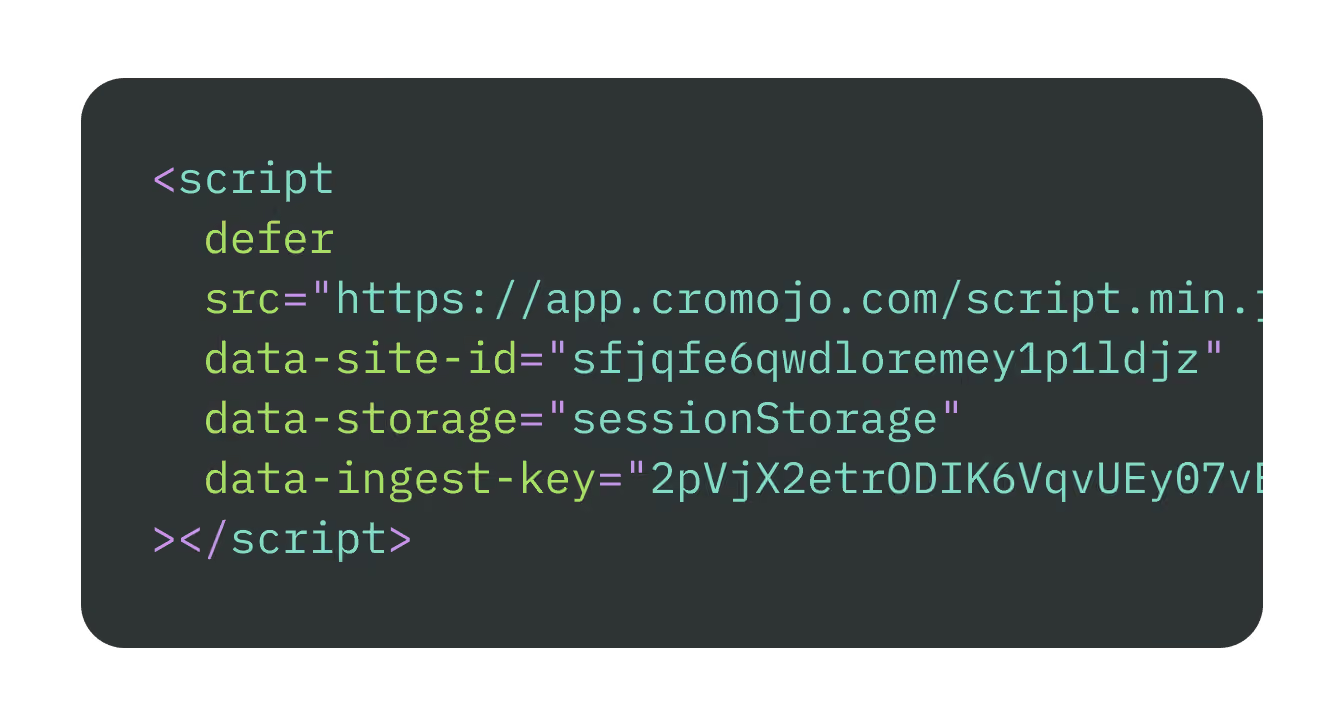
Add one snippet
Install the deferred Cromojo snippet. Add event calls or checkout tracking when you need custom interactions or revenue attribution.
2
STEP 2
Connect your sources
Connect Stripe or Shopify for supported purchase reporting, and Search Console for organic keyword data. Follow each integration's setup steps.
3
STEP 3
Explore attributed revenue
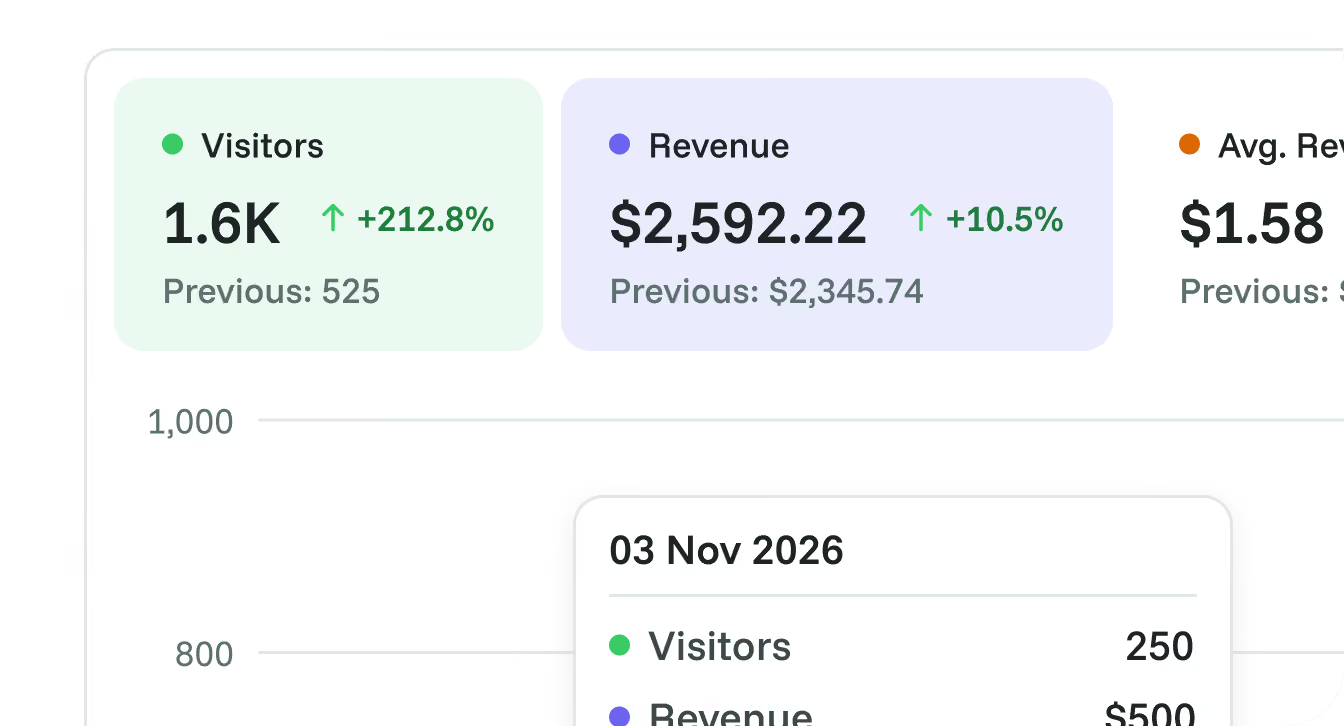
Explore attributed revenue by page, source and campaign. Organic keyword revenue is estimated from Search Console click share.
Why use CROMOJO?
Why teams switch from Google Analytics
Simple by design
Explore recorded visitors, sources and pages in one dashboard. Configure goals and events to measure the actions that matter to your business.
Choose your tracking setup
Use cookie-free analytics by default, with optional returning-visitor tracking when enabled. Browser restrictions, blockers and consent choices can affect what is recorded.
Understand recorded traffic
Explore the traffic Cromojo records. Coverage depends on browser behaviour, blockers, consent choices and your tracking setup.
Follow recent activity
See live visitors and current traffic as it happens, so you can react to a launch or campaign while it still matters.
See where attributed revenue comes from
Connect Stripe or Shopify and configure checkout tracking to explore attributed purchases alongside website activity.
Frequently asked questions
Quick answers on features, setup, and plans. For anything deeper, see our docs.
Grow your conversion
Conversion optimization made simple
Rated 4.7 stars on G2

Featured on