
An Amplitude alternative for your marketing website
Connect recorded visits to supported purchases, then investigate search visibility and site health in the same platform.





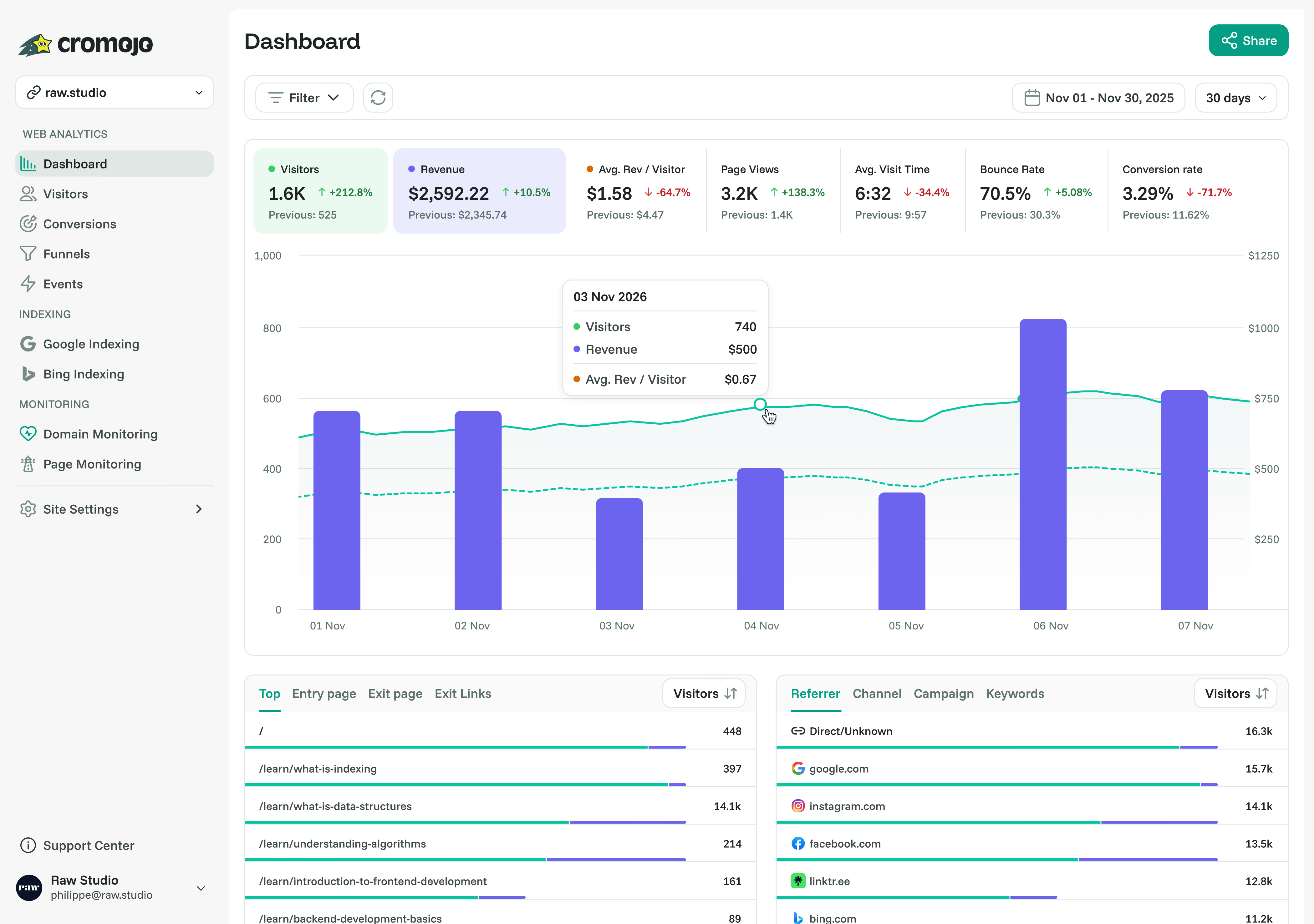
How they compare
Cromojo brings marketing reports and website checks together.
Cromojo estimates revenue by organic keyword, based on Search Console click share. It also connects supported Stripe and Shopify purchases and includes URL submissions and website checks.
Choose Amplitude for detailed product behaviour, retention and experimentation across web and mobile. Choose Cromojo for supported checkout attribution, organic keyword revenue estimates, URL submissions and site monitoring in one workflow.
Also comparing Simple Analytics? See our alternative to Simple Analytics breakdown.
Compare features and setup
Amplitude

Revenue reporting
Compare how purchase values reach the reports.
Revenue events via SDKs or API; setup required
Stripe / Shopify; checkout setup
Organic keyword revenue
Cromojo estimates query revenue from Search Console click share, not a buyer-level match.
No equivalent estimate documented
Estimated from Search Console
Search Console reports
Search queries, clicks and other available search metrics.
No native connection confirmed
Built-in connection
Goals and custom events
Track the outcomes and interactions you configure.
Available
Available
Conversion funnels
Measure recorded progress through ordered steps.
Funnels with breakdowns and conversion analysis
Up to 4 steps
Cookie-free analytics
Cookie use and consent needs depend on configuration.
Configurable persistence; cookie or localStorage
Available
First-party tracking
Collect events through your domain. Setup differs by product; browser rules and blockers can still apply.
Custom collection proxy; developer setup
Guided setup; Analytics Pro+
Returning-visitor recognition
Recognition depends on identity method and setup. Cookies, browser restrictions and changing identifiers affect continuity.
Persistent IDs and identified-user linking
Optional; up to 400 days; Pro+
MCP integration
Connect external AI clients to permitted analytics data.
Official MCP; tools vary by client and access
Read-only MCP; eligible accounts
Smart insights
AI assistance for exploring analytics and answering questions.
AI questions, charts and replay analysis
Coming soon
Agents
AI that can investigate data and use tools to carry out tasks.
Global, Dashboard and Session Replay agents
Coming soon
Dashboard sharing
Access controls and sharing options differ by product and plan.
Dashboard sharing; public links on eligible plans
Links; password on eligible plans
Automated URL submissions
Submitting URLs does not guarantee indexing or rankings.
No equivalent documented
Google, Bing and IndexNow
Website monitoring
Check coverage and notification timing depend on setup.
No equivalent uptime suite documented
Uptime, SSL, DNS and more
Page Performance audits
Cromojo runs Lighthouse lab audits. Real-user performance reporting measures a different aspect of site speed.
No equivalent Lighthouse audit suite documented
Lighthouse audits and PDFs
Real-time traffic and campaigns
Explore recorded visits and tagged campaign traffic.
Available
Available
Self-hosting
Self-hosting requires your own infrastructure and maintenance. Cromojo is a hosted service.
Hosted service
Hosted service
Session recordings and heatmaps
Coverage, consent and recording limits depend on configuration.
Replay and heatmaps; plan and add-on requirements
Account availability and plan limits apply
A/B testing
Run experiments to compare versions of your site.
Web and feature experiments; plan limits
(Coming soon)
Tag management
Manage tracking tags through a dedicated interface.
Integrates with tag managers; no built-in equivalent
No built-in tag manager
Available, subject to setup and plan. Not available. Coming soon. Partial or external option. Not confirmed in reviewed documentation. .
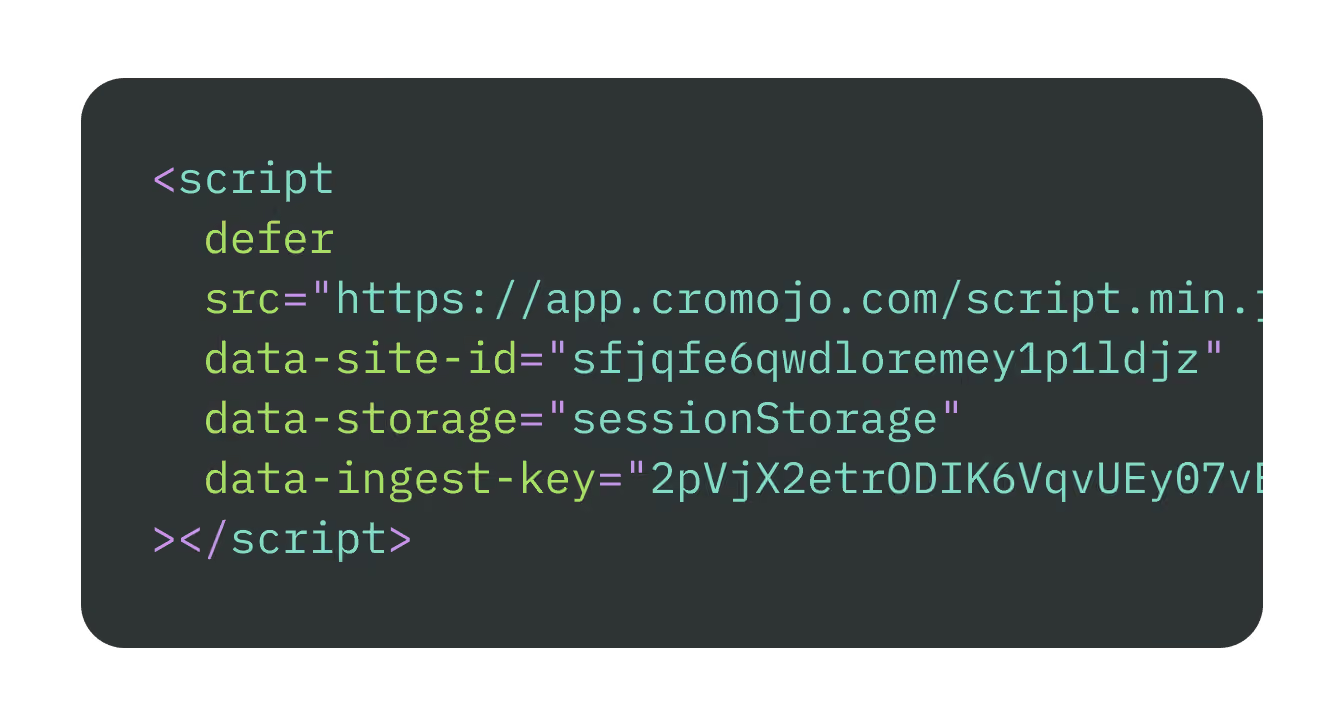
Add one snippet
Connect your sources

Explore attributed revenue
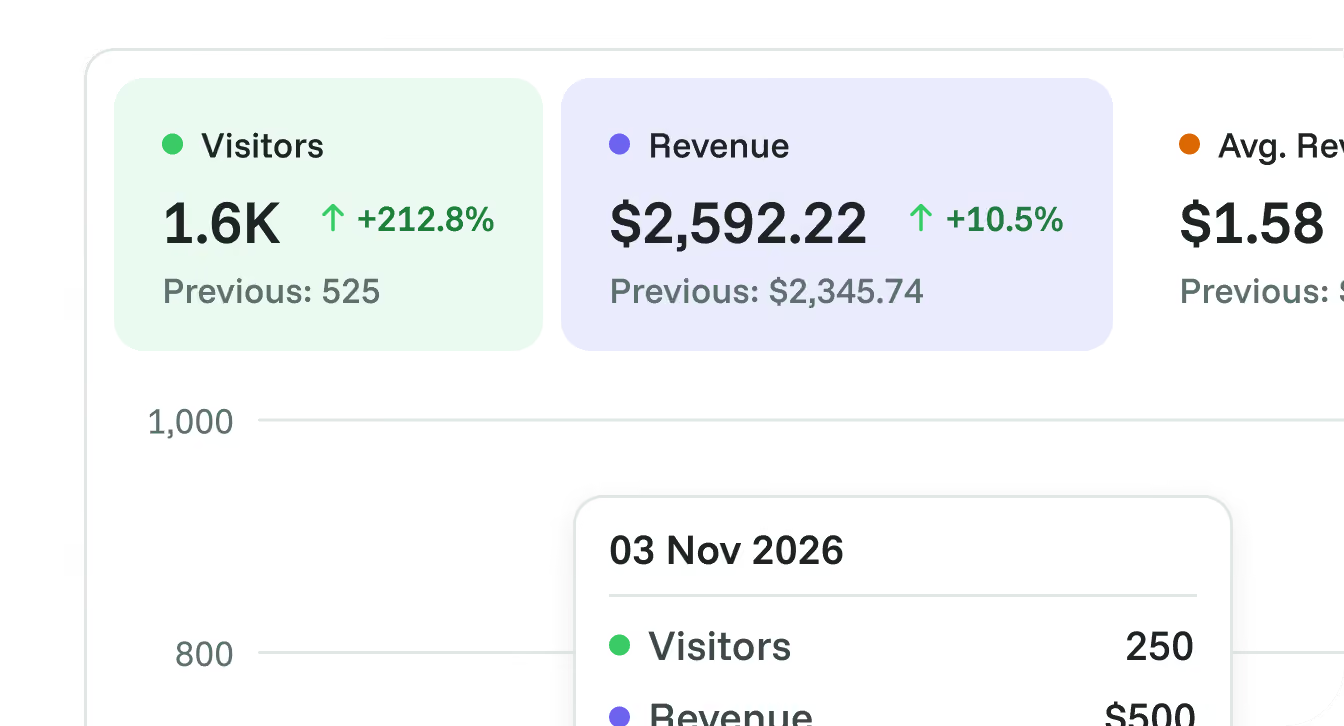
Go deeper when you need to

Conversion funnels
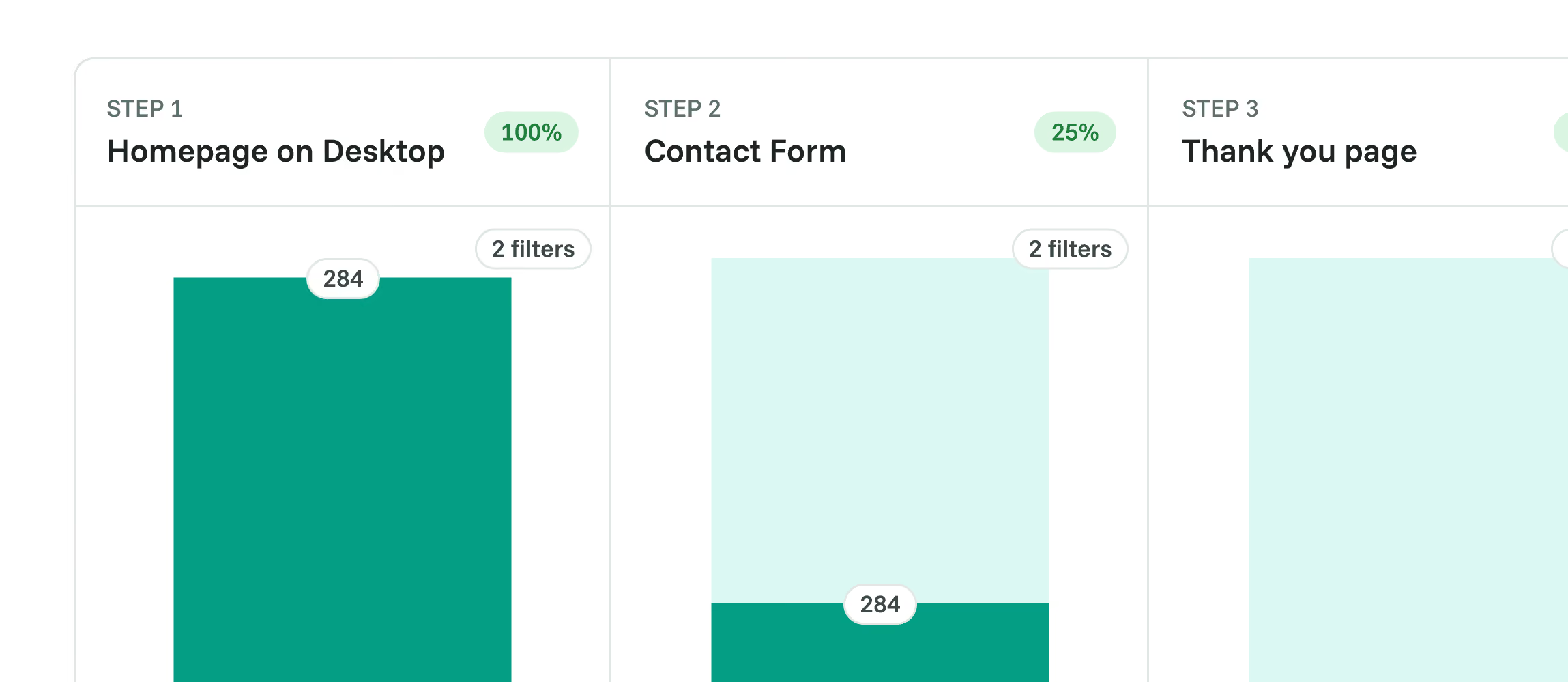

Visitor journeys
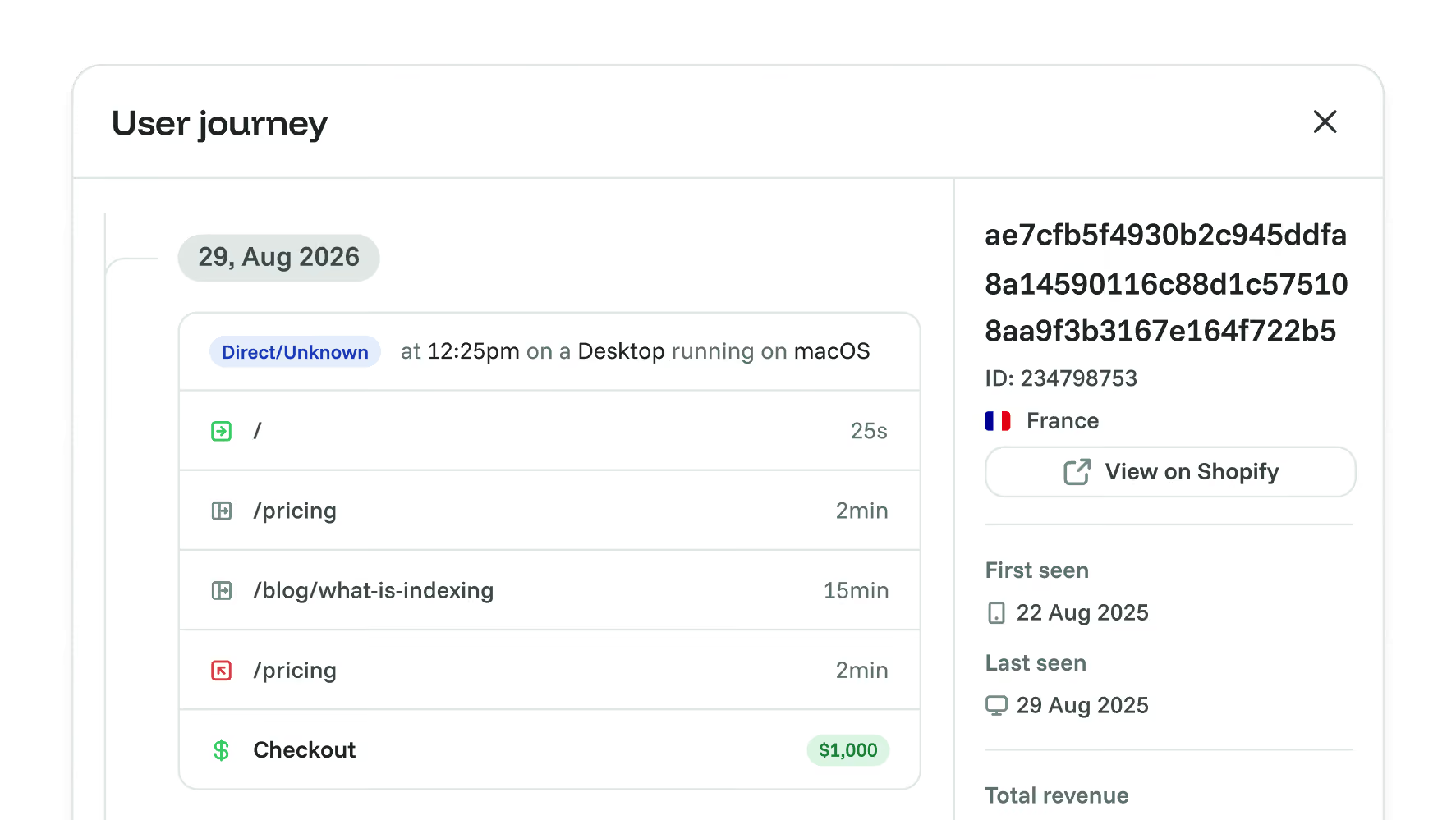

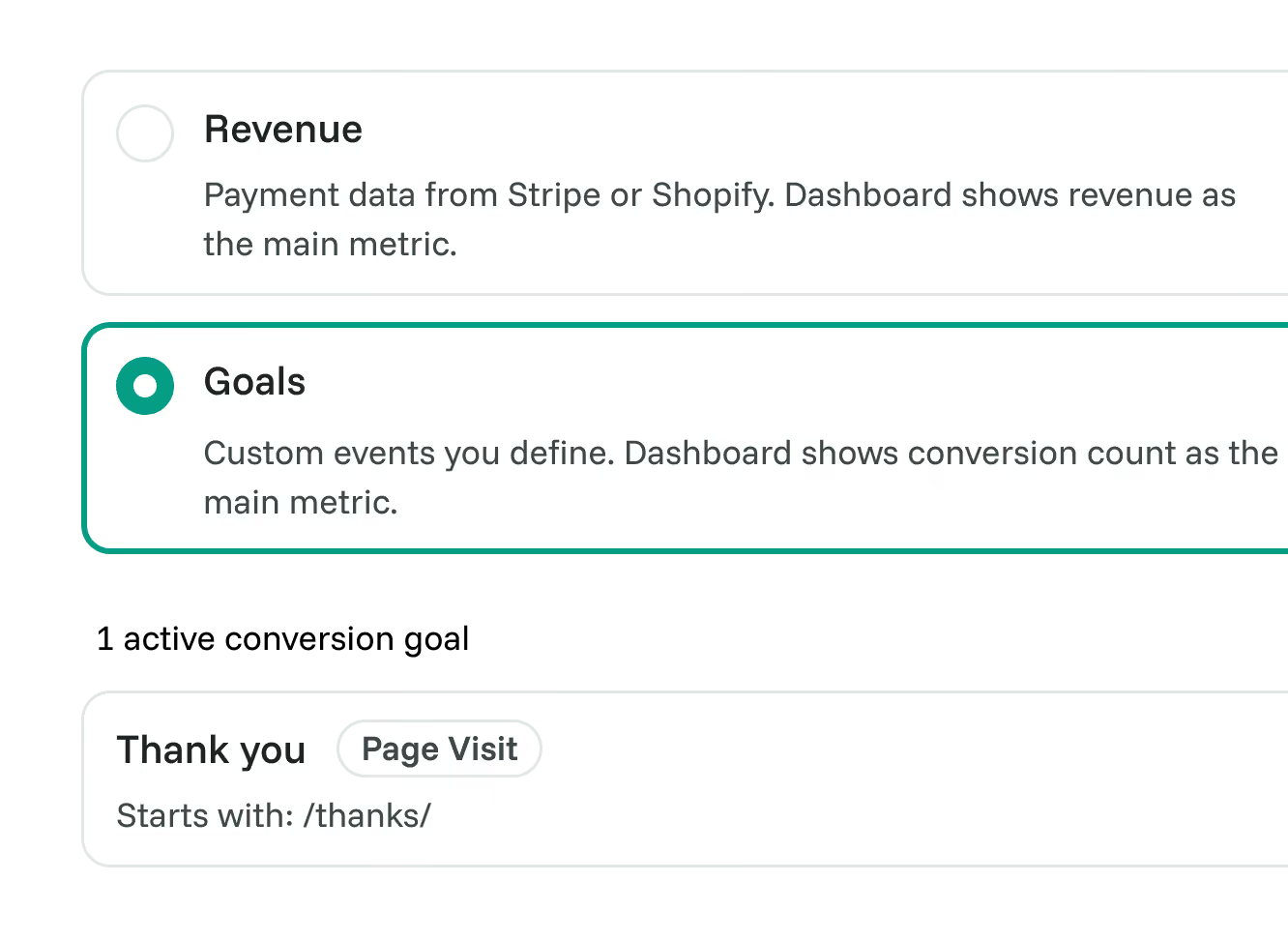
Goal tracking

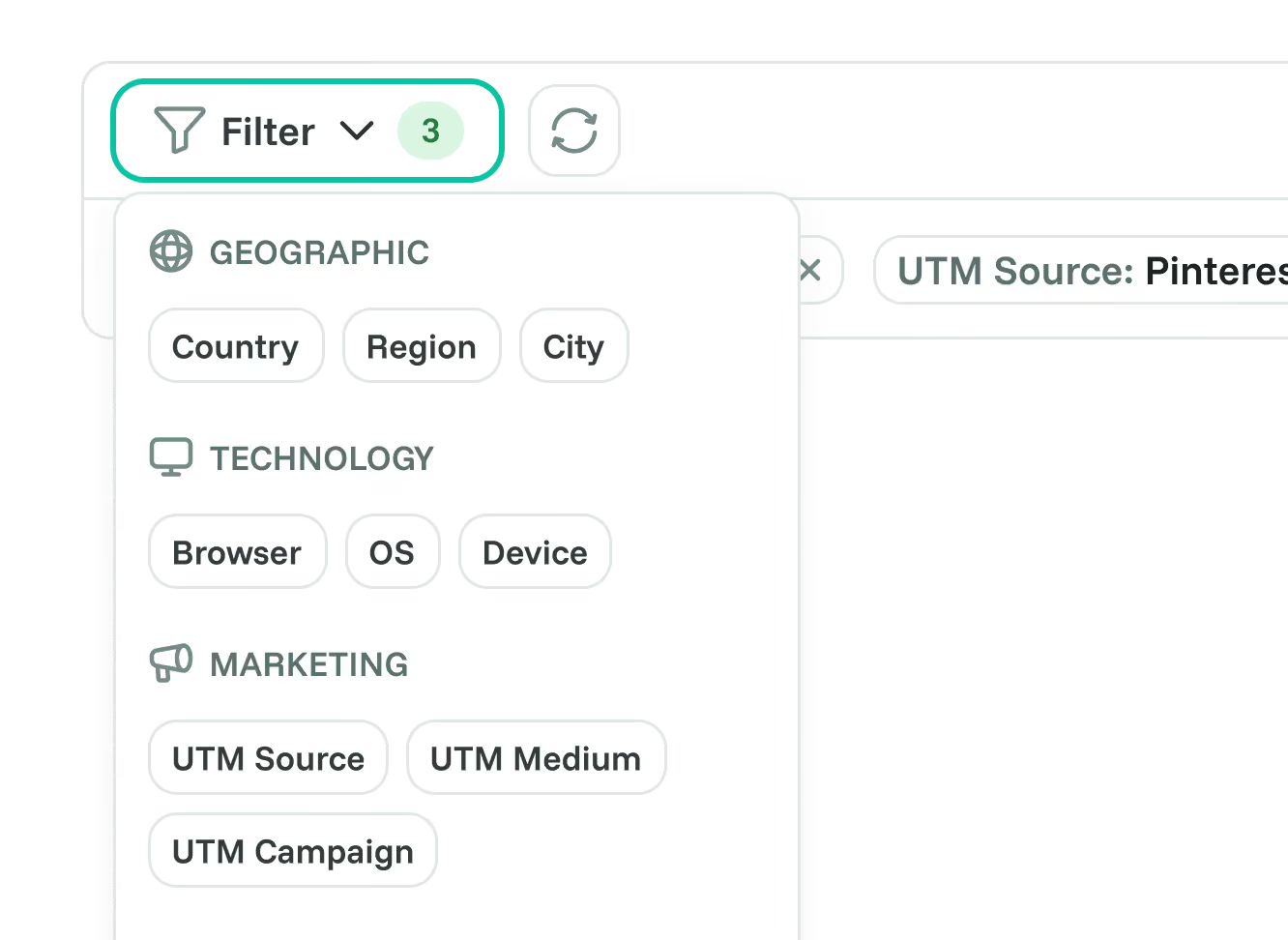
Advanced segmentation

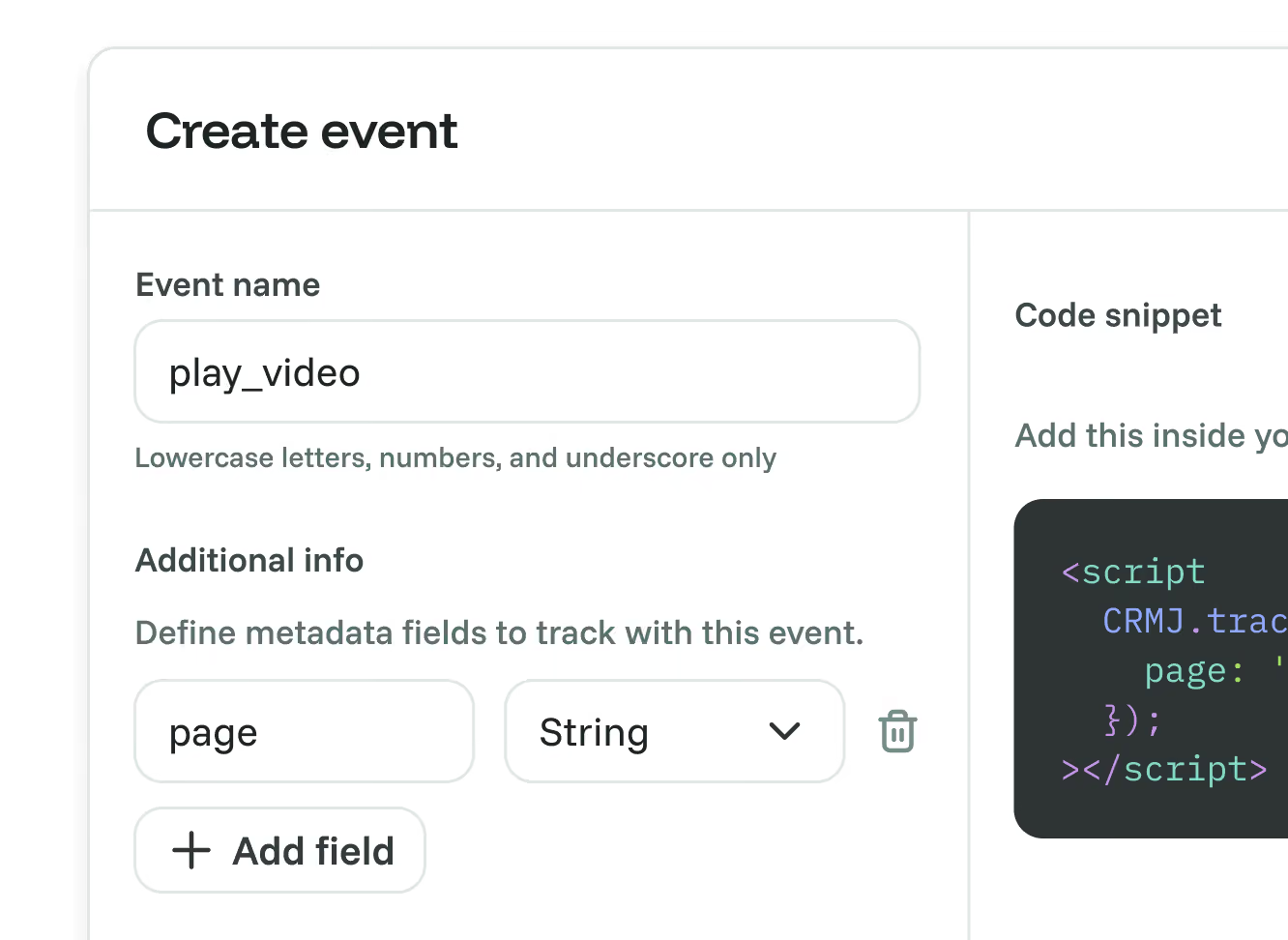
Custom events
When to choose Amplitude, and when to choose Cromojo.
Choose Amplitude if:
- You need product analytics across web and mobile with identified-user journeys.
- You want retention, cohorts and detailed funnel analysis.
- You need experiments and feature flags connected to behavioural data.
- You want AI agents, MCP, replay and heatmaps, or AI Visibility reports.
Choose Cromojo if:
- You want organic keyword revenue estimates alongside attributed purchases.
- You use a supported Stripe or Shopify checkout and can configure purchase attribution.
- You want analytics, indexing, and monitoring in one platform.
- You want to investigate recorded conversions alongside page audits and site checks.
Frequently asked questions
Conversion optimisation made simple




