

Dashboard Sharing
Give clients a clear view of their results
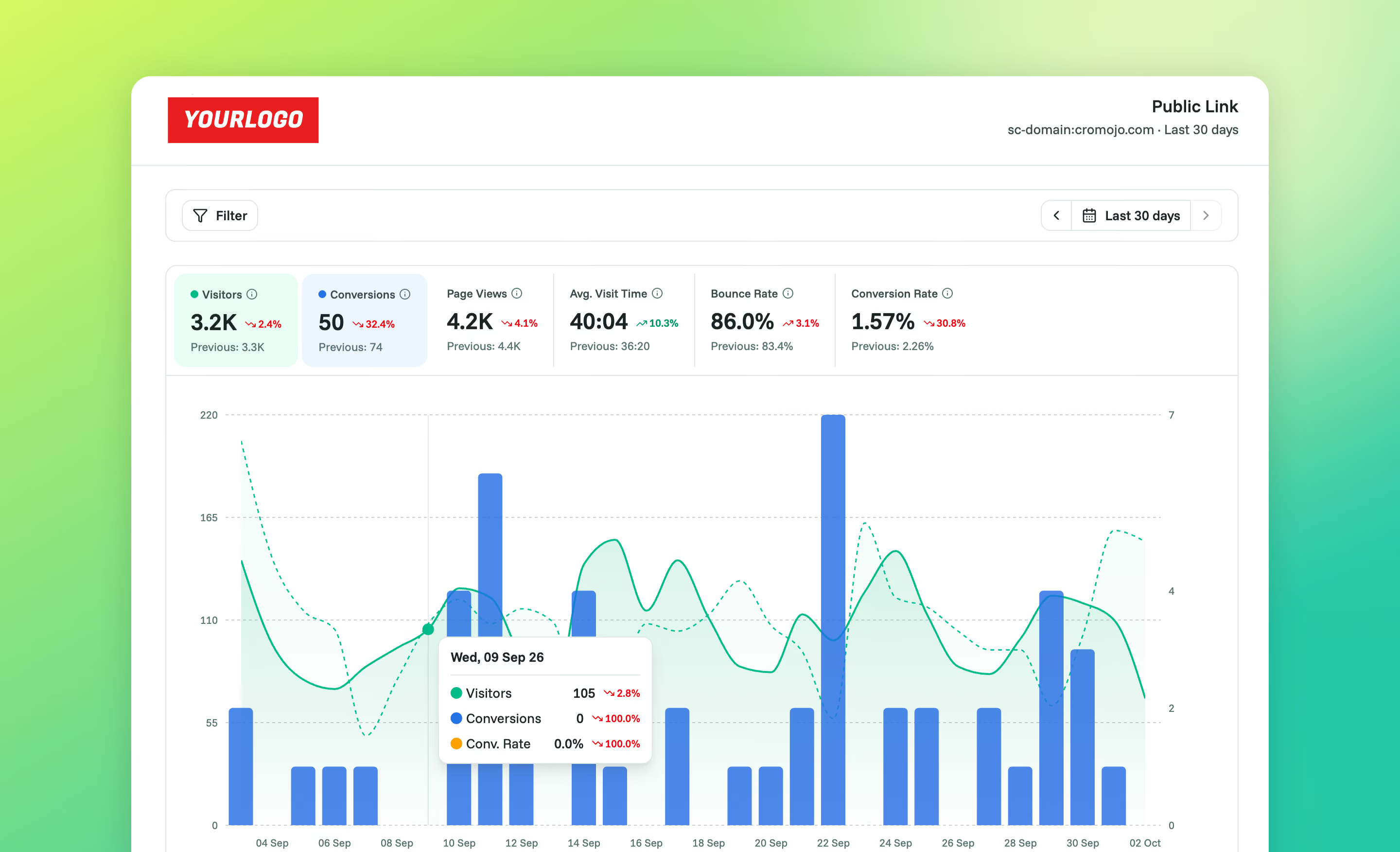
Share your analytics dashboard with a link, so clients and teammates can see the results for themselves. Set the reporting period, choose whether viewers can explore and add a password when you need one.


Rated 4.7 stars on G2

Switched from a competitor to Cromojo and couldn't be happier, it's just so simple and you can get started in as little as 5 minutes! No fluff + auto-pilot = the dream!

At a glance
What is Dashboard Sharing?
Give clients and teammates the dashboard behind your report. Share a link they can open without a Cromojo account, and add a title and description to explain what they are looking at.
Set the view and the access.
Choose a reporting period, decide whether viewers can change dates and filters, and add password protection when needed. Use a fixed date range or a rolling preset to suit the conversation.
A shared link provides viewing and optional exploration without access to your account settings. Revoke an individual link when the reporting conversation is finished or access is no longer needed.
Set the view and the access.
Choose a reporting period, decide whether viewers can change dates and filters, and add password protection when needed. Use a fixed date range or a rolling preset to suit the conversation.
A shared link provides viewing and optional exploration without access to your account settings. Revoke an individual link when the reporting conversation is finished or access is no longer needed.
Capabilities
Make your reporting easier to share
Shareable links
Let a client or teammate open your analytics dashboard without a Cromojo login.
Reporting periods
Choose a rolling date preset or a fixed custom date range.
Viewer exploration
Allow date and filter changes, or keep the view locked to the selected period.
Password protection
Require a password before the shared dashboard opens.
Link management
Review your site's shared links and revoke access when a link is no longer needed.
Titles and descriptions
Give the shared dashboard a clear title and add a description to help your team organise its links.
Connected features
Give the shared numbers more context

Real-Time Web Analytics
Understand the traffic and engagement behind the shared dashboard.


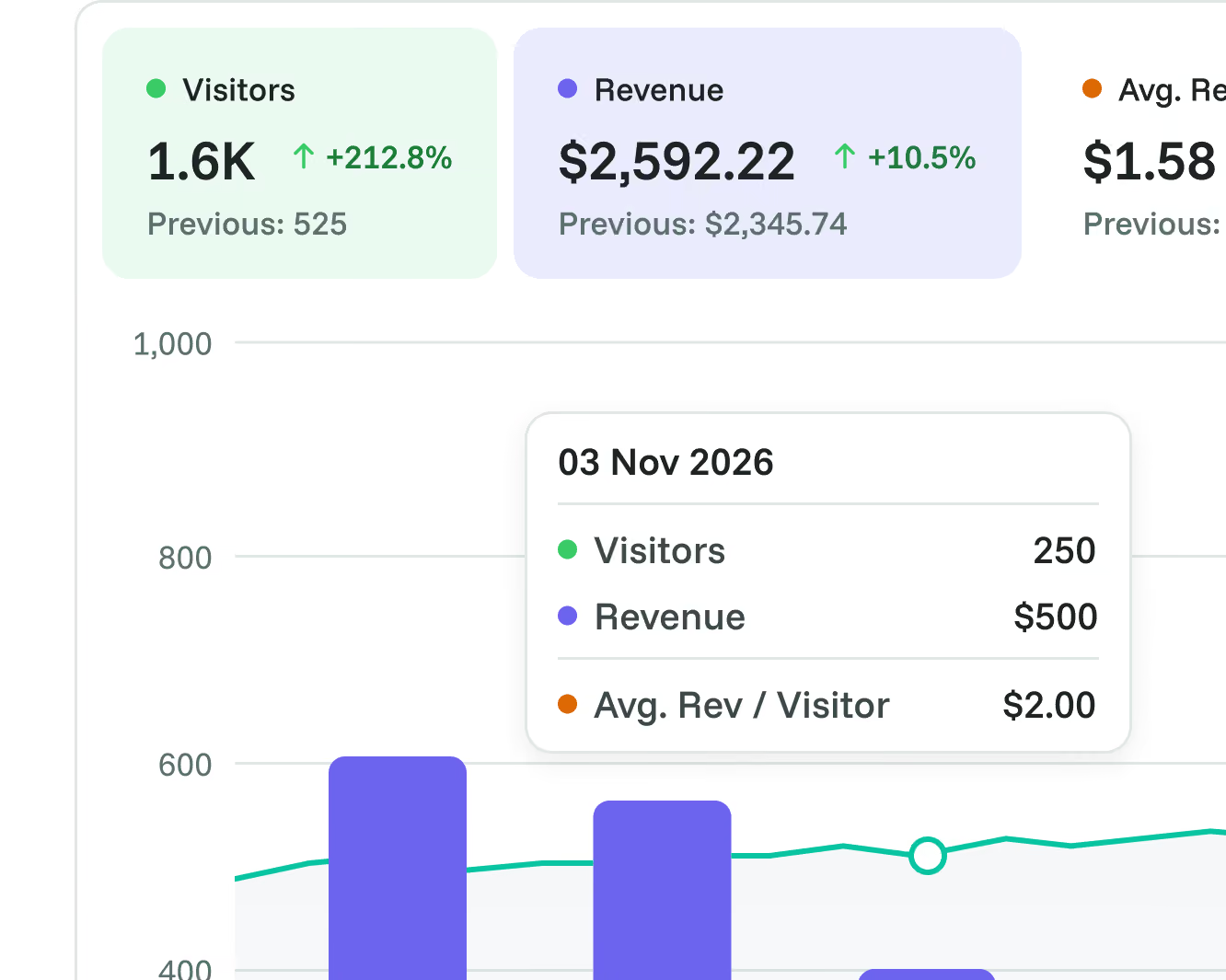
Revenue Analytics
Explore sales attribution on sites configured for revenue reporting.

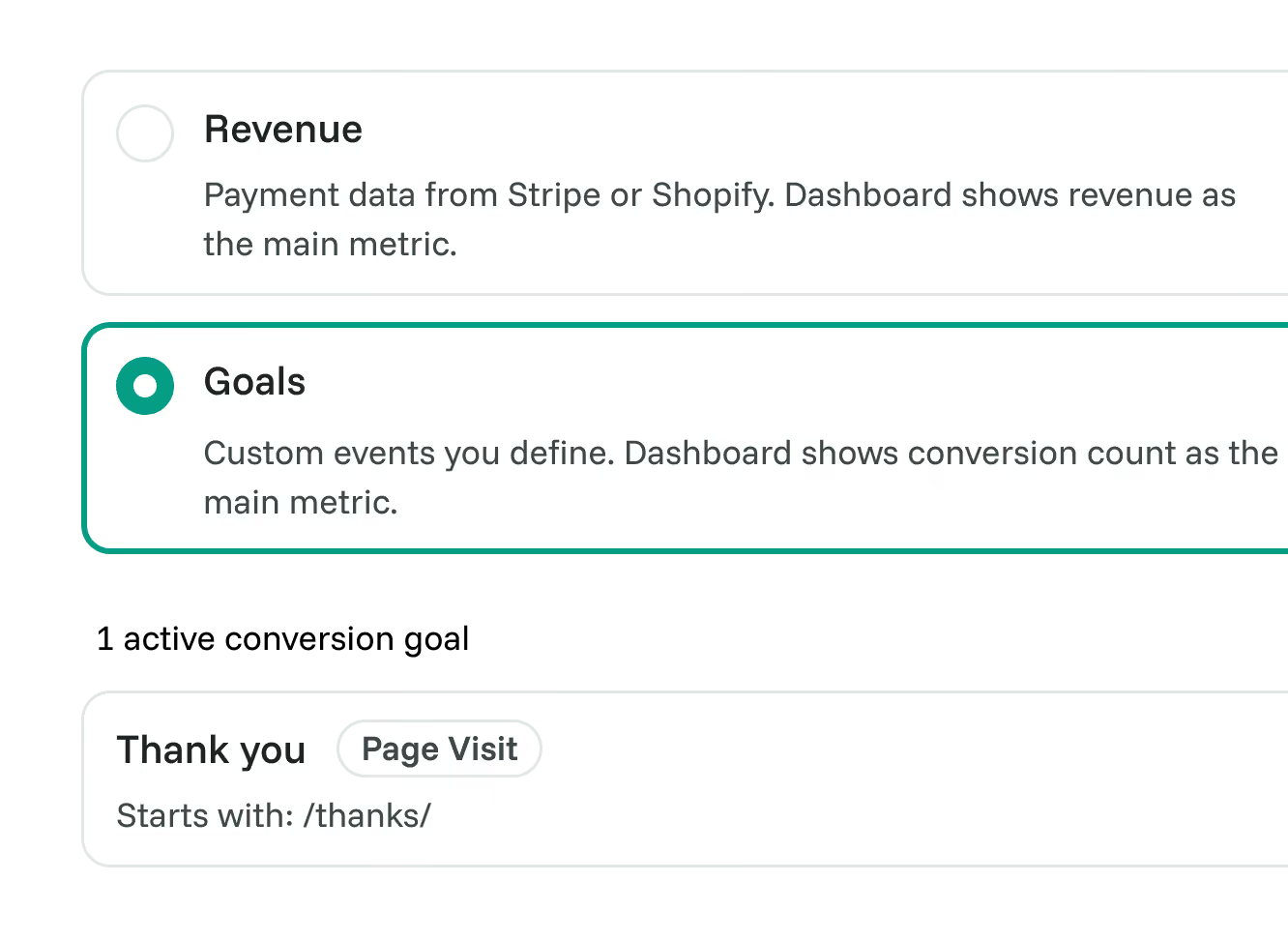
Goals
Report on meaningful outcomes for sites using Goals mode.

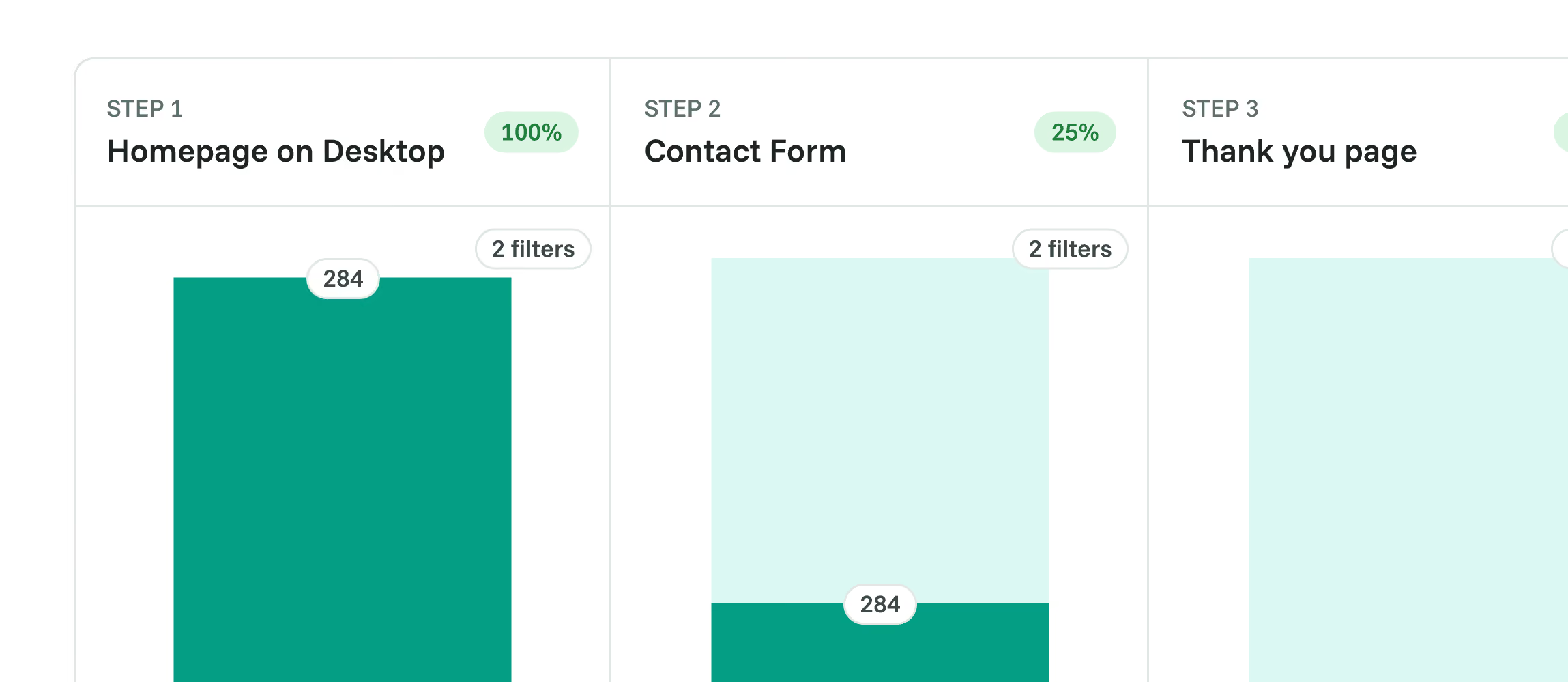
Funnels
Investigate the conversion steps behind a result inside your own account.

User Journeys
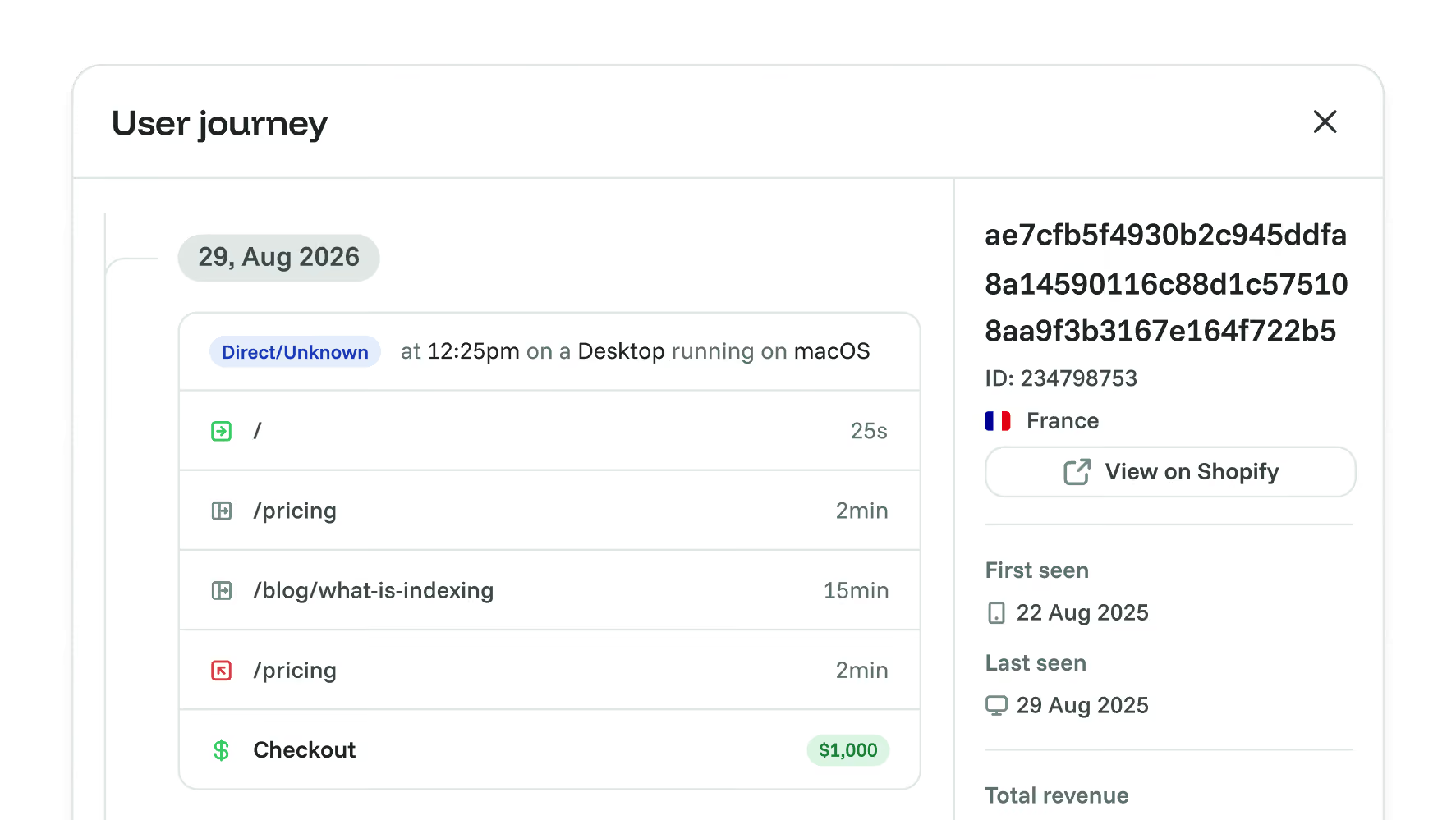
Review recorded visitor activity when you need to investigate further inside your account.
Frequently asked questions
Quick answers on shared links and viewer access. For more detail, see our docs.
Grow your conversion
Conversion optimisation made simple
Rated 4.7 stars on G2

Featured on



