WEBSITE HEALTH

Find the website problems that deserve your attention.

Keep availability, page experience and tracking health in view. Cromojo helps you investigate issues that could interrupt visitor journeys or leave you with an incomplete picture.

Rated 4.7 stars on G2
Star IconStar IconStar IconStar IconStar Icon
Switched from a competitor to Cromojo and couldn't be happier, it's just so simple and you can get started in as little as 5 minutes! No fluff + auto-pilot = the dream!
Review Avatar Image
Maxime Servais
Software Developer @Ethereum Ecosystem
At a glance

Know where to look when something changes.

Connect website monitoring with analytics and Smart Insights to make technical investigations more focused.

  • Watch availability: Identify monitored downtime and incidents.
  • Review page experience: Investigate slow-loading pages.
  • Check the data: Explore tracking gaps before relying on a report.
The problem

A quiet dashboard does not always mean a healthy website.

Technical problems and missing data can look similar from a distance. You need evidence to understand which one deserves attention.

1
Problem

Availability problems interrupt important visits.

A visitor trying to enquire or buy needs the website to be reachable.
2
Problem

Slow pages can be easy to overlook.

A page that works on your device may still deserve a performance investigation.
3
Problem

Tracking gaps make results harder to trust.

A sudden drop in activity could reflect collection problems rather than a change in demand.
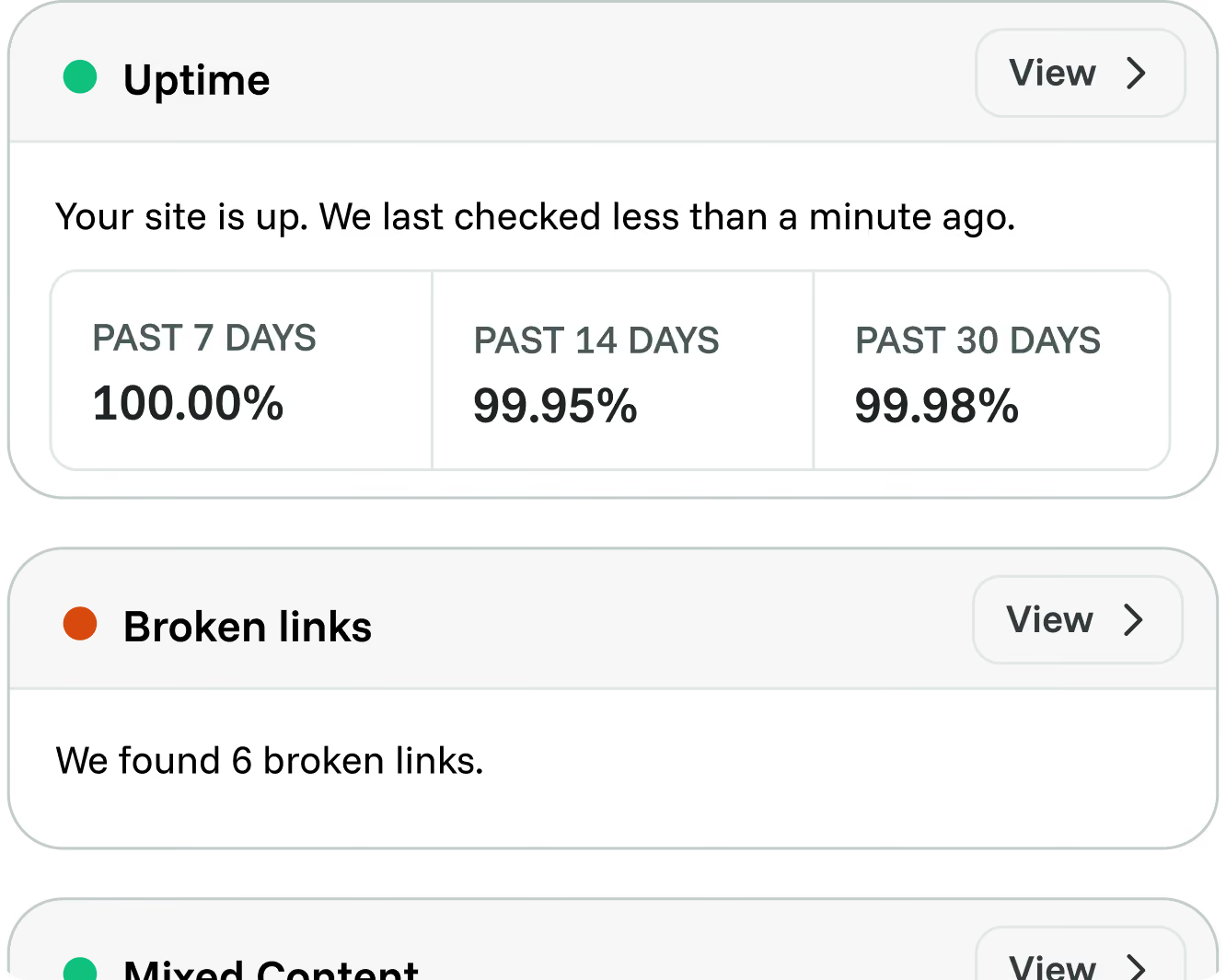
Website Monitoring

Keep website availability in view.

Use monitored availability and incident information to understand when your website has problems. Bring that context into investigations of unusual traffic or conversion changes.

  • Review monitored availability.
  • Investigate recorded incidents.
  • Include website health in performance reviews.
Cromojo feature preview
Page Performance

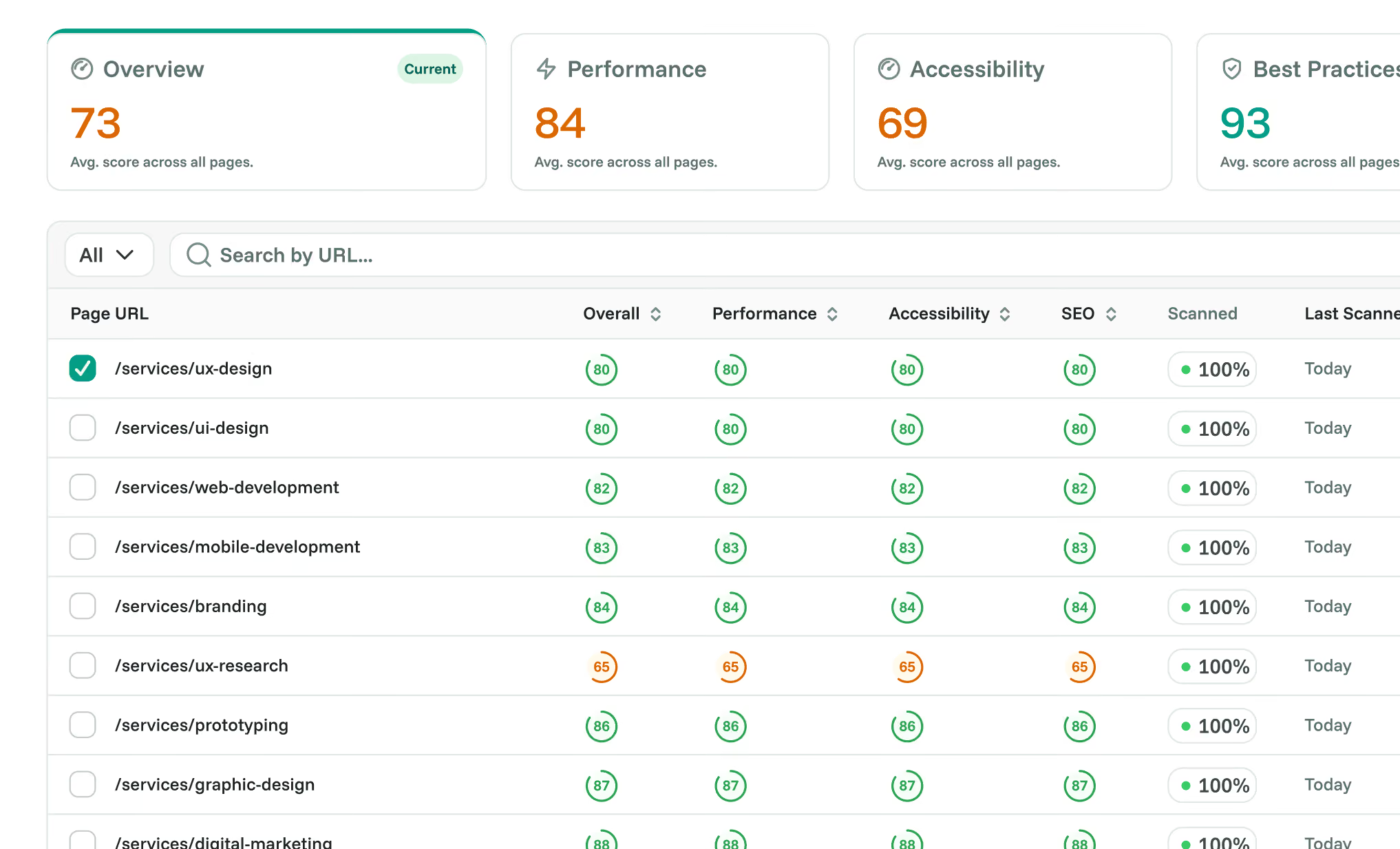
Find pages that need a closer technical review.

Review performance findings to identify loading issues worth investigating. Use page context to focus your attention on important entry points and conversion journeys.

  • Review page-performance measurements.
  • Identify slow-loading pages.
  • Prioritise pages important to your business.
Cromojo feature preview
Smart Insights

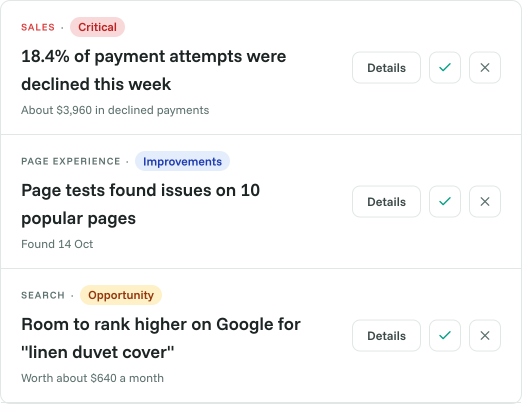
Check the signals behind a sudden change.

Smart Insights surfaces findings across site health, tracking and page experience. Review the evidence to distinguish possible technical issues from changes that need a different investigation.

  • Explore tracking-health findings.
  • Review the evidence behind an alert.
  • Decide what your team should investigate next.
Cromojo feature preview
Benefits

Give technical work a clearer starting point.

Keep availability visible.
Include uptime in the operational picture.
Prioritise important pages.
Focus on journeys that matter.
Check missing data.
Investigate collection gaps before drawing conclusions.
Connect technical and business context.
Review issues alongside website activity.
Support the handoff.
Share evidence with the person making the fix.
Keep decisions with your team.
Review findings before taking action.

Frequently asked questions

Quick answers about finding website issues. For setup guidance, visit our Help Center.
What kinds of issues can Cromojo help investigate?

Its monitoring, performance and insight features provide evidence about availability, loading experience and tracking health. Coverage depends on your setup and available features.

Is Cromojo a full application error-tracking tool?

This page does not promise stack traces, backend exception monitoring or full application observability. Its focus is website availability, page experience and analytics signals.

Does a traffic drop mean the tracking is broken?

Not necessarily. Demand, acquisition and website availability can also change. Check the available evidence before deciding whether collection is the cause.

Does Cromojo fix issues automatically?

No. It provides measurements, findings and recommendations. Your team decides how to investigate and implement a fix.

Will every issue trigger an alert immediately?

No. Checks depend on their evaluation schedule, data requirements and availability. This page does not promise instant detection of every problem.