

User Journeys
See the path behind a conversion
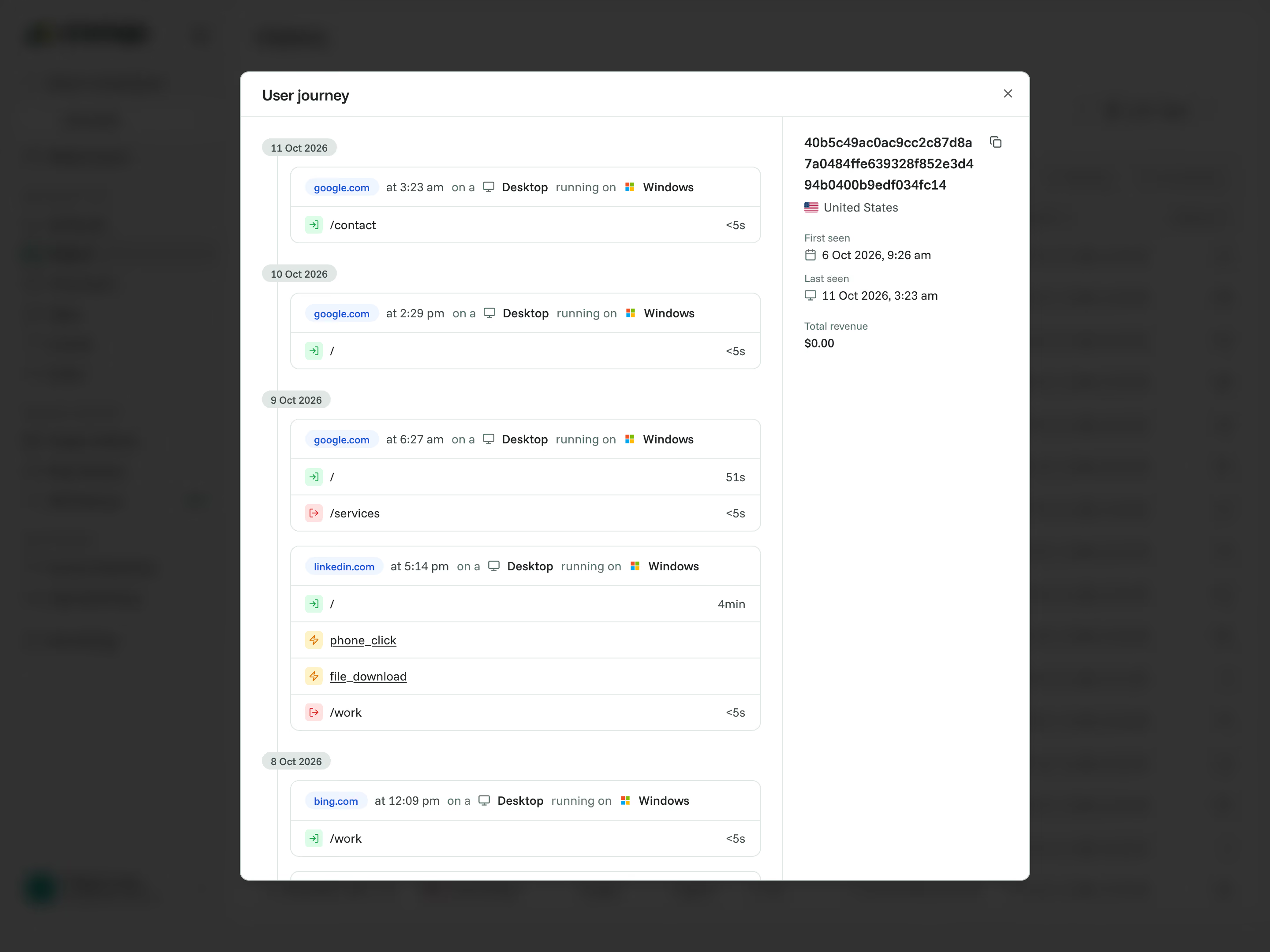
Open a visitor's recorded timeline to see the pages they visited, the events they triggered and the conversions linked to their activity. Explore each session in order, with the context behind the numbers.


Rated 4.7 stars on G2

Switched from a competitor to Cromojo and couldn't be happier, it's just so simple and you can get started in as little as 5 minutes! No fluff + auto-pilot = the dream!

At a glance
What are User Journeys?
Dashboard totals show a pattern. User Journeys let you inspect the recorded activity behind it, including the pages, events and available goal or attributed purchase activity associated with a visitor identifier.
Follow the activity session by session.
Explore page visits and custom events in time order, alongside available source, device and location information. See what was recorded before and around an important outcome.
This is a timeline of tracked activity, rather than a video replay. It shows the activity Cromojo recorded and can associate with that identifier within the selected period and available retention.
Follow the activity session by session.
Explore page visits and custom events in time order, alongside available source, device and location information. See what was recorded before and around an important outcome.
This is a timeline of tracked activity, rather than a video replay. It shows the activity Cromojo recorded and can associate with that identifier within the selected period and available retention.
Capabilities
Put recorded visitor activity in order
Session timeline
Browse recorded sessions grouped by date, with activity displayed in time order.
Page visits
See which pages were visited and where they sit in the sequence.
Custom events
Follow tracked interactions alongside page visits.
Conversion activity
See recorded goals or attributed purchases in the timeline where available.
Visitor context
Review available source, device and location information alongside the recorded activity.
First and last seen
See when a visitor was first and most recently recorded.
Connected features
Connect the journey to the bigger picture

Funnels
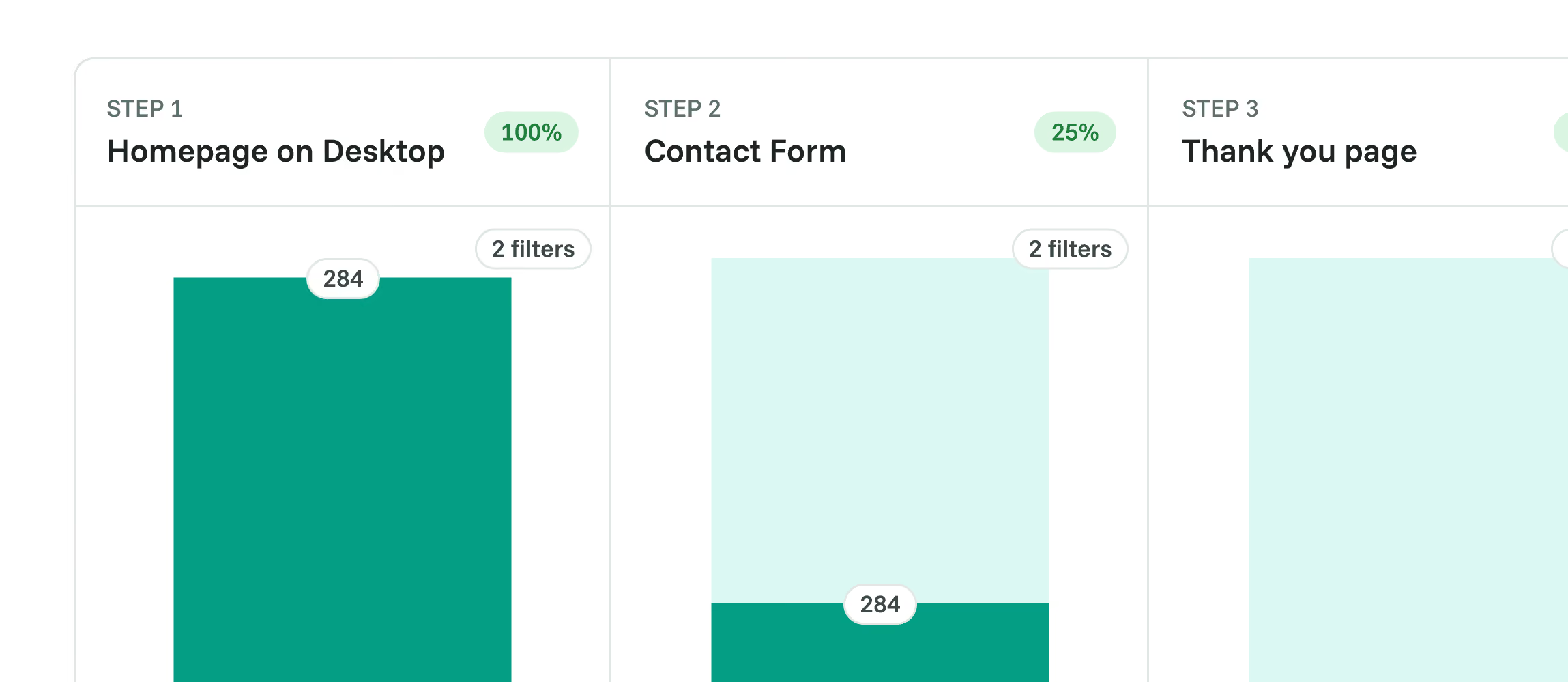
Measure how sessions follow an ordered path, then inspect individual completions.

Goals
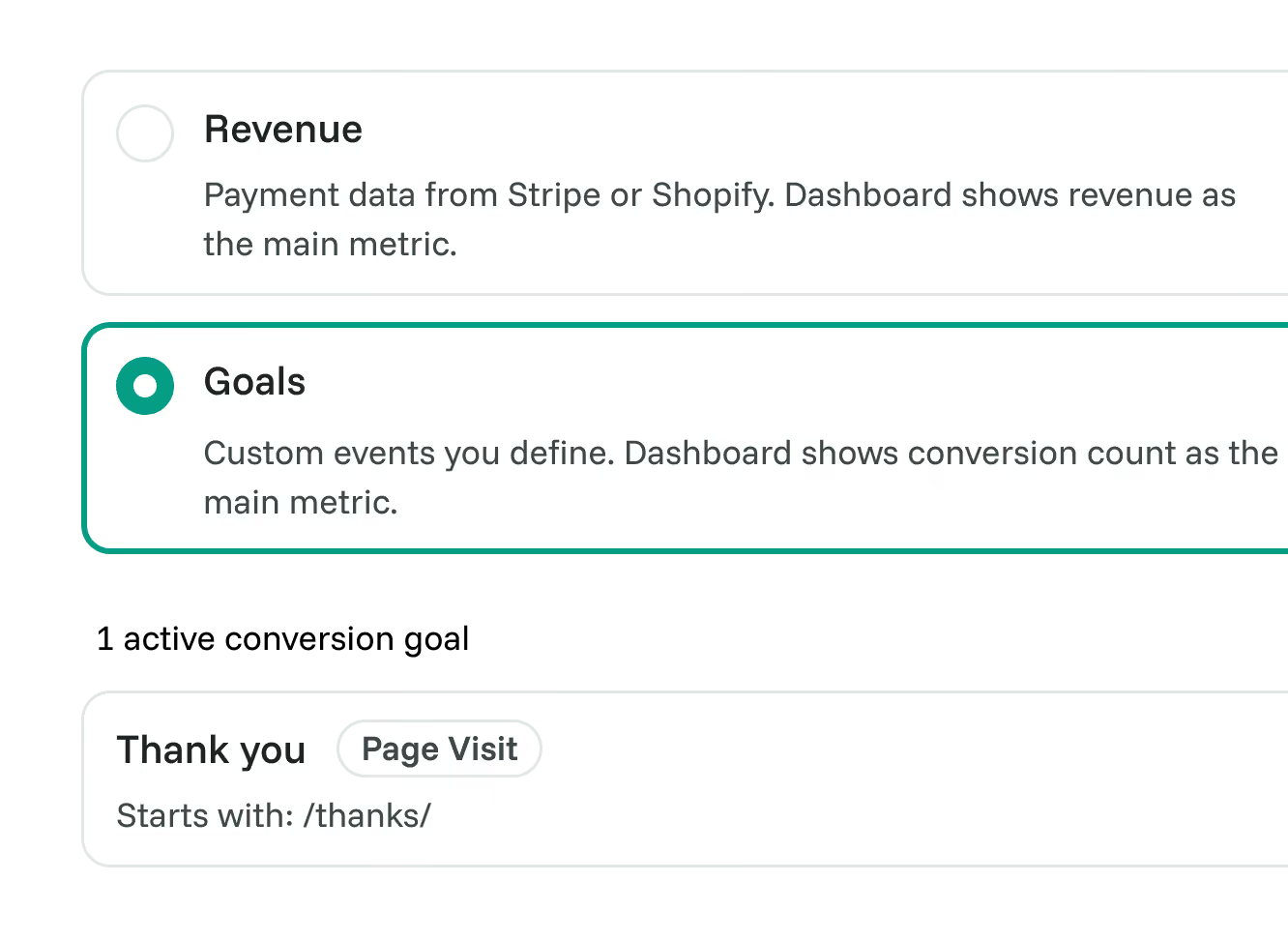
Choose the actions that count as conversions for your site.

Custom Events
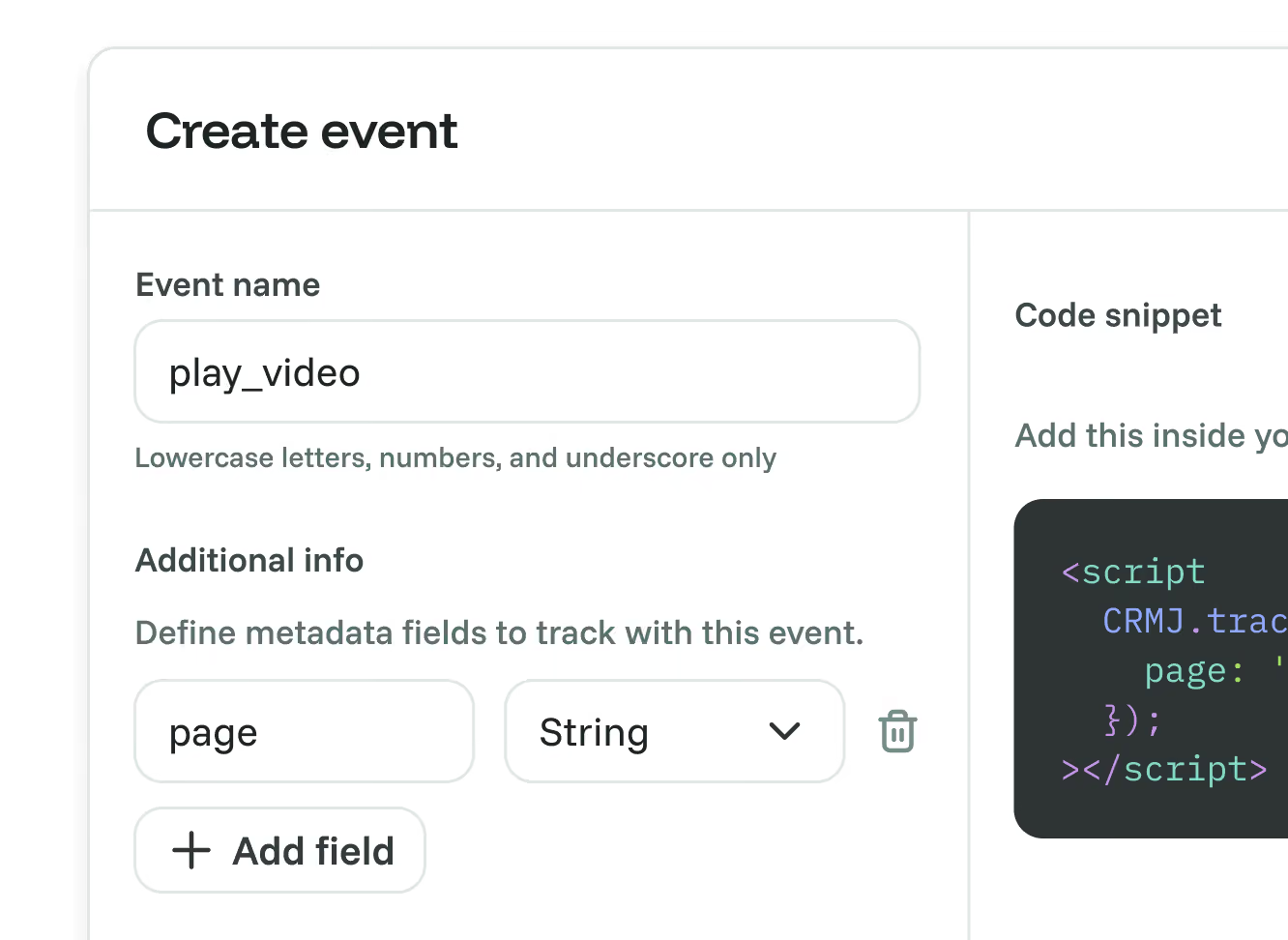
Add important interactions to the recorded timeline.

Revenue Analytics
Connect supported payment data to website activity where attribution is available.

Real-Time Web Analytics
Use the wider dashboard to find the patterns worth investigating.

Frequently asked questions
Quick answers on recorded journeys and their scope. For more detail, see our docs.
Grow your conversion
Conversion optimisation made simple
Rated 4.7 stars on G2

Featured on



