

Goals
See which visits turn into valuable actions
A visit is only the beginning. Track signups, enquiries and other important actions with Goals, then see which pages, sources and campaigns help visitors convert.


Rated 4.7 stars on G2

Switched from a competitor to Cromojo and couldn't be happier, it's just so simple and you can get started in as little as 5 minutes! No fluff + auto-pilot = the dream!

At a glance
What are Goals?
Traffic tells you how many people visited. Goals show whether those visits led to actions that matter to your business, such as a signup, a demo request or a completed enquiry.
Define success around your website.
Use page visits or custom events as the trigger. The dashboard counts each session matching at least one active goal once, then lets you explore conversions by page, source, campaign, location and device.
Goals work for lead generation and other outcomes without Stripe or Shopify. Use Funnels and User Journeys when you want to investigate the path around a conversion.
Define success around your website.
Use page visits or custom events as the trigger. The dashboard counts each session matching at least one active goal once, then lets you explore conversions by page, source, campaign, location and device.
Goals work for lead generation and other outcomes without Stripe or Shopify. Use Funnels and User Journeys when you want to investigate the path around a conversion.
Capabilities
Measure the actions that matter
Page visit goals
Count a conversion when a session reaches a matching page, such as your enquiry confirmation page.
Custom event goals
Use a tracked event, such as a completed signup, as a conversion trigger.
Flexible path matching
Match an exact path, a path that starts with a value, or a path containing specific text.
Conversion trends
See how converting sessions change across your selected reporting period.
Conversion breakdowns
Explore goal conversions by page, source, campaign, location and device.
Session-based conversions
Count each session once when it matches one or more active goals, even if the action happens again.
Connected features
Follow the conversion beyond the headline number

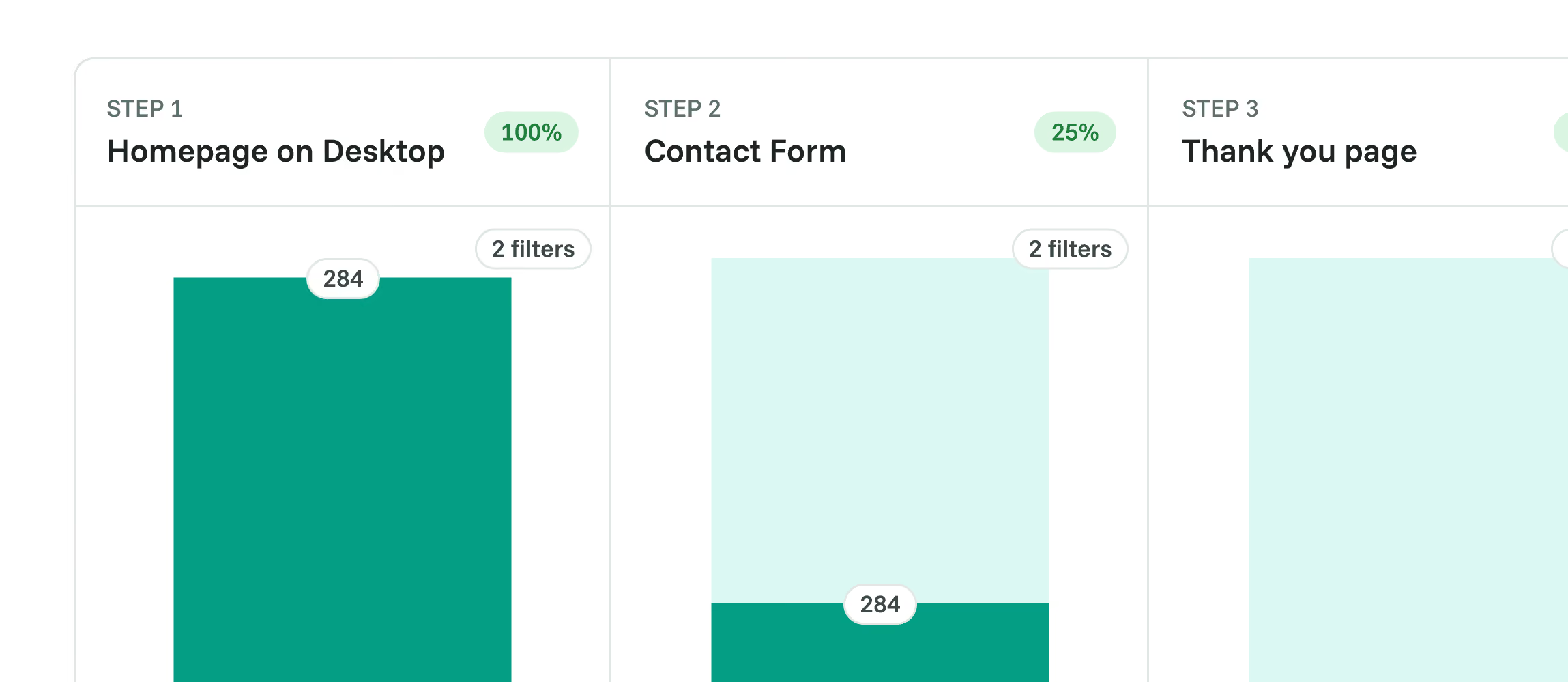
Funnels
Measure the ordered steps leading to an important action and see where sessions drop off.

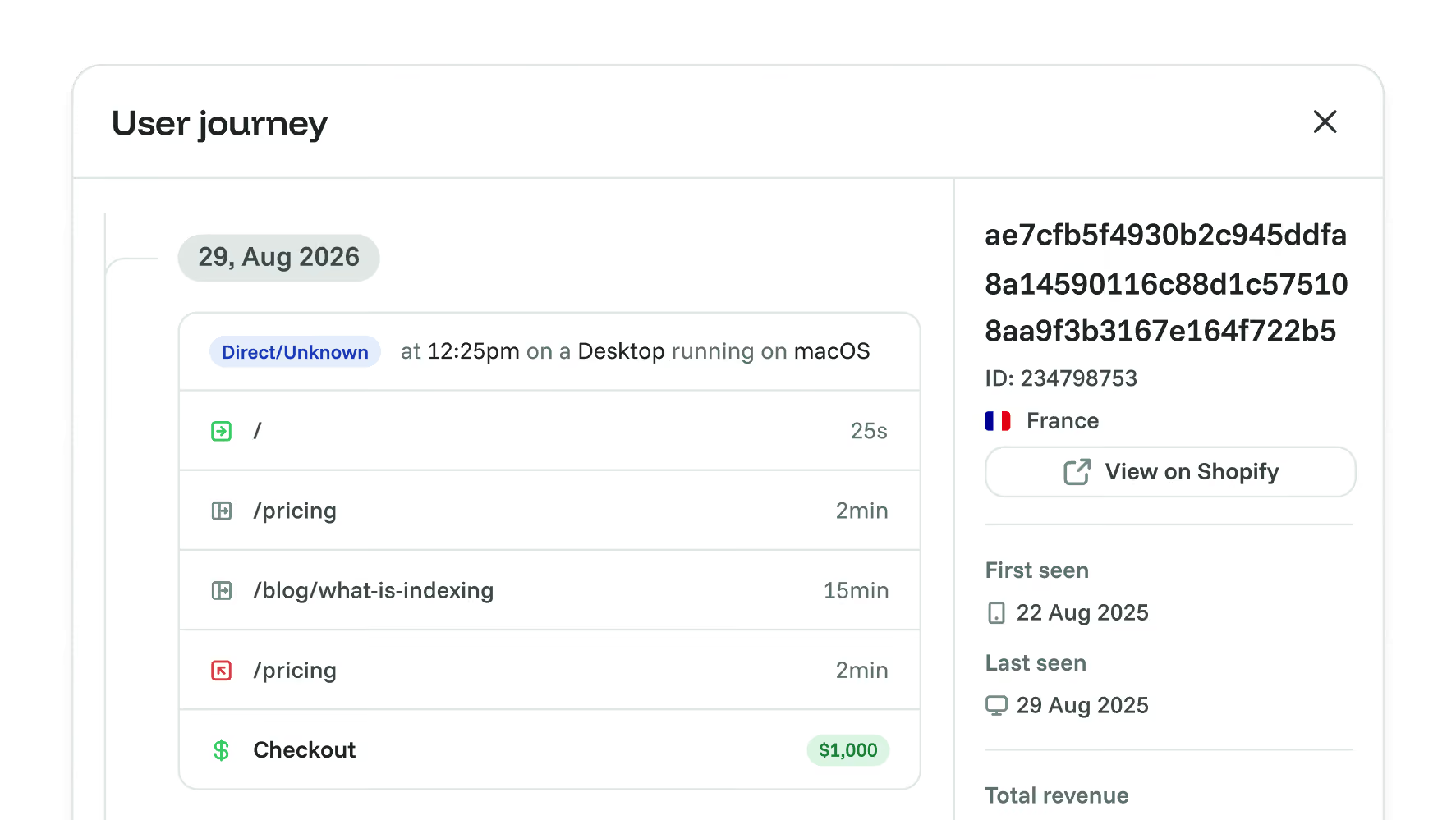
User Journeys
Open a recorded visitor timeline to see pages, events and goal activity in context.

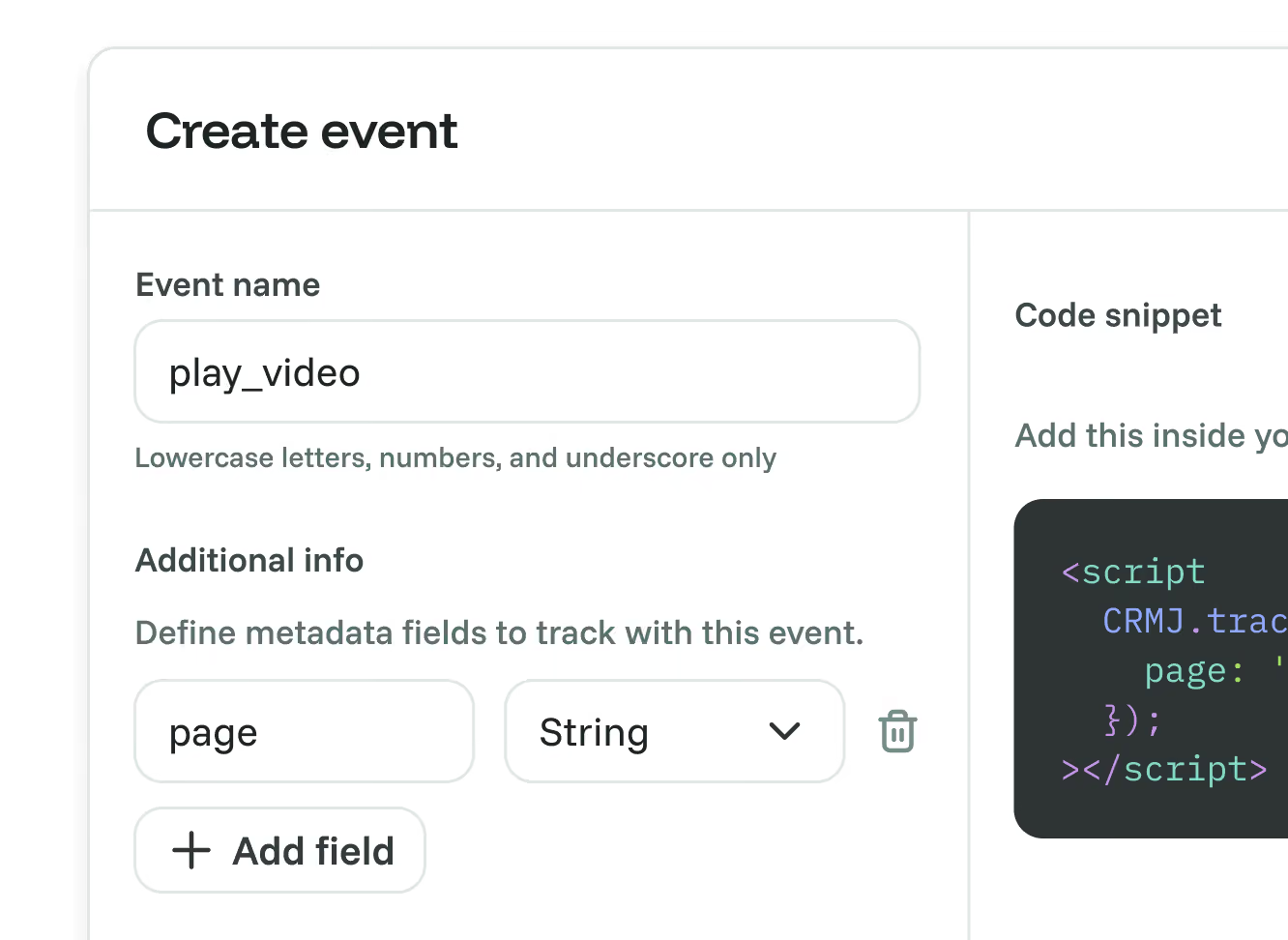
Custom Events
Track the interactions that can become your conversion goals.

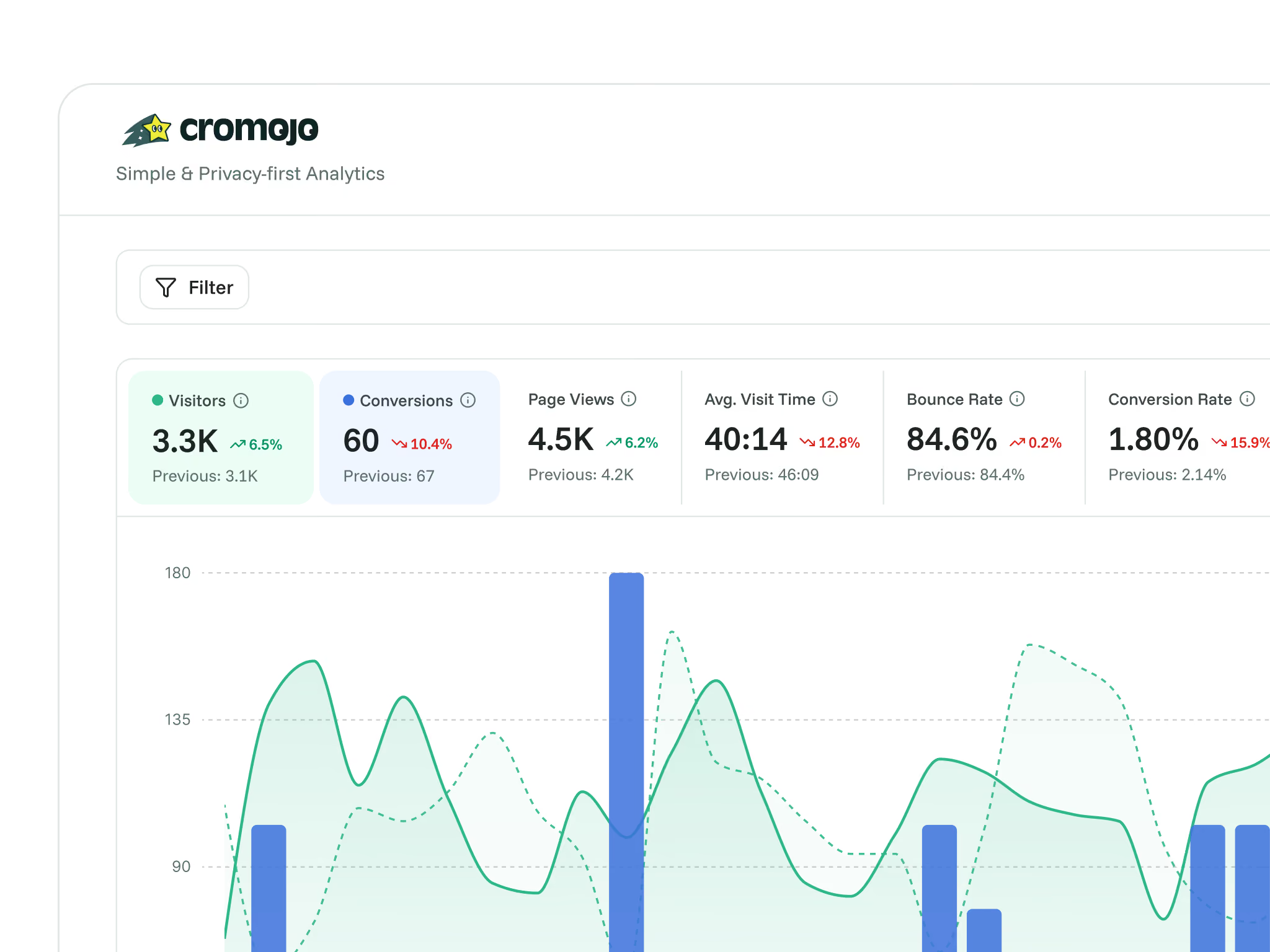
Real-Time Web Analytics
Read goal conversions alongside your traffic and engagement metrics.


Dashboard Sharing
Give clients or teammates a link to your analytics dashboard.
Frequently asked questions
Quick answers on goal tracking and setup. For more detail, see our docs.
Grow your conversion
Conversion optimisation made simple
Rated 4.7 stars on G2

Featured on



