

Session Replay
See what happens behind the numbers
Watch recorded website visits to understand how people browse, click and scroll. Find the friction behind a drop-off and give your next website improvement real visitor context.


Rated 4.7 stars on G2

Switched from a competitor to Cromojo and couldn't be happier, it's just so simple and you can get started in as little as 5 minutes! No fluff + auto-pilot = the dream!

At a glance
What is Session Replay?
Session Replay reconstructs recorded visits so you can see how visitors interact with your website. Follow their navigation, clicks and scrolling to understand what happened around a confusing or unsuccessful visit.
Find the moment worth investigating.
Use recording filters and playback controls to narrow your search, jump between pages and skip inactive time while reviewing a visit.
Replays reflect the activity captured by your recording settings. Masking, consent, excluded pages, sampling and plan limits affect what is available to watch.
Find the moment worth investigating.
Use recording filters and playback controls to narrow your search, jump between pages and skip inactive time while reviewing a visit.
Replays reflect the activity captured by your recording settings. Masking, consent, excluded pages, sampling and plan limits affect what is available to watch.
Capabilities
Find friction in real visitor behaviour
Visit playback
Follow recorded navigation, clicks and scrolling in a visual replay of the visit.
Flexible playback controls
Adjust playback speed, jump through the timeline and skip inactive periods.
Behaviour filters
Find visits by pages viewed, duration, clicks, scroll depth, rage clicks or U-turns.
Conversion context
Filter by available custom events, goal completions and conversion activity to investigate relevant visits.
Visitor and traffic context
Narrow recordings by source, campaign, country, device, browser and operating system.
Recording controls
Choose masking rules, excluded pages, sampling and consent settings for your site.
Connected features
Put each replay in context

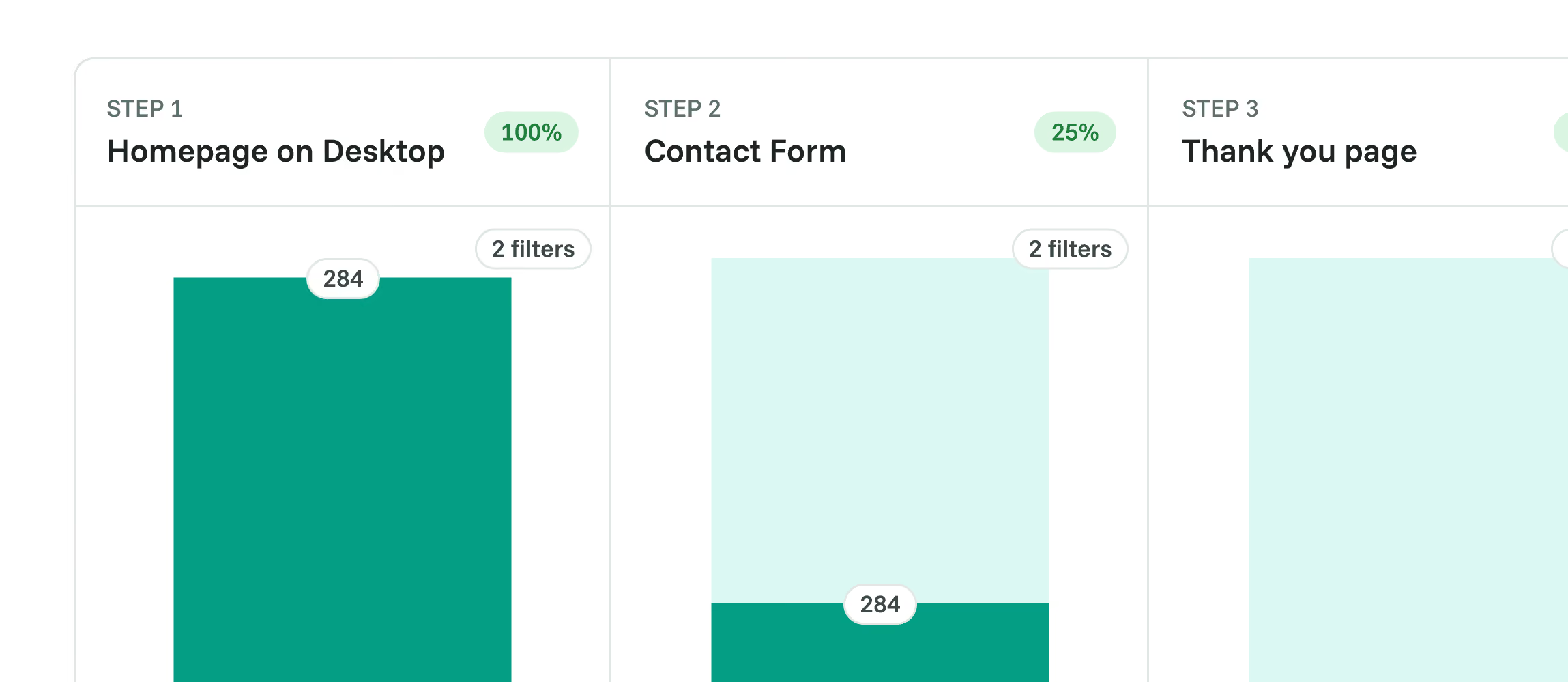
Funnels
Find where visitors drop off, then use recordings to investigate friction.

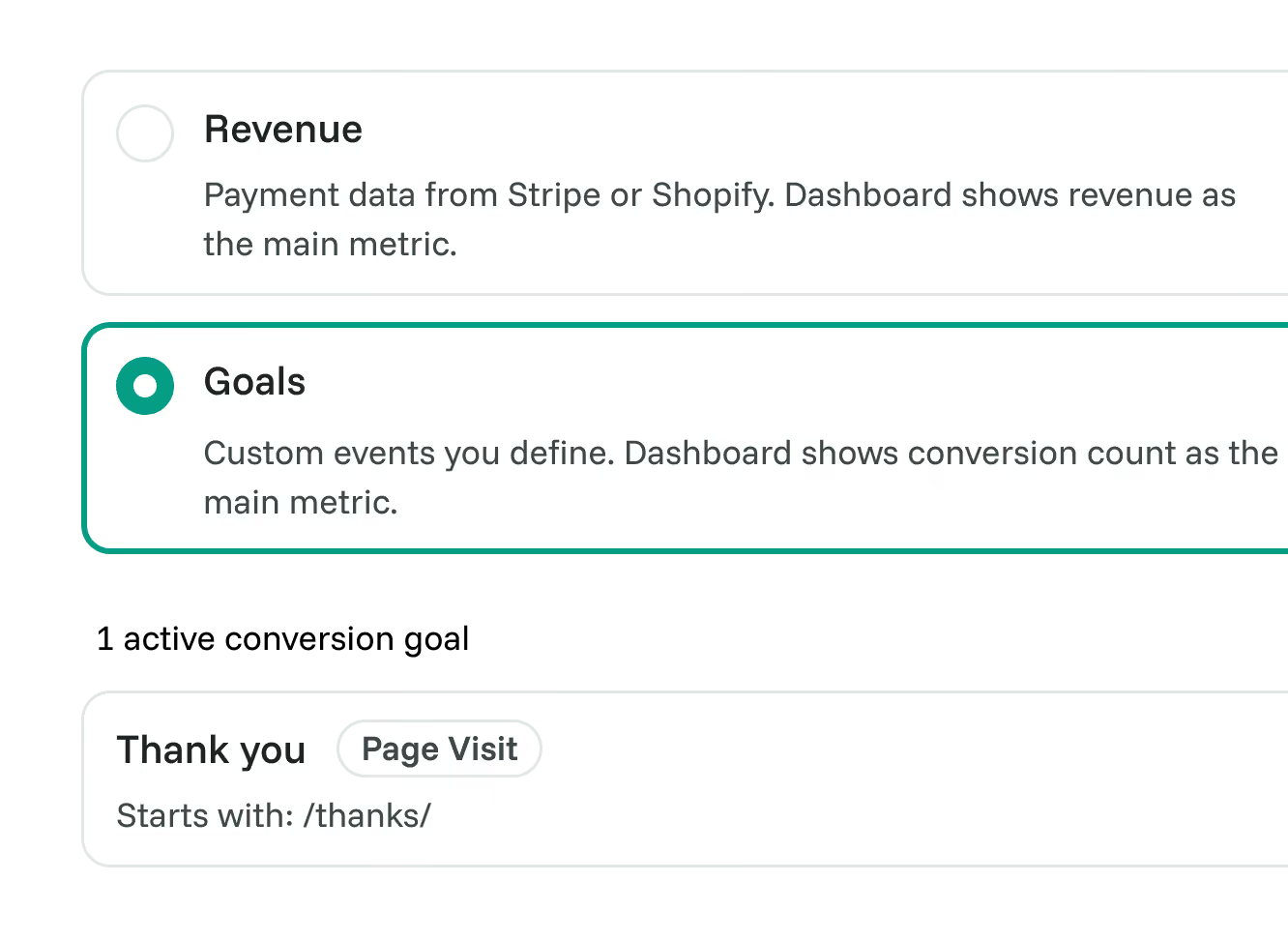
Goals
Choose the actions that count as conversions for your site.

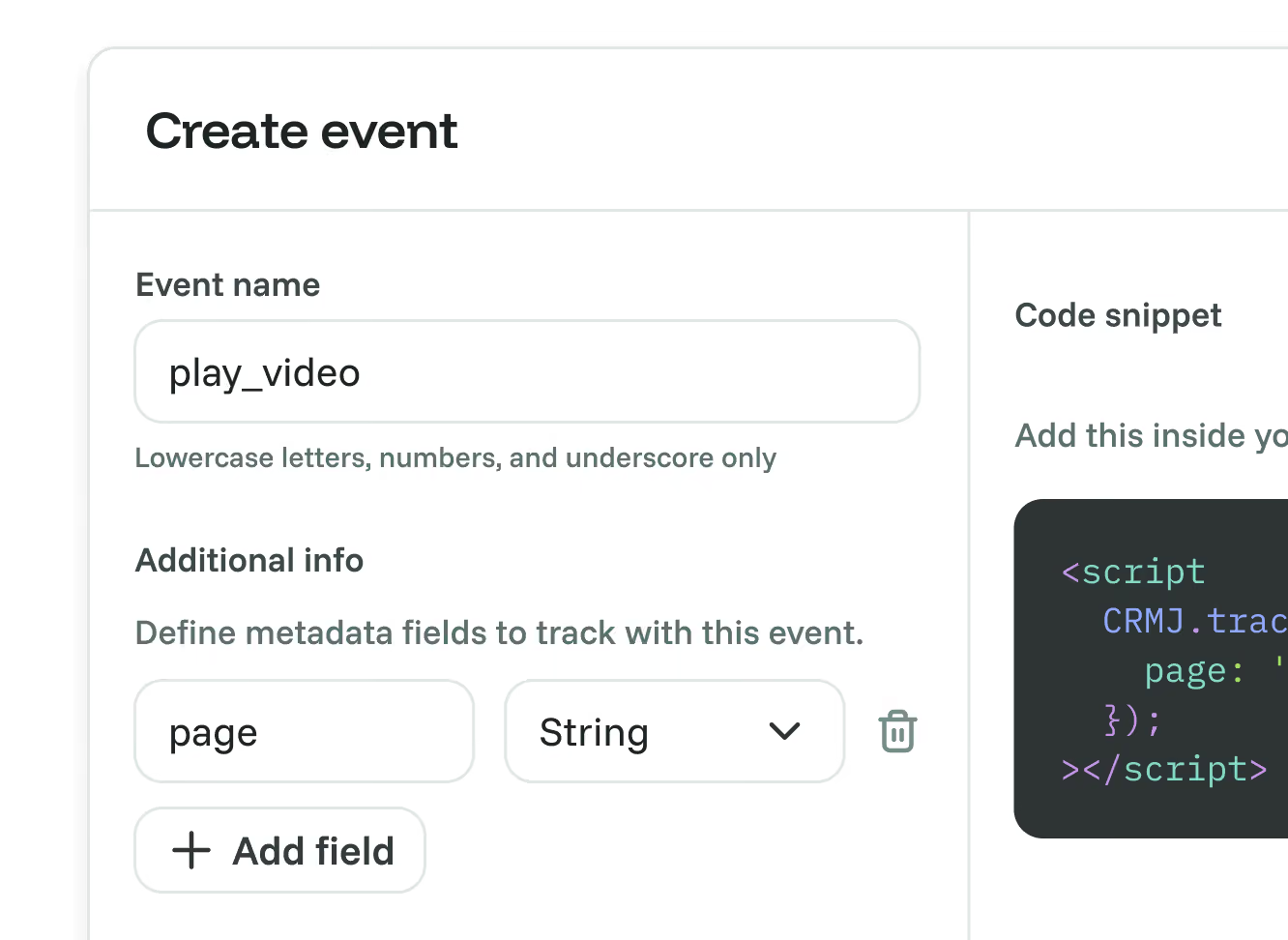
Custom Events
Use tracked interactions to find recordings relevant to your investigation.

Revenue Analytics
Connect supported payment data to website activity where attribution is available.
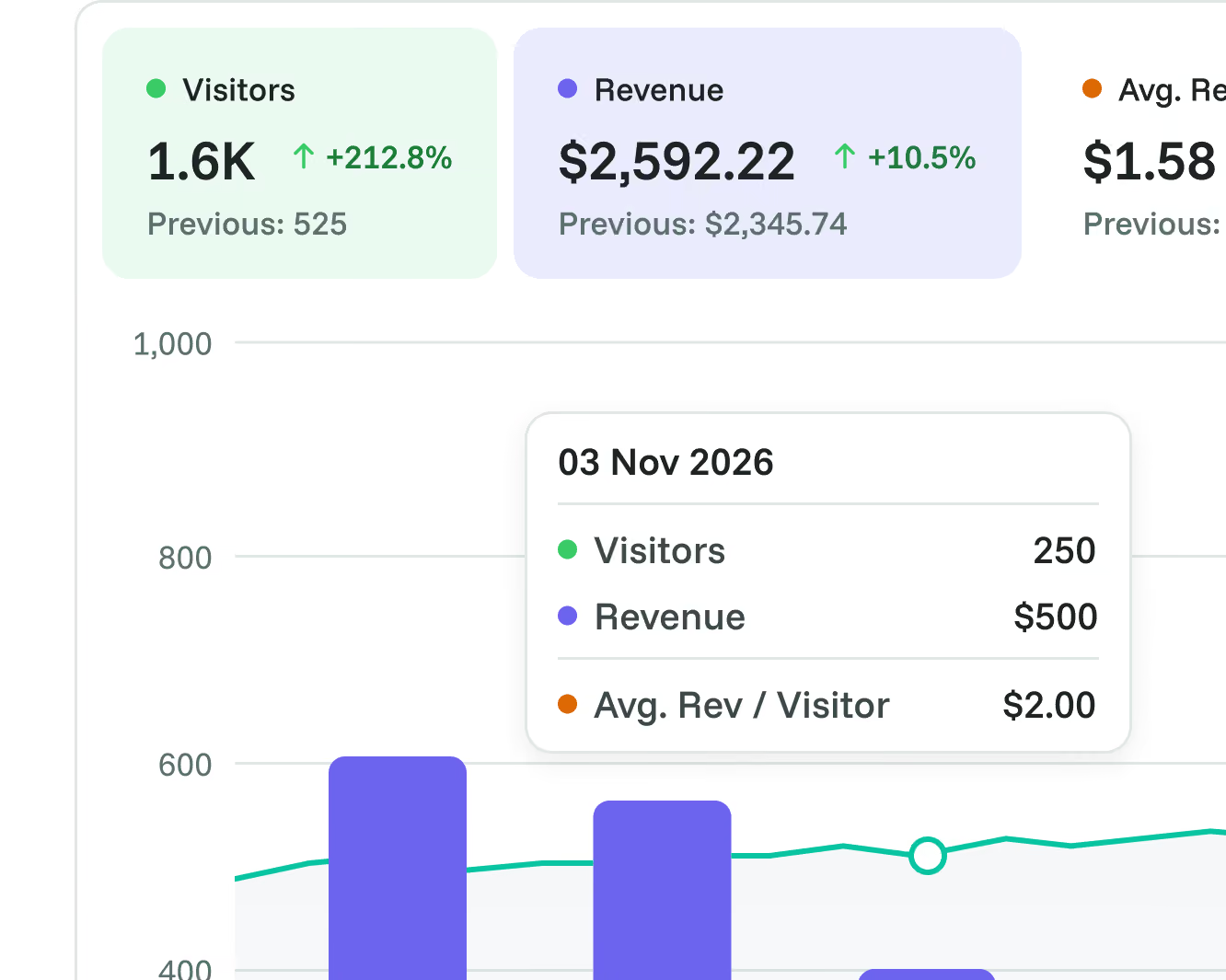

Real-Time Web Analytics
Spot a pattern in your analytics, then explore the visits behind it.

Frequently asked questions
Quick answers about playback, recording controls and coverage. For more detail, see our docs.
Grow your conversion
Conversion optimization made simple
Rated 4.7 stars on G2

Featured on



