The revenue-focused, privacy-first alternative to Google Analytics
A simpler, privacy-first analytics platform that connects your traffic to revenue



How they compare
Cromojo takes a different approach.
It is privacy-first and cookieless by default. It combines supported Stripe and Shopify purchase attribution with organic keyword revenue estimates, URL submissions and website checks. GA4 also supports ecommerce and revenue attribution.
If your question is "which recorded visits are linked to sales," Cromojo brings those reports together with indexing and site monitoring.
Compare features and setup

Revenue reporting
Compare how purchase values reach the reports.
Ecommerce events and integrations
Stripe / Shopify; checkout setup
Organic keyword revenue
Cromojo estimates query revenue from Search Console click share, not a buyer-level match.
Search Console queries; no buyer match
Estimated from Search Console
Search Console reports
Search queries, clicks and other available search metrics.
Search Console integration
Built-in connection
Goals and custom events
Track the outcomes and interactions you configure.
Available
Available
Conversion funnels
Measure recorded progress through ordered steps.
Funnel explorations
Up to 4 steps
Cookie-free analytics
Cookie use and consent needs depend on configuration.
Cookies; consent-mode options
Default mode
First-party tracking
Collect events through your domain. Setup differs by product; browser rules and blockers can still apply.
Tagging options require setup
Guided setup; Analytics Pro+
Returning-visitor recognition
400 days is Cromojo's maximum cookie lifetime. Browser limits and consent can shorten it, including in Safari.
First-party cookies and User-ID
Optional; up to 400 days; Pro+
MCP integration
Connect external AI clients to permitted analytics data.
Official read-only MCP
Read-only MCP; eligible accounts
Smart insights
AI assistance for exploring analytics and answering questions.
Ask Advisor (beta); eligible properties
AI findings and recommended next steps
Agents
AI that can investigate data and use tools to carry out tasks.
Ask Advisor (beta); conversational analysis
Five agents surface findings and recommend next steps
Dashboard sharing
Access controls and sharing options differ by product and plan.
User access and reporting tools
Links; password on eligible plans
Automated URL submissions
Submitting URLs does not guarantee indexing or rankings.
No equivalent documented
Google, Bing and IndexNow
Website monitoring
Check coverage and notification timing depend on setup.
Separate tools
Uptime, SSL, DNS and more
Page Performance audits
Lighthouse lab findings for scanned pages, not every real visitor.
Separate PageSpeed Insights tool
Lighthouse audits and PDFs
Real-time traffic and campaigns
Explore recorded visits and tagged campaign traffic.
Available
Available
Google Ads connection
Advertising workflows and audience integrations.
Native integration
(Coming soon)
BigQuery export
Raw event export for custom analysis.
Available, with limits
Not available
Available, subject to setup and plan. Not available. Coming soon. Partial or external option. Not confirmed in reviewed documentation. AI feature source.
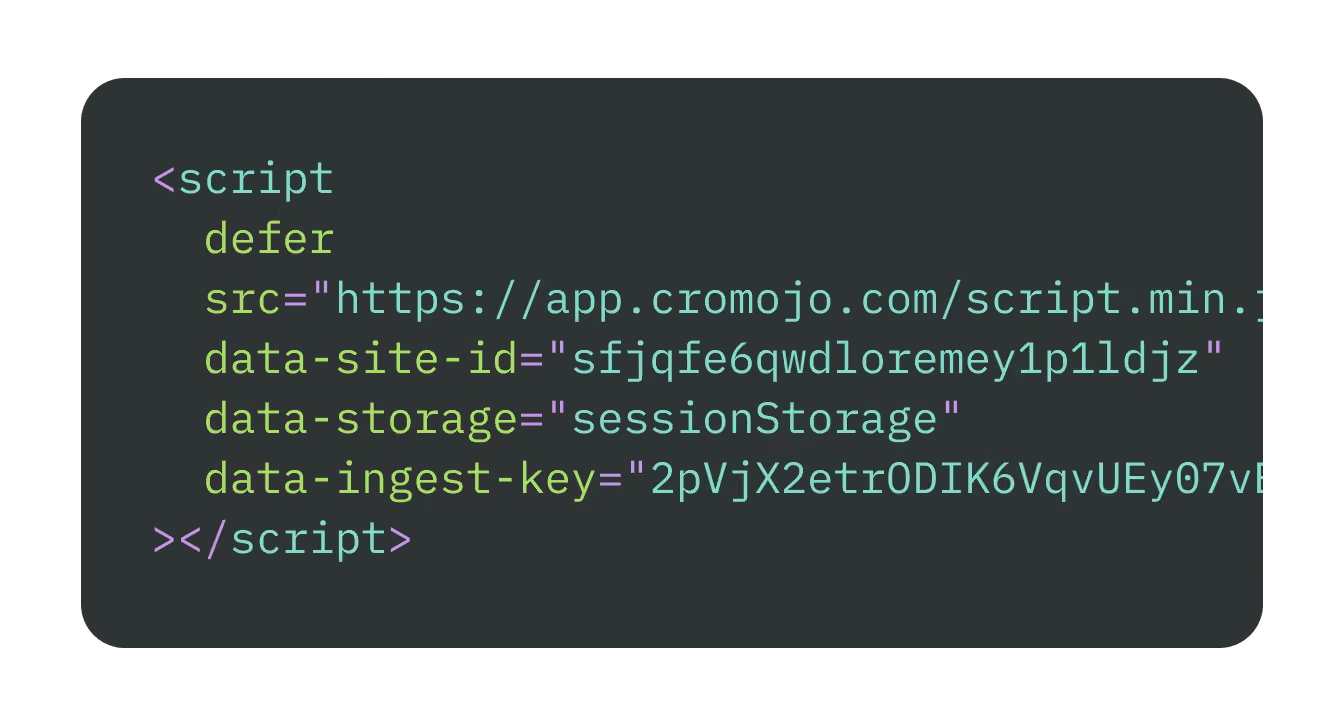
Add one snippet
Connect your sources
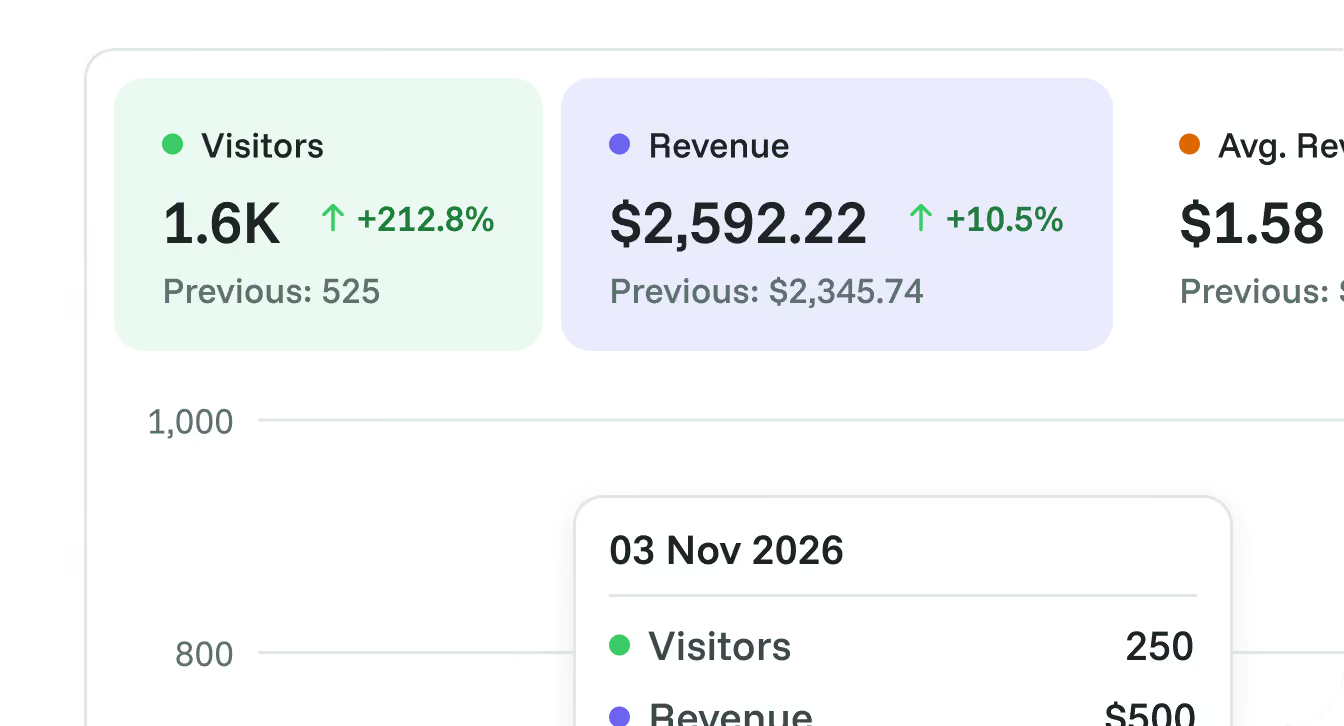
Explore attributed revenue
Go deeper when you need to

Conversion funnels
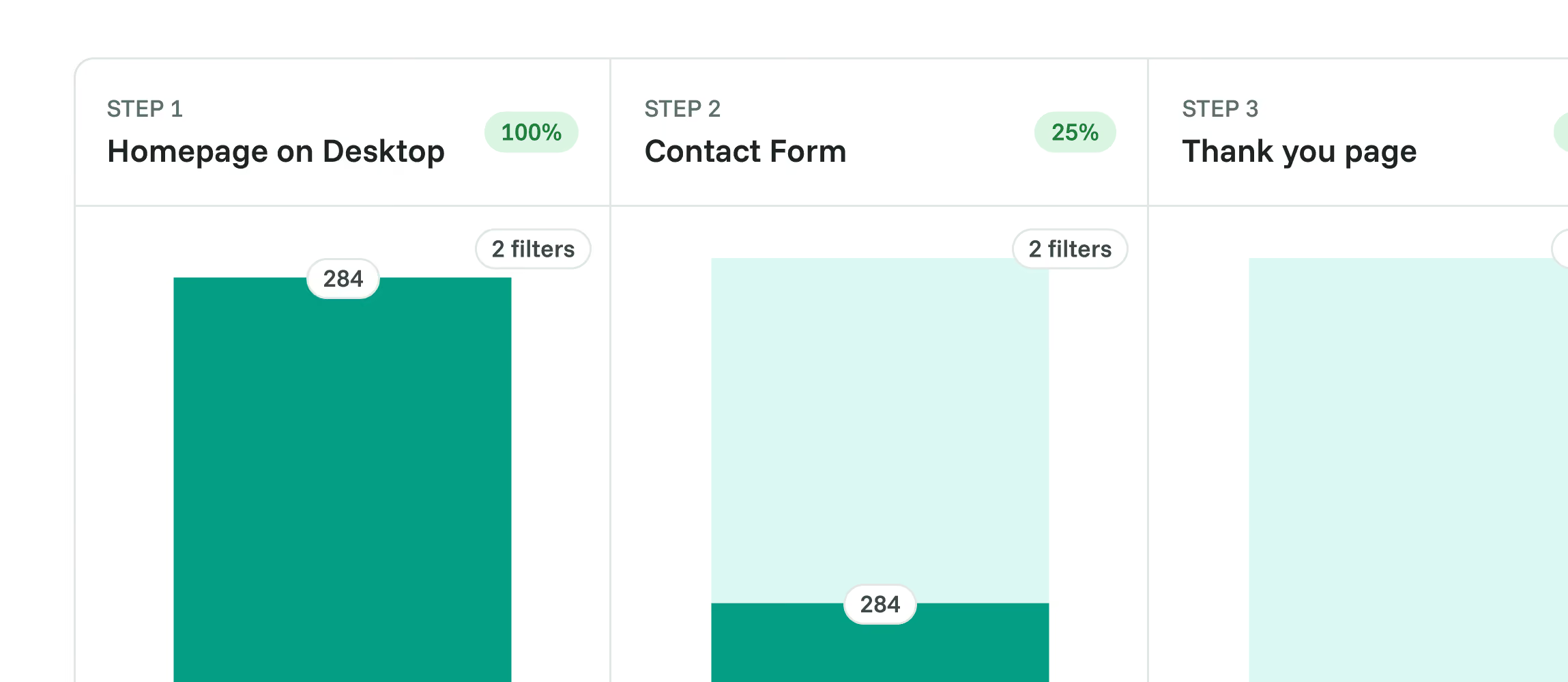

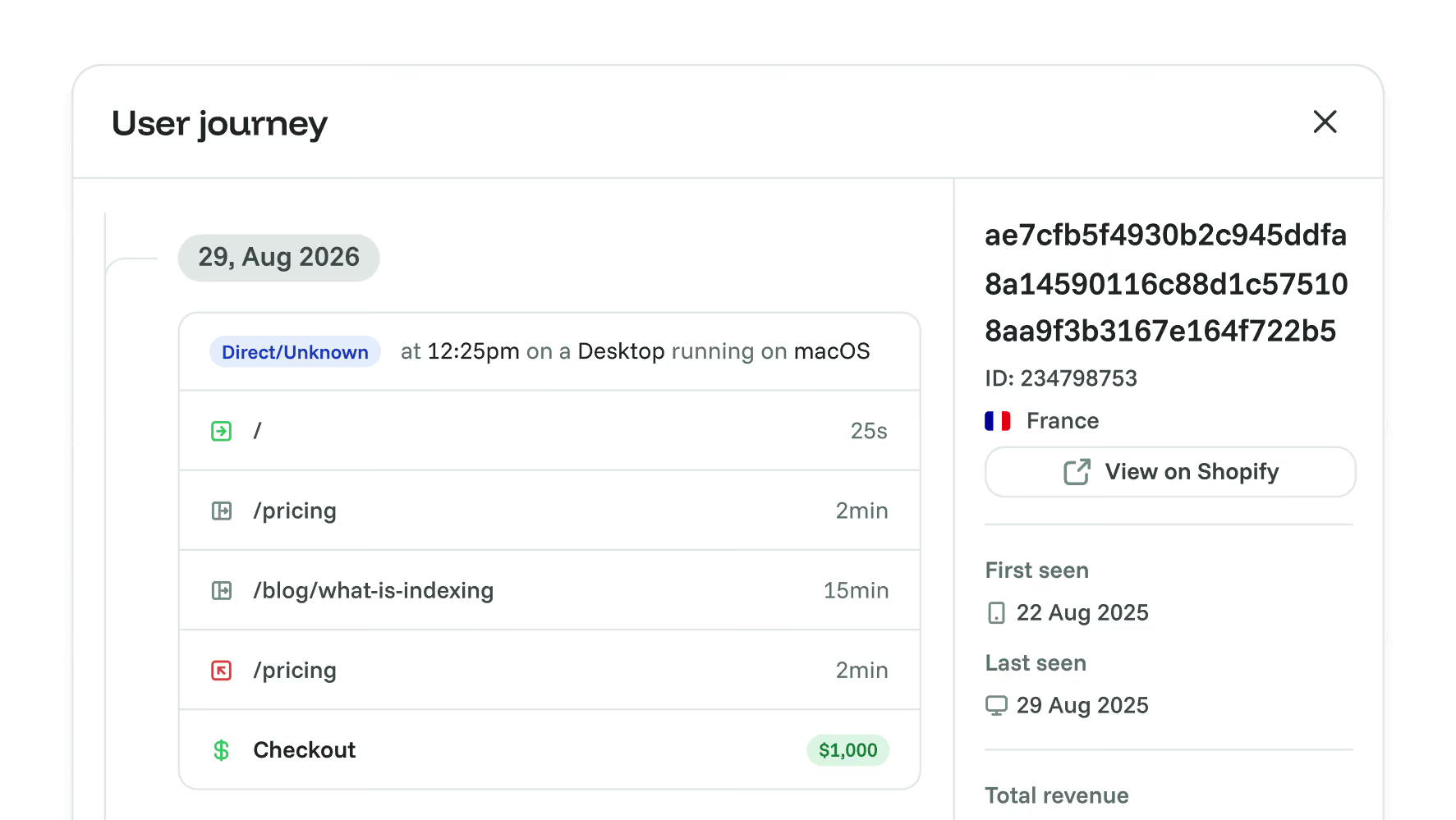
Visitor journeys

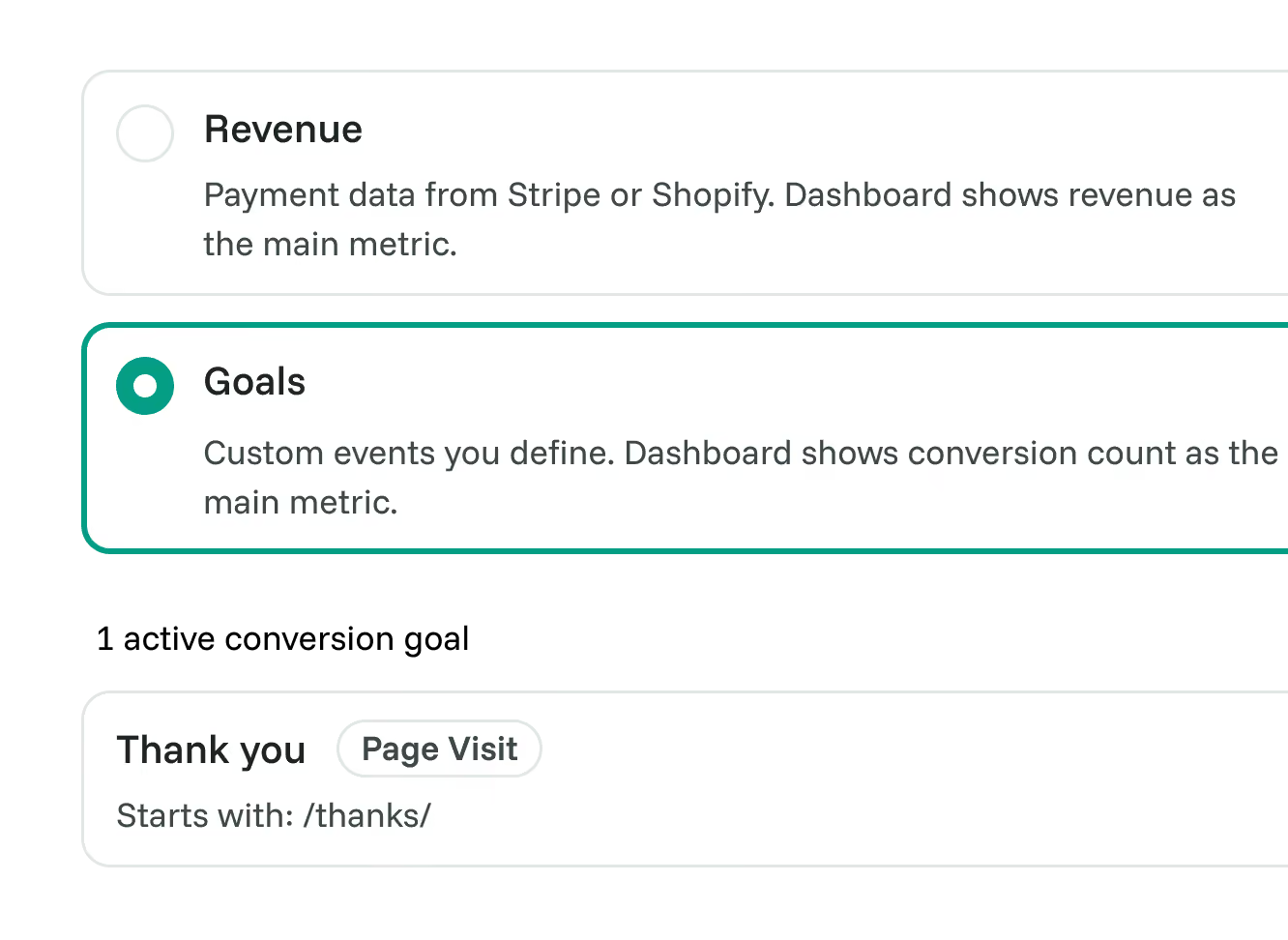
Goal tracking

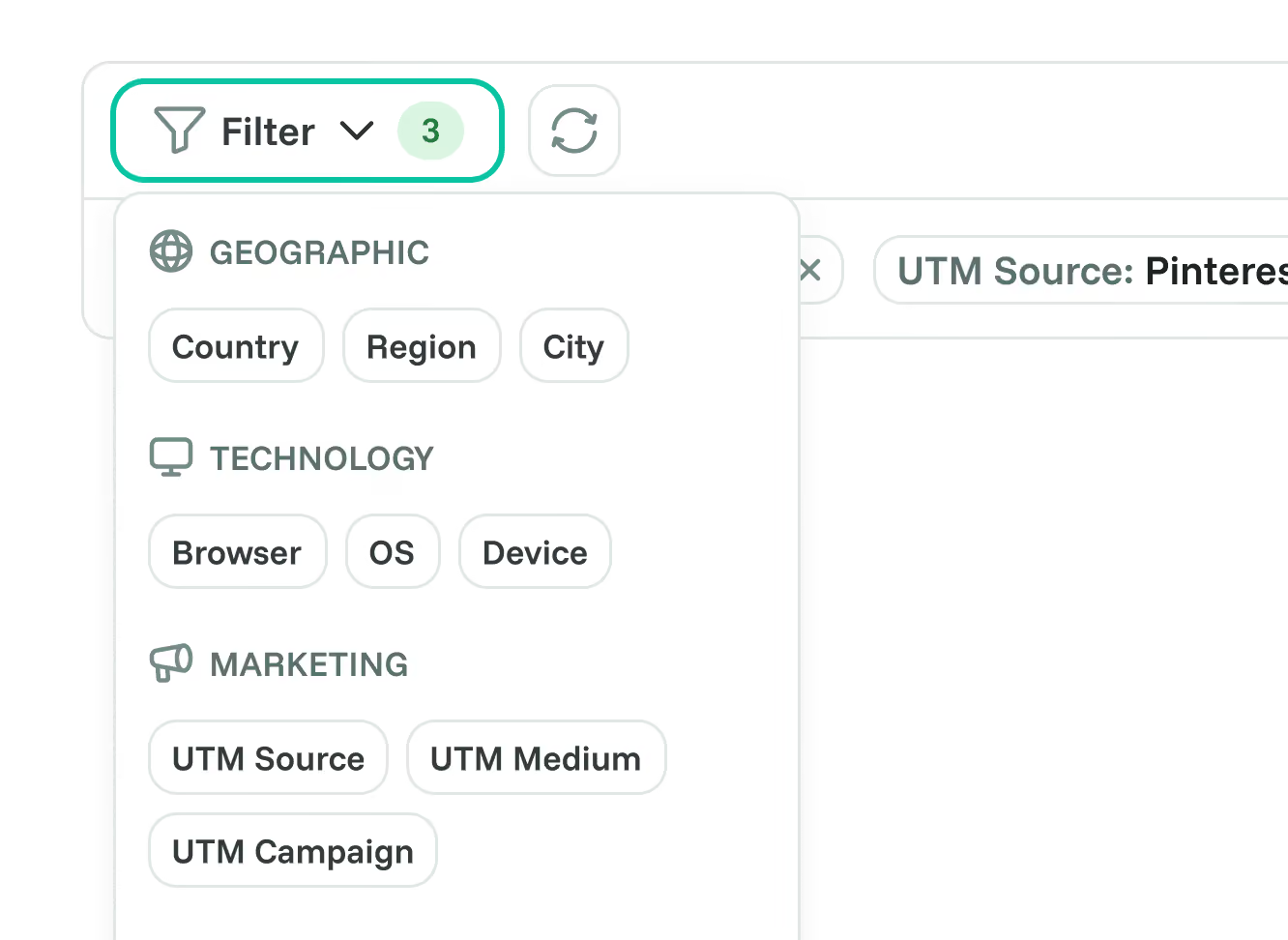
Advanced segmentation

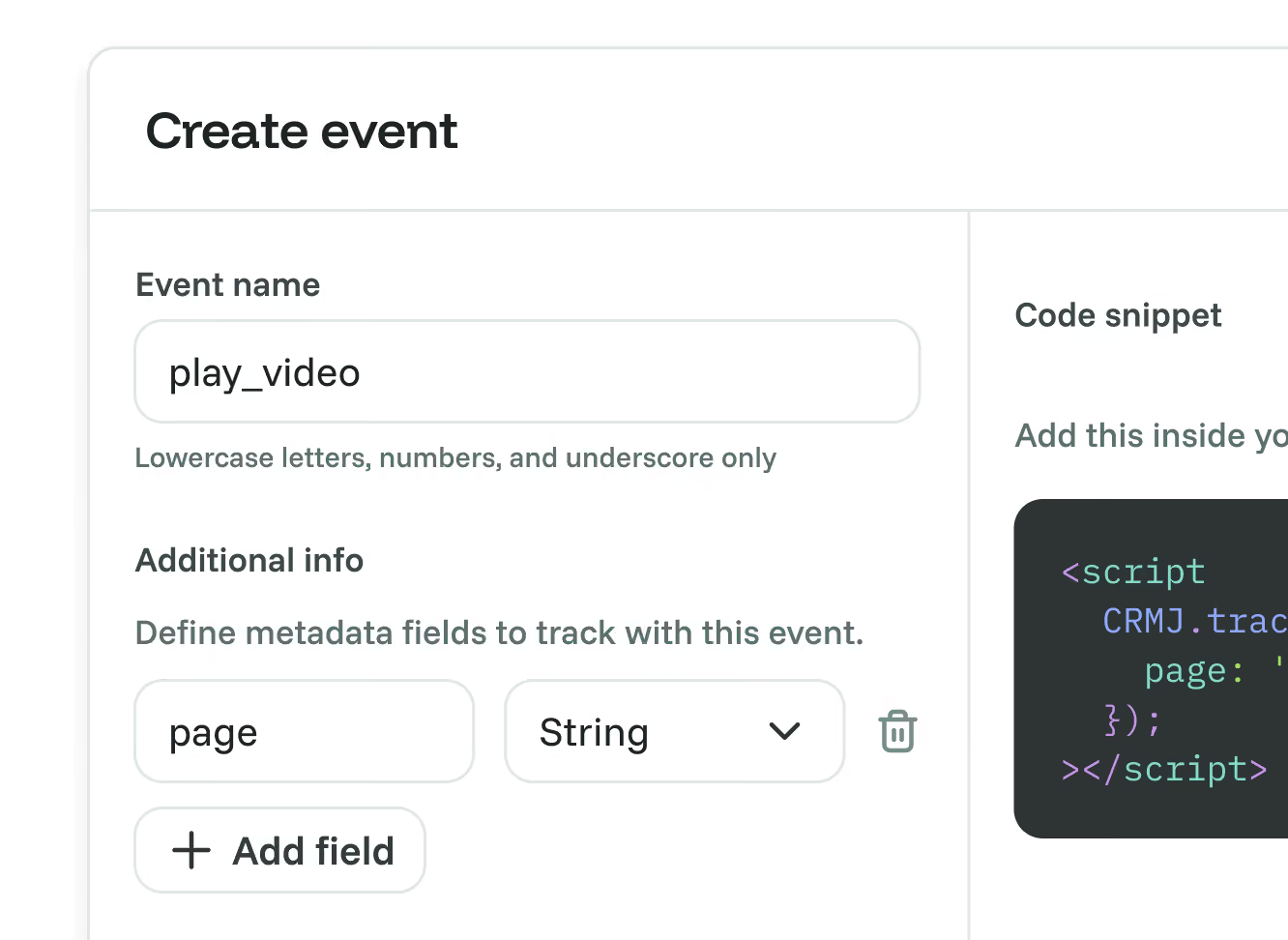
Custom events
When to choose Google Analytics, and when to choose Cromojo.
Choose Google Analytics if:
- You need web and app analytics with Google's advertising integrations.
- You rely on the Google Ads and BigQuery ecosystem.
- You have a data team comfortable with its complexity and with SQL for unsampled data.
- You need granular, fully custom event modeling across large properties.
Choose Cromojo
if:
- You want to know which traffic actually turns into revenue.
- You want focused reports for traffic, conversions and attributed purchases.
- You want cookie-free defaults with optional first-party visitor recognition.
- You want analytics, indexing, and monitoring in one place.
- You are a founder, marketer, or small team without a data team.
Frequently asked questions
Conversion optimization made simple