

Custom Events
Track the actions a pageview cannot explain
Track successful form submissions, signup actions, button clicks and other important interactions with Custom Events. Add the details you need, then use those events to measure activity, define goals and build funnels.


Rated 4.7 stars on G2

Switched from a competitor to Cromojo and couldn't be happier, it's just so simple and you can get started in as little as 5 minutes! No fluff + auto-pilot = the dream!

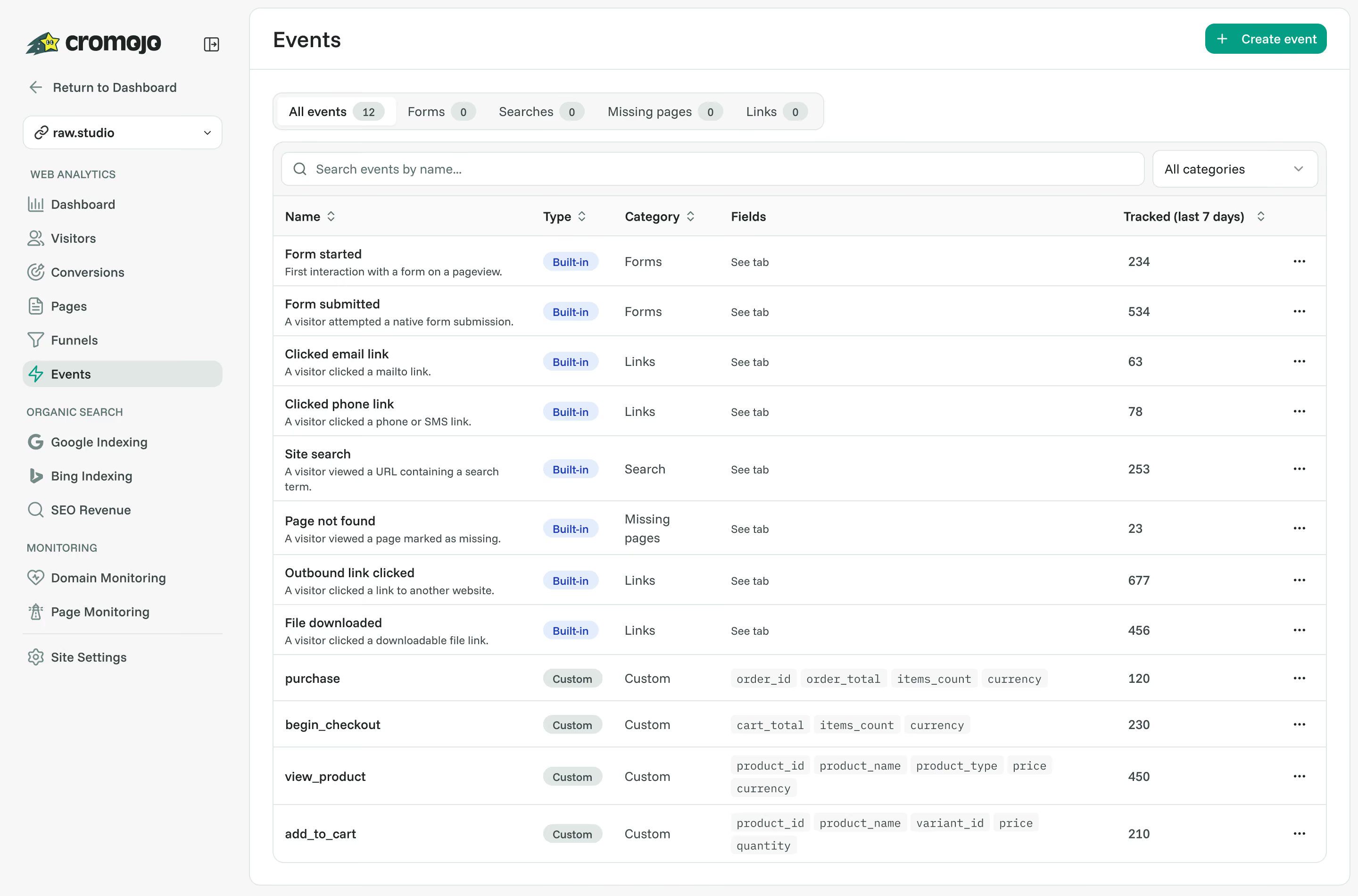
At a glance
What are Custom Events?
A pageview cannot tell you everything a visitor did. Custom Events let you track successful form submissions, signup actions, button clicks and other interactions, even when the URL stays the same.
Keep context with each action.
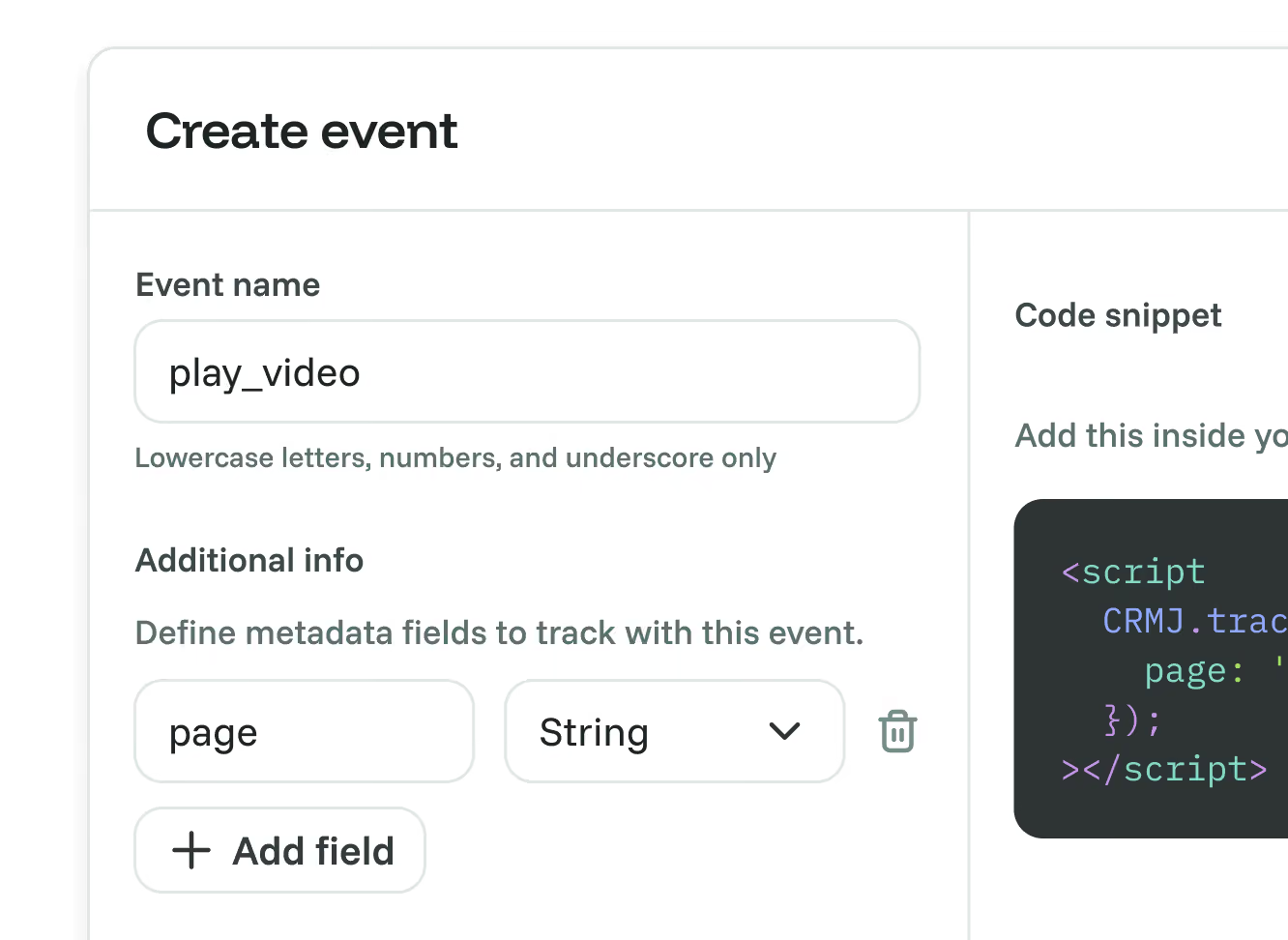
Define useful event details, such as a form name or selected plan, then use tracked events in Goals and Funnels. Generated HTML and React examples help you connect the tracking call to the right action.
Creating an event definition does not start tracking by itself. Your website needs to send the event when the action happens. Event counts measure occurrences, while the Goals dashboard counts distinct converting sessions.
Keep context with each action.
Define useful event details, such as a form name or selected plan, then use tracked events in Goals and Funnels. Generated HTML and React examples help you connect the tracking call to the right action.
Creating an event definition does not start tracking by itself. Your website needs to send the event when the action happens. Event counts measure occurrences, while the Goals dashboard counts distinct converting sessions.
Capabilities
Track the interactions a page view misses
Named events
Create event definitions for the actions you want to measure.
Event counts
See how often a configured event was tracked within your selected period.
Custom event details
Define text, whole-number, decimal or true/false fields for additional context.
HTML and React examples
Copy the generated example and connect it to the relevant website action.
Conversion goals
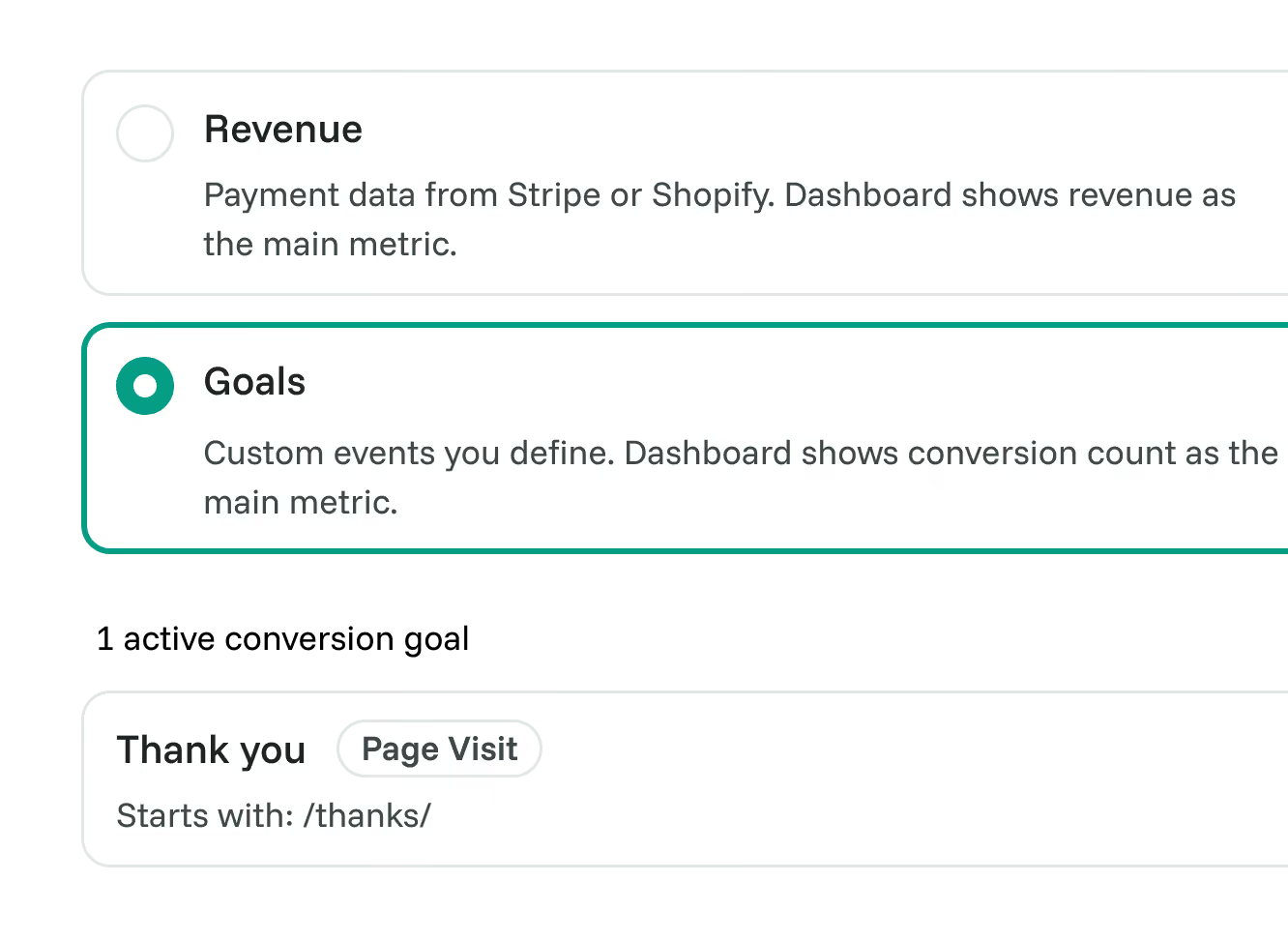
Use a tracked event, such as a completed signup or enquiry, as a goal trigger.
Funnels and journeys
Add events to funnel steps and follow recorded interactions in User Journeys.
Connected features
Make your event data work harder

Goals
Use a tracked event as the trigger for a meaningful conversion.
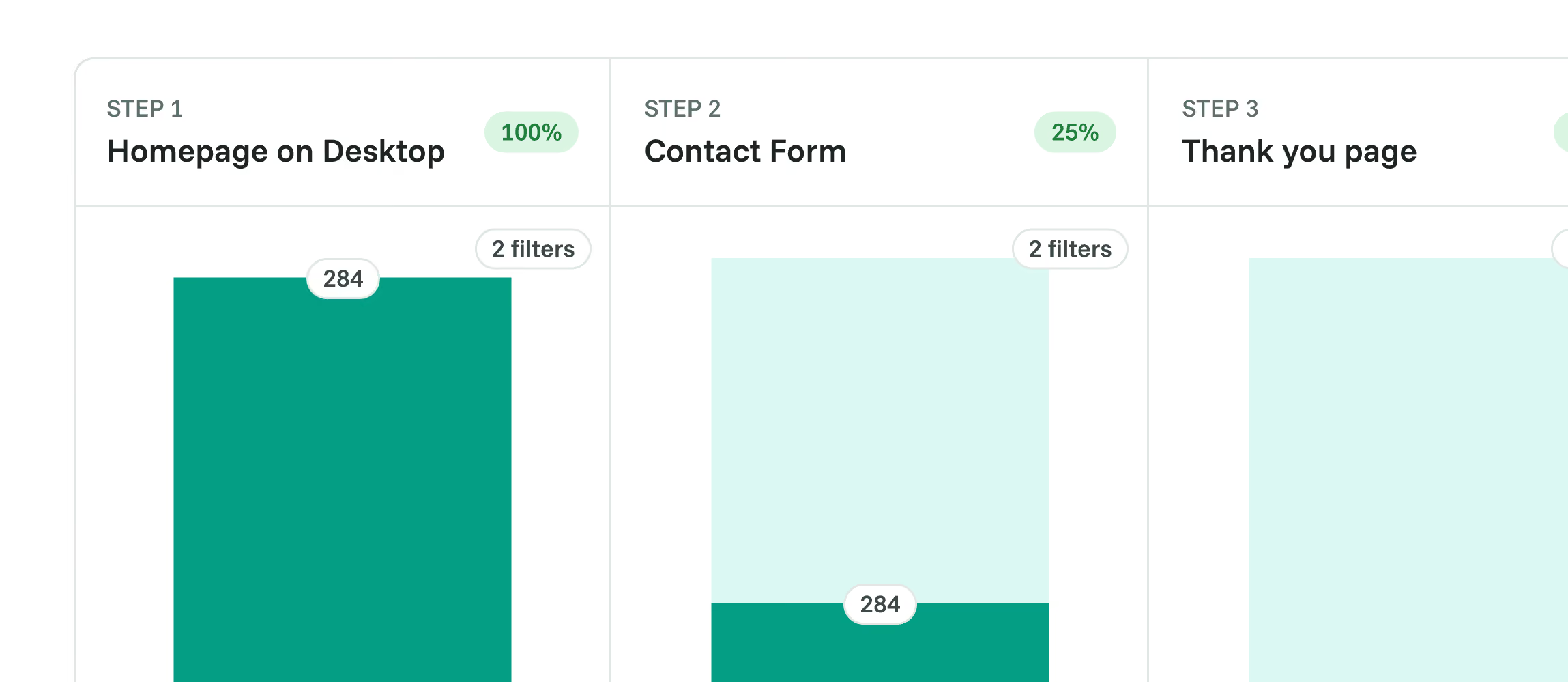

Funnels
Combine events and pages into an ordered conversion path.
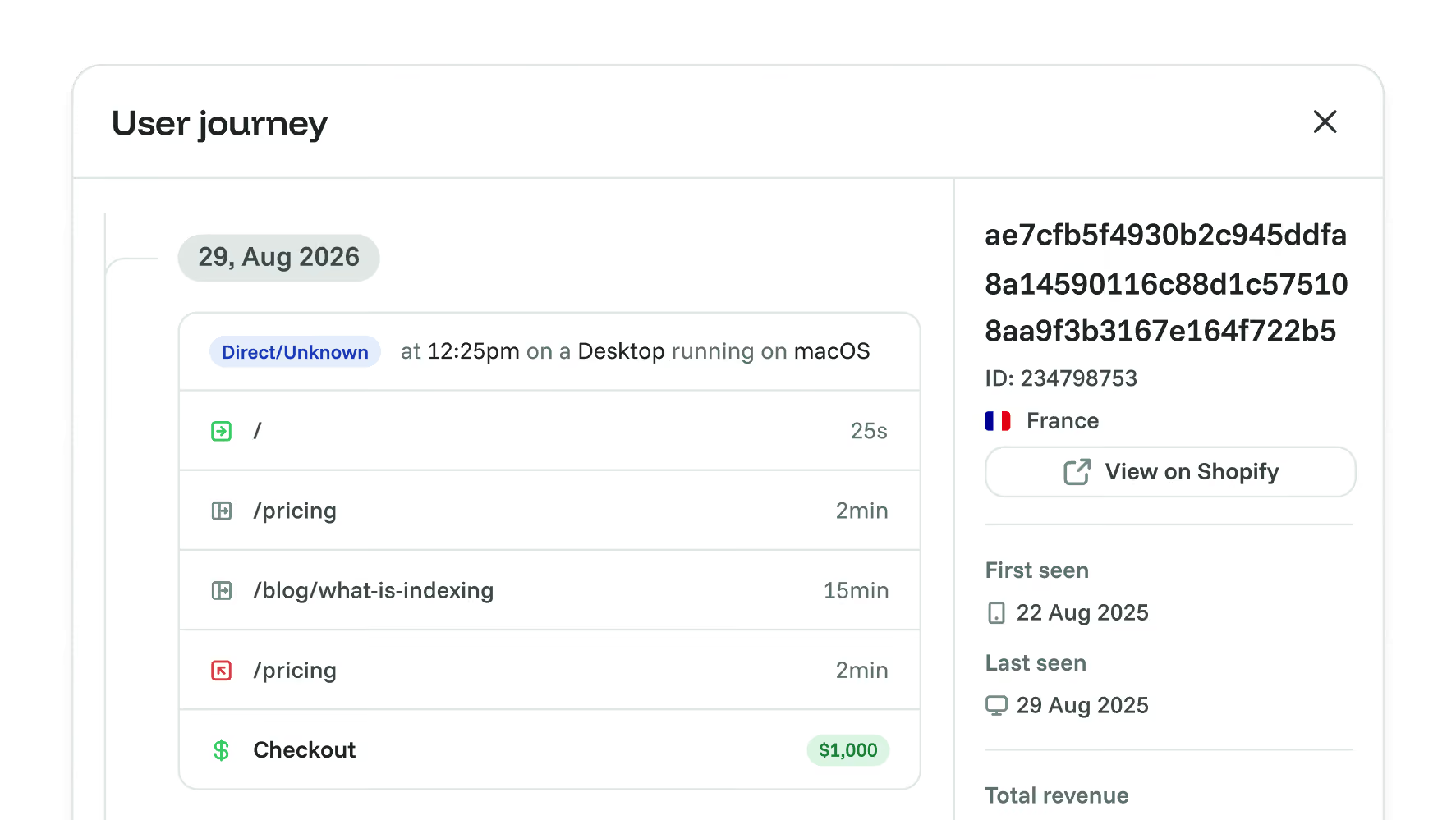

User Journeys
See tracked events in the context of a recorded visitor session.

Real-Time Web Analytics
Explore website traffic alongside the actions you track.

Dashboard Sharing
Share a dashboard with your team or client to support a discussion about results.
Frequently asked questions
Quick answers on custom event tracking and setup. For more detail, see our docs.
Grow your conversion
Conversion optimisation made simple
Rated 4.7 stars on G2

Featured on



