

Page Performance
Find the page issues worth fixing next
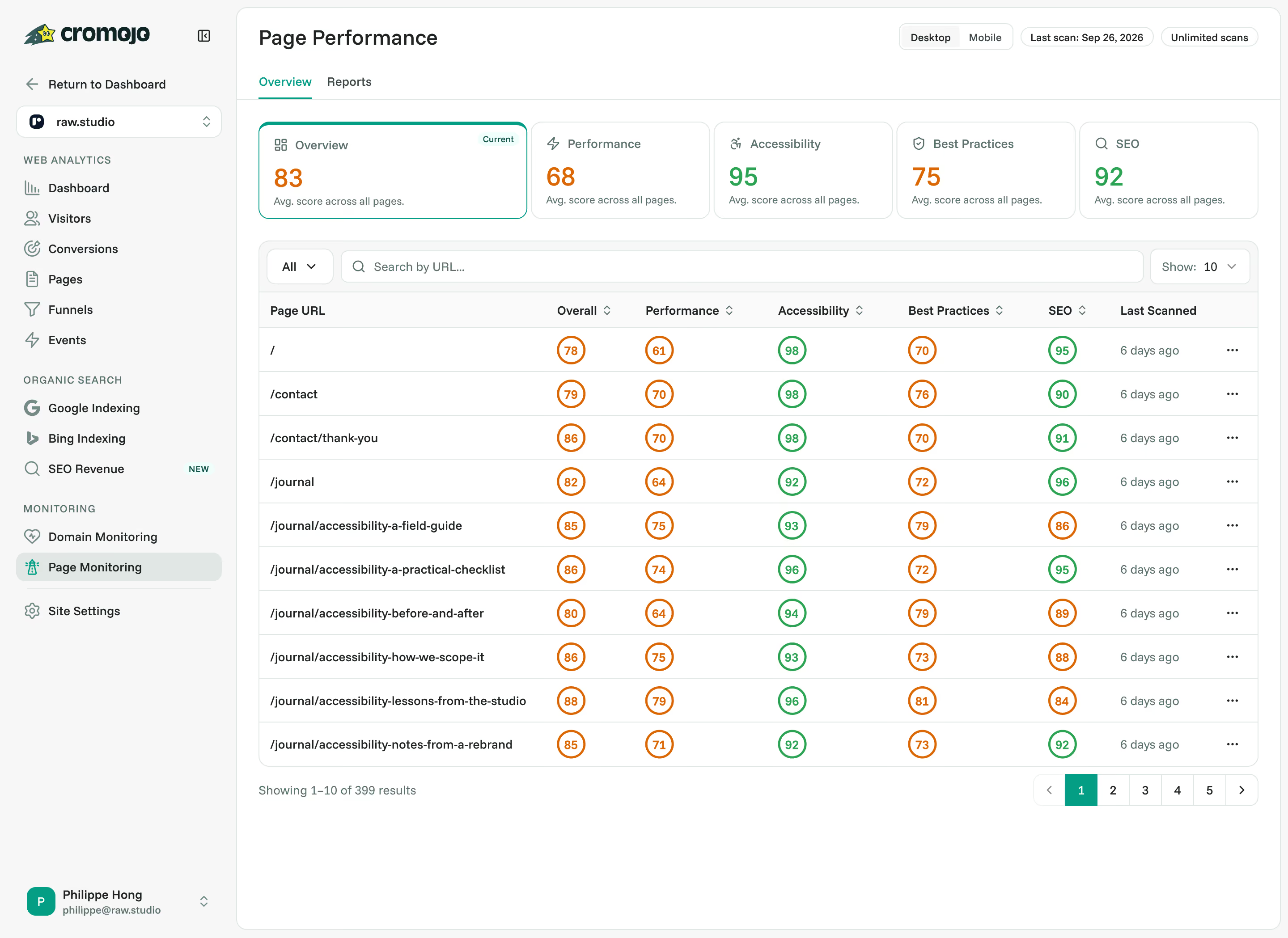
Review Lighthouse scores and audit details across your scanned pages. See performance, accessibility, best practices and SEO results in one place, then use the findings to guide your next website improvement.


Rated 4.7 stars on G2

Switched from a competitor to Cromojo and couldn't be happier, it's just so simple and you can get started in as little as 5 minutes! No fluff + auto-pilot = the dream!

At a glance
What is Page performance?
Find the issues worth investigating on your scanned pages. Page Performance brings Lighthouse performance, accessibility, best practices and technical SEO results into one place, so you can move from a score to a specific page issue.
Give your next improvement a clear starting point.
Open audit details to inspect the findings behind a score, then share available PDF reports with your designer, developer or client. Review the desktop and mobile results available on your monitoring plan.
These are Lighthouse scan results collected under test conditions. Page coverage, devices, re-scans and report access depend on your plan and scan settings. Use analytics and conversion reporting to assess business outcomes after a change.
Give your next improvement a clear starting point.
Open audit details to inspect the findings behind a score, then share available PDF reports with your designer, developer or client. Review the desktop and mobile results available on your monitoring plan.
These are Lighthouse scan results collected under test conditions. Page coverage, devices, re-scans and report access depend on your plan and scan settings. Use analytics and conversion reporting to assess business outcomes after a change.
Capabilities
More than a page speed score
Performance audits
Review loading metrics, responsiveness and layout stability on scanned pages. Use the audit findings to spot issues that need attention.
Accessibility checks
Find issues flagged by automated checks, such as missing image descriptions, unlabelled fields and low contrast. Use the findings to guide further testing.
Best-practice checks
Review supported Lighthouse checks for browser errors, insecure resources and other website implementation issues.
Technical SEO checks
Inspect checks for titles, meta descriptions, crawlable links and other technical SEO basics on scanned pages.
PDF reporting
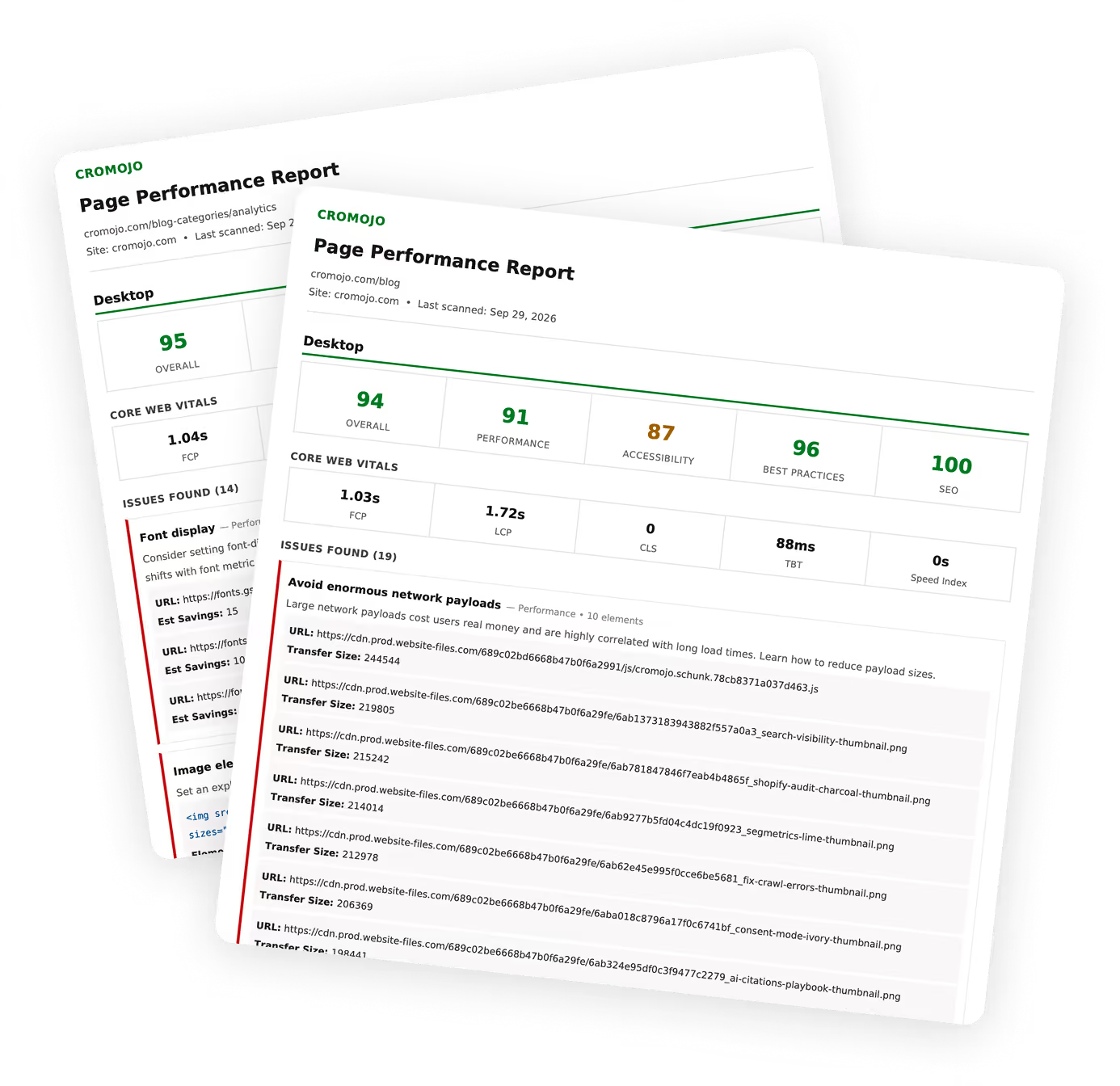
Download an individual page PDF, or generate a bundle of page reports on an eligible plan, so your team can work from the same findings.
Desktop and mobile results
Switch between the desktop and mobile audits available on your plan. Review each device's scores and findings in the same place.
.avif)
PDF reporting
Put the findings in your team's hands
Give your designer, developer or client a report they can work from. Download an individual page PDF, or generate a bundle of page reports on an eligible plan, so everyone has the same findings to work with.
Individual page PDFs
Download a scanned page's scores and audit findings in a report you can share.
Site report bundles
Generate a ZIP of page PDFs for your site on eligible monitoring plans.
Connected features
Keep page health connected to website results

Website Monitoring
Review wider domain checks, including uptime and certificate status.


Real-Time Web Analytics
Understand which pages attract traffic and deserve attention.


Revenue Analytics
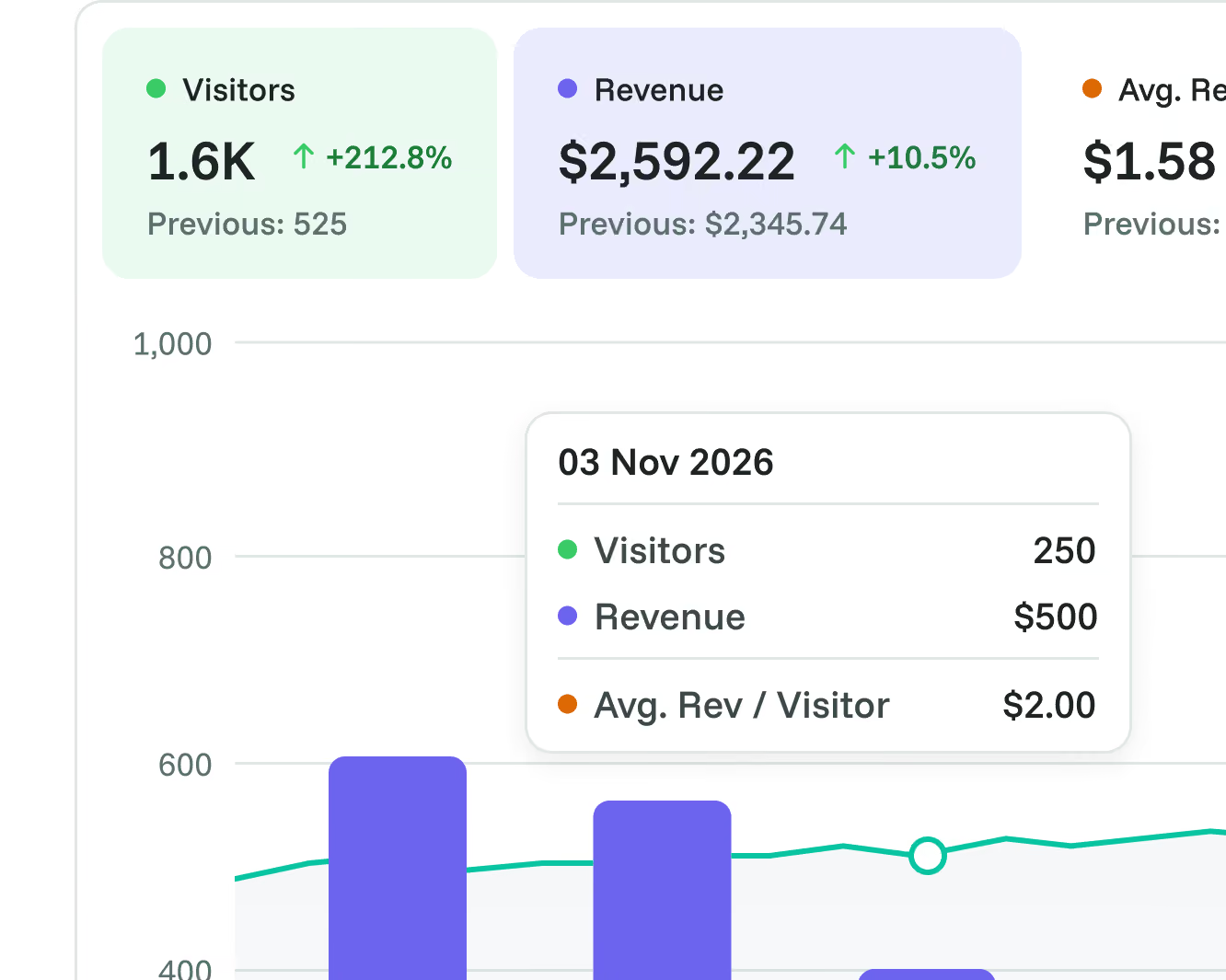
Use attributed revenue data to help prioritise pages that matter to your business.

Goals
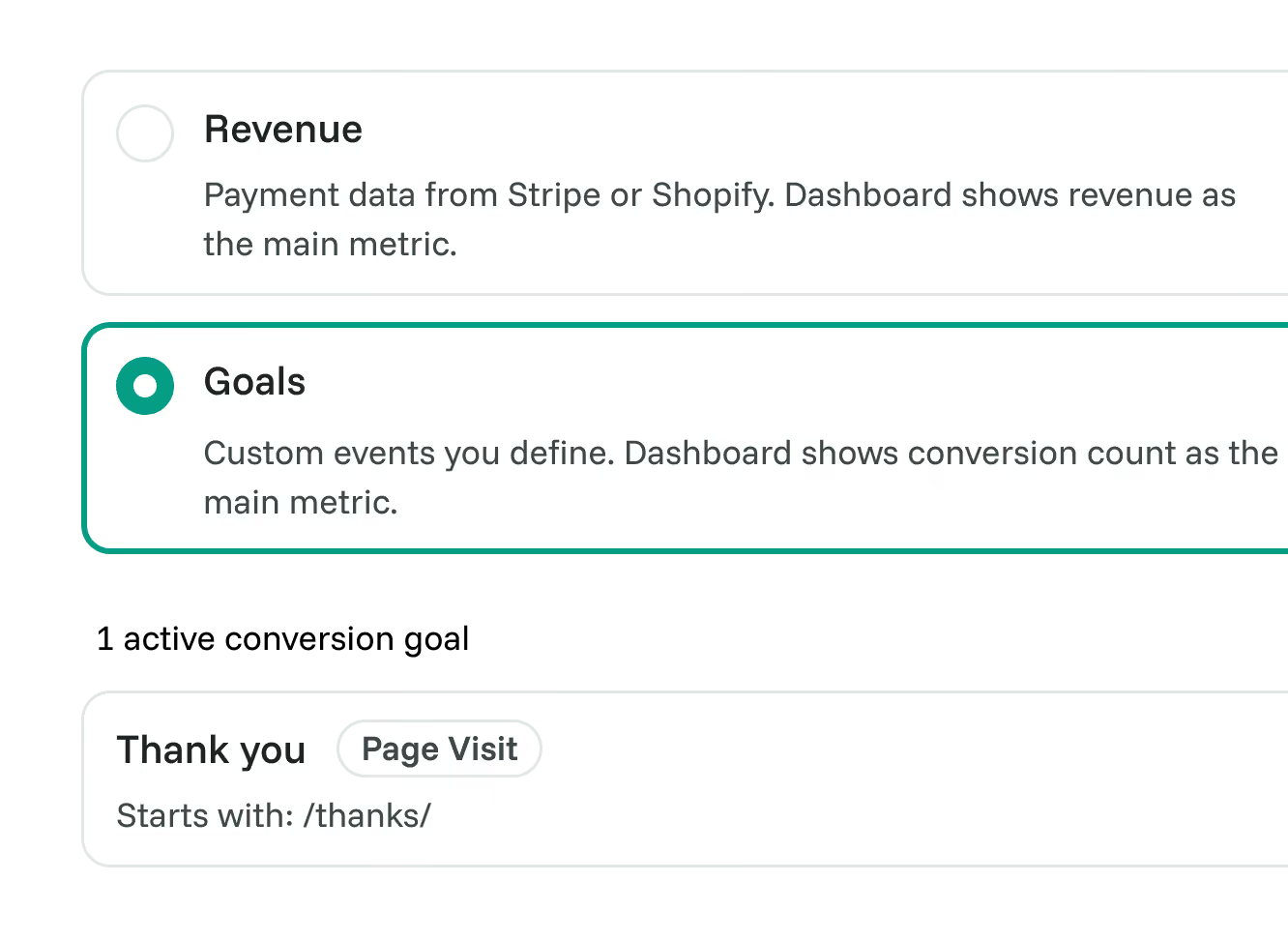
Monitor conversion outcomes as you work on the pages around them.

Funnels
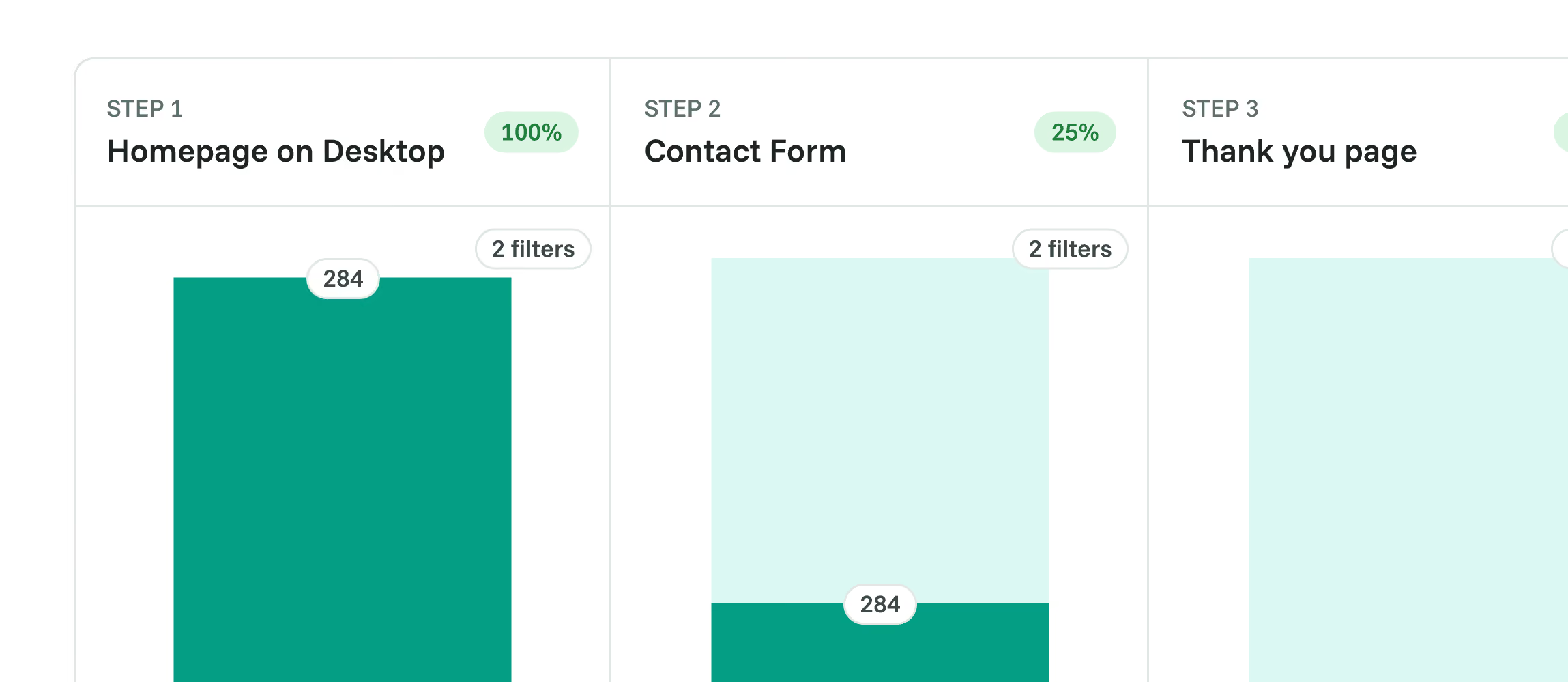
Find a drop-off point, then inspect the relevant page's performance audits.
Frequently asked questions
Quick answers on scans, audit results and reports. For more detail, see our docs.
Grow your conversion
Conversion optimisation made simple
Rated 4.7 stars on G2

Featured on



