
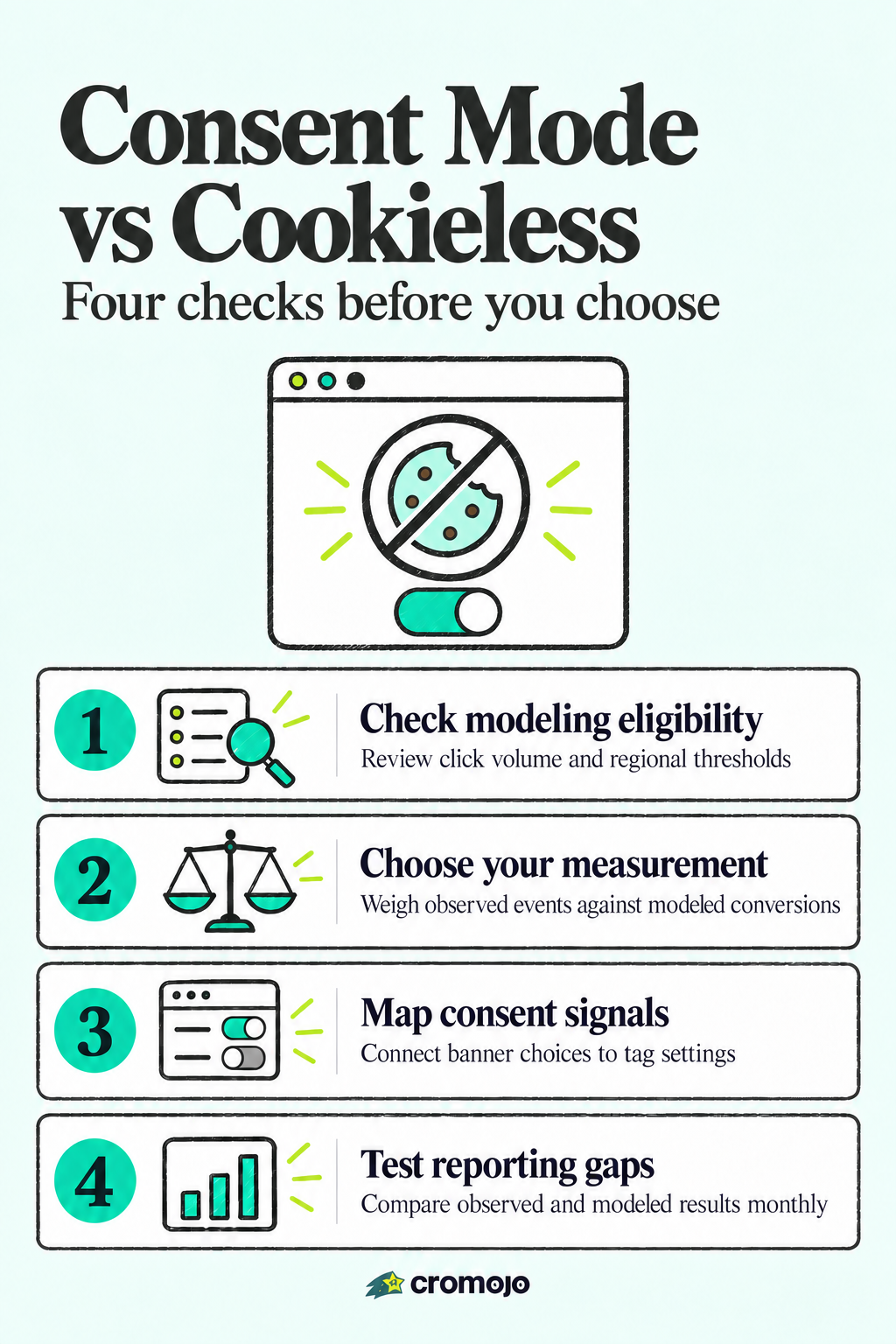
Consent Mode v2 preserves Google attribution for ad-driven sites, filling measurement gaps through modeling when visitors decline tracking. Cookieless analytics is the better fit for teams that want to minimize identifiers altogether and avoid Google's consent architecture entirely. Your choice depends mostly on how much you rely on paid ads and how much regulatory exposure you're carrying in your traffic mix. The comparison below breaks down exactly where each one wins.
Consent Mode v2 and cookieless analytics compared
Consent Mode v2 is Google's signal-based framework that tells Google tags what a visitor has consented to, using four signals: ad_storage, analytics_storage, ad_user_data, and ad_personalization. Cookieless analytics, by contrast, skips persistent identifiers from the start and typically measures through aggregated or event-based methods rather than individual-level tracking, an approach Cromojo's cookieless analytics uses for revenue attribution.
The trade-offs come down to a few consistent patterns:
- Privacy posture: Consent Mode v2 still relies on Google's infrastructure and cookies when consent is granted, while cookieless analytics avoids persistent identifiers regardless of consent status.
- Data sent on denial: Advanced Consent Mode sends anonymous cookieless pings even when a user declines, whereas cookieless analytics tools typically send no identifying signal at all.
- Accuracy expectations: Consent Mode v2 leans on statistical modeling to fill gaps, while cookieless analytics reports what it directly observes without inferring the rest.
- Implementation pattern: Consent Mode v2 requires banner integration and tag configuration, while cookieless analytics usually installs as a single script with no consent logic to maintain.
Consent Mode v2 is best for advertisers who need Google Ads and GA4 attribution to stay intact. Cookieless analytics is best for teams that want simpler compliance and don't need granular ad platform modeling.
Method-level checklist: how they stack up
The table below isolates the dimensions that actually change your implementation work and your legal exposure, not marketing claims about either method.
The critical trade-off is that Consent Mode v2's accuracy depends entirely on hitting Google's modeling thresholds, and cookieless pings alone don't guarantee that. This is a comparison of methods, not products: plenty of platforms implement either approach, and the underlying mechanics matter more than the vendor name.
What modeling thresholds and EDPB rules mean for your setup
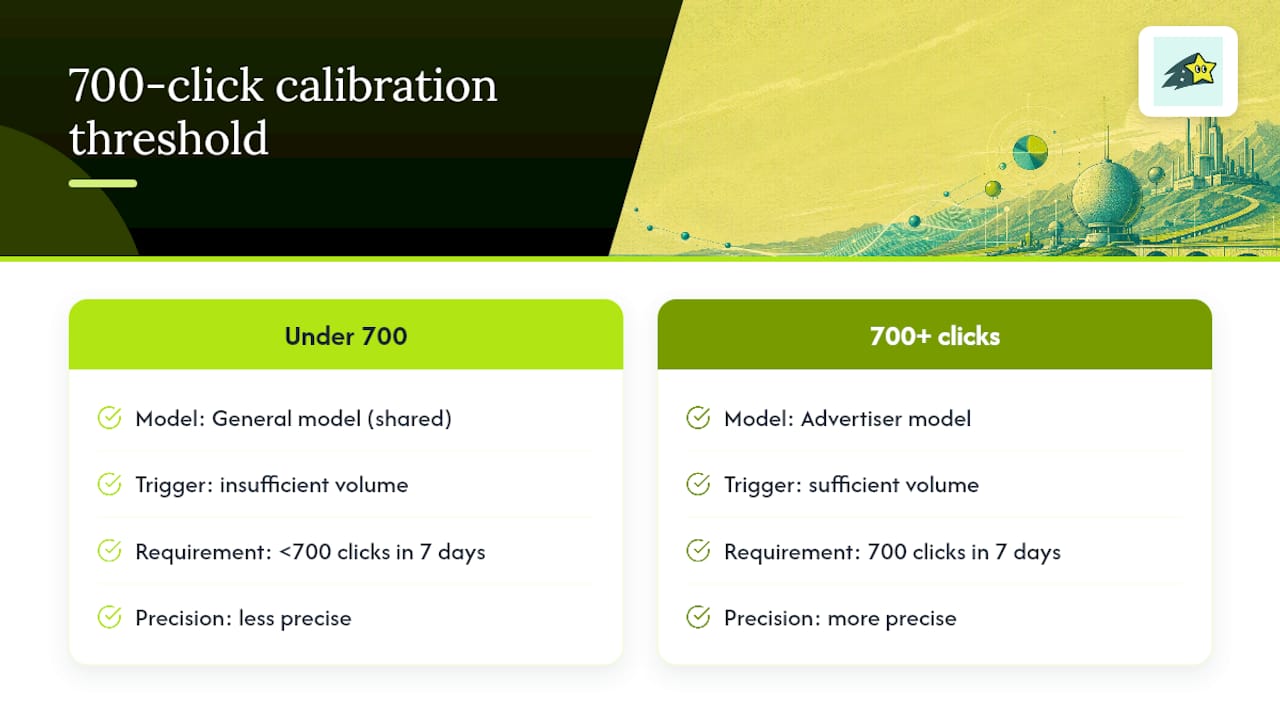
Advanced Consent Mode sends anonymous cookieless pings when a visitor denies consent, and Google uses those pings to calculate advertiser-specific calibration factors. Without enough volume, the system can't build a custom model for your account and falls back to a general model shared across similar advertisers, which is less precise.
Google requires a minimum of 700 ad clicks over a 7-day period per country and domain grouping to generate advertiser-specific calibration. If your site doesn't reach that volume, your conversion modeling will lean on the general model regardless of how well you've implemented Consent Mode.
On the legal side, the EDPB requires consent to be freely given, specific, informed, and easy to withdraw. Cookie walls that block access until a visitor agrees, and pre-ticked consent boxes, generally fail to meet this standard. Granularity matters too: bundling analytics and advertising consent into a single toggle is a common way sites run into trouble.
The practical takeaway is that if your traffic is low volume, spread across many small markets, or if your legal team is cautious about consent design, a cookieless-first approach or Consent Mode's basic setting reduces both your compliance exposure and your dependence on a model that may never fully activate for your account.
Setting up consent mode or cookieless tracking without the usual mistakes
Getting either approach right comes down to a handful of implementation details that developers frequently get wrong.
- Map each banner category to a consent signal. Analytics cookies map to
analytics_storage, advertising cookies map toad_storage,ad_user_data, andad_personalization. - Choose basic or advanced mode. Basic mode blocks tags entirely until a visitor interacts with the banner; advanced mode loads tags with default states and sends cookieless pings when consent is denied.
- Place the default consent command in the page head. Loading it later or inconsistently causes tags to read the wrong default state.
- Persist the visitor's choice and replay it on every page. Consent strings that don't carry across pages are a frequent source of banners reappearing unnecessarily.
- Scope defaults by region. A visitor in the EEA and a visitor outside it should not receive the same default consent state.
- Test cookieless pings, modeling activation, and threshold warnings across your key landing pages before launch.
Pro Tip:Compare modeled conversions against observed conversions monthly and flag any gap wider than what you'd expect from your traffic volume, since a widening gap usually points to a consent or persistence bug rather than a real drop in performance.
For ongoing monitoring, pairing this with conversion drop-off tracking helps you catch measurement gaps before they distort your reporting.
Choosing the right approach for your business model
Your decision hinges on how much of your revenue depends on paid ads, how much of your traffic comes from the EEA or UK, and how much engineering time you have to maintain a consent setup.
- Ad-driven businesses with meaningful EEA or UK traffic should lean on Consent Mode v2 in advanced mode, since not integrating it can cause measurement loss for that traffic.
- Privacy-first teams with limited ad spend are usually better served by cookieless analytics, since there's no consent signal architecture to maintain and no modeling dependency.
- Mixed businesses running both organic and paid channels often benefit from combining first-party cookieless measurement for overall site behavior with Consent Mode v2 scoped specifically to ad platforms.
A small ecommerce store with modest ad spend and mostly organic traffic will usually do fine with cookieless analytics alone. A larger retailer running a substantial ads budget with heavy EEA traffic needs Consent Mode v2 in advanced mode to keep its attribution usable, a distinction worth working through in more detail if you're weighing whether privacy analytics fits a smaller site.
How Cromojo approaches privacy-first measurement
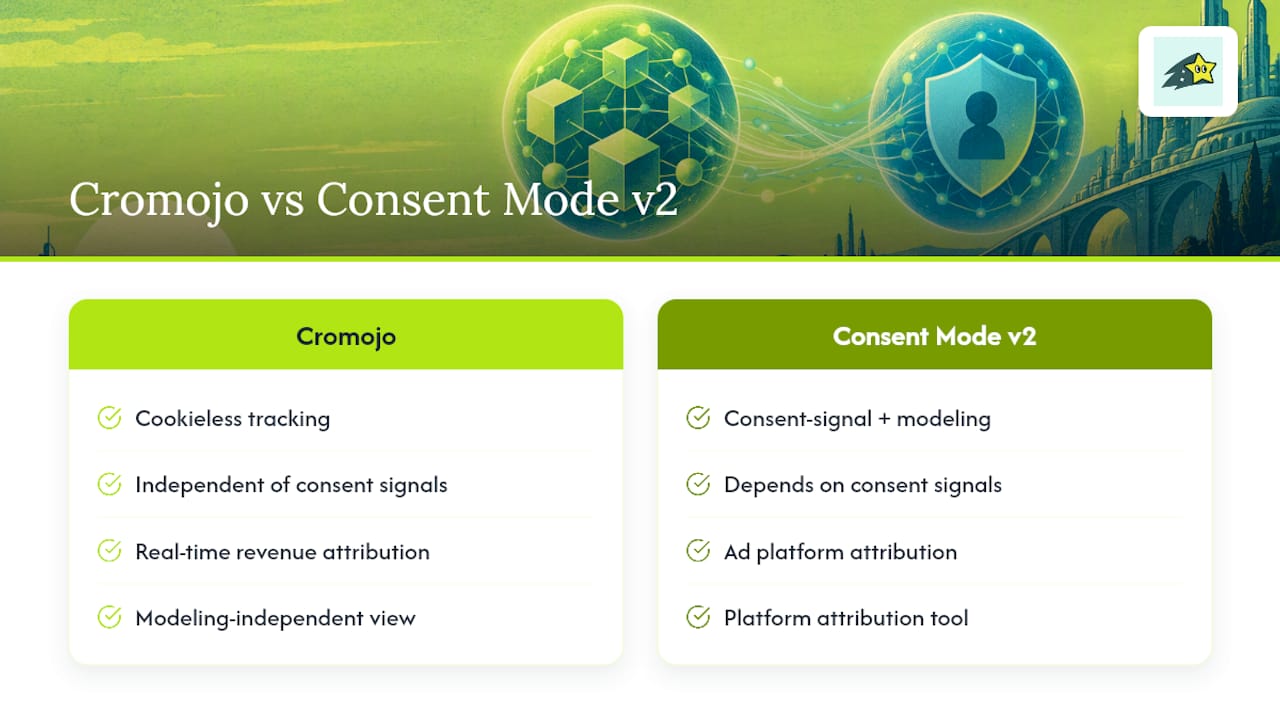
Cromojo provides real-time revenue attribution analytics that link marketing activity to sales data. Its tracking method is cookieless by design, so it doesn't depend on Consent Mode signals or advertiser-specific modeling to function.
This makes it a fit for teams that want revenue-level insight without building a separate consent management layer for measurement purposes. It doesn't replace Consent Mode v2 for ad platform attribution, but it complements it by giving you a modeling-independent view of what's actually converting into revenue on your site.
Philippe
A privacy-first way to track revenue without the consent complexity
If you're weighing whether to build out Consent Mode v2 or a cookieless setup from scratch, there are ready-made cookieless revenue tracking solutions available that integrate with payment and ecommerce platforms to show which pages and channels drive sales.
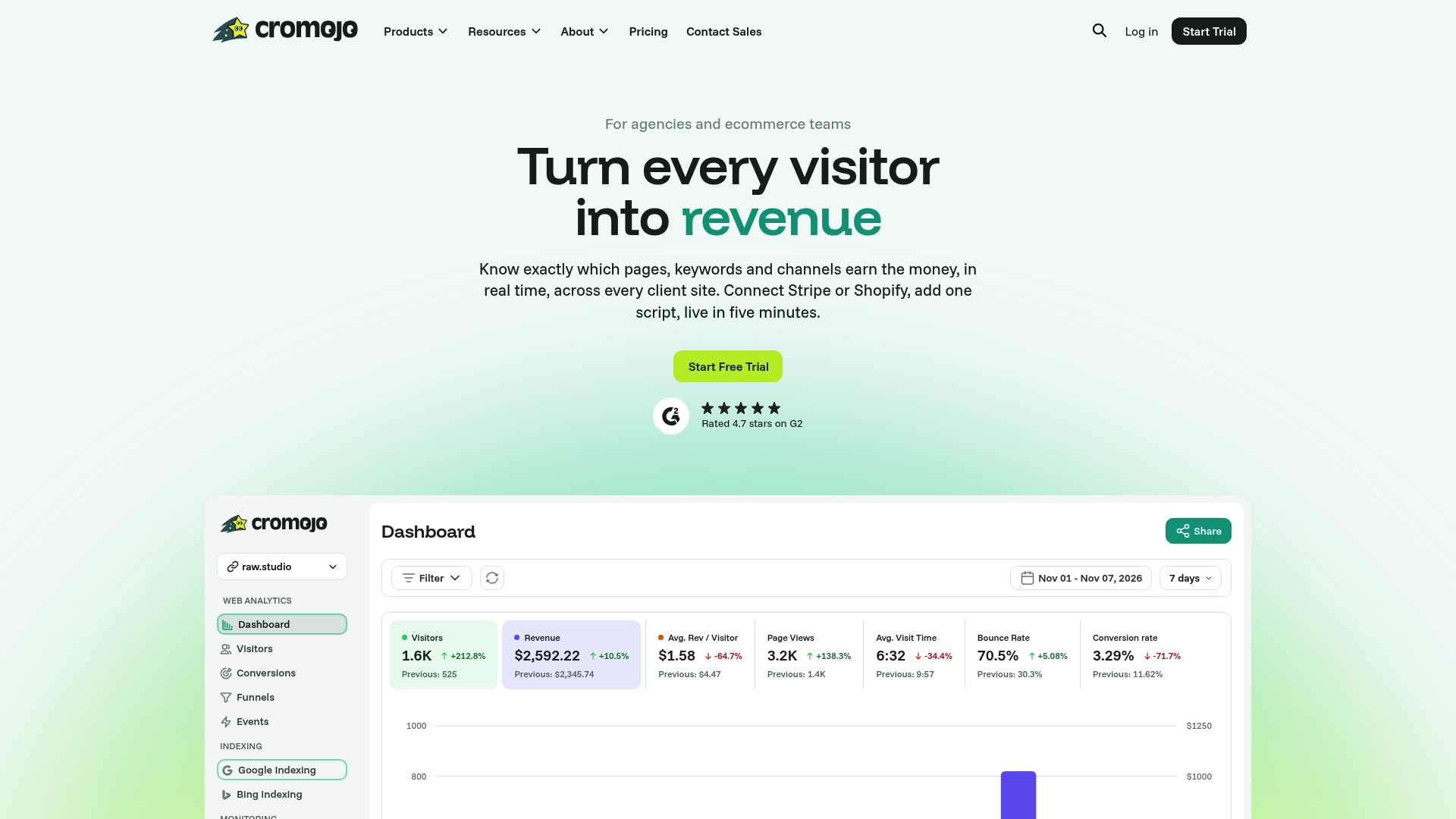
Check the Cromojo pricing page to compare plans, or explore the revenue analytics features directly.