.avif)


Installing analytics often feels like a standard part of launching a website. You add a tracking script and begin collecting pageviews, traffic sources, device information, and visitor behavior.
Small website owners should ask a more basic question first: will this information change anything?
A one-page personal website with no campaigns, sales, lead forms, or meaningful conversion actions probably does not need a sophisticated paid platform. Privacy-friendly analytics can reduce intrusive tracking, but even responsible data collection creates another system to configure, review, and maintain.
This article explains what privacy analytics tools do, which websites benefit from them, when free statistics or server logs are enough, and when conversion-focused features become worth paying for.
What Privacy Analytics Tools Actually Do
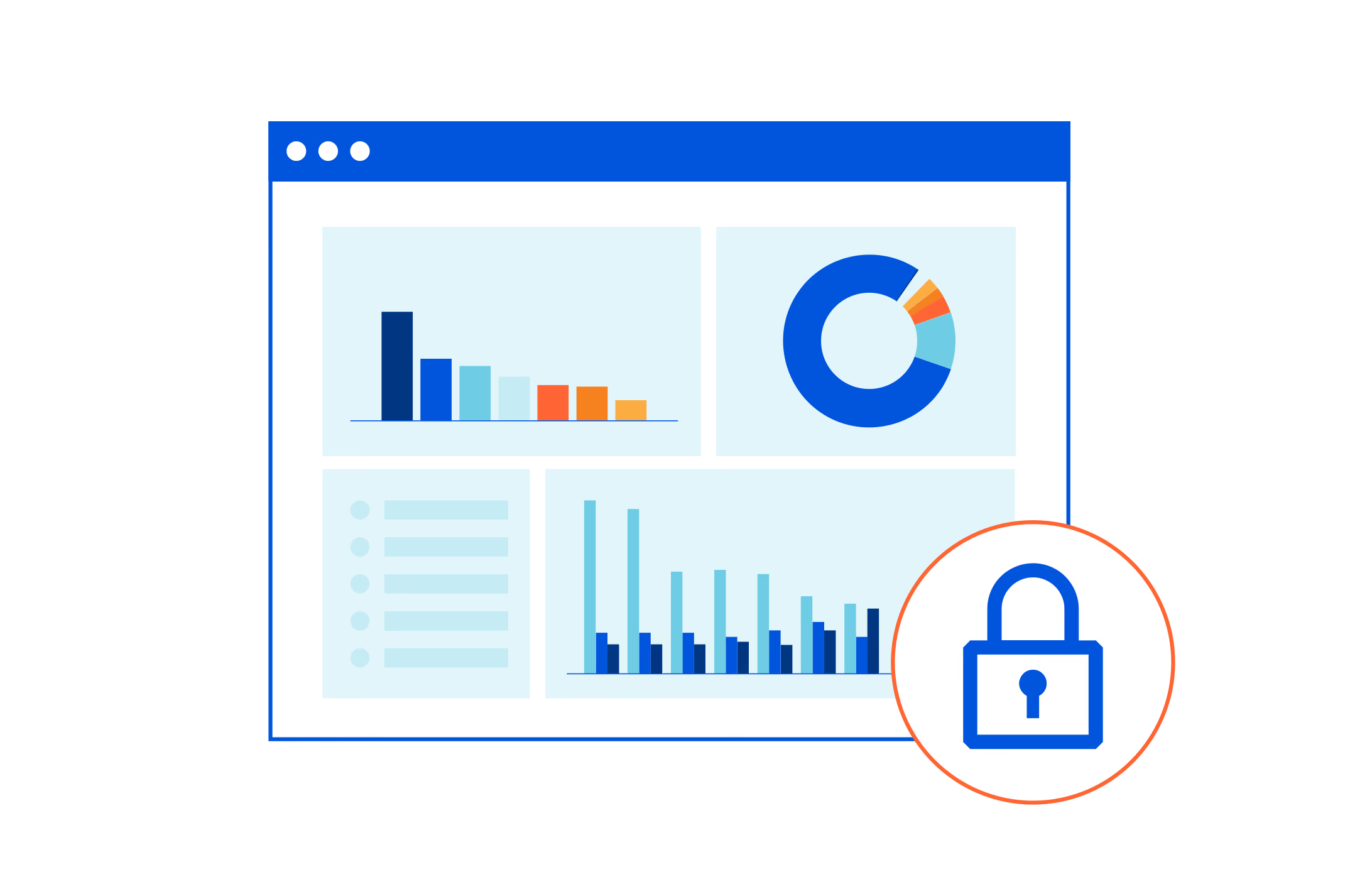
A Privacy Analytics Tool measures website activity while limiting the collection of personal information. It may report pageviews, visitors, referrers, popular pages, countries, devices, campaigns, events, goals, and conversion funnels.
Privacy does not necessarily mean basic. Plausible supports custom events and goals, Fathom provides privacy-first traffic and event reporting, and Simple Analytics avoids cookies, IP-based identification, and cross-session tracking. Cromojo adds real-time traffic, conversion funnels, visitor journeys, and revenue attribution through Stripe and Shopify.
These features are valuable only when they support decisions. Analytics should help you choose what to publish, where to invest, what to fix, or how to improve a conversion path. Otherwise, it becomes a dashboard you occasionally check out of curiosity.

Websites That Probably Need Analytics
A website probably needs analytics when it supports an active business or growth objective.
An ecommerce store needs to know which channels contribute to purchases. A SaaS website may need to measure trial registrations, demo requests, and pricing-page visits. A content business can use analytics to understand which articles attract qualified readers.
Analytics also becomes useful when you run advertisements, email campaigns, product launches, partnerships, or an SEO program. Google Search Console can show impressions, clicks, click-through rates, and search positions, but it does not explain everything visitors do after reaching your website.
The practical test is simple: if you regularly change your website or marketing based on performance, analytics can support better decisions.
Websites That May Not Need Paid Analytics Yet
Not every website is a growth project.
A personal biography, online resume, temporary event page, or small portfolio may have no funnel to optimize. The owner may only need to confirm that the website works and occasionally see whether anyone visits.
Paying for advanced analytics in that situation is usually unnecessary. A detailed dashboard creates little value when there is no campaign to compare, conversion to improve, or revenue source to attribute.
Low traffic can also produce misleading patterns. One shared link or automated visit may appear to create a significant trend. Waiting until the website has a clearer purpose and more consistent traffic can make the resulting data more useful.
When Server Logs or Platform Statistics Are Enough
Your hosting provider, content management system, ecommerce platform, or website builder may already provide basic statistics. These reports can be sufficient when you only want to know whether traffic exists, which pages receive attention, and whether usage is increasing.
Server logs are useful for technical investigation and rough traffic analysis, although they can include bots and automated requests. Platform statistics are usually easier to understand.
WordPress.com provides views and visitor information, Google Search Console reports search performance, and Cloudflare offers free privacy-first web analytics.
These sources may be enough until you need a consistent view across marketing campaigns, custom events, and conversions.
The Hidden Cost of Collecting Data Nobody Uses
.avif)
Analytics has a subscription price, but its larger cost is often attention.
Someone must install the platform, verify that tracking works, define events, review reports, and fix the implementation when something breaks. More data can also create more debate around metrics that are not connected to a business decision.
Unused analytics may create false confidence. A dashboard can look precise while hiding missing traffic, bots, tracking errors, or important context.
Cromojo's article on analytics blind spots explains that analytics can show what happened without automatically explaining why it happened.
Collecting fewer, more useful metrics is often better than building a large reporting system nobody uses.
When a Free Tool Is Sufficient
A free tool is usually sufficient while validating a new website, monitoring basic traffic, or publishing content without a monetization strategy.
For SEO, begin with Google Search Console. For page and referral statistics, use the reports included with your hosting platform or CMS. Cloudflare Web Analytics can provide a separate privacy-first traffic view at no cost.
Cromojo's guide to the best free web analytics tools includes more options for small businesses, founders, and creators.
Upgrade only when you can name the specific question your free setup cannot answer.
When Plausible, Fathom, or Simple Analytics Makes Sense
Plausible makes sense when you want a polished, lightweight dashboard covering essential traffic, campaigns, events, and goals. Its focused interface works particularly well for blogs, content websites, and small teams.
Fathom is a strong option when straightforward reporting is the priority, particularly for agencies or owners managing several websites. Its emphasis is on making privacy-friendly traffic and event reporting easy to understand.
Simple Analytics is appropriate when strict data minimization matters most. It does not use cookies or IP addresses to identify visitors and does not track people across sessions or devices.
These platforms can be better choices than a conversion-heavy system when all you need is a clean, dependable traffic dashboard.
When Cromojo's Conversion Features Become Useful
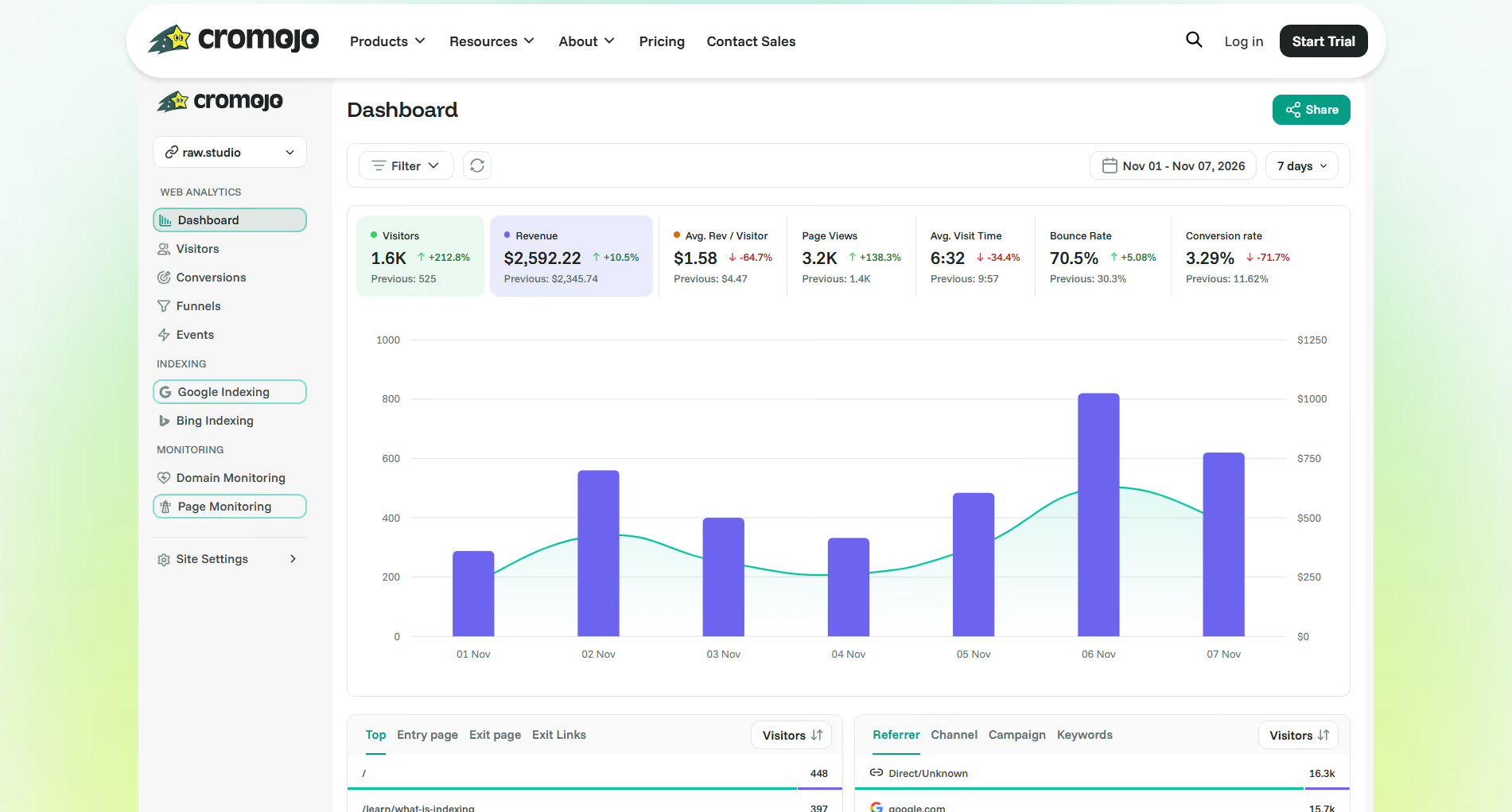
Cromojo becomes useful when your website has a measurable journey between arrival and revenue.
A SaaS business might track a visit from a blog article to a pricing page, followed by a trial registration and Stripe subscription. An ecommerce store might compare campaigns, product pages, checkout behavior, and Shopify revenue. A service business could measure landing-page visits and qualified form submissions.
Cromojo provides real-time analytics, custom events, goals, multi-step funnels, visitor journeys, segmentation, and Stripe and Shopify integrations. These features help answer not only "How much traffic did we receive?" but also "Which traffic produced a meaningful business result?"
This becomes important once conversion optimization is part of your growth process. Cromojo's guide to conversion rate optimization explains why attracting more traffic does not automatically create more revenue.
Five Questions to Ask Before Subscribing
Before paying for a Privacy Analytics Tool, ask:
- What decision will this data help me make?
- Does my website have a meaningful action, such as a sale, signup, lead, download, or booking?
- Am I running campaigns or publishing often enough to compare performance?
- Will I review the dashboard and act on the findings regularly?
- Is the paid platform answering something my server logs, CMS statistics, or Search Console cannot?
When most of your answers are no, delay the subscription. You can add a more advanced analytics platform later.
A Minimum Viable Analytics Setup
For many small websites, the minimum viable analytics setup is straightforward: connect Google Search Console, use basic platform or server statistics, and define one meaningful outcome.
That outcome could be a contact-form submission, newsletter signup, purchase, trial registration, or booking. Once traffic becomes consistent, add a privacy-friendly tool and track only the pages, sources, and events connected to that action.
Do not install a complex platform merely because analytics appears on every website launch checklist. Start with the decisions you need to make, then collect the minimum data required to make them.
Privacy analytics is not overkill when it supports an active business question. It is overkill when it becomes an unused dashboard.
When your website reaches the point where traffic needs to be connected with campaigns, funnels, conversions, and revenue, explore Cromojo's real-time web analytics. Until then, a modest free setup may be exactly the right choice.