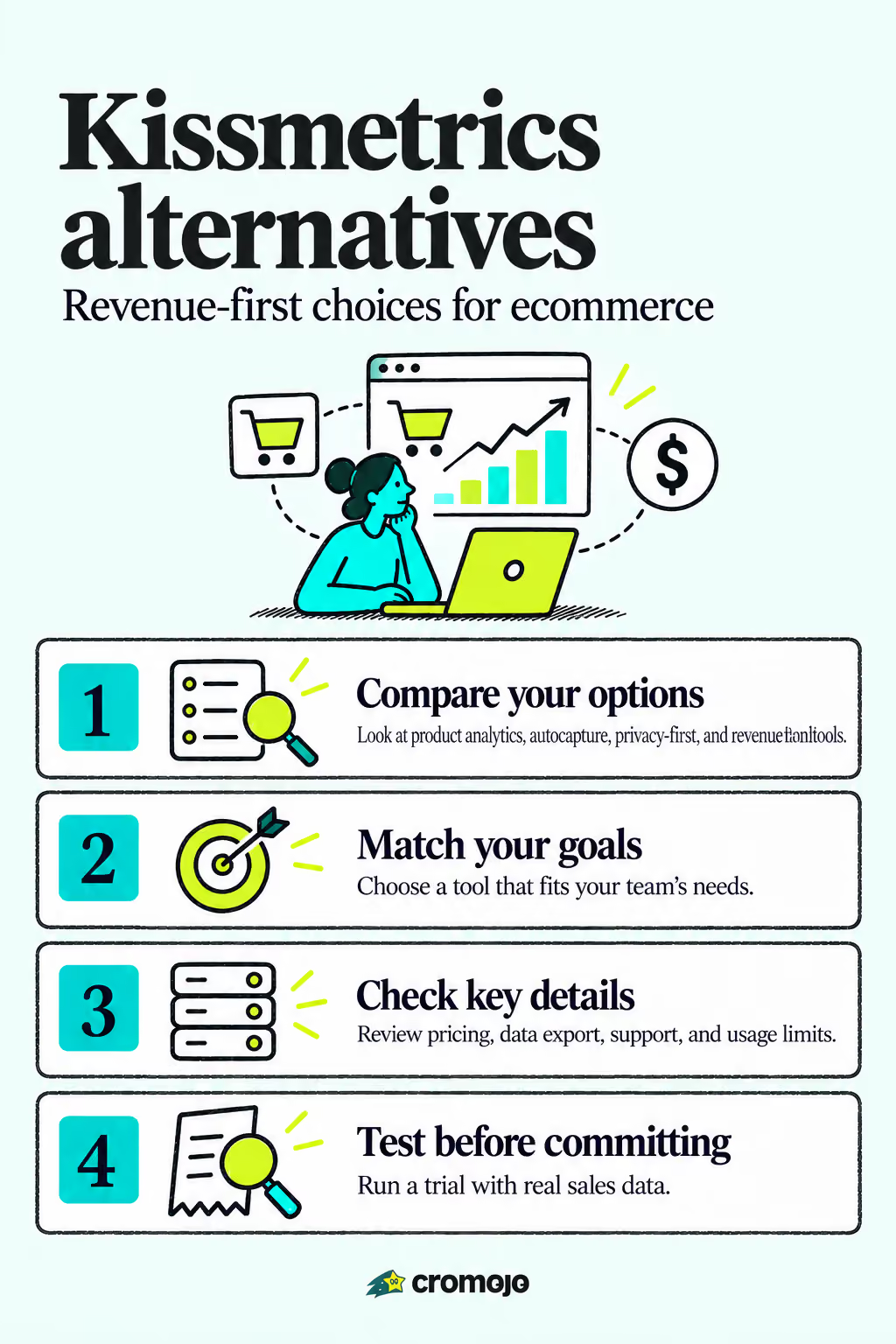
If you're moving off Kissmetrics, the shortlist falls into four buckets: full product analytics platforms (Heap, Mixpanel, Amplitude), autocapture-first tools that speed up setup, privacy-first or self-hosted options (Matomo, PostHog, Plausible Analytics), and revenue attribution platforms built for ecommerce. For teams whose main goal is tying traffic to actual sales, Cromojo is the strongest fit because it attributes revenue by page, keyword, and channel out of the box.
Comparing Kissmetrics Alternatives Side by Side
Kissmetrics built its reputation on funnel and cohort tracking, but most teams leaving it aren't looking for a clone. They want either deeper product insight, stricter privacy controls, or a straighter line from a visitor's click to a completed sale. That last group, mostly ecommerce marketers and agencies, has the narrowest needs and the least patience for generic dashboards.
G2's alternatives page puts Heap by Contentsquare, Mixpanel, Amplitude Analytics, and Google Analytics near the top of buyer searches, and Gartner Peer Insights shows a similar pattern among enterprise evaluators comparing Kissmetrics Analyze alternatives. Neither list centers revenue attribution specifically, because most product analytics tools weren't built around it.
Below is how the major contenders stack up on the dimensions that matter most when swapping out Kissmetrics.
A few of these deserve more context than the table gives them. Heap's autocapture logs every interaction retroactively, so teams don't have to plan event tracking ahead of time, which shortens onboarding but can flood dashboards with noise if nobody prunes it (see Microsoft Clarity: An Insightful Web Analytics Tool for Businesses - AISEO Tech for contrast). Mixpanel and Amplitude both lean on cohort and retention analysis, useful if your revenue questions are really product questions in disguise ("do users who complete onboarding buy more?").
Matomo and PostHog appeal to teams that want to own their data outright. TrustRadius points to Matomo specifically for budget-conscious, privacy-conscious buyers, and OpenAlternative's roundup adds Umami and Plausible Analytics to that same open-source category. The tradeoff is engineering time: self-hosting means someone on your team maintains the server, patches security updates, and troubleshoots outages instead of a vendor.
Several other names show up across roundups worth knowing by name even if they didn't make the table above: Google Analytics 4, Crazy Egg, Geckoboard, Optimizely, Segment, UXCam, SurveyLab, JustControl.it, Dataform, Cometly, Piwik PRO, Kindmetrics, Rybbit, umami, 66Analytics, and Counter. Most of these serve narrower jobs, such as heatmapping (Crazy Egg), dashboard aggregation (Geckoboard), or experimentation (Optimizely), rather than competing head-on for the full Kissmetrics replacement job.
How to Choose Among Kissmetrics Competitors
Picking the right tool means testing it against your actual sales data, not just its marketing page. Here's a working checklist, prioritized for teams that care about revenue tracking first and product behavior second.
- How is data exported?
- Is there a tool to import our old Kissmetrics events?
- What's the average time to first working chart?
- What's the SLA for support response?
- Are there session or event caps, and what happens when we hit them?
- Is there a refund or migration assistance policy if we need to leave?
For additional migration context, see CostBench's comparison.
Watch for three red flags: pricing pages that hide usage caps behind "contact sales," vendors that can't clearly explain how revenue gets tied to a specific session, and free tiers advertised without disclosing that costs scale sharply past a modest volume ceiling.
Most surprise bills come from usage tiers, not sticker prices.
How This Comparison Was Built
This shortlist draws on buyer-review aggregates including G2 and Gartner Peer Insights, plus pricing and migration-effort notes from CostBench and vendor pricing pages. Review sites matter here because they surface real complaints, like opaque pricing and unexpected session caps, that vendor marketing pages tend to leave out.
Selection filters focused on three things:
- Analytics focus and relevance to ecommerce revenue questions.
- Pricing transparency, usage caps, and potential cost increases.
- Setup and migration effort, including hosting requirements.
Tools built narrowly for A/B testing or heatmapping only made the list when they showed up repeatedly across ecommerce-focused comparisons, rather than as isolated mentions.
Why Cromojo Fits Revenue-Focused Teams
Most analytics platforms tell you what happened on your site. Cromojo tells you which page, keyword, or channel actually produced a sale, because it reads directly from your payment and store data instead of guessing at it. That distinction matters more than it sounds: tools without native Stripe or Shopify integrations force someone to manually match analytics events against payment records, and that reconciliation work is exactly where "revenue by keyword" reports start losing accuracy.
Cromojo's fit signals for ecommerce teams include:
- Revenue attributed to pages, keywords, and channels.
- Connections to payment and store data, including Stripe and Shopify.
- A lightweight script and reports for marketing budget decisions.
Onboarding runs on a lightweight script rather than a developer sprint, which matters for marketing teams without an engineer on standby. Reports are built for people making budget decisions, not people writing SQL.
The Real Question Isn't Which Tool Has More Features
Here's what most Kissmetrics comparison guides get backwards: they rank tools by feature count, then mention pricing as an afterthought. For an ecommerce team, that ordering should flip. A platform with fifty event types and no direct line to your Stripe account will always leave you guessing whether a spike in sessions actually produced a sale.
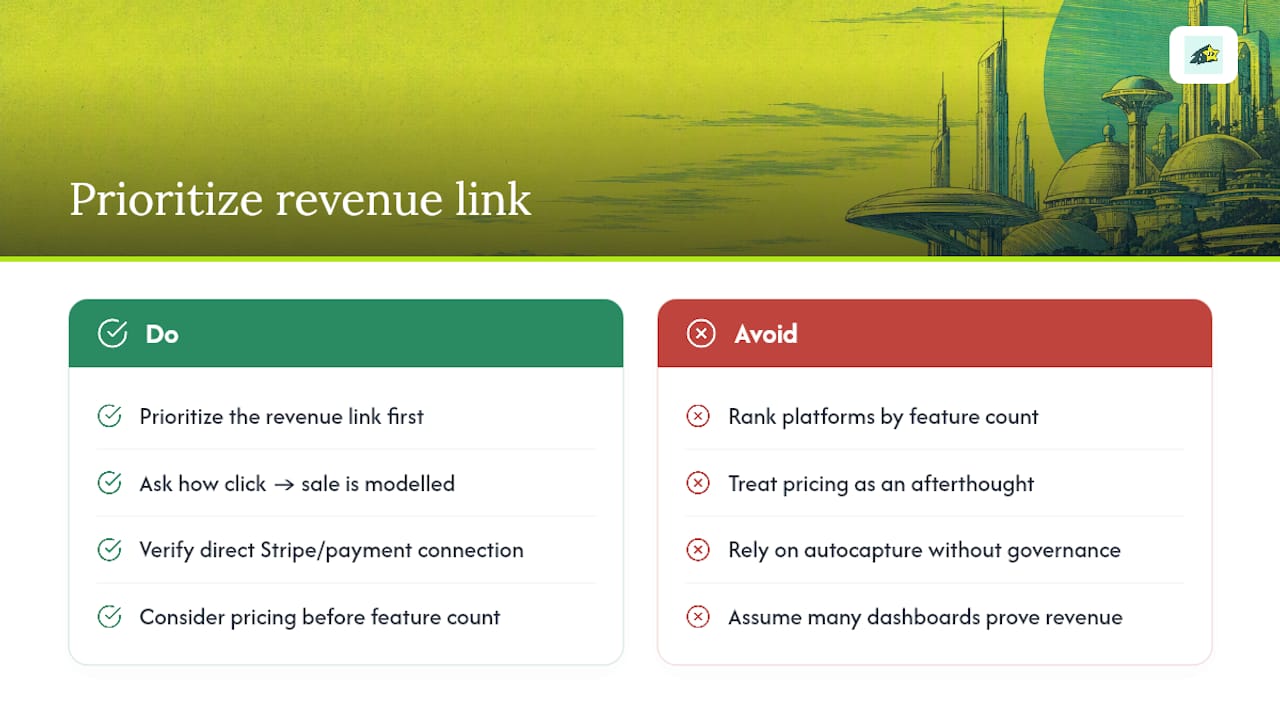
The conventional advice, "pick the platform with the richest analytics," works fine for product teams optimizing onboarding flows. It works poorly for a marketing team trying to defend an ad budget in a meeting next Tuesday. Autocapture tools like Heap reduce setup time, which is real value, but they also generate volumes of data that need active governance or they become expensive noise.
If you take one thing from this comparison, prioritize the revenue link before the feature list. Ask what happens between a click and a completed sale in the tool's data model, not just how many dashboards it ships with. Everything else, cohort charts, retention curves, session replays, is genuinely useful, but only after that core connection is trustworthy.
Start Tracking Revenue, Not Just Traffic
If you've read this far comparing Heap, Mixpanel, Amplitude, and the rest, you already know the real gap: most analytics tools show behavior, not revenue. Cromojo closes that gap by connecting your storefront's actual sales data to the pages, keywords, and campaigns that produced them, so you stop guessing which channel is worth the ad spend.
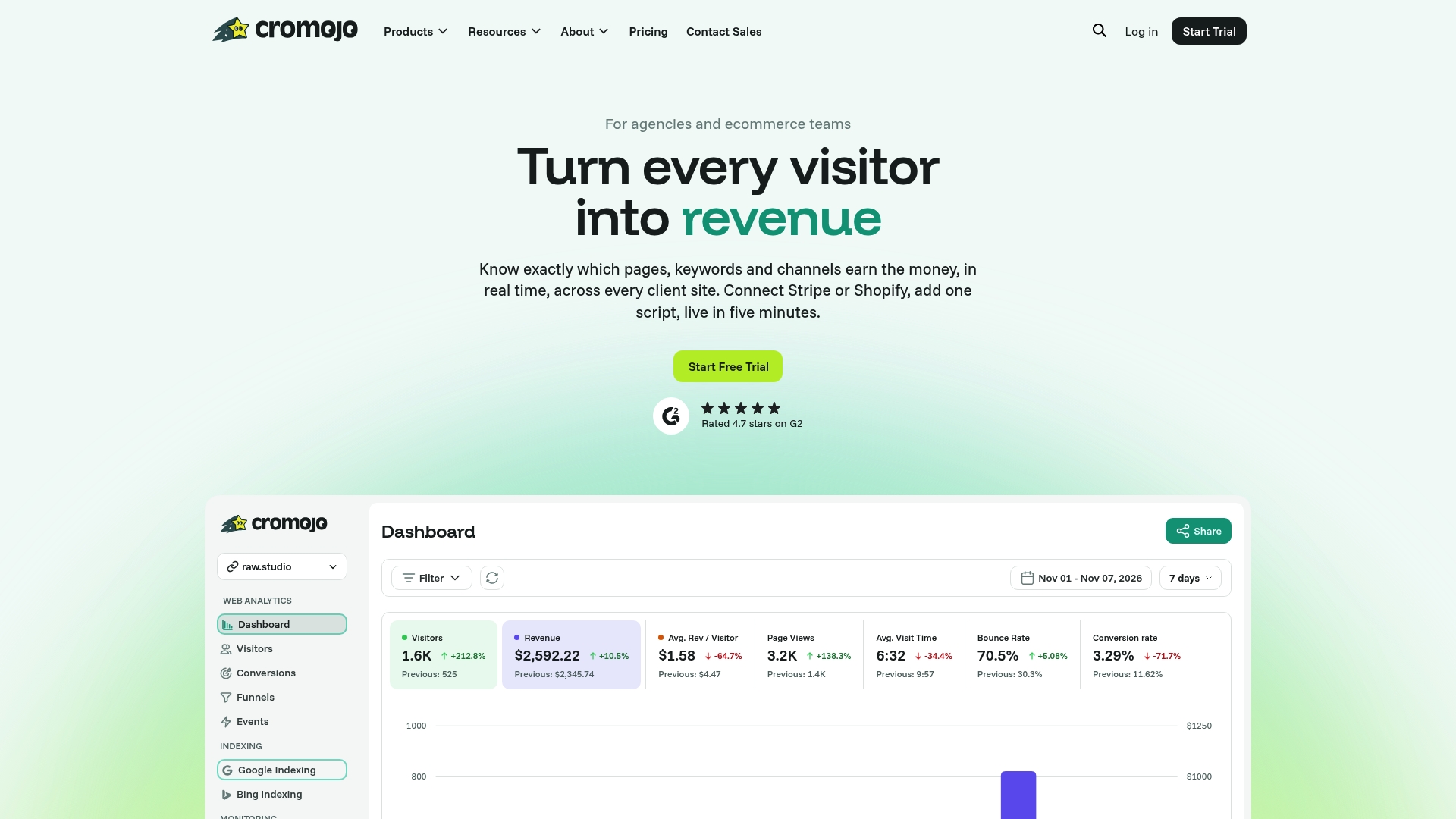
Setup takes a lightweight script, not a developer sprint, and it works alongside your existing Stripe or Shopify account from day one. If revenue attribution is the piece missing from your current setup, start a free trial on the revenue attribution page and see which channels are actually paying for themselves. Pair it with the conversion funnel guide if you also want to spot where buyers drop off before checkout.