
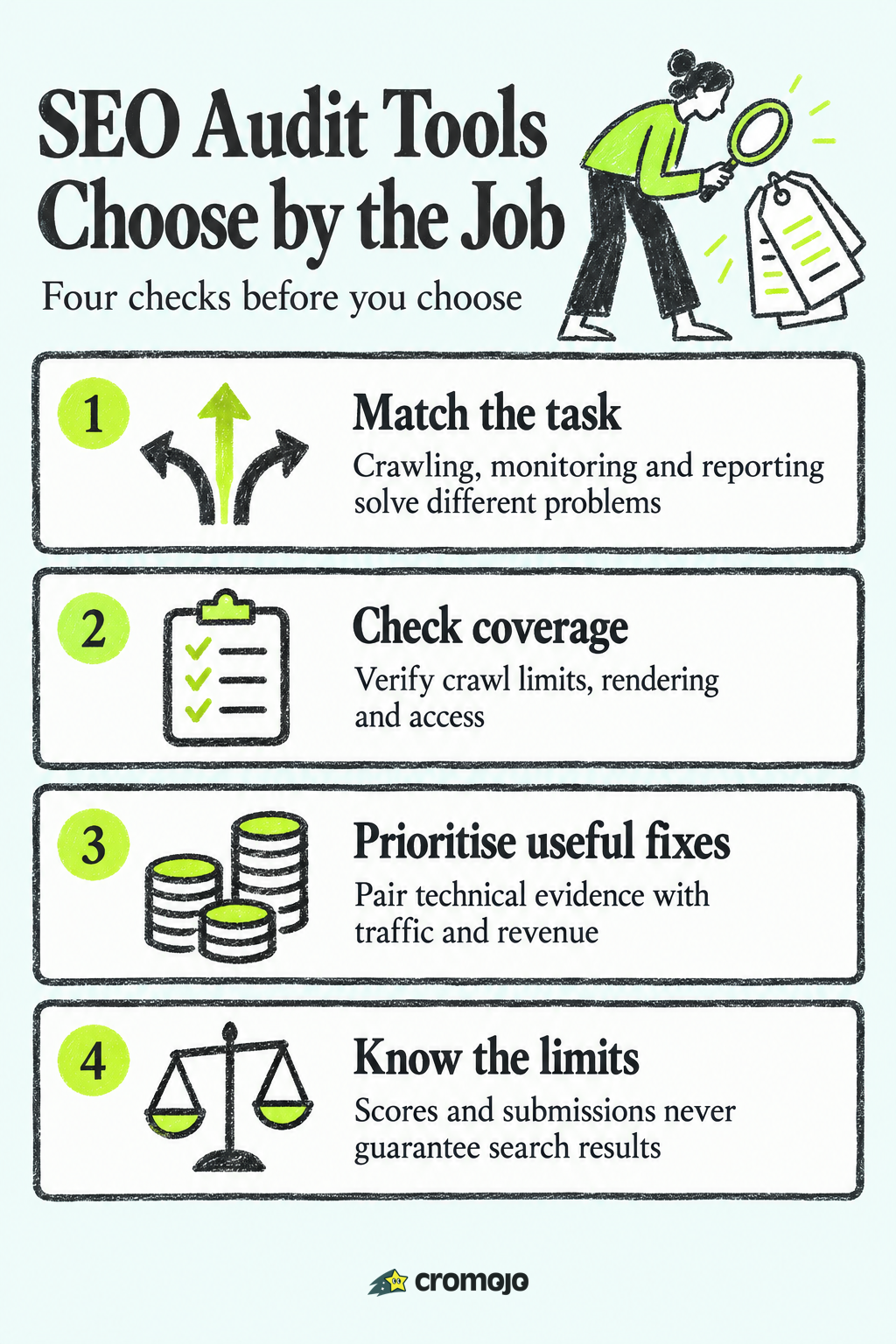
The best SEO audit tool depends on the task. Desktop crawlers such as Screaming Frog and Sitebulb support detailed technical checks; suites such as Semrush combine audits with research. Cromojo adds configured monitoring and business context. Compare all nine options by coverage, limits, reporting and how your team will act on findings.

What an SEO audit tool does
An SEO audit tool checks accessible pages for technical issues such as broken links, redirect chains, duplicate titles and crawl directives. Coverage depends on discovery, rendering, authentication and configuration. Combine a crawl with Search Console and business data; a score is a diagnostic summary rather than a measure of lost revenue.
Check intended canonical, indexable pages in the Search Console Page indexing report. Excluded duplicates, redirects and deliberately noindexed pages can be expected. Investigate important pages that should appear in search instead of trying to make every URL indexed.
So a complete audit answers three questions:
- Can search engines reach and crawl your pages?
- Are the right pages indexed?
- Is anything on the page, such as titles, links, speed or structure, holding it back?
How to choose: six criteria that matter
Before you compare names, decide what you are buying. These are the criteria that separate the tools in practice.
- Crawl size. Free tiers cap crawls. Screaming Frog's free version stops at 500 URLs, which is fine for a small blog and tight for a store with thousands of product pages.
- Desktop or cloud. Desktop crawlers run on your machine and give you maximum control. Cloud tools run in the background, keep history and are easier to share with a team.
- Reporting. If you send audits to clients or a boss, look for readable, prioritized reports rather than raw spreadsheets.
- Connected data. An audit is more useful when it knows which pages bring in traffic and money. Few tools connect to revenue.
- Monitoring. One audit is a snapshot. Sites break between audits, so scheduled checks and alerts matter.
- Total cost. Count crawl limits, project limits, users and reporting add-ons, not just the headline price.
The best SEO audit tools at a glance
Compare the job, coverage and limits before the headline price. Vendor pages were checked on 2 November 2026. Where a live price could not be confirmed, the table links to the vendor rather than repeating an older roundup. Confirm currency, tax, billing term, seats and crawl allowances before purchasing.
Cromojo: SEO health tied to revenue
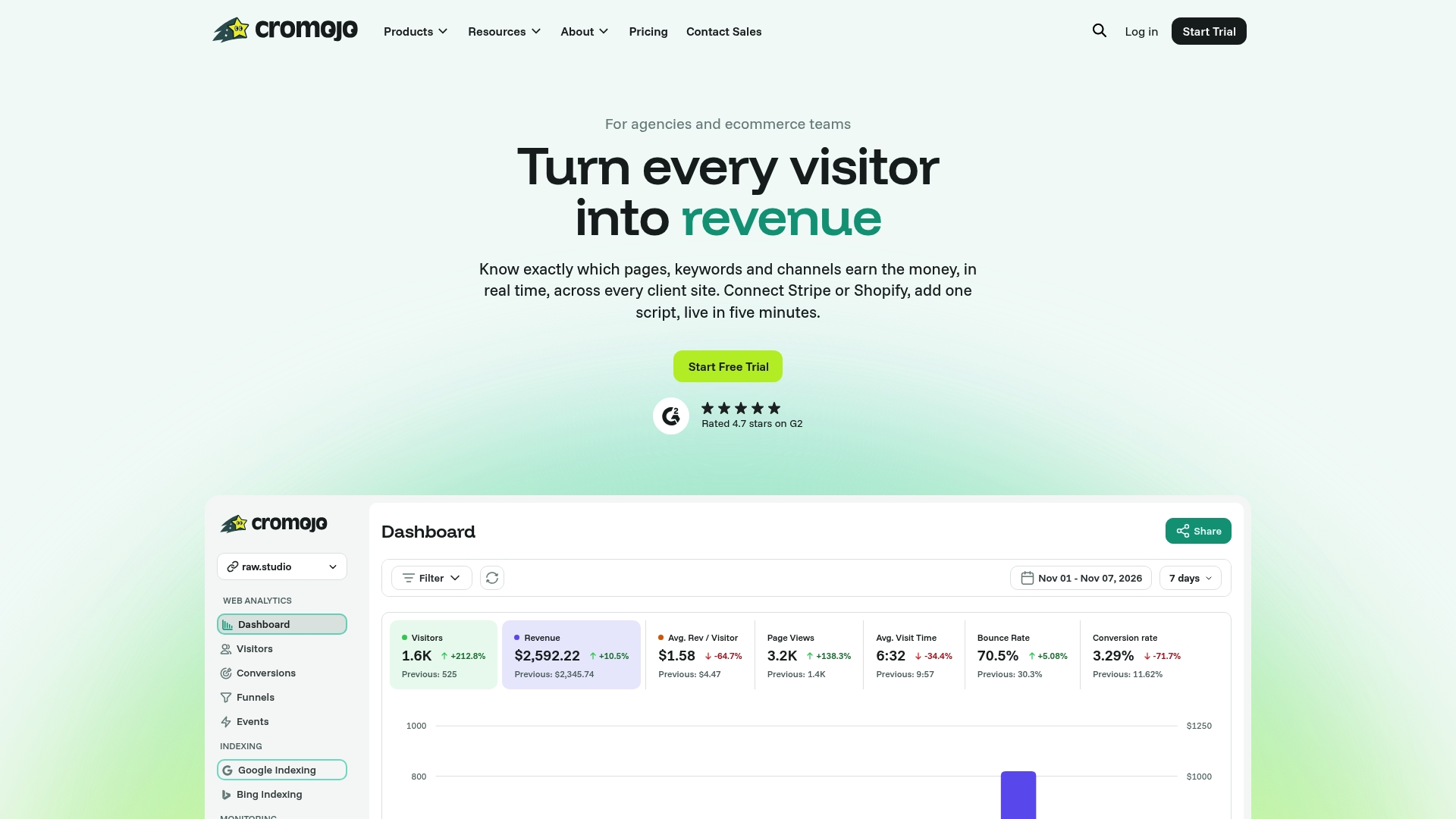
Cromojo combines analytics with configured monitoring and submission workflows. It can help put page issues beside business context, but does not establish which error caused a lost sale. A full technical crawler remains useful for detailed site discovery and structural diagnosis.
Here is what that looks like in practice:
- Website monitoring covers enabled domain checks and Lighthouse scans of selected pages, with configured email alerts. Coverage, scan frequency and detection depend on setup and plan; this is not continuous observation of every page.
- URL submission and index tracking use configured Google, Bing and IndexNow integrations, with eligibility and quotas. Submission is not confirmed indexing or a ranking guarantee. Google's Indexing API is restricted to eligible job-posting and livestream pages, not ordinary product pages.
- Revenue analytics connects recorded activity with eligible Stripe and Shopify purchases, subject to tracking and checkout configuration. Page, source and campaign attribution can inform priorities; organic keyword revenue from Search Console is estimated, not an exact query-to-order record.
- Review tracking settings. Cookie-free and returning-visitor options have different device-storage behaviour. Check applicable notices, consent and payment-data requirements for the actual configuration; the product name does not settle privacy obligations.
Compare current allowances for sites, monitored domains, impressions and enabled features on the pricing page. A free plan is available. Monthly and annual billing differ, and paid overages are not available on every tier. Confirm the current offer rather than applying one overage rule across all plans.
Best for: online stores, small business owners, marketing teams and agencies managing several client sites.

Screaming Frog SEO Spider: the technical standard
Screaming Frog SEO Spider is a desktop crawler with a free version limited to 500 URLs per crawl and restricted advanced features. The vendor lists a paid single-user licence at USD $279 per year, checked on 2 November 2026. Paid crawling is still constrained by memory and storage; it does not mean every URL will be discovered or rendered.
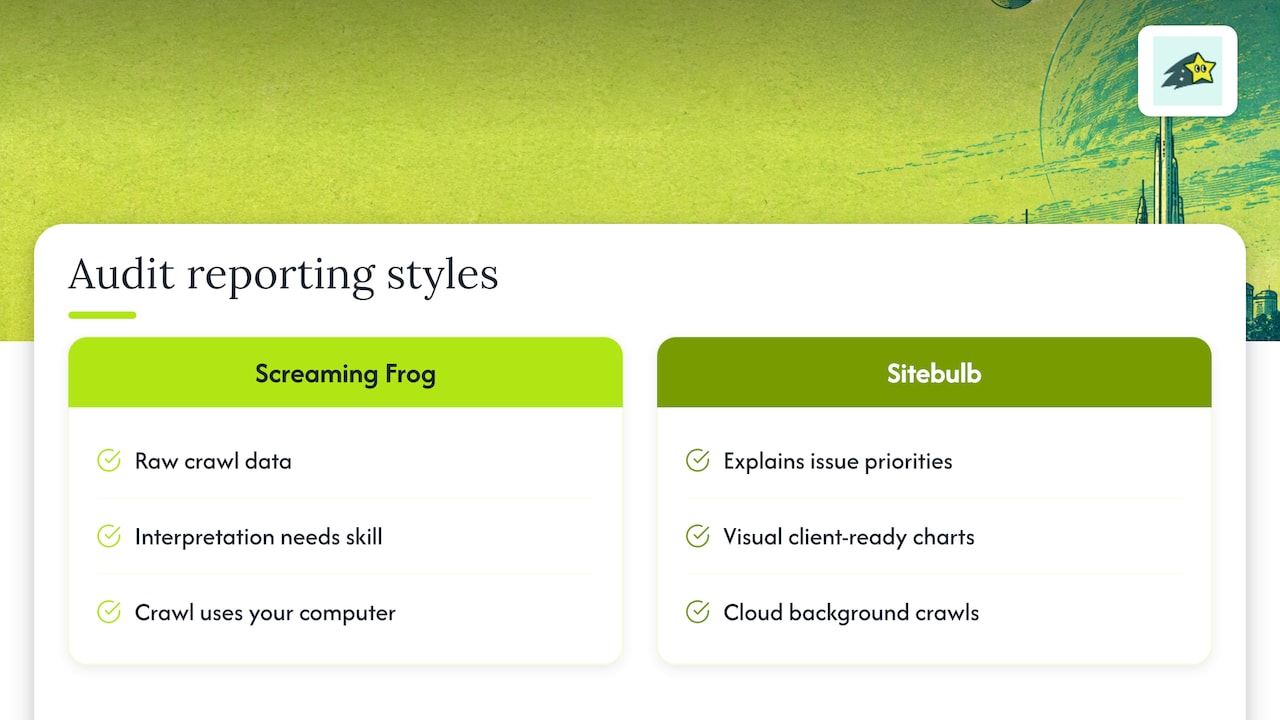
Its strength is control. You can configure what gets crawled and extract custom data from pages, which technical specialists value on large or unusual sites. The tradeoff is that the output is raw and takes some skill to interpret, and a crawl uses your computer's resources.
Best for: technical SEOs, developers and anyone auditing a large site who wants the underlying data.
Sitebulb: the same job, explained visually
Sitebulb offers desktop and cloud crawling with explanatory hints and visual reports. Desktop Lite lists a 10,000-URL audit limit; Pro and Cloud have different features and allowances. Check live prices and billing currency, as the dynamically displayed amounts could not be confirmed in this review.
Trial both crawlers on the same representative site. Compare issue explanations, exports, rendering, configuration and how easily your team can validate a finding. Screaming Frog also provides visualisations, and Sitebulb still requires technical judgement; neither automatically determines the business priority of every issue.
Best for: agencies and consultants who deliver audits to non-technical stakeholders.
Semrush, Ahrefs and SE Ranking: audits inside a suite
These three are full SEO platforms. The site audit is one module next to keyword research, rank tracking and backlink analysis. That is convenient if you already pay for the suite and want one login, and it is more than you need if you only want an audit.
Compare the current Semrush packages, Ahrefs Free and paid access, and SE Ranking audit allowances. Ahrefs Webmaster Tools is now called Ahrefs Free, for verified websites. Confirm project limits, pages per crawl, scheduling, users and export access; the older $117 Semrush estimate is not a verified current starting price.
Best for: SEO teams and agencies that need keyword and backlink research alongside audits.
Lumar and other cloud crawlers: scheduled monitoring at scale
Cloud crawling can suit scheduled runs, shared history and larger recurring jobs. Lumar offers sales-led pricing for its platform. Compare actual crawl capacity, rendering, monitoring frequency and access controls. Desktop products can also support scheduling, so the delivery model alone does not determine the features.
For smaller teams, compare a focused crawler with configured monitoring and analytics. Cromojo can supply business context and enabled checks, but do not assume its scans replace the depth or coverage of an enterprise crawler.
Best for: large sites and enterprise teams with recurring crawl needs.
SEOptimer and free audit tools for quick checks
SEOptimer is an option to evaluate for audit reporting and agency lead workflows. Check its current plans for crawling, white-label reports and embedding access. The vendor blocked automated retrieval during this review, so no exact check count, free allowance or paid price is asserted here. A quick page report should not be treated as a complete site audit.
Test reporting on a real site before choosing: can a client understand the finding, see the affected URLs and assign a practical fix?
Google Search Console: free and necessary
Google Search Console provides Google-reported indexing information. Use URL Inspection for individual pages and the Page indexing report for patterns. It is free, but does not guarantee indexing or replace a configurable crawl of your own site.
Search Console, crawlers and analytics answer different questions. Compare Google-reported status, discovered technical issues, search performance and attributed sales. Cromojo can bring connected data together, while query-level revenue remains an estimate and reports depend on available data.
Which tool for which reader
- Small ecommerce store: start with Search Console, then choose monitoring and revenue context suited to your plan. Add a free Screaming Frog crawl when its URL and feature limits cover the job.
- Agency with many clients: Cromojo's Agency plan for client monitoring and reporting, with Sitebulb or Screaming Frog for deep technical projects.
- Technical SEO or developer: Screaming Frog, possibly with a cloud crawler for scheduled runs.
- Consultant delivering reports: Sitebulb for the visuals, or SEOptimer for quick white-label reports.
- Content-heavy team already in a suite: the audit module in Semrush, Ahrefs or SE Ranking.
Perspective: why an audit should end in revenue
We built Cromojo because we kept seeing the same pattern. A team runs an audit, gets a list of 300 issues, and has no way to know which five matter. Everything is flagged red, so nothing gets fixed.
Our view is that an issue on a commercially important page deserves investigation. Pair page-level traffic and attributed revenue with technical evidence, while remembering that organic query revenue is estimated. A page's past sales do not prove how much one issue costs, and new or low-traffic pages can still be strategically important.
Crawlers find potential problems; configured monitoring can help detect some changes between audits. Rank fixes by severity, affected templates, customer impact, implementation effort and available business evidence. Then verify the fix and monitor the outcome.
Put audits and revenue in one place
If you manage online stores or client sites, Cromojo can combine configured monitoring, eligible URL submissions and revenue context. Review coverage and the current plan before deciding whether you also need a dedicated crawler.
See plans and pricing for current allowances, explore web analytics, or discuss conversion optimisation services and their current scope.
How to run a useful audit in five steps
- Connect Search Console. Verify your site and look at the Page indexing report so you know what Google already says.
- Crawl the site. Use a desktop crawler for a one-off deep check, or monitoring for continuous coverage.
- Sort by impact. Fix problems on pages that bring traffic or revenue before cosmetic issues.
- Validate discovery and indexing. Update sitemaps and use the supported submission method for eligible URLs. Re-check the actual index status later. A submission acknowledgement does not prove crawling or indexing, and Google's Indexing API is not for ordinary ecommerce product pages.
- Re-check on a schedule. Set audit and monitoring frequency by site change rate, risk and coverage. Re-test important templates after releases or migrations. Detection can lag and alerts only cover configured checks.