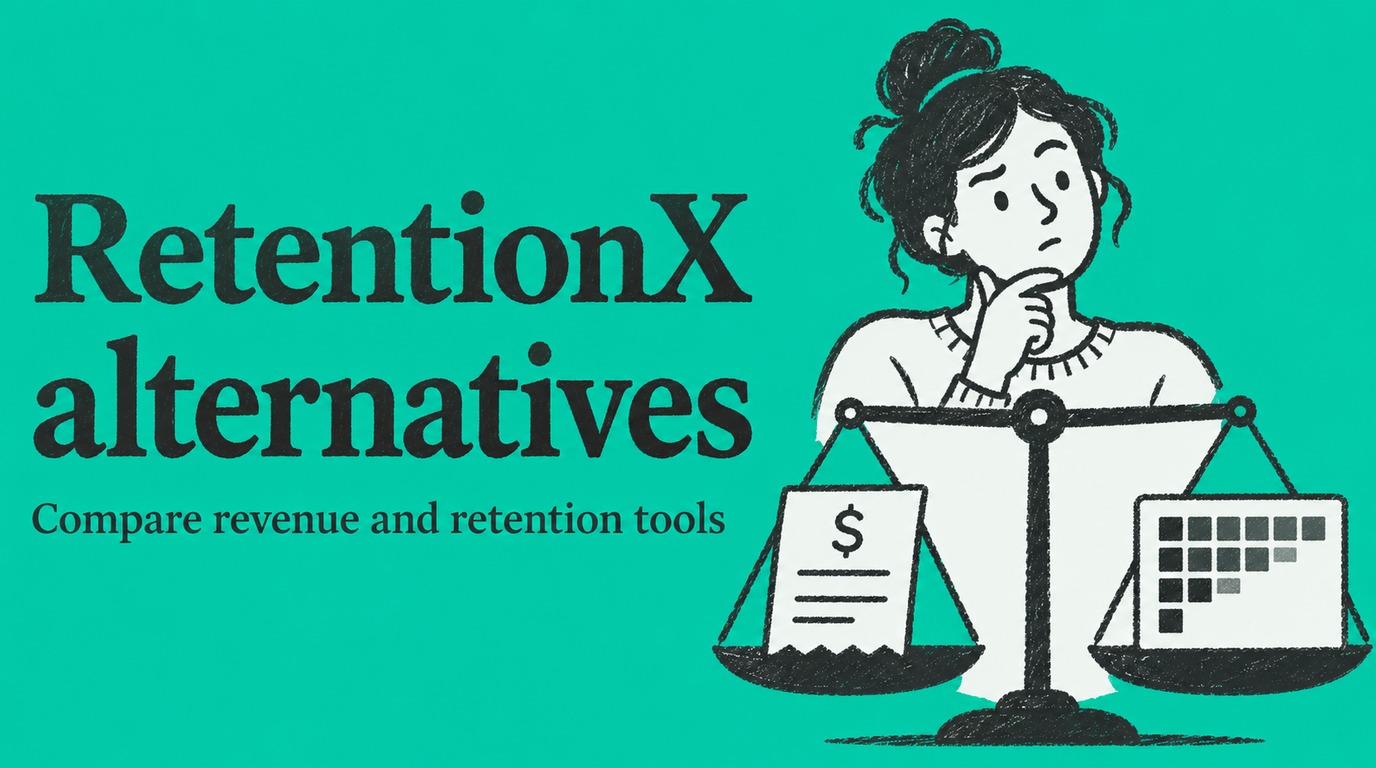

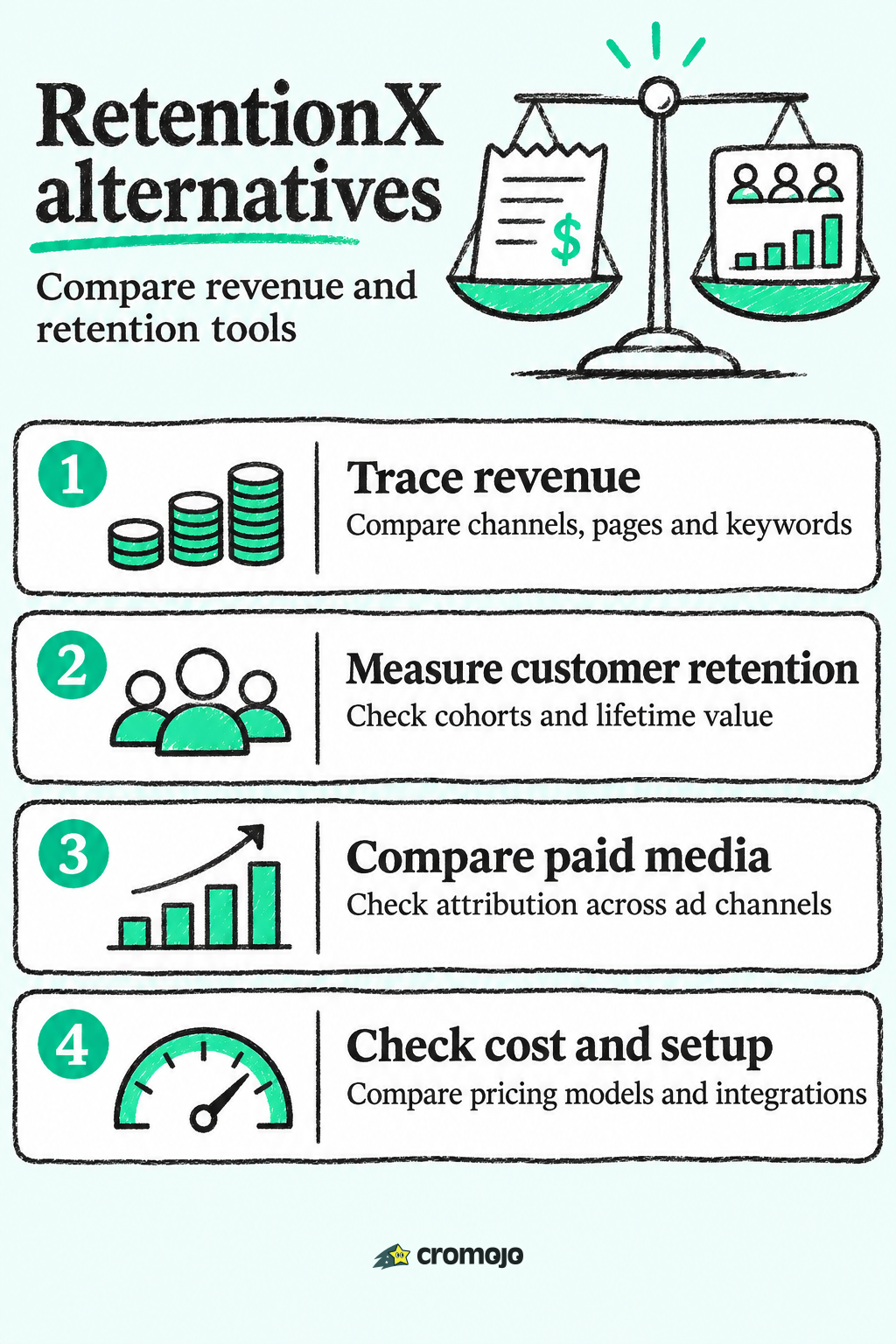
If you are looking for a RetentionX alternative, the best choice depends on one question: do you need a retention-and-identity suite, or do you need to know which keywords, pages and channels actually produce revenue? For most small stores, agencies and marketing teams that want revenue clarity without a heavy setup, Cromojo is the pick. It ties revenue to the keyword, page and channel through direct Stripe and Shopify integration, and it plans start at $19 per month. Below, you will find how it compares with RetentionX, Lifetimely, Triple Whale and two other approaches, plus a plain explanation of cohort analysis.
What RetentionX does, and why people look elsewhere
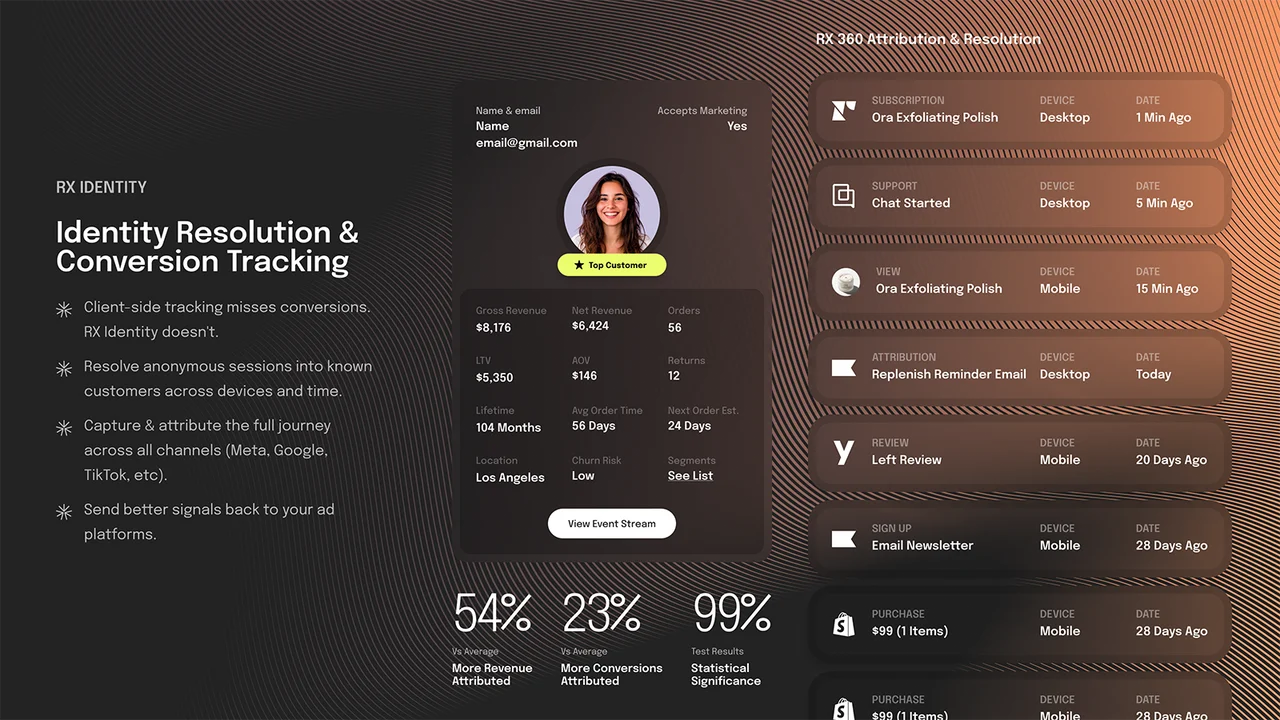
RetentionX is positioned as a customer intelligence platform. According to a March 2026 review, it is aimed at brands that want identity resolution, marketing attribution and automation in one place instead of stitching together Shopify, Klaviyo, GA4 and a customer data platform.
That is a legitimate approach, but it is a big one. Pricing on the same review scales with annual revenue: Starter at $49 per month, Core at $149 per month and Growth at $249 per month for stores under $250K in yearly sales, with higher tiers up to $30M and more per year. All plans carry a 30-day free trial.
People search for alternatives for a few common reasons:
- Pricing tied to revenue. A tier that follows your annual sales grows as you grow, even if your analytics needs stay the same.
- Scope. A suite that covers identity, attribution and automation is more than a team needs if its real question is "what made money last week?"
- Focus. Some teams want retention reporting only. Others want revenue attribution, search visibility and site health in the same dashboard.
Before comparing tools, decide which of those describes you.
What to compare when choosing an alternative
Six criteria separate these tools in practice:
- Revenue attribution. Can the tool show revenue by channel, page and keyword, not only sessions or clicks?
- Cohort and lifetime value reporting. Can you see how groups of customers behave over time?
- Integrations. Does it connect to Shopify and your payment processor directly?
- Pricing model. Is it based on pageviews, orders or annual revenue? Which one grows fastest for you?
- Setup effort. How long before the first useful number appears?
- Privacy. Does it need cookies and consent banners to work?
The next sections score each option against these. Marketing teams that need to prove return on investment will find the broader case for measurement in this piece on marketing analytics and ROI.
Cohort analysis in plain words
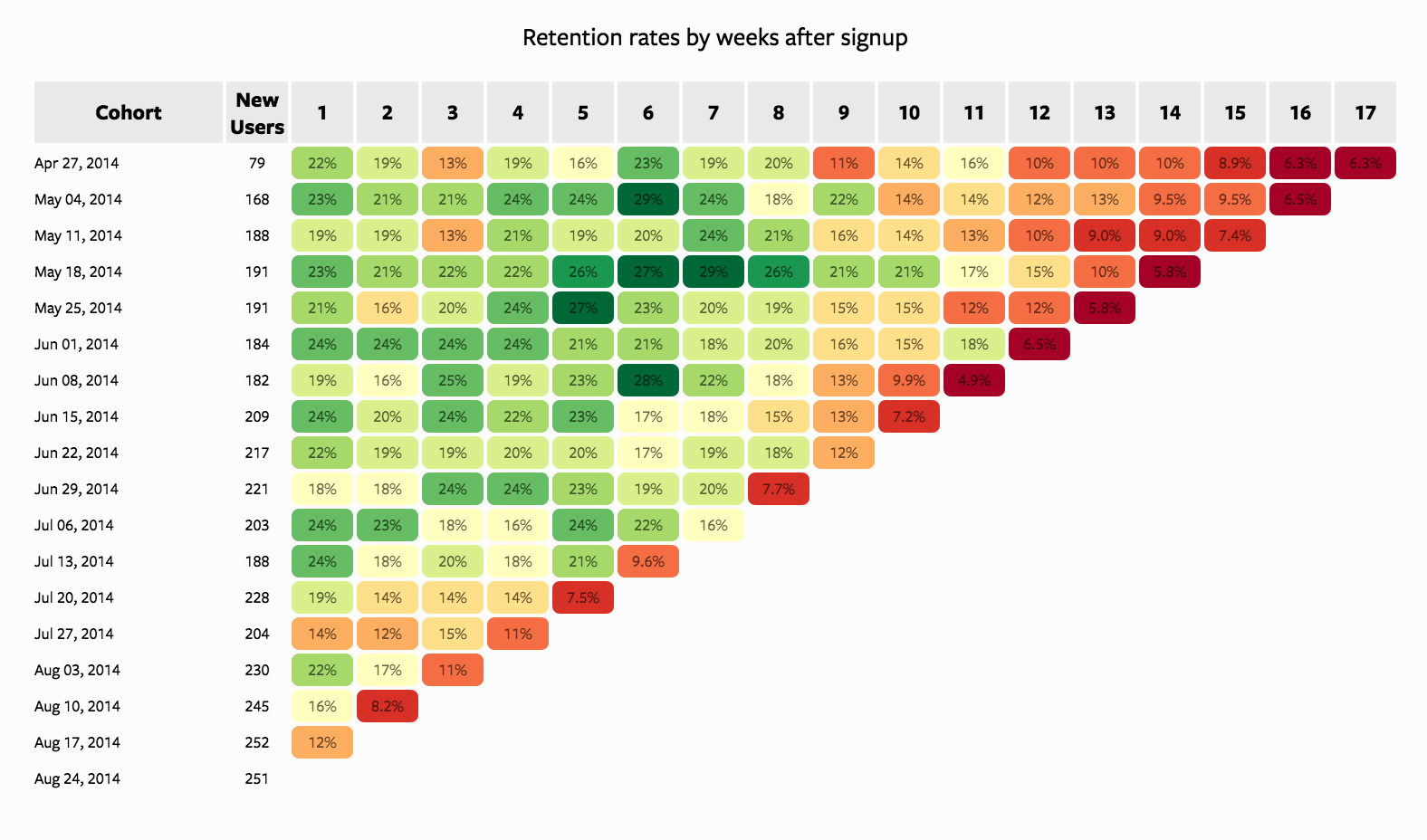
Several related searches ask about cohort analysis for ecommerce and Shopify, so here is the short version. A cohort is a group of customers who share something, usually the month they first bought. Cohort analysis tracks what that group does afterward.
Shopify’s own guide recommends a simple method:
- Define what counts as an active customer and choose a time period (day, month or year, depending on your business).
- Group customers into acquisition cohorts by the month they first purchased.
- Track how many in each group come back in later periods.
- Calculate retention as active customers in the period divided by the original cohort size, multiplied by 100.
- Compare the curves and use the drop-off points to decide actions such as win-back campaigns.
A worked example. Say 200 customers first bought in January. In March, 30 of them bought again. March retention for the January cohort is 30 / 200 × 100 = 15%. If the February cohort shows 22% at the same point, something changed between the two months: an offer, a traffic source, a product. That difference is what you investigate.
The catch is data. One review of RetentionX notes cohort analysis needs at least 6 to 12 months of order history to be meaningful. That matters for your choice: whichever tool you select, install it now so the history exists when you need it.
The alternatives at a glance
1. Cromojo: revenue-first analytics with less to manage
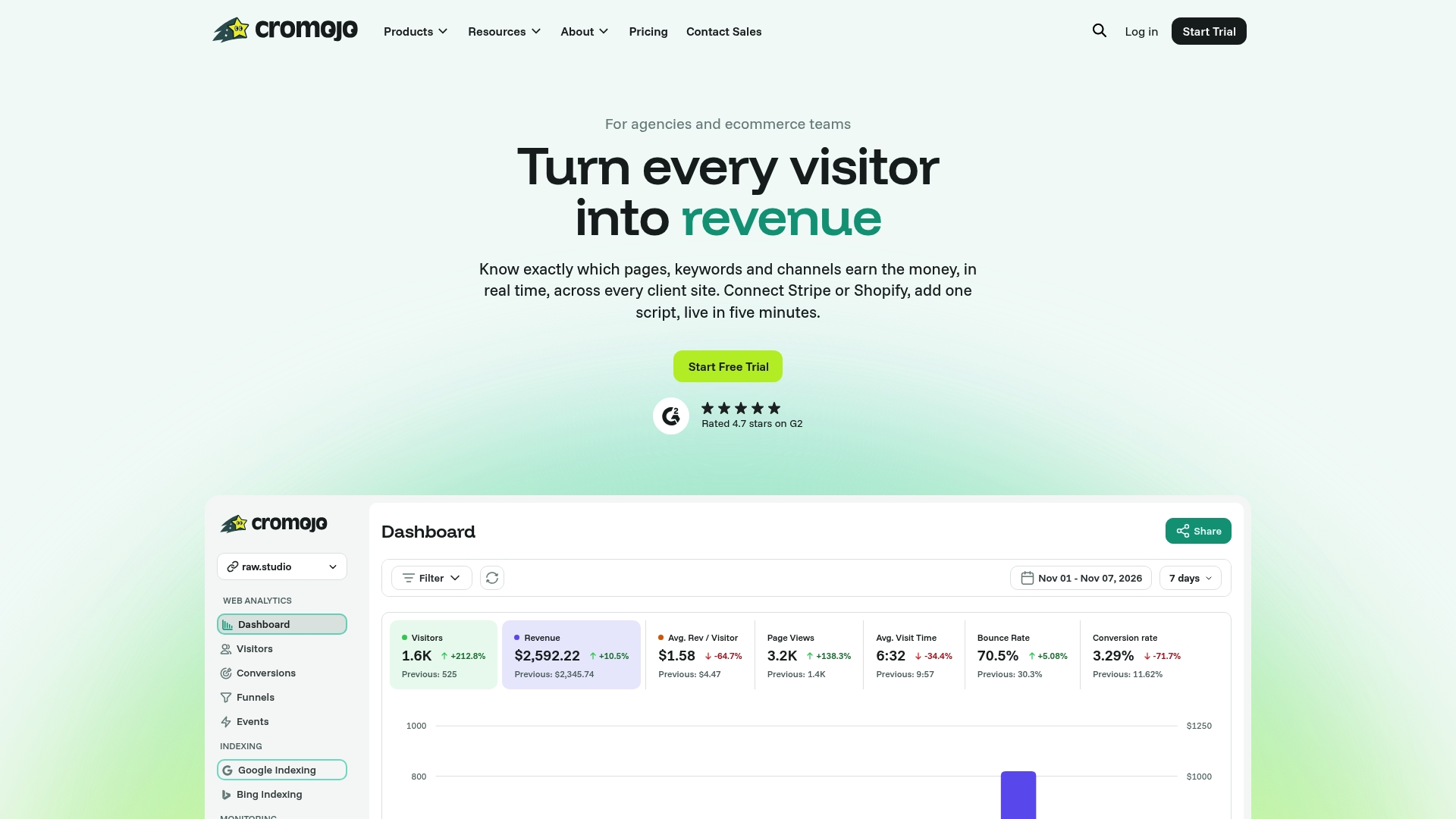
Cromojo is a revenue and web analytics platform for ecommerce sites and agencies. Where RetentionX pulls identity and automation into one system, Cromojo concentrates on the question most small owners and marketing teams ask first: what is bringing in money, and where are visitors dropping out?
What you get in one subscription:
That last combination is the difference from a retention suite. Analytics, search visibility and site health usually take three tools. Cromojo puts them behind one login, which is less to buy, install and keep in sync.
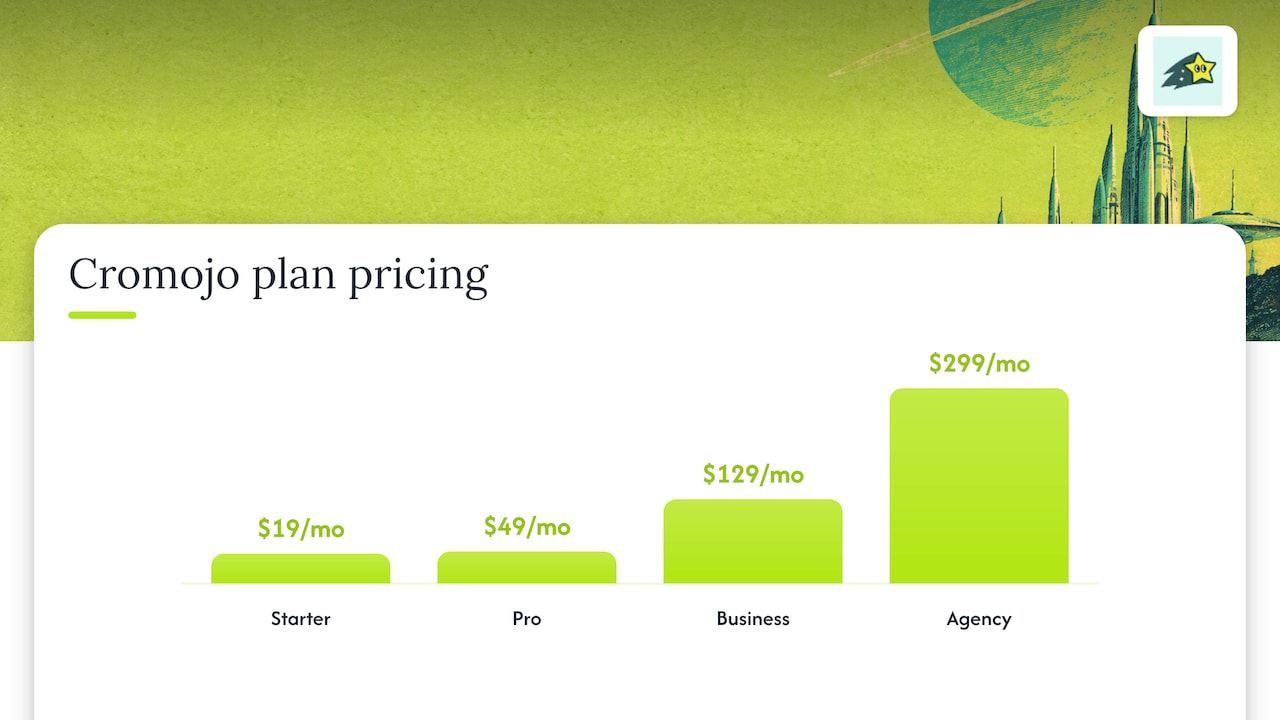
Pricing. Plans are tiered by pageviews and tracked sites, with overages billed per 1,000 additional pageviews. Published prices are Starter at $19 per month, Pro at $49 per month, Business at $129 per month and Agency at $299 per month. There is also a Free Plan. You can see the details on the pricing page.
Because pricing follows pageviews and sites rather than your annual revenue, the cost does not step up just because your sales do. Agencies managing several client stores can use the Agency plan to cover multiple sites.
Best for: small business owners who need revenue insight, marketing teams that must show ROI by campaign and keyword, ecommerce agencies, and site owners who also care about search visibility.
2. RetentionX: the suite approach
RetentionX makes sense when you want identity resolution, marketing attribution and automation to live in the same system and you have the team to run it. The published tiers start at $49 per month for stores under $250K in annual sales, with Core at $149 and Growth at $249 at that revenue level, and a 30-day free trial on all plans.
The trade-off to weigh is scope against need. If your daily question is which keyword or page produced the order, a revenue-first dashboard gets you to the answer sooner, and with a flat view of cost by pageviews rather than annual sales.
3. Lifetimely: lifetime value for Shopify stores
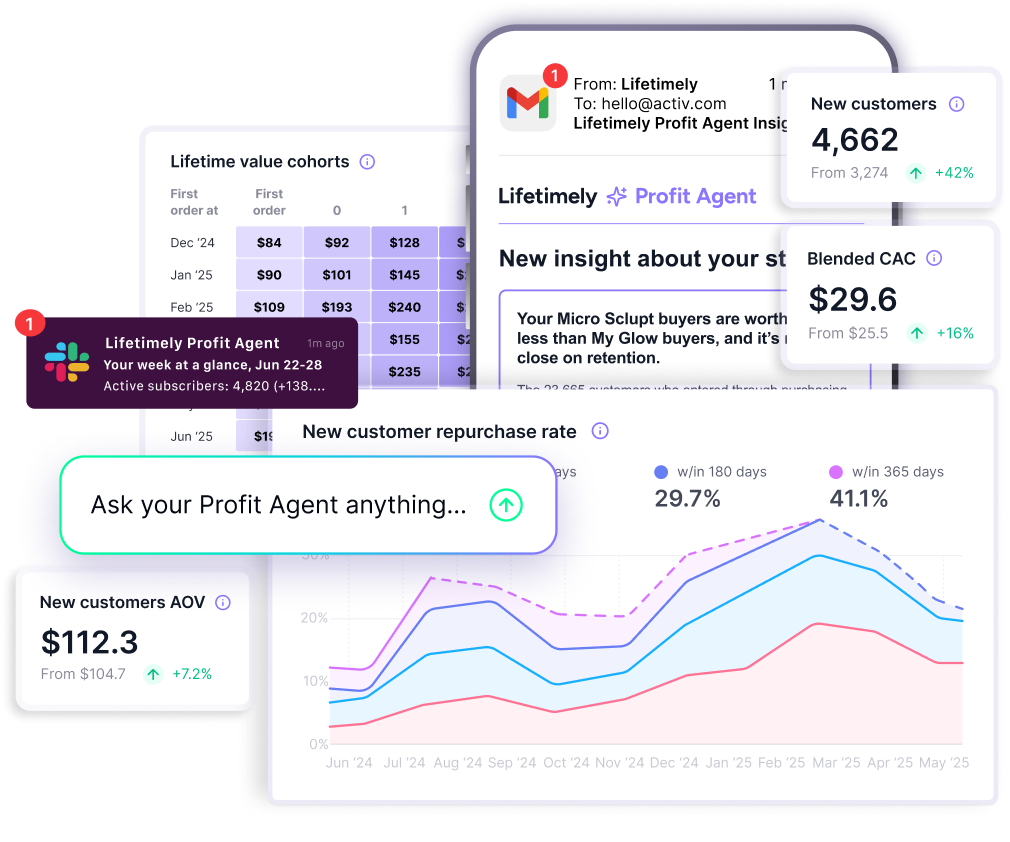
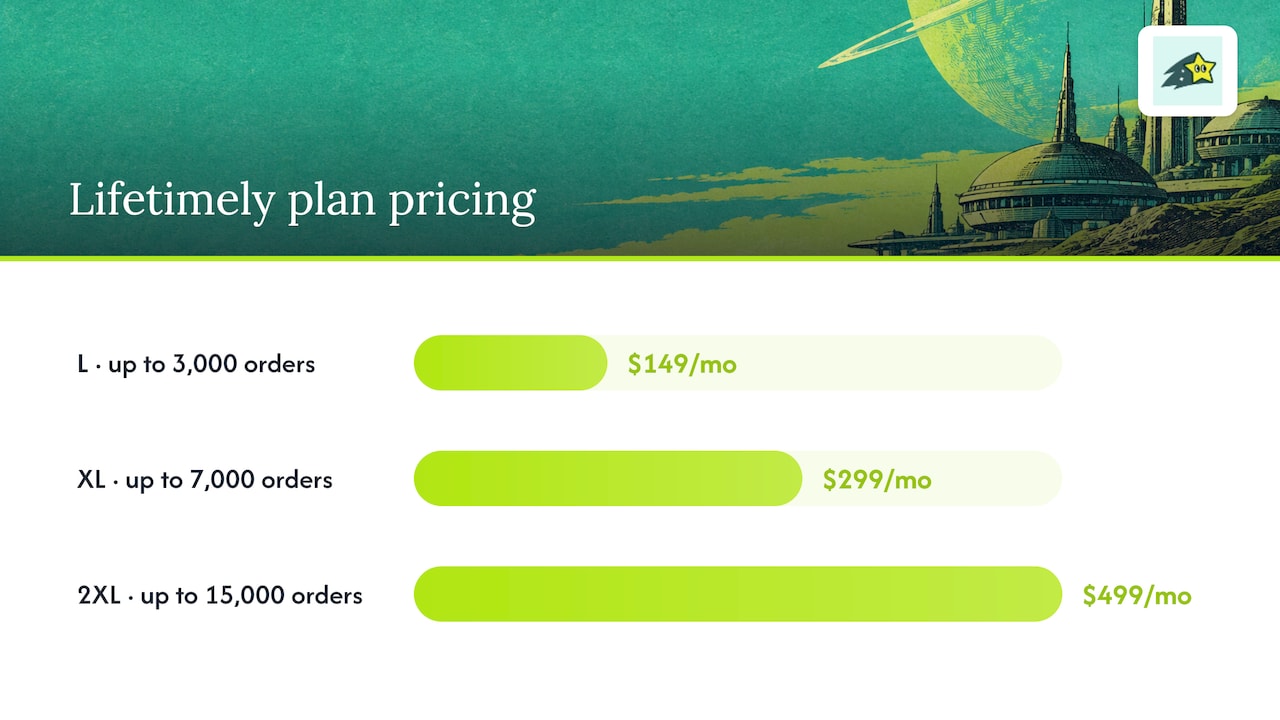
Lifetimely is a Shopify analytics app built around customer lifetime value. According to a 2026 review, it has a free plan covering all features for stores with fewer than 50 orders per month. Paid plans scale by monthly order volume: L at $149 per month for up to 3,000 orders, XL at $299 per month for up to 7,000 orders and 2XL at $499 per month for up to 15,000 orders, each with a 14-day free trial.
It fits a store that lives inside Shopify and wants lifetime value reporting. It is order-based, so cost climbs with volume. If you also want to see which search terms and pages bring buyers, and keep indexing and uptime in view, you would add other tools around it. Cromojo includes those in the same plan.
4. Triple Whale: paid media analytics at scale
Triple Whale is aimed at Shopify brands running multi-channel paid media. A July 2026 review describes a 2026 repackaging into Free, Foundation, Automate and Enterprise tiers built around revenue tiers, with the Automate tier at $749. The same review frames it as strongest for brands spending above roughly $50K per month on paid media.
That is a different buyer than most small owners. If your spend and team are smaller, or your growth comes partly from organic search, a tool that attributes revenue to keywords and pages and manages indexing speaks more directly to your situation.
5. Lightweight revenue dashboards
Some stores only want a clean revenue view. Basic dashboards do that, and they stop there. They typically do not combine funnels, journeys, indexing and monitoring. If you expect your questions to widen from “what sold” to “why did conversion drop” and “are our new pages indexed”, it is easier to start on a platform that already covers them, which is what Cromojo’s Real-time Analytics and Website Monitoring are for.
Which one fits your situation
- Solo owner or small store: Cromojo's Free Plan or Starter at $19 per month gives you revenue attribution without annual-revenue tiers.
- Marketing team proving ROI: revenue by keyword, page and channel plus goals and funnels lets you report on campaigns in dollars. Cromojo's Goals feature is built for this.
- Agency with several clients: the Agency plan at $299 per month covers multiple tracked sites, and email reports keep clients informed.
- SEO-minded site owner: SEO Revenue shows which organic keywords bring revenue, and Automated Indexing gets new pages submitted without manual work.
- Large brand wanting an identity suite: RetentionX or Triple Whale match that scale.
Perspective
We built Cromojo on a simple observation: most small teams do not lack data, they lack time to read it. A dashboard with forty charts does not tell you which keyword paid for last month’s ad budget or which page lost a buyer.
That is why we start from revenue. When a purchase comes through Stripe or Shopify, we tie it back to the channel, the page and the keyword, in real time. Our agents watch the site continuously and surface what is blocking conversions, so you are not left interpreting reports on your own.
We also think analytics should not depend on cookie banners. Our tracking is cookieless and privacy-first, and it works across any tech stack with minimal setup. Add indexing and monitoring to that, and the three jobs that usually need three subscriptions live in one place.
If your goal is to understand customer behavior over time, start collecting early. History is what makes every later comparison worth reading.
Try Cromojo on your own store
If you want revenue by keyword, page and channel without assembling a stack, Cromojo is where to start. Plans begin with a Free Plan, then Starter at $19 per month, Pro at $49, Business at $129 and Agency at $299. Billing follows pageviews and tracked sites, and a free trial comes before any paid subscription. Compare the tiers on the pricing page.
If you would rather have specialists redesign pages once the data shows where visitors drop, the Conversion Optimization Services start from $3800 per month.