

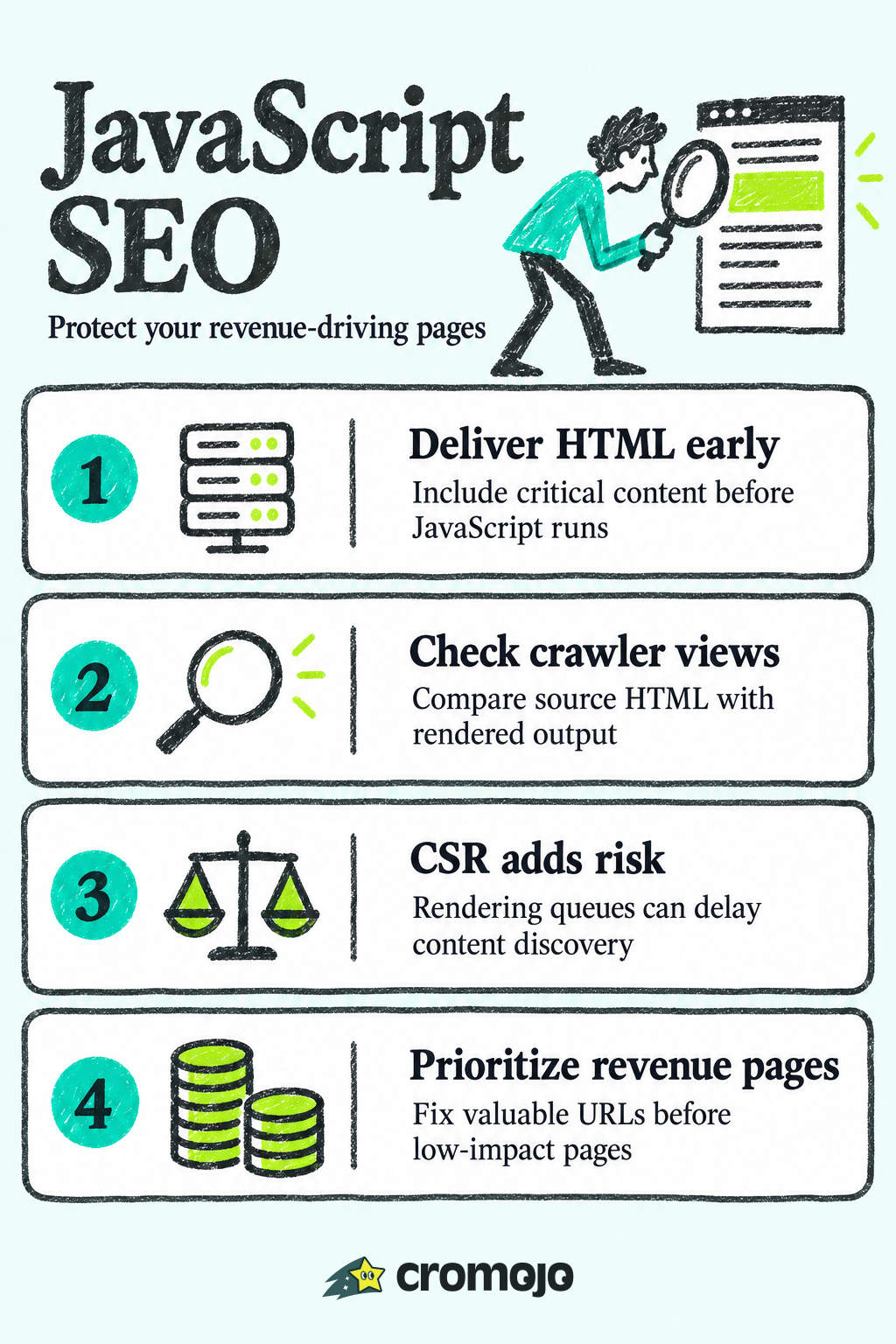
Googlebot's path from discovery to ranking has three stages, and each one creates a place where a JavaScript-heavy page can quietly fail. First, Googlebot crawls a URL and parses the initial HTML response. If your title tag, meta description, and canonical link are not present in that raw response, Google has to wait for the next stage to find them. Second, the page enters a rendering queue, where Googlebot executes the page's JavaScript in an evergreen headless Chromium instance, similar to a recent version of Chrome. This step does not happen instantly. Depending on crawl budget and queue length, rendering can lag behind the initial crawl by anywhere from seconds to days, which means a page's final, JavaScript-built content might not reach the index until well after it was first discovered. Third, Google uses the rendered DOM, not the original HTML, as the basis for indexing content and links.
This matters because some signals are read earlier than others. Title tags, meta robots directives, and canonical tags found in the raw HTML are trusted sooner. If those same tags only appear after your JavaScript runs, or worse, if they change between the raw HTML and the rendered DOM, you introduce ambiguity that can delay or distort indexing. Other search engines, including Bing and various AI crawlers, have historically had lighter or inconsistent JavaScript rendering support, so content that depends entirely on client-side execution may not reach them the same way it reaches Google.
When debugging a suspected rendering issue, start here:
- Compare the raw HTML (view source) against the rendered HTML in URL Inspection to spot missing metadata or content.
- Check Google Search Console's Page Indexing report for pages marked "Discovered, not indexed" or "Crawled, not indexed."
- Review server logs for Googlebot's user agent to confirm how often and how deeply it is crawling JavaScript-dependent routes.

Rendering strategies and their SEO trade-offs
Choosing a rendering strategy is really a question of where you want the work done: on your server ahead of time, on your server per request, or in the visitor's browser. Each option carries different SEO consequences.
- Server-side rendering (SSR) and static site generation (SSG): these remain the recommended architectures for SEO-critical content because they deliver complete HTML and metadata in the initial server response, which removes the dependency on Google's rendering queue entirely. Static generation with incremental regeneration lets large catalogs rebuild selectively rather than all at once, which keeps pages current without a full redeploy.
- Client-side rendering (CSR): acceptable for authenticated dashboards, internal tools, or any surface you have no intention of ranking. Public, revenue-generating pages that rely exclusively on CSR put every bit of their indexability at the mercy of the rendering queue, which is a risk most sites do not need to take.
- Dynamic rendering: serves pre-rendered HTML to crawlers while serving the normal client-rendered experience to users. Google treats this as an acceptable workaround for sites that cannot be easily restructured, but it is not meant to be permanent. Maintaining two rendering paths adds complexity, and any drift between what crawlers see and what users see risks being read as cloaking.
- Hybrid, per-page approaches: most production sites do not pick one strategy for everything. Next.js, for example, supports choosing SSG, SSR, or incremental static regeneration on a per-page basis, so a marketing homepage can be statically generated while a search results page is server-rendered on demand. For large sites, combining on-demand static generation with dynamic sitemaps keeps new and updated pages discoverable without regenerating the entire site.
Testing, debugging, and verifying what Google actually sees
Treat JavaScript SEO like any other part of your release process: define what should happen, test for it, and alert when it does not. Google's own guidance points developers toward URL Inspection and Lighthouse as the first line of defense for diagnosing rendering problems.
A workable verification routine looks like this:
- Run URL Inspection in Search Console and compare the rendered HTML against what you expect, especially title, meta description, canonical, and primary content.
- Run Lighthouse audits against staging and production to catch performance regressions alongside SEO issues.
- Reproduce Googlebot's rendering locally with headless Chrome to debug faster than waiting on Search Console.
- Save rendered-HTML snapshots in CI and diff them against the previous build to catch unexpected changes before they ship.
Watch for a few recurring failure signals: a noindex tag that only appears in the original HTML and disappears after rendering (or vice versa), JavaScript or CSS files blocked by robots.txt that prevent the page from rendering correctly, and soft 404s caused by client-side routing that returns a 200 status for a page with no real content. Wire Lighthouse CI into your pipeline so a rendering regression fails a build instead of reaching production, and keep an eye on the Search Console indexing report over time rather than checking it only when traffic drops.
Pro Tip: Keep a "golden" rendered-HTML snapshot for your three or four highest-traffic page templates and diff every deploy against it; template-level regressions are the ones that quietly cost the most indexed pages.
Concrete fixes to make JavaScript pages visible and reliable
Most JavaScript SEO problems trace back to a handful of avoidable mistakes. Fixing them is mostly a matter of discipline in how pages are built and deployed.
- Put critical content in the initial HTML. Titles, meta descriptions, canonical tags, primary headings, and the core body content should render without JavaScript. Progressive enhancement, layering interactivity on top of a complete base page, reduces the risk of search engines missing content entirely.
- Never block the JavaScript or CSS files your page depends on. A robots.txt rule that blocks a script directory can prevent Googlebot from rendering the page at all, which hides content that would otherwise be perfectly indexable.
- Fingerprint your assets and cache them aggressively. Long-lived caching with content-hashed filenames speeds up repeat renders for both users and crawlers, which reduces the chance of a stale or partial render being indexed.
- Expose real links in HTML, not just click handlers. Content or navigation hidden behind a JavaScript-only click event, with no corresponding
<a href>, is much harder for crawlers to discover and follow. - Default to SSR or pre-rendering for anything public. For large catalogs or frequently updated sections, incremental static regeneration or on-demand static generation lets you pre-render at scale without rebuilding an entire site for every change.
- Keep your sitemap accurate and dynamic. A sitemap that updates automatically as pages are added, changed, or removed closes the gap between what exists and what Google knows about, and it should exclude noindexed or redirected URLs. For sites publishing or updating pages constantly, a dynamic sitemap generation setup that regenerates on content changes avoids the lag of a sitemap that only rebuilds on deploy.
- Submit changes to Search Console and monitor coverage. After structural changes, resubmitting affected URLs and watching the indexing report for unexpected drops catches problems before they compound.
Structured data deserves its own mention here: JSON-LD that is injected by JavaScript follows the same rules as any other rendered content, so it needs to survive the rendering step intact and match whatever is visible on the page, since mismatched structured data can be ignored or flagged.
Performance, Core Web Vitals, and the real cost of client-side rendering
Rendering strategy is not only an indexing question, it is a performance one, and the two are connected more tightly than most teams assume. When a browser has to download a JavaScript bundle, parse it, execute it, and then build the DOM before anything meaningful appears, that work competes for the same main thread that handles user input. Client-side rendering increases main-thread script evaluation and the kind of long tasks that directly hurt Interaction to Next Paint, one of the three Core Web Vitals Google uses as a ranking signal alongside Largest Contentful Paint and Cumulative Layout Shift.

Server-sent HTML sidesteps a lot of this: the browser can paint real content almost immediately, rather than waiting on a script to build it. That earlier paint directly helps LCP, and it reduces the main-thread congestion that drives up INP.
Practical mitigations worth building into your test suite:
- Break large JavaScript bundles into smaller chunks with code-splitting so no single task blocks the main thread for too long.
- Use
content-visibility: autoto skip rendering work for off-screen sections until they are needed. - Lazy-load below-the-fold images with the native
loading="lazy"attribute, but never lazy-load the image that forms your LCP element. - Watch DOM size and layout thrashing, since excessive DOM nodes and repeated layout recalculation both slow down rendering and interaction response.
One main-thread long task can block input processing for the user, which is exactly the mechanism behind INP degradation described in web.dev's INP guidance. Running Lighthouse alongside your rendered-HTML checks catches both the SEO and performance sides of a regression in one pass.
Framework notes: React, Vue, Svelte, and Astro
Framework choice shapes how much of this you get by default versus how much you have to configure.
- Next.js supports SSG, SSR, and incremental static regeneration on a per-page basis, which makes it straightforward to pick the right rendering mode for each route rather than committing the whole site to one approach.
- React hydration can cause a brief mismatch between server-rendered and client-rendered DOM; keep canonical tags and meta data generated identically on both sides to avoid flicker or indexing inconsistencies.
- Vue/Nuxt and SvelteKit both offer SSR and SSG modes with similar hydration timing considerations: test that interactive elements work before hydration completes, not just after.
- Astro's partial hydration ships mostly static HTML by default, which makes it a strong content-first option for sites where most pages do not need heavy interactivity.
Turning rendering checks into a prioritized, revenue-aware workflow
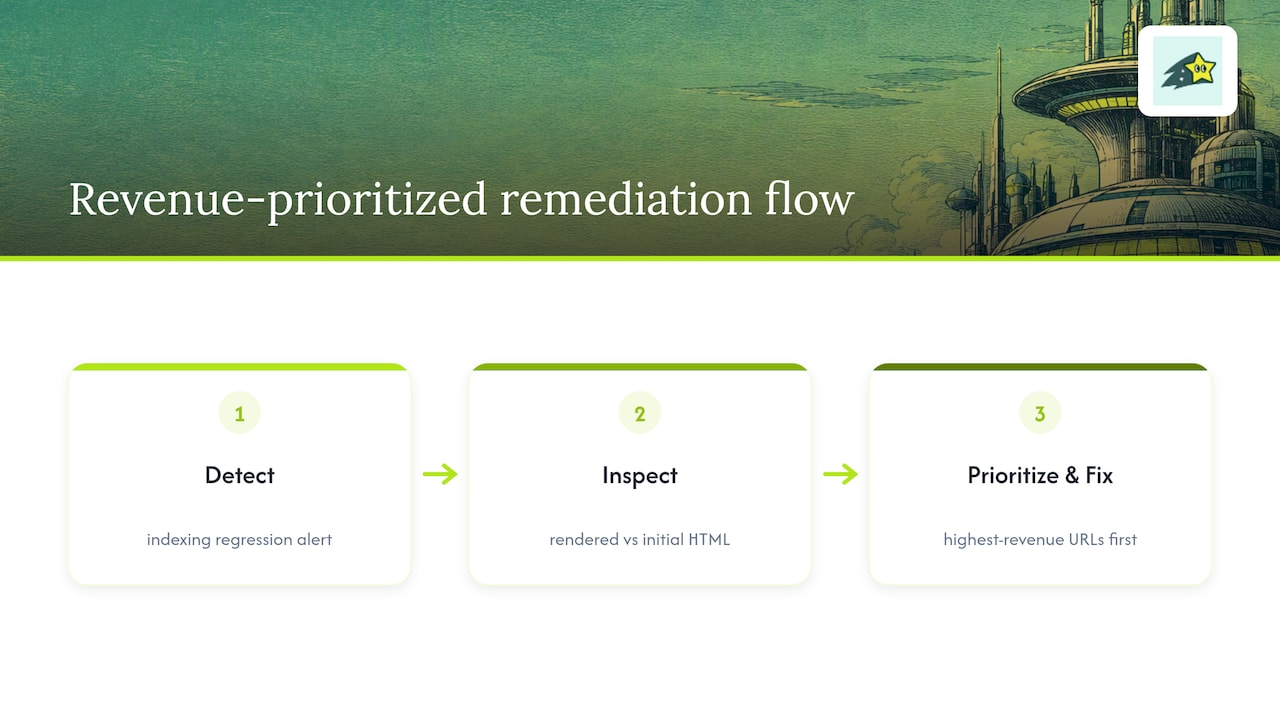
Running rendering checks page by page does not scale once a site has thousands of URLs. A more practical approach is to pair indexing monitoring with revenue data, so engineering effort goes to pages that matter most first. Our automated indexing feature tracks when pages drop out of the index and can trigger reindexing requests to Google, Bing, and other search engines without manual resubmission. Combined with site monitoring that flags rendering or uptime errors, a typical workflow looks like this: an indexing regression triggers an alert, a developer checks rendered versus initial HTML for the affected template, and because revenue attribution is tied to each URL, the pages generating the most actual sales get the fix first. That ordering matters more than it sounds: not every page is worth the same engineering hour, and prioritizing by revenue instead of raw traffic routes effort to where it pays off.
Prioritization checklist: an editorial take for engineering and SEO teams
The uncomfortable truth is that most JavaScript SEO failures are not rendering failures. They are prioritization failures: teams fix whatever broke most recently instead of whatever earns the most. Rank pages by revenue impact first, apply SSR or SSG there without exception, and let lower-value CSR surfaces wait. Automate the rendered-HTML diff so regressions surface before a ranking drop does, and always know how to roll a rendering change back fast.
Cromojo: automated indexing and monitoring for JavaScript sites
Catching a rendering regression is only useful if you also know which pages are worth fixing first, and that is the gap we built Cromojo to close. Our platform ties automated indexing and site monitoring to revenue attribution per URL, so when a page drops out of the index or a rendering check fails, we can show you whether that page is driving real sales or barely getting traffic.
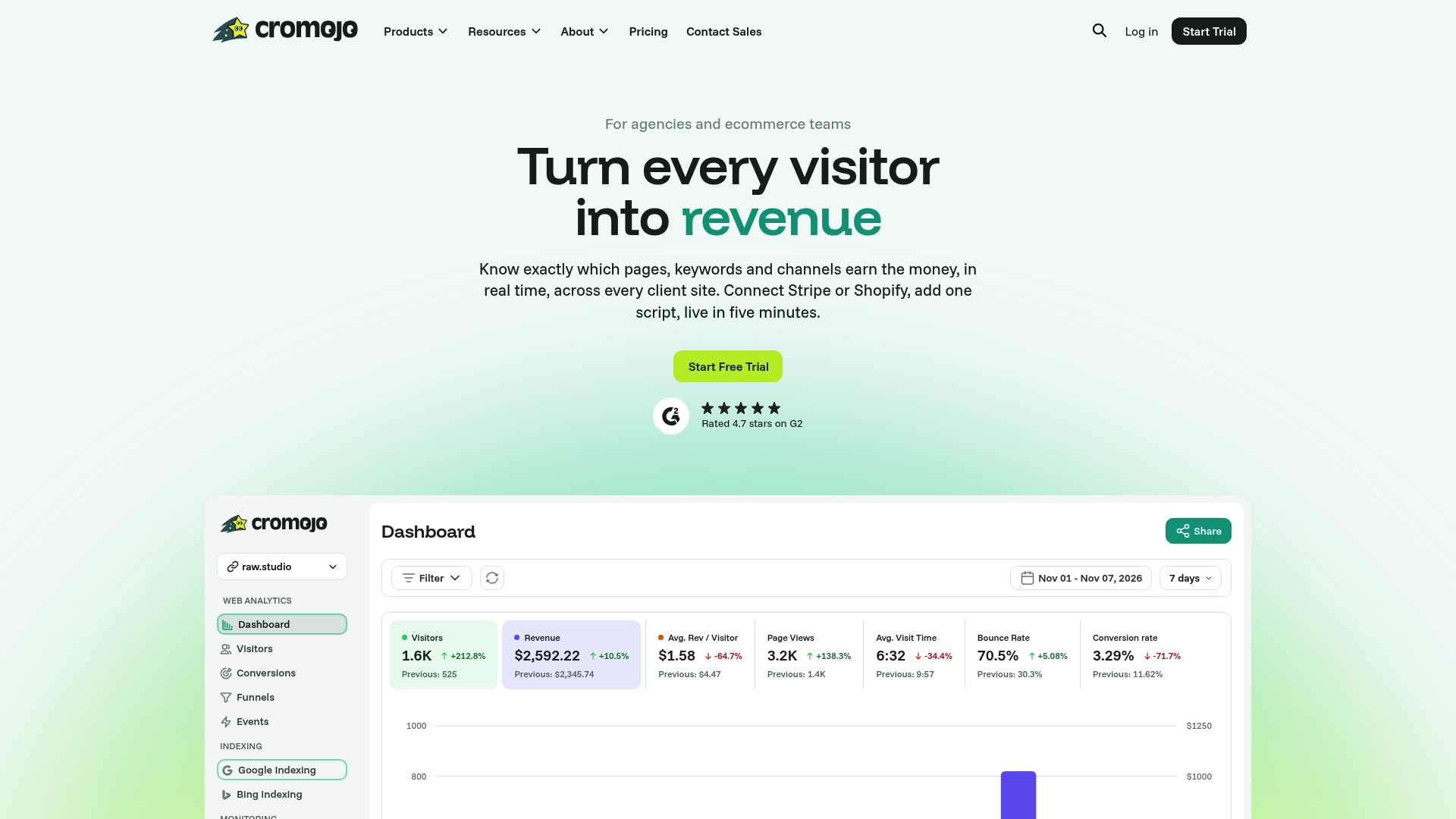
That connection plugs directly into the workflow described earlier: detect a regression, compare rendered versus initial HTML, then decide what to fix first based on actual revenue rather than guesswork about traffic volume. Plans are available on our pricing page, starting at $19 per month for the Starter tier, with a Free Plan available for teams who want to try automated indexing and monitoring before committing to a paid tier.