

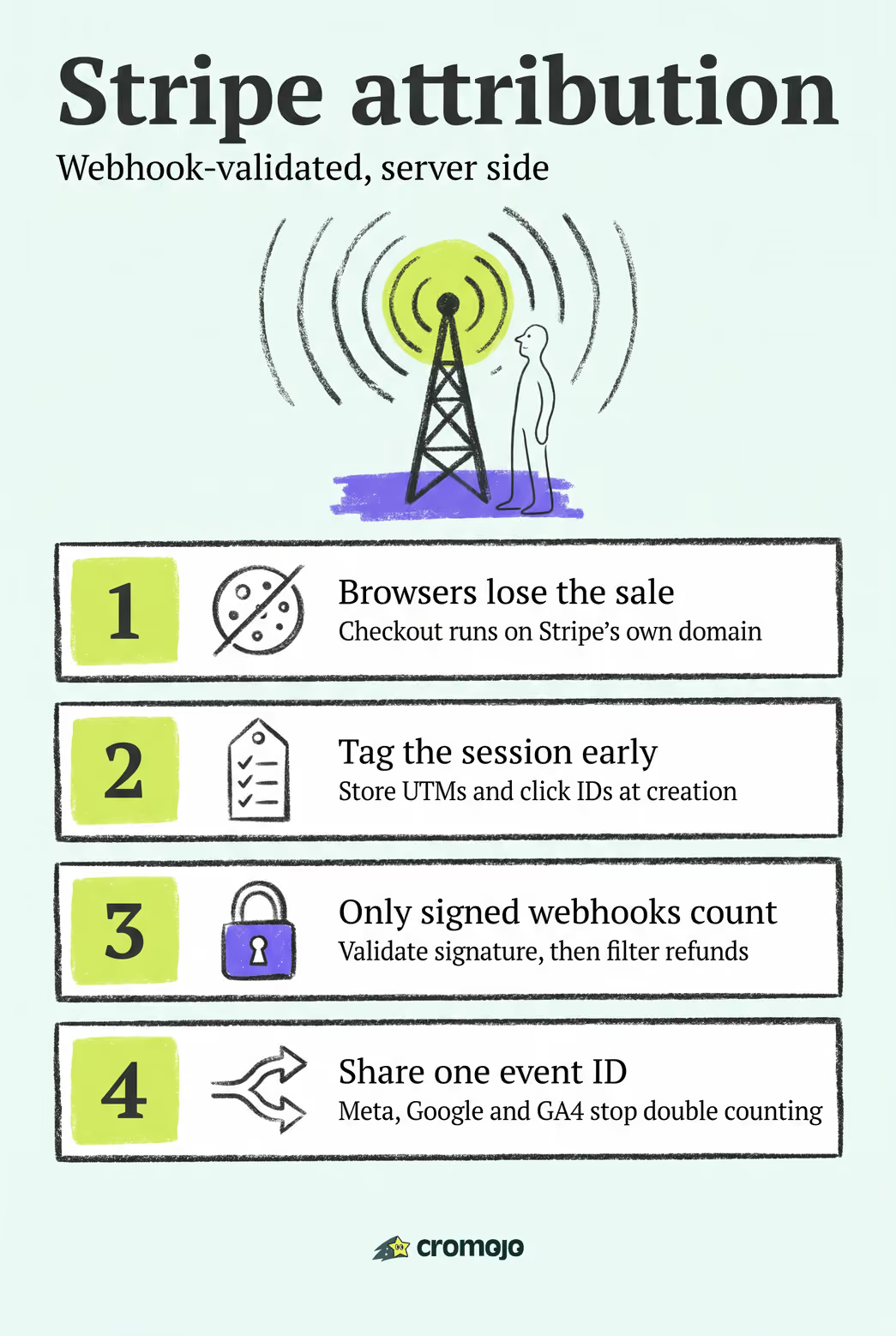
The best approach is webhook-validated, server-side revenue attribution: capture click IDs and UTMs when a Stripe Checkout session starts, confirm the sale through a signed webhook, then fan out that settled charge to your ad platforms and analytics. This pattern is often implemented in turnkey products with native Stripe and Shopify integrations, so you can get clean revenue-by-page and revenue-by-keyword reporting without writing the pipeline yourself.
What Makes a Good Stripe Analytics Tool?
Not every dashboard that touches Stripe data qualifies as a real Stripe reporting tool for revenue attribution. Most only show you payment totals. What you actually need is a system that connects a settled charge back to the marketing click that caused it, and does it in a way that survives ad blockers, cross-domain checkout redirects, and refunds. Here's what to check before you commit to any Stripe metrics dashboard.
- Webhook ingestion with signature validation. Any tool worth using verifies that events like
checkout.session.completedgenuinely came from Stripe, not a spoofed request. - Support for
client_reference_idor metadata fields. The tool needs to read and write these when the Checkout session is created, not just after payment. - Multi-platform fan-out with deduplication. Look for native delivery to Meta Conversions API, Google Ads offline conversion uploads, and GA4, using a shared event ID so no platform double-counts a sale.
- A defined privacy model. Cookieless tracking or clearly scoped first-party cookies matter more each year as consent requirements tighten.
- Integration breadth. Shopify, Google Search Console, and automated alerting round out a platform that covers revenue and site health together.
- Realistic setup time. A tool that promises deep attribution but takes months of engineering time defeats the purpose for a small ecommerce team.
Pro Tip:Ask any vendor exactly which webhook events they subscribe to. If the answer stops at checkout.session.completed and skips payment_intent.succeeded or invoice.paid, you'll miss delayed or subscription-based revenue.
How Does Stripe Revenue Attribution Actually Work?
The mechanics matter because they explain why so many teams get inaccurate reports without knowing it. Here's the sequence a reliable pipeline follows, from the first click to a credited conversion.
- Capture at the click. When you create the Stripe Checkout session, you store the UTM parameters and a click ID in
client_reference_idor metadata, tying the future payment to the visit that started it, a practice detailed in Stripe's conversion tracking guidance. - Confirm at settlement. Stripe fires a webhook, usually
checkout.session.completed,payment_intent.succeeded, orinvoice.paidfor subscriptions, once money has actually moved. - Validate and filter. Your server checks the webhook's signature, then excludes refunds and disputes before the event counts as a conversion.
- Fan out and deduplicate. The validated event goes to Meta CAPI, Google Ads offline conversions, and GA4, stitched to any browser-side pixel using a shared event ID so revenue isn't counted twice.
This is exactly why browser-only tracking falls apart with Stripe Checkout or Payment Links. Those flows run on Stripe's own domain, which breaks session continuity for client-side tags and often blocks the transaction data entirely, a limitation Stripe documents directly. Ad blockers compound the problem. A webhook-validated server event is the only step in this chain that's guaranteed to see the real, final, settled charge.
Building a Stripe Attribution Pipeline: A Step-by-Step Checklist
Implementing this yourself is doable for a team with backend resources. Here's the order that avoids rework.
- Capture UTMs and click IDs on your landing pages and pass them into the Checkout session as metadata or
client_reference_id. - Create a secured webhook endpoint on your server, restricted by CORS and never exposed with your secret key client-side.
- Verify the signature on every incoming webhook before trusting its payload.
- Check payment status, confirming the event reflects an actual settled charge, not a pending or failed attempt.
- Filter out refunds and disputes so a later chargeback doesn't linger in your revenue reports.
- Deduplicate and fan out, matching browser and server events by a shared event ID before sending to Meta CAPI, Google Ads, and GA4, a pattern several ecommerce analytics specialists recommend as standard practice.
- Monitor reconciliation between your attribution totals and Stripe's own dashboard.
Testing matters as much as the build. Run sandbox payments through the full flow, simulate a refund to confirm it's excluded correctly, and reconcile your daily totals against Stripe for at least the first 30 days. Confirm deduplication is actually working by checking that a single sale never appears twice across platforms.
Pro Tip:Log every webhook receipt, including failures. A silent webhook failure looks identical to "no sales that day" until you check the logs, and that's a hard thing to catch retroactively.
Server-Side Container or Thank-You-Page Enrichment: Which Fits Your Team?
Two implementation patterns dominate here, and the right one depends on your engineering bandwidth and how much accuracy you need for ad spend decisions.
- Server-side container. A backend service validates the Stripe session directly through the API, enriches the event with line items, and forwards clean data to every platform at once. This pattern, common in server-side tagging setups, holds up well against ad blockers and third-party cookie loss because nothing depends on the browser surviving the checkout redirect.
- Thank-you-page enrichment. You capture richer session context (device, referrer, on-page behavior) at the point the buyer lands back on your site, then sync it with the Stripe payment record. It's often quicker to stand up and gives GA4 better session detail, but it's fragile: a cross-domain checkout or an ad blocker can drop the connection before enrichment happens.
If your ad spend decisions depend on accurate revenue numbers at scale, lean server-side. If your checkout flow is simple and you mainly need better session context for GA4 reporting, the hybrid enrichment route can get you there faster with less backend work.
Why Cromojo Fits Ecommerce Teams Running Stripe
Some platforms map directly onto the checklist above without requiring your team to build a webhook pipeline from scratch. Such tools can ingest and validate Stripe webhooks, attribute settled revenue to the specific page, keyword, and channel that drove it, and do the same for Shopify stores side by side.
- Webhook ingestion and signature validation are handled natively in some platforms, allowing refunds and disputes to be filtered before they affect your reports.
- Revenue attribution can be broken down by page, keyword, and channel rather than generic session counts.
- Cookieless tracking can help avoid the consent friction heavier cookie-based setups encounter.
- Conversion funnels and visitor journey analysis are sometimes layered on top of the raw revenue data.
- Automated site monitoring and SEO health checks may run alongside the revenue reporting rather than as separate tools.
Setup can run through a lightweight script instead of a custom backend build, which is helpful for small marketing teams without dedicated engineers on staff. A pipeline that would otherwise take weeks of webhook and fan-out development compresses into a same-day integration, based on the setup pattern the platform is built around. If you're already running the Shopify revenue-by-keyword workflow, the revenue attribution feature extends the same logic to every Stripe-processed sale.
The Real Priority When Shipping Stripe Attribution
Most teams overbuild their first attribution pass. They chase multi-touch modeling before they've nailed the basics, and the basics are what actually move ad budgets.
Get settled-charge validation right first. A single duplicated conversion event, one sale counted by both a browser pixel and a server webhook without deduplication, will quietly convince a marketing team that a losing channel is winning. That's a more expensive mistake than any missing attribution model. Ship the smallest reliable pipeline: validated server events, refunds filtered out, one event ID shared across platforms. Multi-touch modeling and richer segmentation can come later, once the base numbers are trustworthy.
Then watch it closely. Reconcile your attributed revenue against Stripe's own dashboard daily for the first 30 days, and set an alert for any gap over a few percentage points. Discrepancies almost always trace back to a missed webhook event or a filter that's too loose, not some deeper attribution flaw.
See Your Stripe Revenue by Page and Keyword in Minutes
Building the pipeline described above from scratch, capturing click IDs, standing up a webhook endpoint, wiring deduplication across three ad platforms, is a real engineering project, not a weekend task. Cromojo gets you there without the build: it connects to Stripe and Shopify directly, validates webhook events, and turns settled charges into revenue reports broken down by page, keyword, and channel.
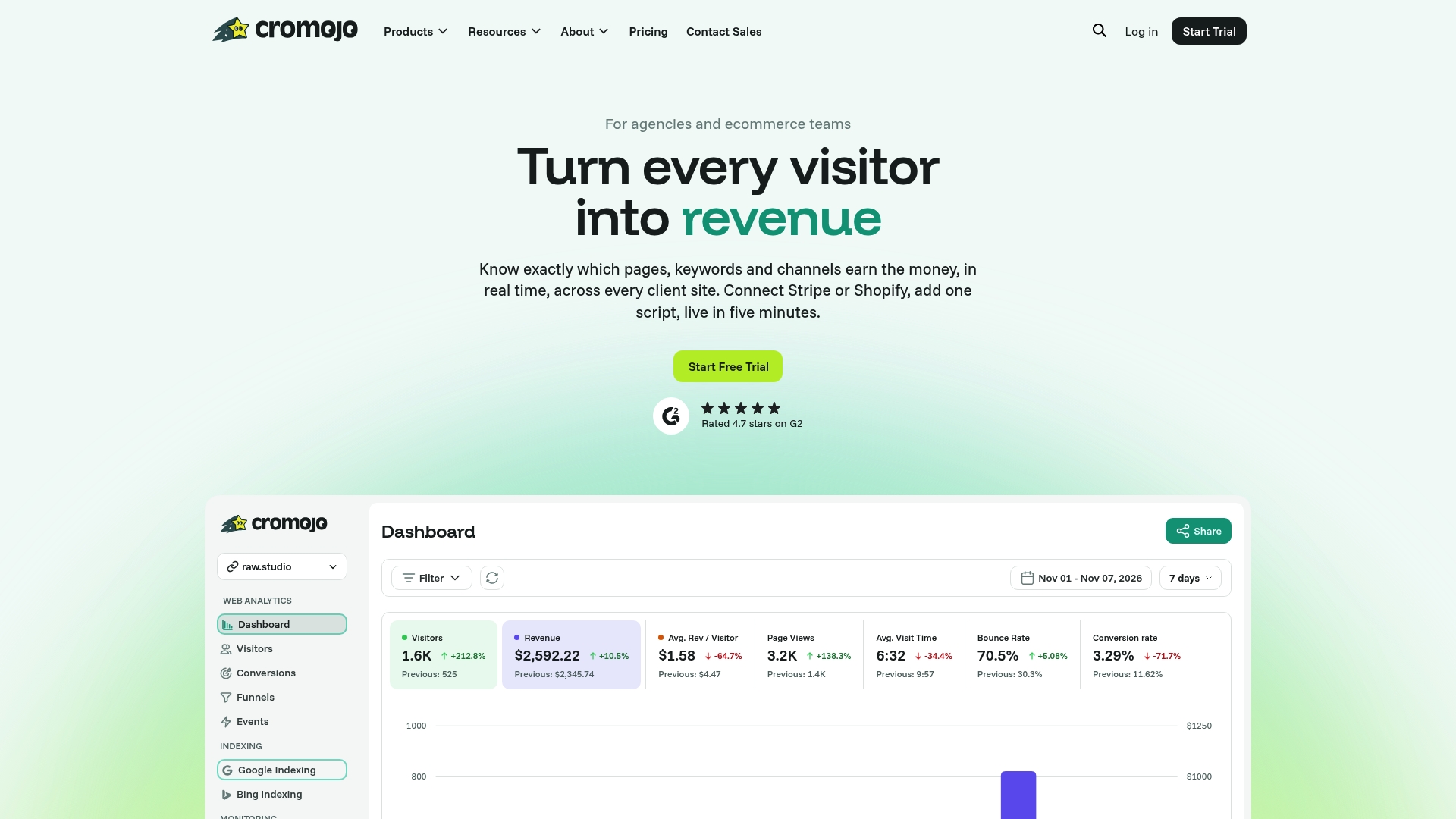
A free trial shows you exactly what that looks like on your own store: live revenue attribution next to your existing traffic numbers, plus indexing status and uptime alerts running in the same dashboard through Cromojo's site monitoring. If you want to see what's included at each usage tier first, the pricing page breaks down plans by pageviews and tracked sites. Either way, the next step is the same: connect your Stripe account and watch your first attributed sale land.
Where to Verify the Technical Details
Engineers implementing this pipeline directly should work from primary sources rather than secondhand summaries, since field names and signature requirements change with API versions.
- Stripe's Checkout conversion funnel documentation covers the exact webhook events and funnel analysis fields.
- The Advanced Tracking Academy guide to Stripe conversion tracking walks through client_reference_id capture and refund filtering in practice.
- Stape's guide to Stripe purchase tracking details server-side session enrichment patterns.
- The Google Ads offline conversion setup guide covers the upload path and deduplication rules for Google Ads specifically.