
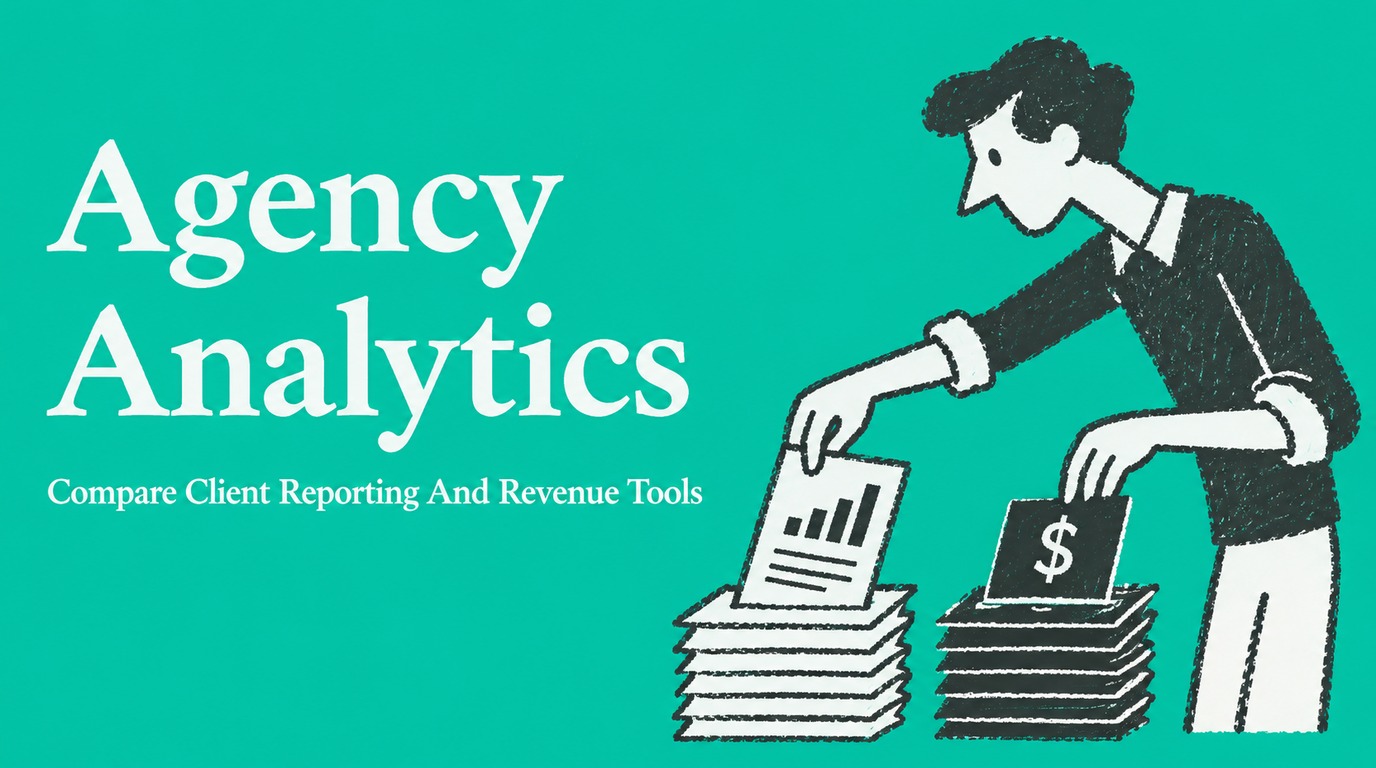


The best agency analytics platform depends on the question your clients keep asking. If it is "how are our channels doing?", a reporting dashboard tool such as AgencyAnalytics, DashThis or Whatagraph does the job. If it is "which page, keyword and channel actually produced revenue?", you need analytics that sit on the site and connect to the store. For ecommerce agencies, we think that second question is the one that wins and keeps accounts, and it is the one Cromojo is built around.
Below you will find the main types of platform, what each does best, what the published prices look like, and a checklist for choosing.
Two kinds of agency analytics platform
Most lists mix two different products, which is why they feel confusing.
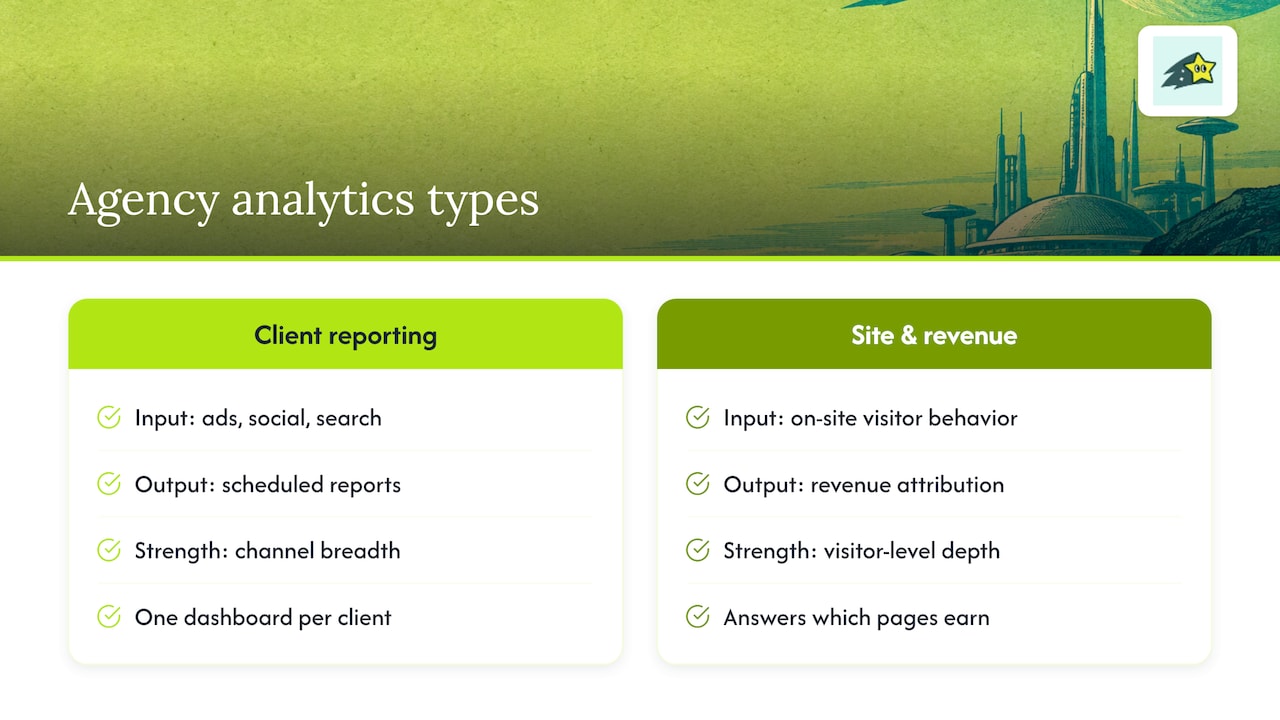
Client reporting platforms connect to Google Ads, Meta, Search Console, social accounts and similar sources through integrations, then assemble the numbers into scheduled reports. Their strength is breadth: one dashboard per client across many channels, with reports sent on a schedule.
Site and revenue analytics platforms measure the visitor on the website itself: where they came from, which pages they saw, whether they bought and how much. Their strength is depth: they answer which traffic source, keyword or page earned the money.
An agency managing ecommerce clients usually needs the second kind to prove ROI, and may add a reporting layer on top only if a client wants every channel in a single PDF.
The platforms agencies shortlist
Cromojo: revenue-first analytics for ecommerce agencies
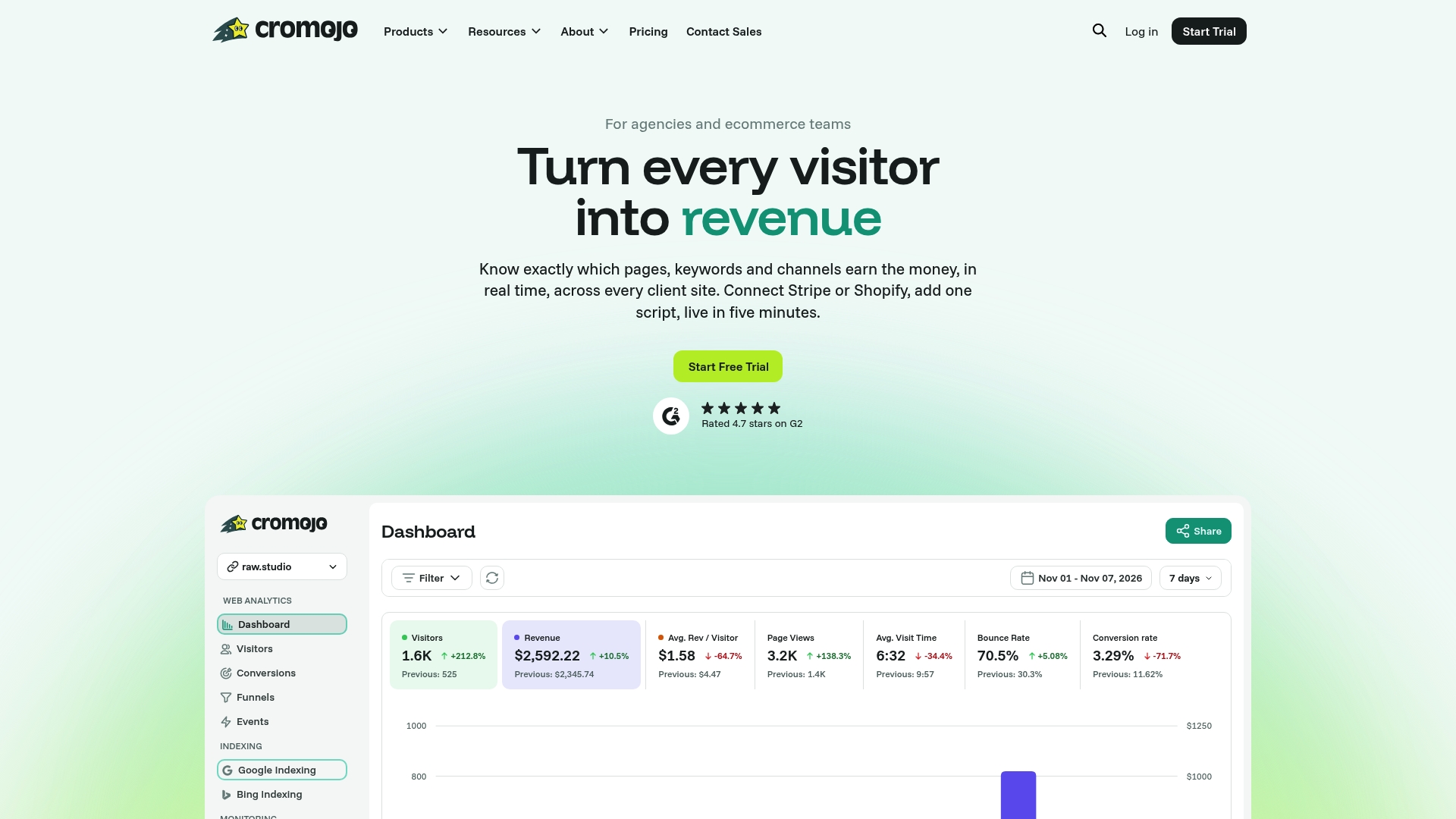
Cromojo is a revenue and web analytics platform for ecommerce sites and the agencies that manage them. It attributes revenue in real time by keyword, page and channel, and connects directly to Stripe, Shopify and Google Search Console. Around that core it adds conversion funnels, visitor journey analysis, goal tracking, advanced segmentation and actionable email reports.
Two things matter for agencies in particular. First, tracking is cookieless and privacy-first, so you are not rebuilding consent setups for every client's stack. Second, the same platform handles website monitoring (downtime, errors, SEO health) and automated indexing and re-indexing for Google, Bing, Yandex, Baidu and AI search, including bulk URL submissions and instant notifications. That replaces several separate tools and the manual work between them. See First-party Tracking for details.
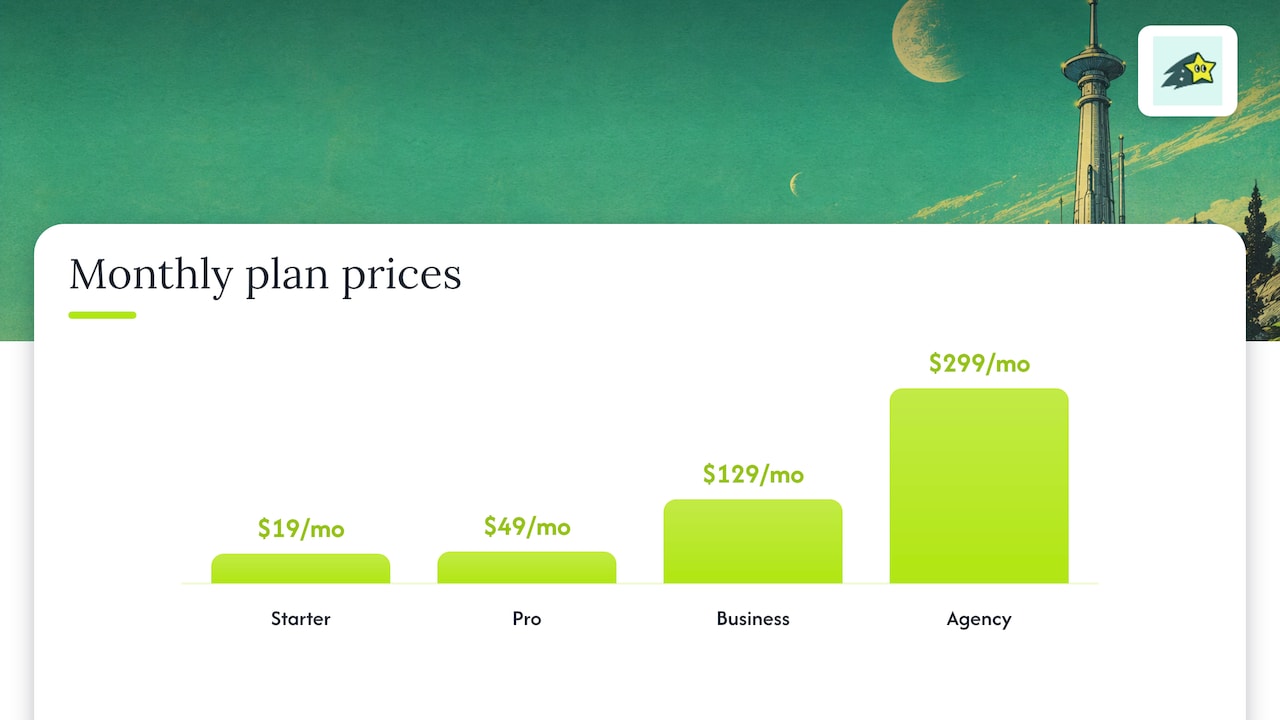
Pricing is subscription-based, tiered by pageviews and tracked sites, with overages billed per 1,000 additional pageviews. Plans are Starter at $19/month, Pro at $49/month, Business at $129/month and Agency at $299/month, plus a free plan. See the Cromojo pricing page for what each tier includes.
AgencyAnalytics
AgencyAnalytics is built around client reporting. According to a 2026 reporting-tool comparison, it costs $20 per client per month billed annually ($25 monthly), with unlimited reports, dashboards, white label, a client portal and API access included, while agencies with 25 or more clients get quote pricing. It is a natural fit when the deliverable is a branded multi-channel report for each client.
DashThis
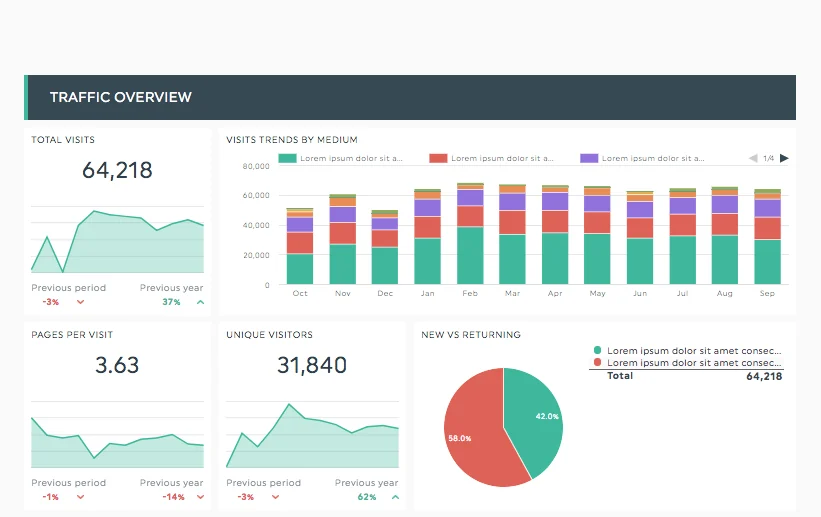
DashThis prices by dashboards and data sources rather than by client. The same comparison lists plans from Individual at $44/month billed yearly (3 dashboards, 15 sources) up to Standard at $429/month (50 dashboards, 200 sources), with white label and automated email dispatch on every plan and a 14-day trial. It suits agencies that want simple, template-style reports.
Whatagraph, Databox and Supermetrics
Whatagraph and Databox are also dashboard and reporting platforms with large connector libraries, while Supermetrics is mainly a data-transfer tool that moves marketing data into spreadsheets and warehouses. They fit agencies with analysts who like to build custom views. Prices change often and depend on the number of sources, so confirm the current tier on each provider's site.
Google Analytics 4
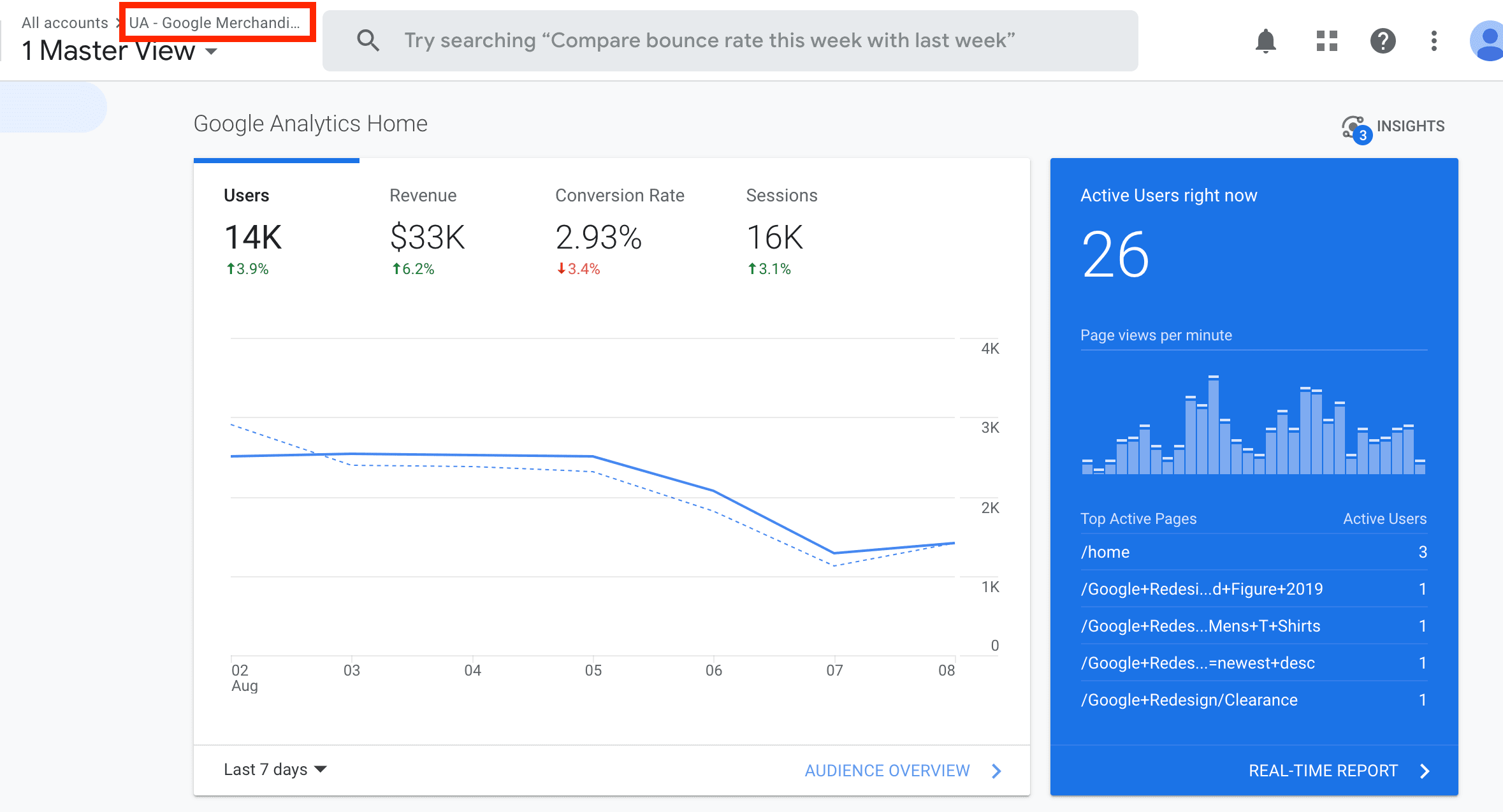
GA4 is free and familiar, and many agencies keep it as a baseline. It reports sessions, events and conversions, but turning it into revenue by keyword for a Shopify client takes configuration, event setup and often extra reporting tools on top.
How they compare for an ecommerce agency
The pattern: reporting platforms summarize channels, GA4 collects raw events, and Cromojo connects the site to the revenue it produces.
What to check before you choose
- The metric your clients are paid on. If it is revenue or ROAS, pick a tool that measures revenue on the site, not just clicks and impressions.
- How the price scales. Per-client pricing grows with your roster. Per-dashboard pricing grows with report complexity. Pageview-based pricing, as Cromojo uses, grows with client traffic and tracked sites. Model your next 12 months, not today's list.
- Setup time per client. Count the hours to connect each new store. Direct Stripe and Shopify integration and a lightweight cookieless snippet keep that low.
- SEO visibility. Search reporting should cover revenue per keyword and whether new pages are indexed. Our SEO Revenue and Automated Indexing features handle both. For KPI ideas, this guide to SEO reporting metrics for revenue is a good outline.
- Privacy and consent. Cookieless tracking reduces the data lost when visitors decline cookies and simplifies compliance conversations with clients.
- Reports clients read. Short, actionable email reports get opened more than 40-page decks. Decide who the report is for before choosing the format.
Where revenue analytics earns its place
A typical agency problem: a client's paid campaign shows strong click-through, yet sales are flat. A reporting dashboard shows the campaign metrics. Revenue attribution shows which keywords and landing pages the buyers actually came through, so you can move budget with evidence.
Cromojo covers the steps between traffic and sale. Funnels show where shoppers drop off, User Journeys show the path they took, and Smart Insights uses agents that continuously monitor the site and surface specific issues and opportunities, so you spend less time digging through charts.
If you also run SEO for clients, a broader look at SEO tools for agencies shows how content and technical tools fit around your analytics.
Our perspective
Agencies rarely lose a client because the report was ugly. They lose them because nobody could show which work made money.
That is why we built Cromojo revenue-first. Every visit, page and keyword connects to actual revenue through Stripe and Shopify, in real time, without cookies and without a week of setup. Monitoring and indexing sit in the same place, so the site that earns the revenue is also healthy and visible to Google, Bing and AI search.
Our advice: choose the platform that answers your client's money question first. Everything else is presentation.
Try Cromojo on your next client site
Cromojo's Agency plan is $299/month and covers multiple client sites, with Starter at $19, Pro at $49 and Business at $129 for smaller setups, and a free plan to begin with. Billing is monthly based on pageviews and tracked sites. Start with one ecommerce client and see revenue by keyword within your first reporting cycle.
See the plans and pricing or explore Revenue Analytics.
Sources
- Best Marketing Reporting Tools in 2026: AgencyAnalytics vs. alternatives (SoftwareCompare)
- UK SEO Reporting Metrics: 5-7 KPIs for Revenue and AI Visibility (Blindspot)