
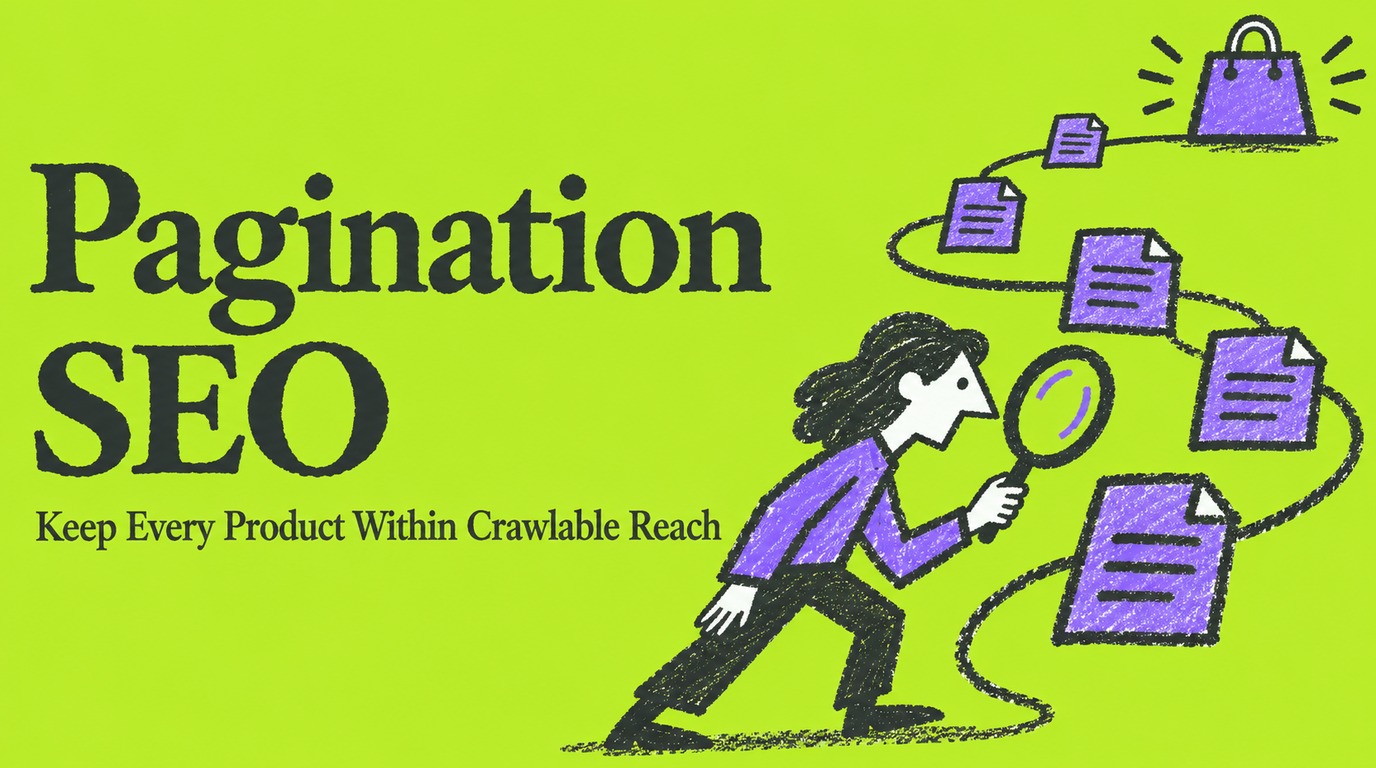


Pagination is how a category with 400 products becomes ten pages of 40. Done well, every product stays reachable by a plain link that Google can follow, and each page has its own URL. Done badly, products past page one quietly disappear from search, and you only notice when revenue from those items stalls. The fix is a short list of technical rules, plus a way to check that your products are actually indexed and earning. We cover both here.
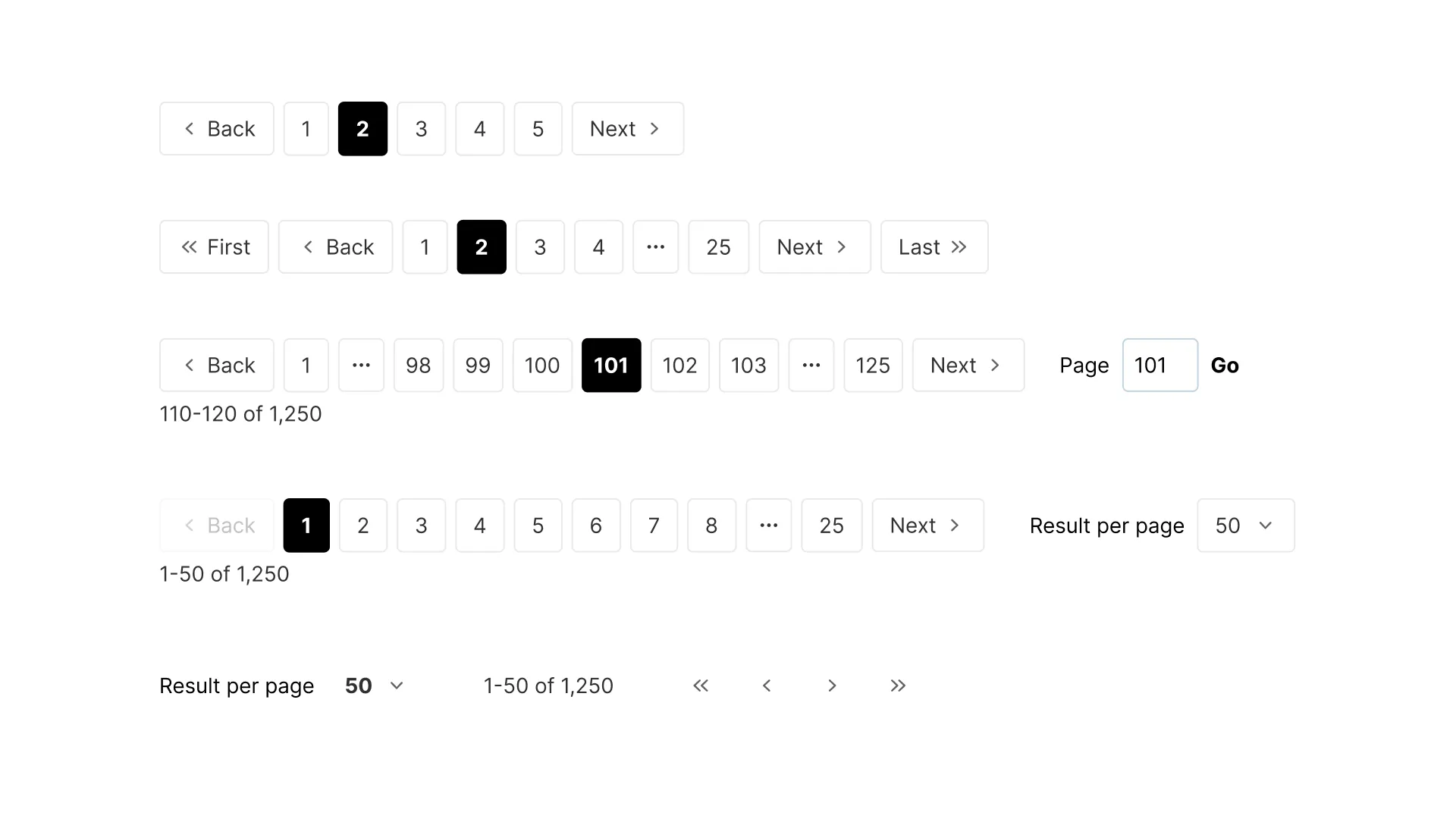
Why pagination matters more in ecommerce than in blogs
A blog archive with old posts can lose a few pages without much consequence. A store cannot. Deep category pages often hold the long tail of your catalog: the products with lower demand but healthy margins, and the ones that win a specific search like a size, a material or a model number.
Search engines discover most of those products by following links. If page 7 of a category is only reachable through a button that runs JavaScript on click, or the links that lead to it are missing from the HTML, the crawler may never see the products on it. Google's own guidance on pagination and incremental page loading says that pages should be linked in a way Google can follow, and that each page should be reachable through a unique URL.

That is the whole logic of pagination SEO: every product needs a path of real links from a page Google already knows. The rest of this article is how to build and verify that path.
Step 1: Give every page its own URL
A paginated sequence should look like this:
/collections/running-shoes/collections/running-shoes?page=2/collections/running-shoes?page=3
A path format such as /running-shoes/page/2/ works equally well. What does not work is a URL that stays the same while the content changes, or one that uses a fragment (the part after #). Google's pagination guidance advises against fragment identifiers for separating pages, because it generally ignores them when crawling.
Three practical details:
- Keep the URL pattern predictable. One parameter, one format, across all categories. Mixed formats create duplicate paths to the same page.
- Return a real error for pages that do not exist. If a category shrinks from five pages to three, page 4 should return a 404 status rather than an empty grid with a 200 status.
- Keep URLs readable. Clean, descriptive category slugs help both shoppers and crawlers. If you are tidying your structure at the same time, this guide to SEO-friendly URL best practices covers slugs, length and structure.
Step 2: Link pages with plain links
Your page numbers, "Next" button and "Previous" button should be standard anchor links with an href pointing to the real URL. Buttons that load products by script, with no link underneath, give the crawler nothing to follow.
A good pattern for large categories:
- Link to page one, the previous and next pages, and a few numbered pages around the current one.
- Where a category runs to dozens of pages, add links to the last page so that deep pages are not 30 clicks from the category root.
- Make sure the links appear in the rendered HTML without requiring a click or a scroll.
This is also where your product pages benefit. The closer a product sits to the category root, the more often it gets crawled. Sorting your best sellers toward page one is a merchandising decision with an SEO side effect.
Step 3: Canonicals, noindex and the page-one mistake
A canonical tag tells Google which URL is the preferred version of a page. The most common pagination error in ecommerce is pointing every paginated page's canonical at page one. It looks tidy, but it tells Google that page 2 is a duplicate of page 1, even though it lists different products. Google's documentation recommends that each page in a sequence use its own canonical URL rather than pointing them all to the first page.
Use this rule instead:
Avoid putting noindex on pages 2 and beyond as a shortcut. Over time Google tends to treat long-term noindex pages like pages it can stop following, which can weaken discovery of the products listed there. If those products also have no other internal links, they become orphans.
What happened to rel="prev" and rel="next"
For years the advice was to add these link tags to tie pages together. Google has said it no longer uses them as an indexing signal. Keeping them does no harm, and some other search engines or tools may read them, but they do not replace visible links. Do not spend developer time adding them if your platform lacks them.
Step 4: Choose between numbered pages, load more and infinite scroll
Shoppers like the smooth feel of infinite scroll. Crawlers do not scroll. The rule is simple: you can use any front-end pattern as long as each chunk of products also exists at its own URL, reachable by a link.
For most small and mid-size stores, numbered pagination or load more with a real link underneath is the safest choice. Test it by viewing the page with JavaScript off, or by looking at the page source for links to page 2.
Step 5: Titles, content and filters
Paginated pages are not meant to rank for your main category term; page one does that. Still, they need to be distinct enough that Google does not read them as copies.
- Titles and headings: Adding "Page 2" to the title is a common and reasonable approach. Keep the H1 consistent.
- Category description: Put the descriptive copy on page one only. Repeating a 300-word block on every page adds no value.
- Filters: Faceted navigation (filters for size, color, brand) can generate thousands of near-duplicate URLs. Decide which filter combinations deserve to be indexed because people search for them, and canonicalize or block the rest. Paginating a filtered set multiplies the problem.
- Product links: Link each product with a stable, clean URL, not one that carries the category path or tracking parameters.
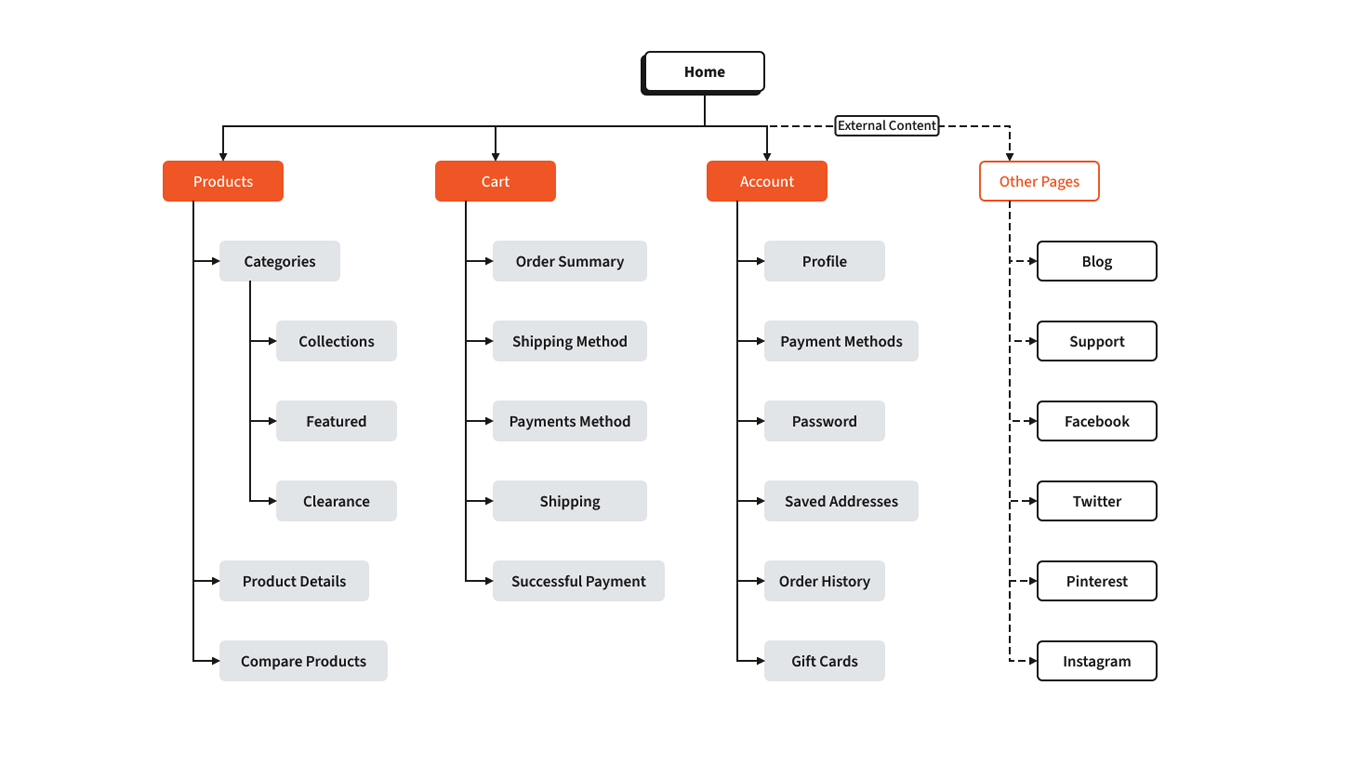
Step 6: Sitemap strategy for ecommerce
Pagination and sitemaps do different jobs. Links reveal the structure; the sitemap lists the URLs you want indexed. A common mistake is to fill the sitemap with paginated category URLs and leave product pages out, or the reverse with stale entries.
Best practices that apply to most stores:
- Put product pages and key category pages in the sitemap. Paginated pages 2 and up do not need to be there; they get found through links.
- Respect the limits. A single sitemap file can hold up to 50,000 URLs and 50 MB uncompressed, according to Google's sitemap guidelines. Larger catalogs use a sitemap index that points to several files.
- Split by type. Separate files for products, collections, blog posts and pages make it easy to see which section has an indexing problem.
- Use lastmod honestly. Google's documentation says it uses the last modification date when it is consistently accurate and ignores the priority and change frequency fields. Update lastmod only when the page meaningfully changes, not on every build.
- List only canonical, indexable URLs. Redirected, noindexed or out-of-stock-and-removed URLs belong out of the file.
When the sitemap is not updating
If new products are missing from the sitemap, work through this order:
- Is the sitemap generated or static? A file exported once never changes. Dynamic sitemaps update when the catalog does.
- Is a cache serving an old copy? CDN, plugin or server caching can hold an outdated file for days.
- Is the product published and visible to the sales channel? On most platforms, draft products, products hidden from the online store or products with certain settings are left out.
- Did the search engine simply not re-read it? Search Console shows the last read date for each submitted sitemap. A fresh file that was read three weeks ago explains a delay that is not your platform's fault.
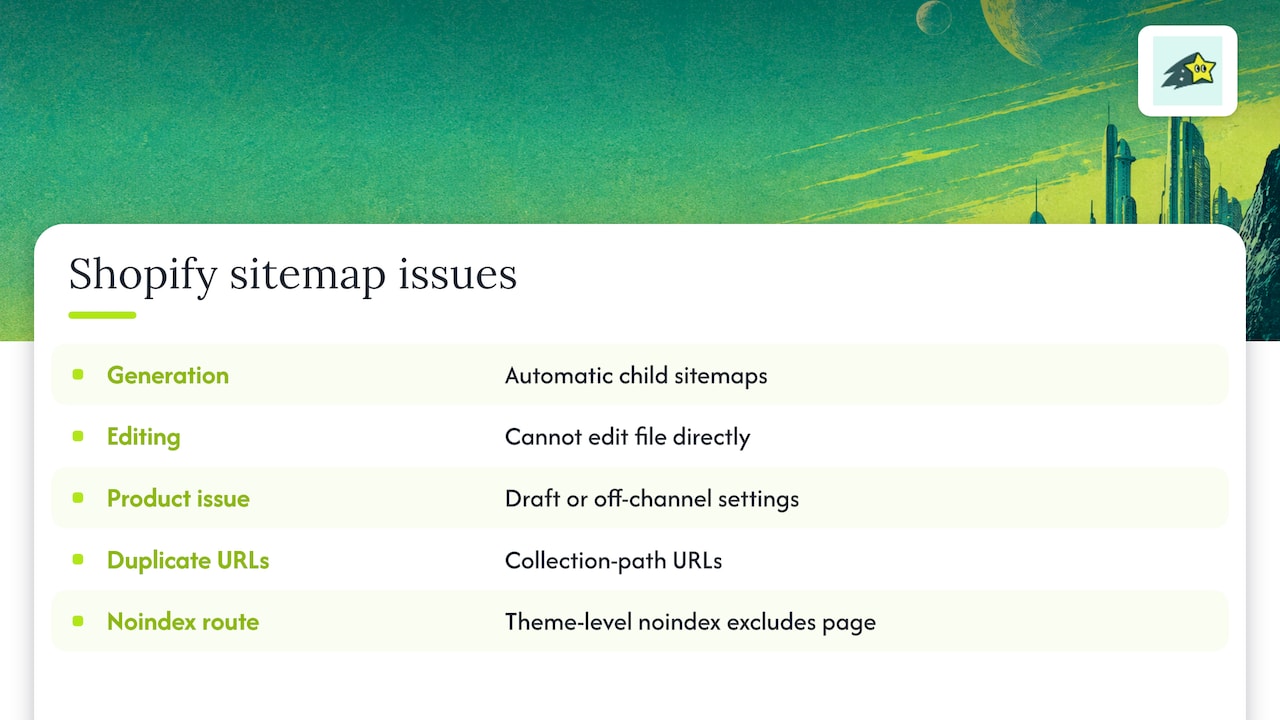
Shopify sitemap issues
Shopify generates sitemap.xml automatically, split into child sitemaps for products, collections, pages and blog posts. Because it is generated for you, you cannot edit the file directly, so problems usually trace back to settings rather than the file. The usual causes are products set as draft or not available on the online store channel, collection pages that carry noindex through theme code, and duplicate product URLs that include a collection path. Shopify also exposes paginated collection URLs with ?page=2, so the pagination guidance above applies as is. If you need something excluded from the sitemap, the route is usually to handle it with a theme-level noindex for that page, which keeps it out of the generated sitemap.
Step 7: Confirm that products are indexed, and that they earn
Implementing the rules is half the work. The other half is knowing whether products deep in a category are indexed and whether it matters commercially.
A manual check looks like this: in Search Console, open the page indexing report and look at the reasons for pages not indexed, such as "Discovered, currently not indexed" or "Crawled, currently not indexed." Then sample deep products with the URL inspection tool. It works, but it is slow for a catalog of thousands, and it tells you about indexing, not about money.
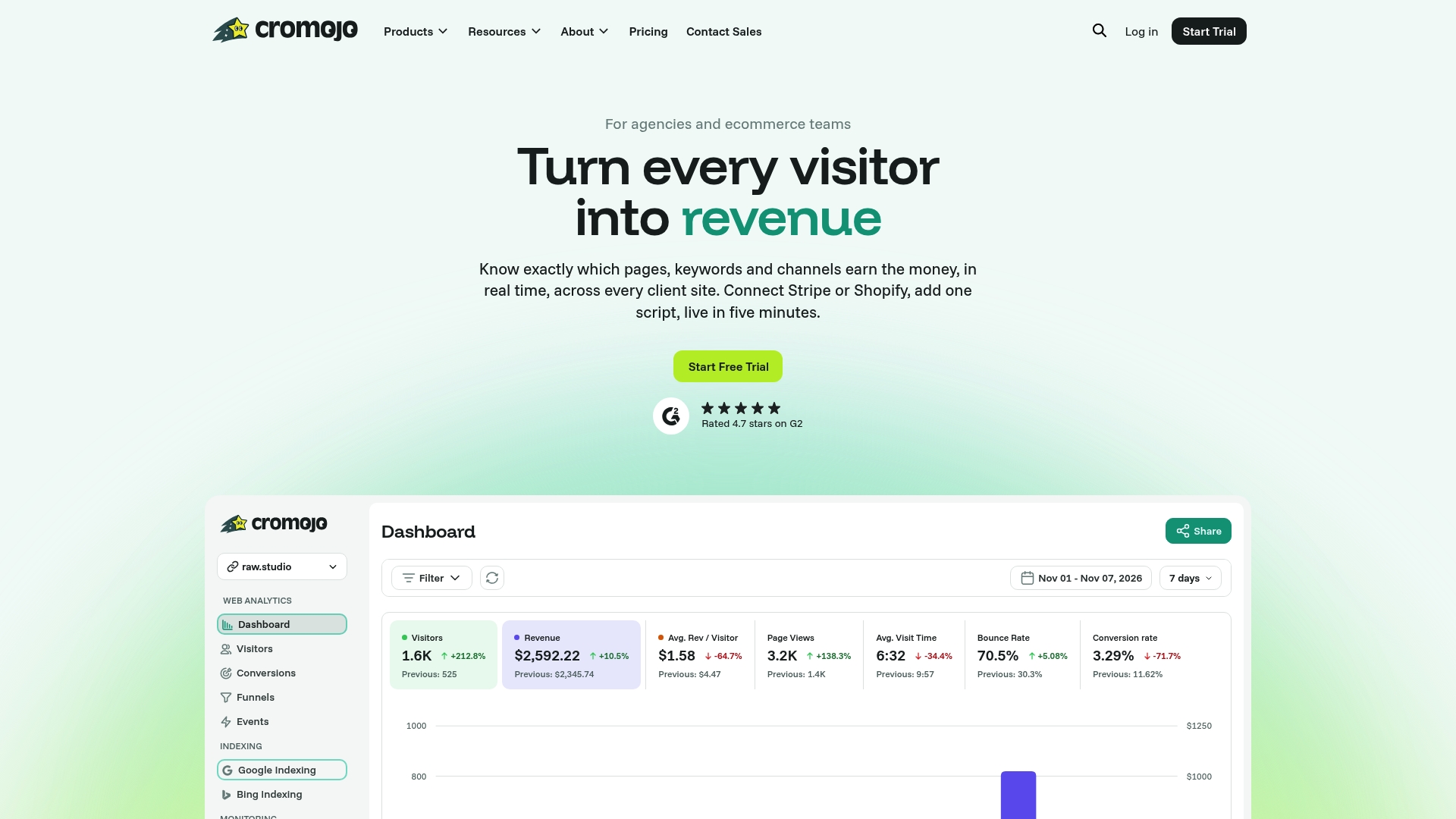
This is where we built Cromojo to take work off your hands. Automated Indexing submits and re-submits your URLs to Google, Bing, Yandex, Baidu and AI search, supports bulk URL submissions and sends instant indexing notifications. Website Monitoring watches for downtime, errors and SEO health, so a theme change that breaks your pagination links does not sit unnoticed. And SEO Revenue connects organic search to sales, so you can see whether a product on page six of a category earns anything once it is indexed. If you are stuck on why specific URLs stay out of Google, the help article Why aren't my pages indexed? walks through the usual causes.
A pagination audit you can run in an afternoon
- Pick your three biggest categories and note how many pages each has.
- Open the last page of each. Is it reachable through links from page one in a reasonable number of clicks?
- View the source of page 2. Does it contain a canonical pointing to itself?
- Turn off JavaScript and reload. Do the next-page links still work?
- Check that a nonexistent page number returns a 404.
- Compare the product count in your sitemap to the product count in the platform.
- Sample ten products from deep pages in the URL inspection tool and record whether each is indexed.
- Re-check after any theme update.
For an agency running this across many client stores, the repeatable part is steps 6 to 8, and that is where a monitoring tool with per-site tracking saves hours.
Our perspective
Most pagination advice stops at the tags. In our view the tags are the easy part. The hard part is knowing, a month later, whether the products you cared about are still indexed and whether anyone is buying them.
That is why we think indexing and revenue belong in one place. When indexing is automated and monitored, a broken theme update shows up as an alert rather than as a mystery drop in sales. When revenue is attributed down to the page and keyword, you can decide whether deep category pages deserve more internal links, better merchandising or a place in the sitemap, based on what they earn rather than on a guess.
Where Cromojo fits
If you run an online store, or manage several for clients, Cromojo combines revenue analytics, automated indexing and website monitoring in one subscription. Plans start at $19 per month for Starter, with Pro at $49 per month, Business at $129 per month and Agency at $299 per month; there is also a free plan. You can compare them on the pricing page, or look at how Revenue Analytics attributes sales by keyword, page and channel.
How do I know if deep category products are indexed?
Use the page indexing report in Search Console for patterns and the URL inspection tool for single pages. For a large catalog, automated indexing with bulk submissions and notifications keeps that check from becoming a weekly chore.
Sources
- Google Search Central: pagination and incremental page loading
- Google Search Central: build and submit a sitemap
- SEO-friendly URL best practices