
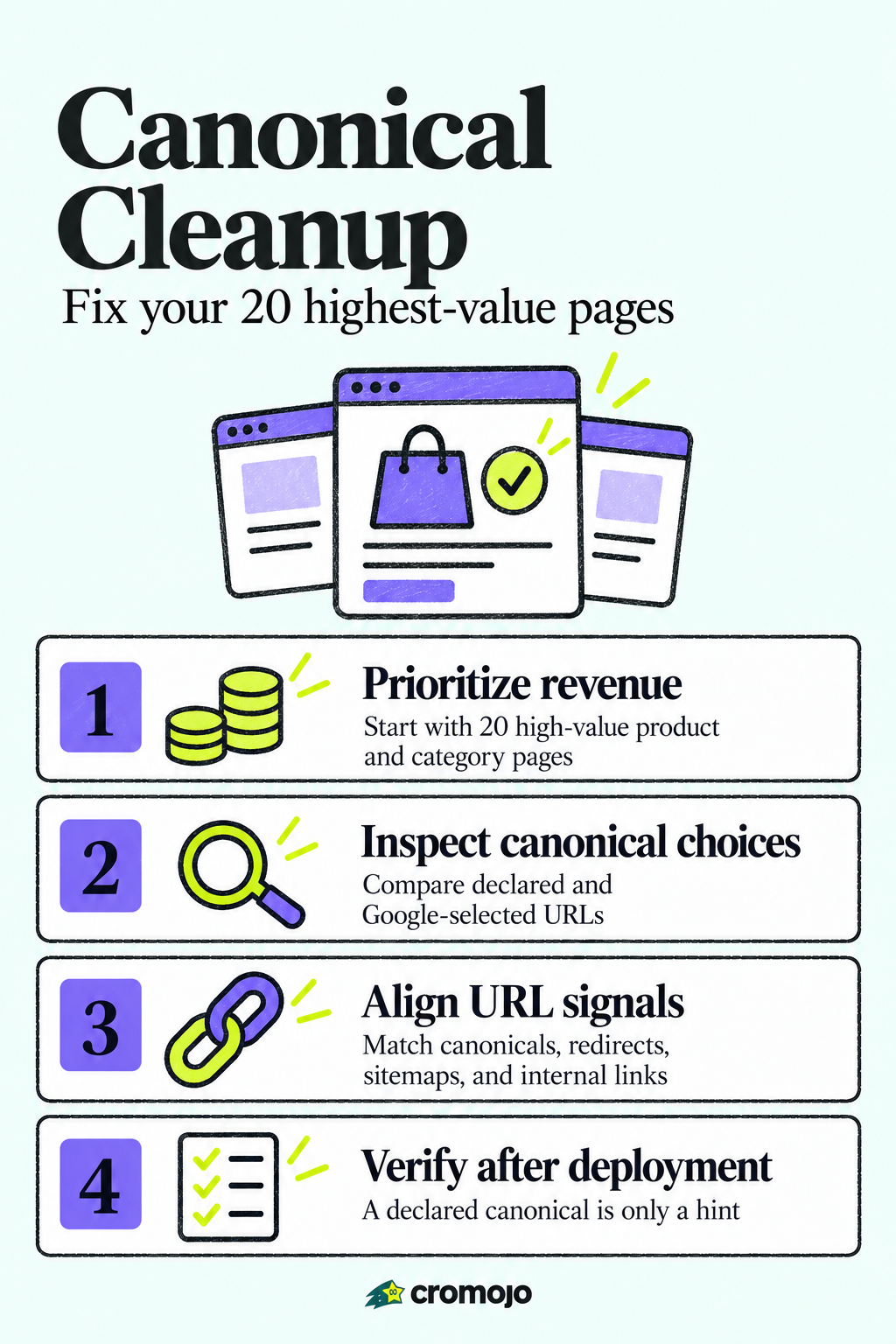
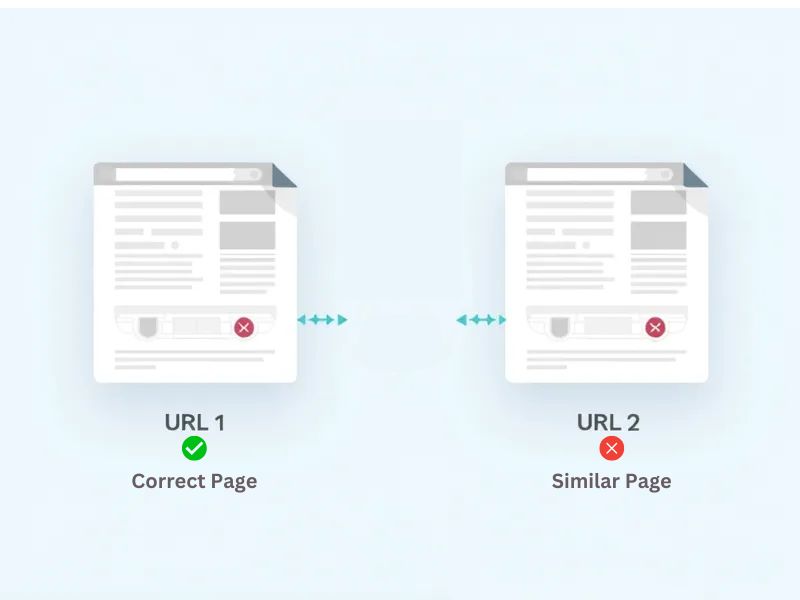
Canonical issues happen when search engines find multiple URLs for the same content and pick a different one as canonical than you intended. The first move is to inspect the URL in Google Search Console to see what Google selected versus what you declared, then align your redirects, rel=canonical tags, sitemaps, and internal links around the URL you actually want ranked.
How do you detect canonical discrepancies on your site?
Finding canonical problems starts with comparing what you declared against what Google actually chose. Google's own canonicalization documentation explains that Google treats your declared canonical as a hint, not a command, and weighs signals like protocol, redirects, and sitemap inclusion before picking its own.
Here's a practical sequence for finding where things went wrong:
- Open URL Inspection in Search Console for a sample of pages and compare "Google-selected canonical" against your declared canonical.
- Run a full crawl with Screaming Frog or a similar crawler to pull every rel=canonical tag, status code, and sitemap reference at once.
- Check your server for redirect chains and mismatched 301s or 302s that might be quietly overriding your intended canonical.
- Cross-check sitemap entries against internal links to confirm you're pointing to the same URL everywhere.
Once you have a list of mismatches, prioritize by what actually matters:
- Rank affected pages by revenue contribution, not by raw traffic or page count.
- Fix the handful of product and category pages that drive the most sales before touching low-value filter pages.
- Flag any page where the declared and Google-selected canonical differ by protocol or trailing slash, since those are usually quick wins.
Pro Tip: Export your top 50 revenue-generating URLs before you start a crawl. It turns a thousand-page audit into a short, fixable list.
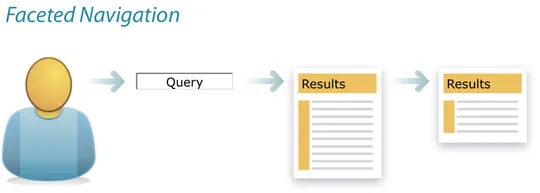
Why does faceted navigation cause so many ecommerce canonical problems?
Faceted navigation is the biggest source of canonical chaos on ecommerce sites, and it's largely self-inflicted by filter and sort combinations. Every color, size, and price filter a shopper applies can generate a new URL, and Google's faceted navigation guidance recommends consolidating that sprawl by pointing unnecessary filter combinations to a clean superset page, often a "view-all" category, rather than letting each one compete for its own ranking.
A few other patterns show up again and again on online stores:
- Pagination often canonicalizes inconsistently, with page 1 sometimes pointing to itself and sometimes to the category root, confusing which page should rank.
- Product variants (different colors or sizes) frequently live on separate URLs with no parent grouping, splitting signals that should reinforce one listing.
- Tracking parameters and session IDs slip into internal links or sitemaps, creating duplicate URLs that never should have been crawlable.
- Protocol and host inconsistencies, like mixing HTTP and HTTPS or www and non-www versions, split canonical signals across what should be a single URL.
One documented risk from unmanaged facets: parameterized URL combinations can multiply quickly enough to waste crawl budget and dilute indexing signals, meaning Googlebot spends time on filter permutations instead of your actual product pages.
Designing a URL structure for ecommerce sites the right way from the start, with consistent parameter formatting and no session IDs in crawlable URLs, prevents most of this before it starts. Retrofitting a URL structure after the fact is harder, but far from impossible.
What's the right order for fixing canonical problems?
Fixing canonical issues works best as triage, not a sweep. Start with the pages tied to revenue, fix the signals that actually control canonicalization, verify, then roll the pattern out to the rest of the site.
- Map your revenue data to URLs and list the pages where the declared canonical doesn't match what Google selected.
- Add a self-referencing canonical tag to every page you want indexed as-is, and point parameterized or filtered variants to the appropriate superset page.
- Fix redirect chains: collapse multi-hop redirects into a single 301, and stop using 302s for anything meant to be permanent.
- Clean your sitemaps and internal links so both only reference the canonical URL. Decide once whether paginated URLs include "?page=1" or omit it, and apply that choice everywhere.
- Remove any page where noindex and rel=canonical are both present, since that combination sends Google contradictory instructions.
- Add ProductGroup and hasVariant structured data where you have multiple variant URLs for one product, which Google introduced specifically to reduce ambiguity between variant pages.
- Test the fixes on staging, crawl again to confirm the changes took, deploy, then request reindexing for the priority pages.
A few rules are worth calling out on their own because they cause outsized damage when ignored:
- Never pair noindex with rel=canonical on the same page. Search Engine Journal's reporting on Google's canonical signals notes that the conflict can cause Google to disregard one or both directives entirely.
- Treat redirects as your strongest canonical signal. According to Google's guide to consolidating duplicate URLs, redirects outrank rel=canonical, which in turn outranks sitemap inclusion.
- Never leave two conflicting rel=canonical tags on one page. Pick one, remove the rest.
- Avoid soft 404s where a removed product returns a 200 status with a "not found" message. That confuses canonicalization as much as it confuses shoppers.
Pro Tip: Fix your top 20 revenue pages first and treat everything else as a second pass. A faster partial fix beats a slower complete one when sales are on the line.
How do you verify the fixes worked and stop them from breaking again?
Verification is where a lot of canonical fixes quietly fail, because teams check once and move on. Google's documentation on consolidating duplicate URLs notes that it can take two to eight weeks after a fix for indexing to stabilize, so early checks should track direction, not finality.
- Re-run URL Inspection on your priority pages weekly and watch whether the "Google-selected canonical" converges on your declared URL.
- Track organic traffic and indexation status for the fixed pages over that same two to eight week window rather than judging results after a few days.
- Schedule recurring crawls to catch new parameter combinations or duplicate URLs before they multiply again.
- Fold canonical checks into routine SEO health runs, including sitemap validation, so a new facet or tracking parameter doesn't quietly undo your work.
- Set alerts for sudden indexation drops or spikes, since both can signal a canonical regression before traffic data confirms it.
For sites managing a high volume of SKUs, a dedicated crawler built for ecommerce, like DBLScanner's ecommerce solutions, can help catch parameter-driven duplicate growth before it shows up in a ranking drop.
How Cromojo helps teams triage and verify canonical fixes
Most canonical audits treat every page equally, which wastes time on URLs that never generated a sale. The platform ties real revenue data from payment and ecommerce platforms to individual URLs, so you can see which pages with canonical problems are actually costing money, and fix those first.
Once a fix is live, Cromojo's automated indexing shortens the wait between deploying a change and seeing Google recognize it, and website monitoring flags inconsistent canonical signals across markup, sitemaps, and HTTP headers as part of routine SEO health checks. A practical playbook follows naturally from that data: map revenue to URLs, fix a sample set of high-value pages, verify through monitoring, then scale the pattern across the rest of the catalog.
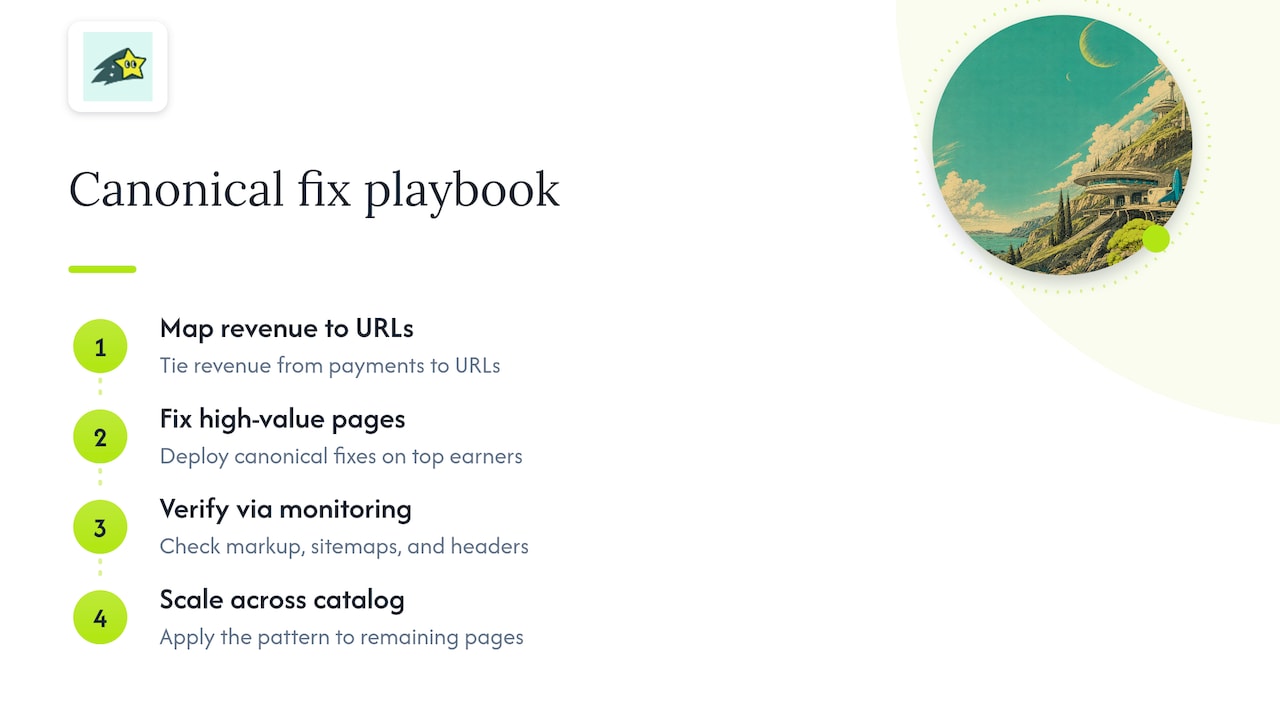
A pragmatic take on canonical cleanup

Full-site canonical audits tend to stall, and I'd rather see a team fix twenty high-revenue pages this week than plan an exhaustive audit that never ships. A revenue-focused sprint approach reported by Search Engine Land suggests that targeting a small set of high-impact URLs can produce measurable results within about 30 days, while sprawling audits often stall before anything gets fixed.
Measure both sides of the fix, indexing status and revenue recovery, not just whether Google's crawl stats look tidier. Keep the rollout lightweight, with monitoring in place so a new filter or tracking parameter doesn't undo the work a month later.
Get faster answers on your own canonical issues
Diagnosing canonical problems usually means jumping between Search Console, a crawler, and your analytics platform just to confirm one fix worked. Certain analytics platforms keep revenue data, automated indexing, and website monitoring in one dashboard, so you can see which fixed pages are recovering traffic and sales without stitching together three tools.
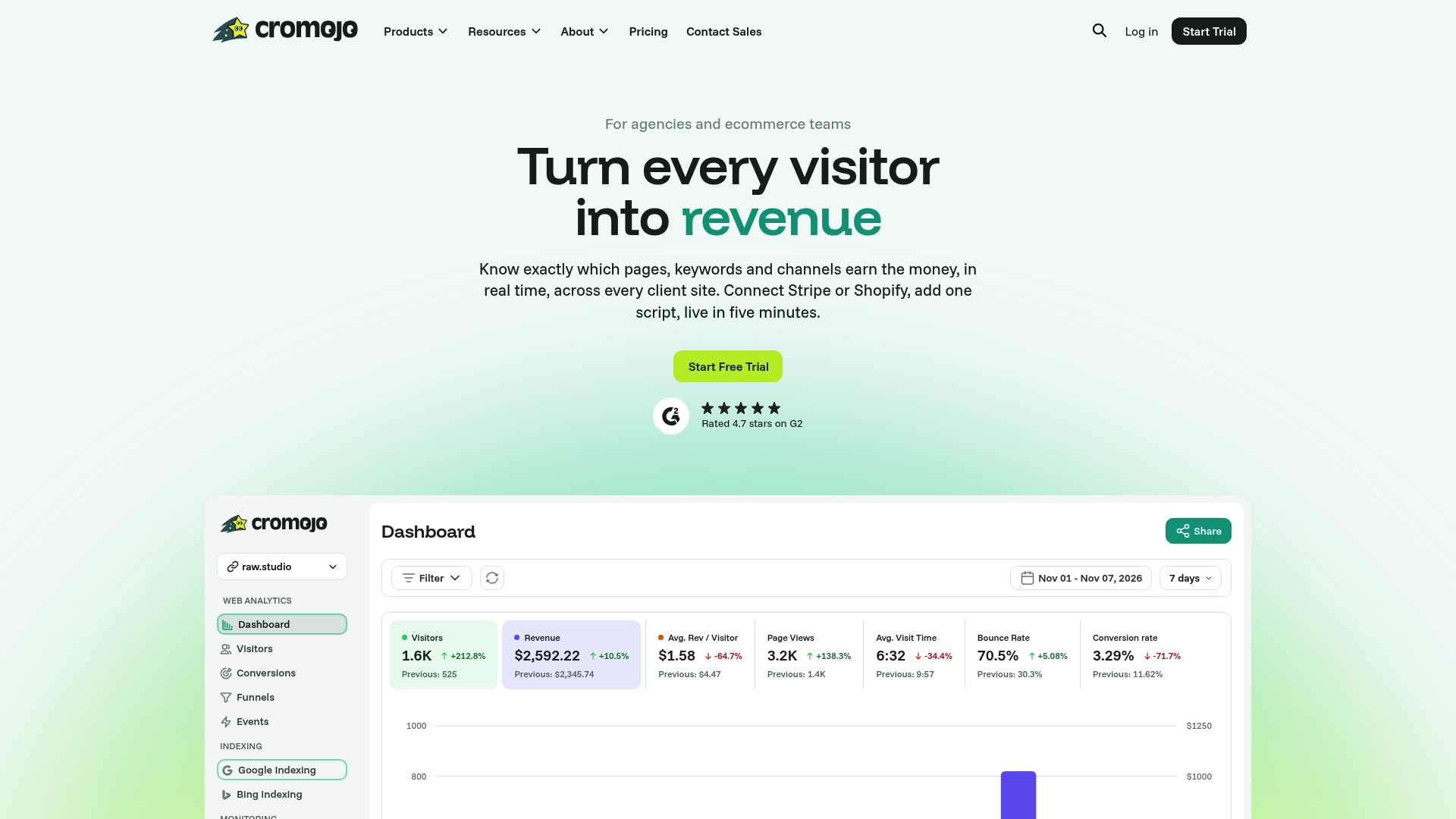
Automated Indexing submits priority URLs for reindexing after a fix, and Website Monitoring flags canonical and indexation changes before they turn into a revenue problem. Plans start at $19 a month on the Starter tier, with Pro, Business, and Agency tiers available as your catalog grows. Check the pricing page to see which plan fits your site.