

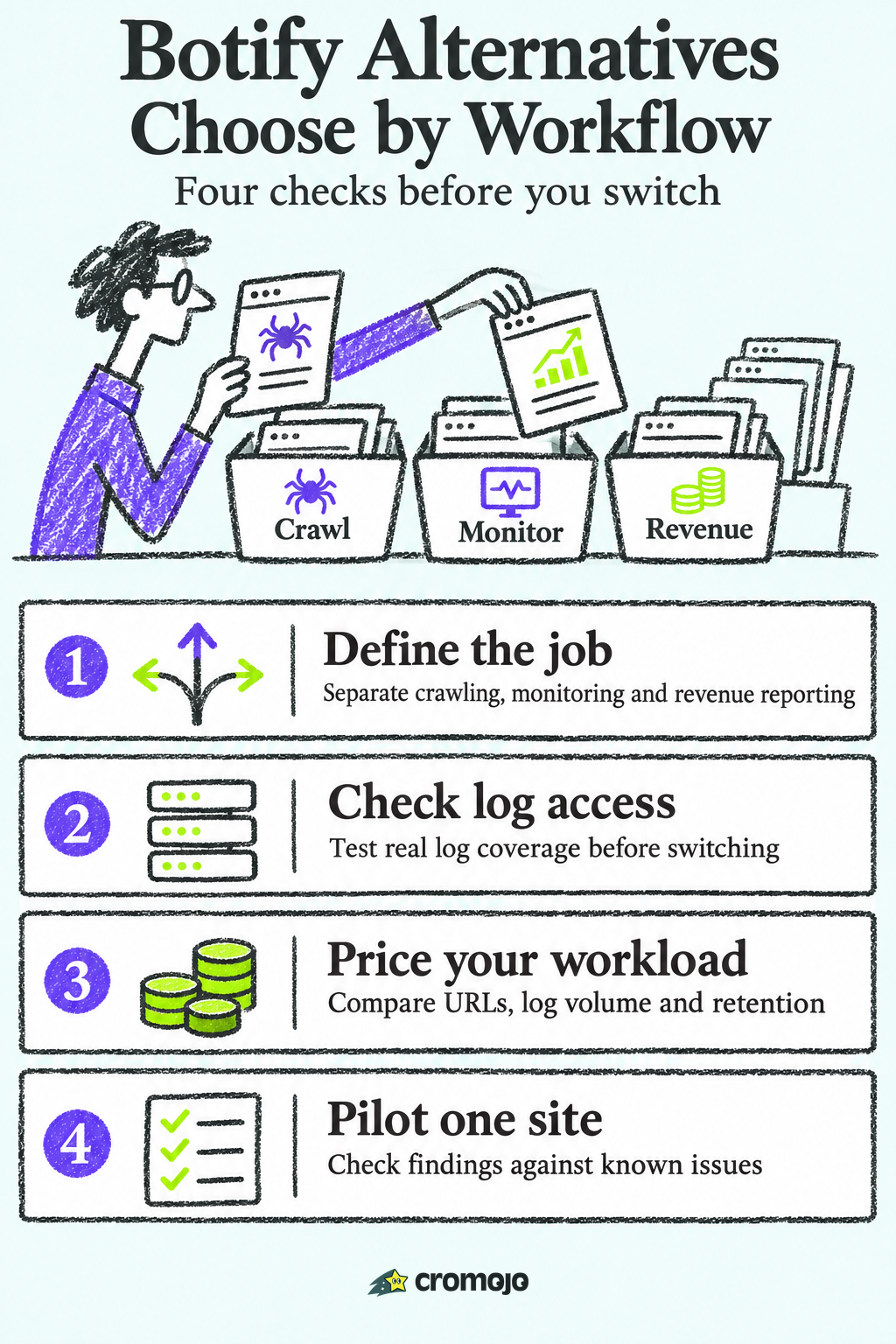
Start with the job you need to replace. Lumar, Oncrawl and JetOctopus belong on a shortlist for large or recurring cloud crawls. Screaming Frog and Sitebulb are useful for hands-on audits. Conductor Monitoring focuses on ongoing change alerts, Semrush Site Audit adds crawling to a broader SEO toolkit, and Cromojo is for teams that prioritise attributed revenue, indexing workflows and monitoring. The eight options below cover different needs, so test the capabilities you would actually lose by switching.
What Botify does, and what to look for in a replacement
Botify combines technical SEO and search visibility with products for AI readiness and content delivery. Its LogAnalyzer uses server or CDN logs to show crawler activity. If your team uses Botify for log analysis, rendered delivery or automated workflows as well as crawling, list those dependencies before treating an audit tool as a replacement.
People leave Botify, or skip it, for a few predictable reasons:
- Cost and scope. Request an itemised quote for the modules, data volumes and support you would use.
- Scale mismatch. A store with a few thousand URLs rarely needs an enterprise crawl budget.
- Missing business context. Technical reports tell you what is broken. They do not always tell you what the broken thing costs in revenue.
- Agency workflows. Agencies need to run many client sites without paying enterprise rates for each.
Before you compare tools, answer four questions:
- How many URLs do you actually need to crawl or monitor?
- Do you need server log analysis, or is Search Console data enough?
- Do you need to tie SEO work to revenue, by keyword and page?
- Who will use the tool: a technical SEO, a marketer, a founder, or an agency team?
Botify alternatives at a glance
Compare each tool on the work it can take over. A crawler tests what it can discover; server logs show which requests actually reached the infrastructure you log. Website monitoring and revenue analytics answer different questions. You may need more than one tool.
Lumar (formerly Deepcrawl)
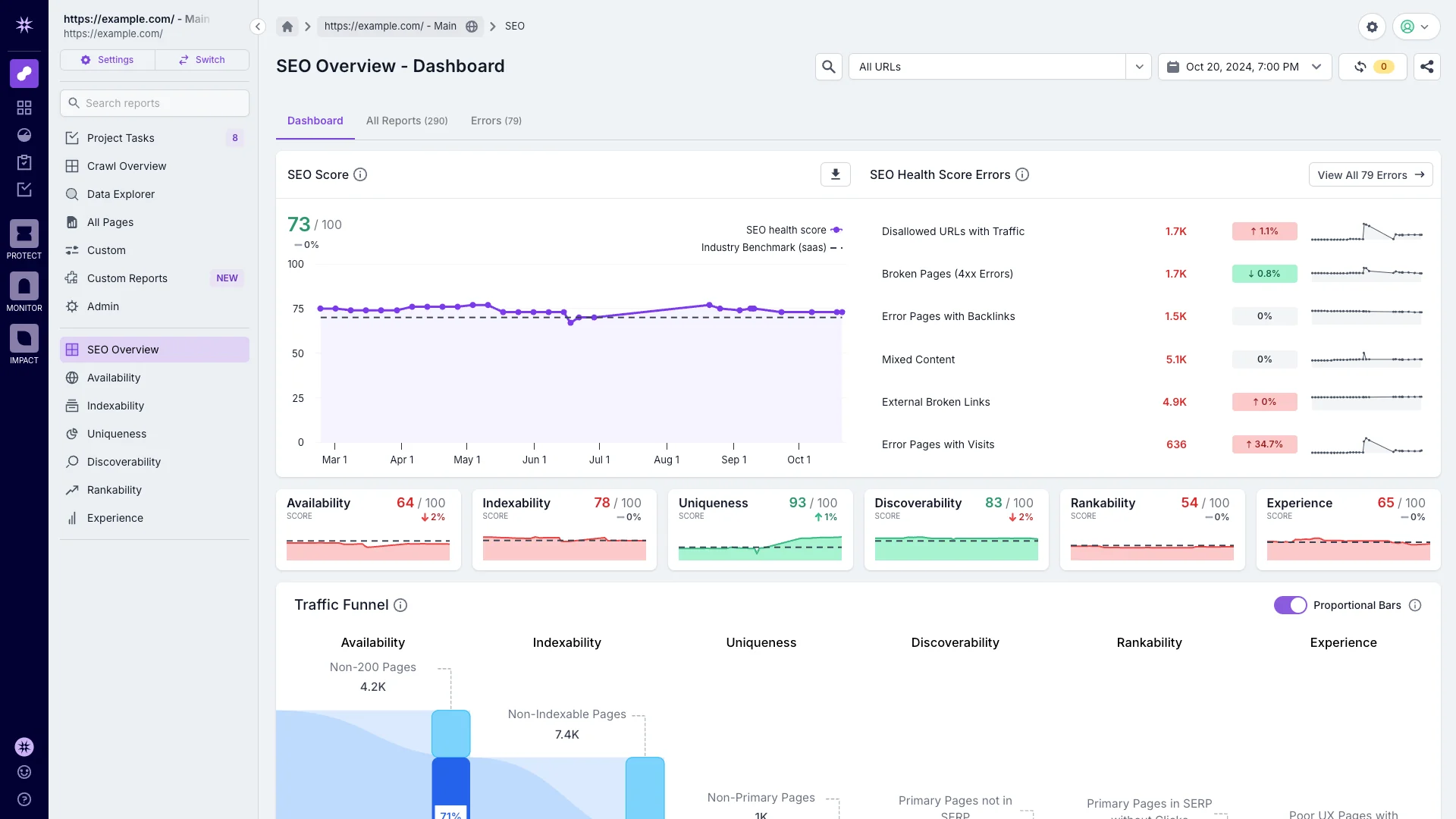
Lumar, formerly Deepcrawl, is a website optimisation platform for technical SEO and related site performance workflows.
Lumar Analyze is the crawling and diagnostics product. Evaluate crawl configuration, segmentation, reporting and release QA with your own templates and team. Ask which log sources and other modules are available in the proposed package.
Shortlist Lumar when recurring cloud audits and release QA matter. Get a quote that specifies crawl capacity, rendering, monitoring and support, then pilot your most difficult template.
Oncrawl
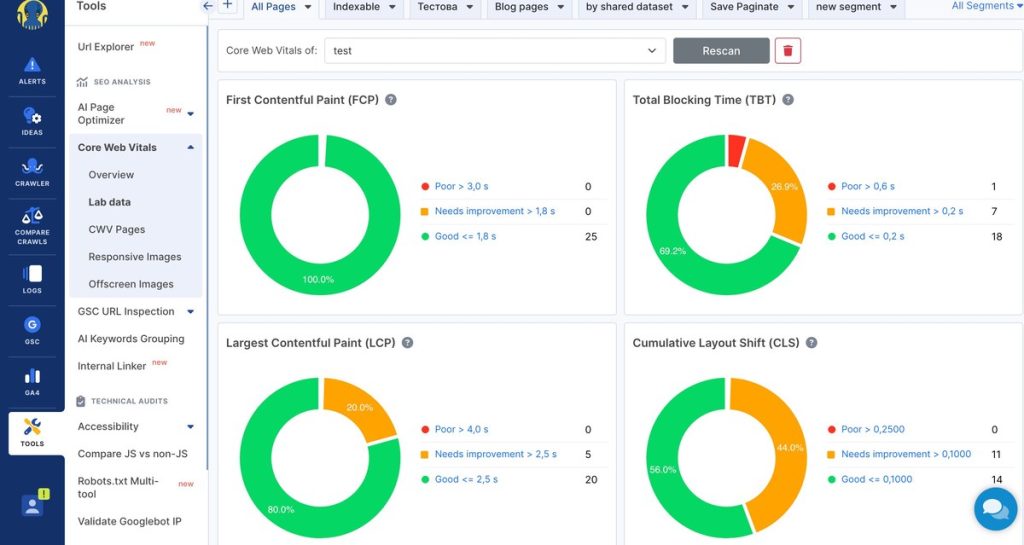
Oncrawl combines cloud crawl data, logs and performance data. Use the combination to compare what your crawler discovers with what bots actually request, and segment results by template, directory or other useful groups.
Request a quote for your crawl frequency, log volume, retention, sites and API or export needs. Test what happens if your CDN logs cover only part of the traffic.
Pick Oncrawl if you run a large ecommerce or publisher site and your SEO team lives in log files and segmentation.
JetOctopus
JetOctopus offers cloud crawling and log analysis. Its Growth table lists 500,000 crawled URLs per month and separate log-line limits. The US$349 monthly equivalent is shown on annual billing; the quarterly option is listed separately. Verify the billing term and agency versus in-house quotas.
Shortlist JetOctopus if you want cloud crawling and logs with public plan tiers. Model repeat crawls and log intake rather than using your current count of live URLs as the entire workload.
Screaming Frog SEO Spider
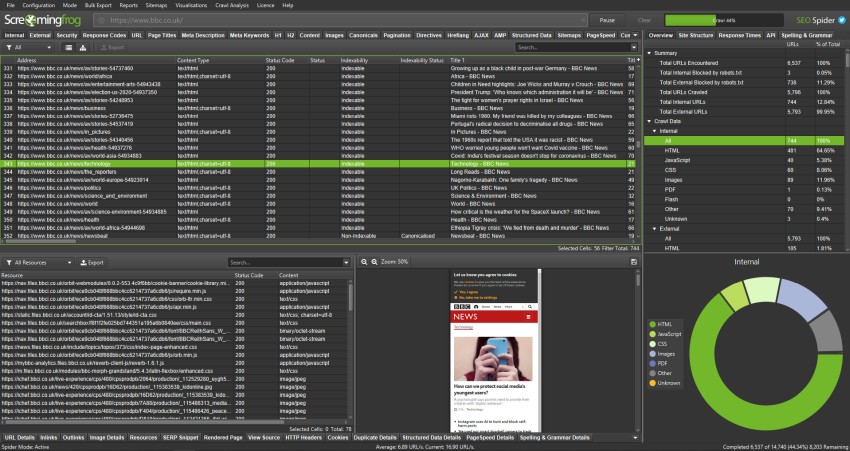
Screaming Frog SEO Spider is a desktop crawler for Windows, macOS and Linux. The free version crawls up to 500 URLs per crawl. Its published £199 yearly licence removes that cap and unlocks advanced features; machine capacity still matters. Log File Analyser is a separate product.
Choose Screaming Frog for hands-on technical audits and repeatable crawl configurations. Paid scheduling can automate crawl runs, but a scheduled desktop crawl is different from a managed continuous monitoring service.
Sitebulb
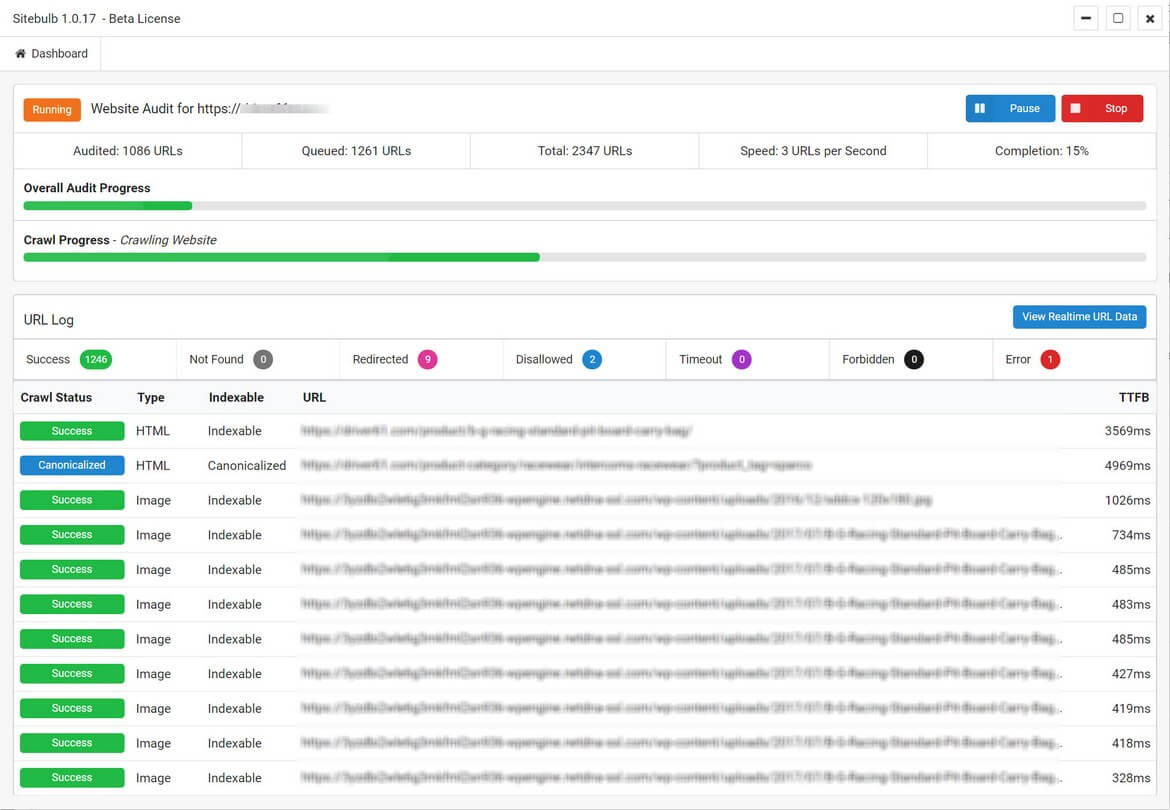
Sitebulb combines crawling with prioritised findings, visualisations and reports. Its pricing page lists 10,000 URLs per Desktop Lite audit and 500,000 for Pro, with options to raise the Pro limit subject to machine capacity. Compare Desktop and Cloud separately, with the right currency, seats and crawl requirements.
Pick Sitebulb if you hand audit reports to clients or stakeholders who need clear charts rather than raw exports.
Conductor Monitoring and Semrush Site Audit
Conductor Monitoring is a fit when you need alerts and a history of changes to important pages. Check monitored coverage, alert routing and whether those checks can replace the specific scheduled audits you currently rely on.
Semrush Site Audit runs technical audits within the Semrush toolkit. Consider it if your team already uses Semrush and your crawl frequency, page limits and required checks fit the plan. Do not assume it replaces a dedicated log pipeline.
Cromojo: revenue, indexing and monitoring in one place
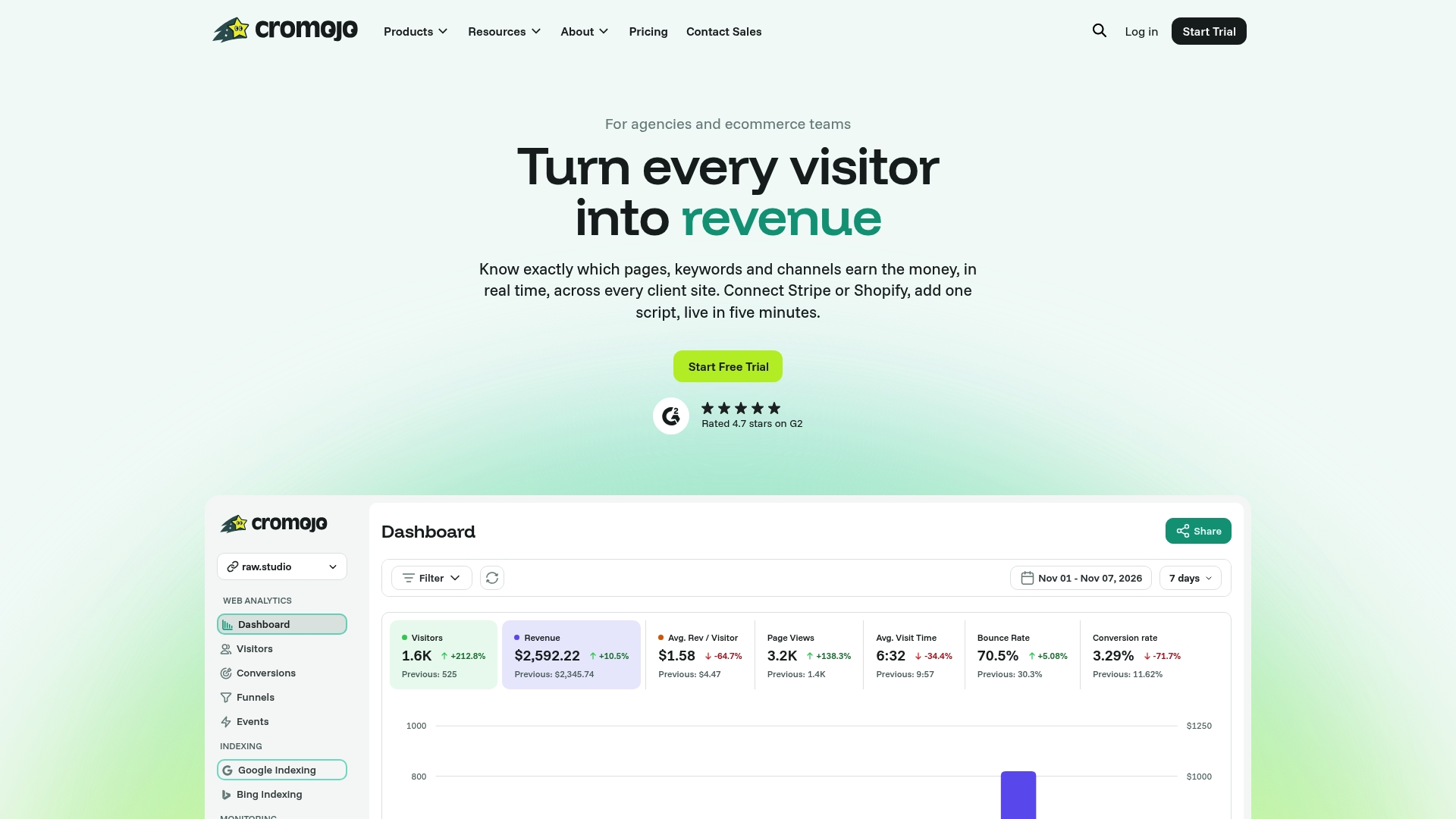
Cromojo is a different kind of Botify alternative. It is not built to replicate an enterprise crawl-and-log warehouse. It is built for ecommerce businesses, small business owners, marketing teams and agencies that want to know which keywords, pages and channels produce revenue, and to keep their sites visible and healthy.
What that covers:
- Revenue analytics can match eligible Stripe or Shopify purchases to recorded activity when checkout tracking is configured. Organic keyword revenue is estimated from Search Console click share.
- Real-time analytics with conversion funnels, visitor journeys, goal tracking and advanced segmentation. See Real-time Analytics.
- Indexing workflows support eligible submissions and available status checks through configured Google, Bing and IndexNow integrations. Submission does not guarantee indexing, and each provider has its own eligibility and quotas.
- Website monitoring for downtime, errors and SEO health. See Website Monitoring.
- Check the available tracking modes, Search Console connection and reporting options against your measurement and privacy requirements.
Define which pages, domains and status checks are included on your plan. An alert can flag a change for investigation; it does not diagnose every crawl or revenue issue.
Pick Cromojo if you run an online store or manage client sites, you want SEO work tied to revenue, and you would rather pay a published monthly price than negotiate a contract.
Pricing compared
Price is where these tools differ most.
Compare quotes and plans against the same workload: unique pages, repeated crawls, JavaScript rendering, monthly log lines, retention, monitored pages, seats and exports. Compare billing term and currency as well as the headline rate. Public prices are starting points and can change.
Cromojo also has a Free Plan, and you can see every tier on the pricing page.
Which alternative fits which team
Enterprise SEO teams. Pilot Lumar or Oncrawl on a representative site. Check actual crawl coverage, log availability, export performance and workflow parity instead of assuming a like-for-like replacement.
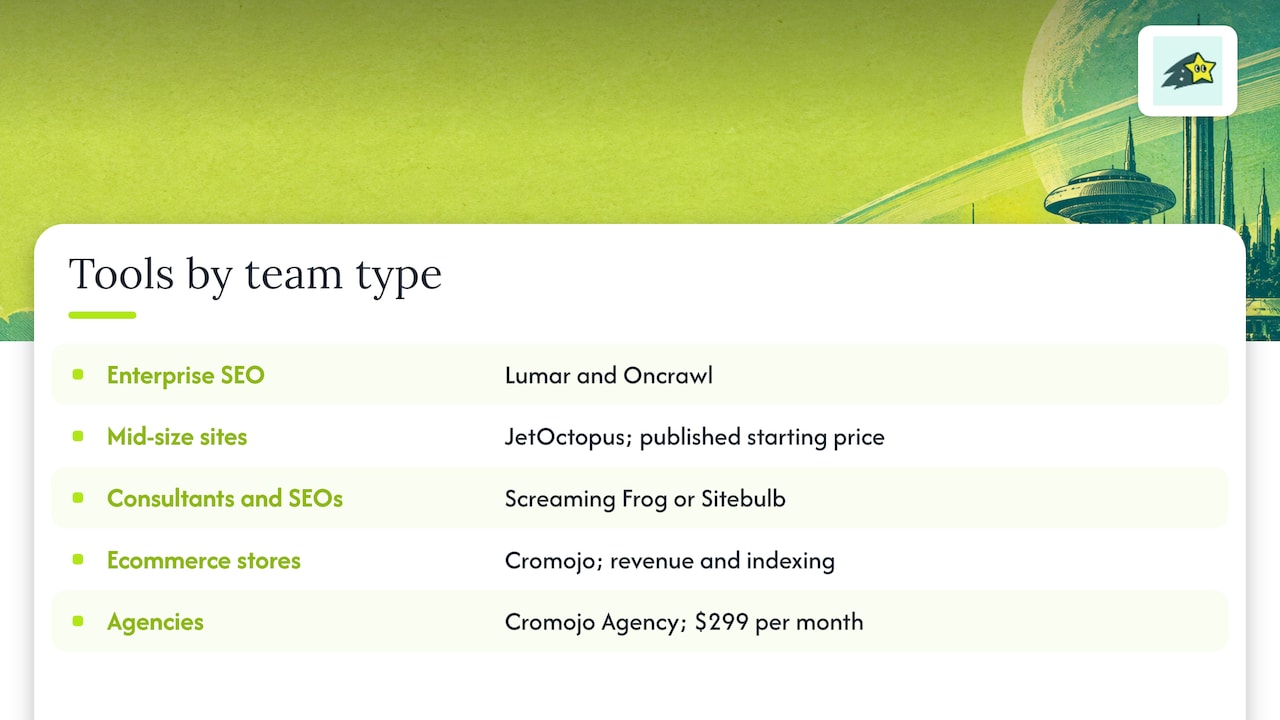
Teams that want published cloud tiers. Compare JetOctopus crawl and log quotas with the number of runs you need each month.
Consultants and technical SEOs. Compare Screaming Frog and Sitebulb on crawl setup, findings and reporting effort. If your team already pays for Semrush, test Site Audit against the same sample before buying another licence.
Ecommerce stores. Use revenue attribution to prioritise investigation, alongside crawl diagnostics and indexing evidence. Cromojo can help with purchase reporting, monitoring and eligible submission workflows. It does not replace a large-scale crawler or log warehouse.
Agencies. Compare client workspaces, access controls, exports and quotas by site. A monitoring plan plus a separate crawl tool may fit better than forcing every client into the same workflow.
Log files: a feature worth deciding on early
Botify LogAnalyzer uses server or CDN logs. If actual bot requests are essential, test an Oncrawl or JetOctopus integration against a real export, and ask any other shortlisted vendor about supported sources. Check cache hits, coverage, retention and bot verification; seeing a request does not prove indexing or AI citation.
If logs are optional, focus the pilot on the decision you need to make: fix a technical issue, catch a page change or understand what traffic is associated with sales.
A simple way to choose
- Size the workload. Include repeated crawls, rendering, subdomains, parameter URLs and retained log history. There is no universal cutoff for desktop or enterprise tools.
- Decide whether revenue attribution matters. If your stakeholders ask "what did SEO earn us?", pick a tool that connects traffic to orders.
- Separate discovery from indexing. Crawlers can find issues, while eligible submission tools can notify supported engines. Confirm status independently and fix the underlying discovery or indexability problem.
- Compare total cost. Use the same usage scenario for each quote and include seats, modules, overages, exports and migration work.
- Run the free option first. Screaming Frog's free tier and Cromojo's Free Plan both let you see the output on your own site.
Our perspective on replacing Botify
Start with the question your team actually needs answered. A crawler can explain technical problems, monitoring can surface changes, and revenue data can help rank the issues you investigate.
We built Cromojo to bring website activity and attributed purchase data together. Compare pages and channels with enough data to inform a decision. Organic query revenue is an estimate, and assigned revenue does not prove that a change caused more sales.
Use monitoring and index status to identify changes worth investigating. Fix access, canonical or discovery issues before relying on submission, and use provider-specific submission only where the URL is eligible.
If you run an online store or manage client sites, that combination is designed to cut the manual work and the technical overhead. That is the whole idea.
Try Cromojo on your own site
If you need attributed revenue, indexing workflows and site health in one place, review the Cromojo plans and limits and pilot one site. Keep a dedicated crawler or log tool if that is part of the workload you are replacing.
If you need help acting on the findings, see Cromojo conversion optimisation services.