
The best bulk URL submission approach combines automated, API-enabled indexing with pre-submission validation, because that's what reliably handles thousands of URLs without wasting credits on dead pages. For ecommerce sites and agencies, Cromojo's automated indexing feature is the strongest direct pick: it scales to large campaigns, checks URLs before submitting them, connects to your sitemap or API, and ties indexing status back to revenue so you know which pages actually mattered.
What Are Your Best Bulk URL Submission Options?
Before you pick a tool, it helps to know what you're actually choosing between. Bulk URL submission products fall into a few distinct categories, and each one solves a slightly different problem depending on your catalog size, your team's technical comfort, and whether you care about tracking outcomes past a simple "indexed" checkbox.
Cromojo's automated indexing feature leads this list because it does more than push URLs into a queue. You import URLs by CSV or sitemap, submit through IndexNow and API channels, and monitor results in a dashboard that's already connected to your revenue data. For a store relaunching 3,000 product pages after a catalog migration, that link between "is this page indexed" and "is this page selling" is the difference between a status report and an actual business signal.
Multi-channel indexing services make up the next category. These are vendor platforms built specifically for bulk campaigns. Most accept CSV, sitemap, or RSS imports and push submissions across several channels at once. Vendor pages commonly advertise campaigns up to 10,000 URLs with live per-URL dashboards and refund policies if pages don't index within a set window. They're a solid fit if you want an out-of-the-box interface and client-ready reporting without building anything yourself.
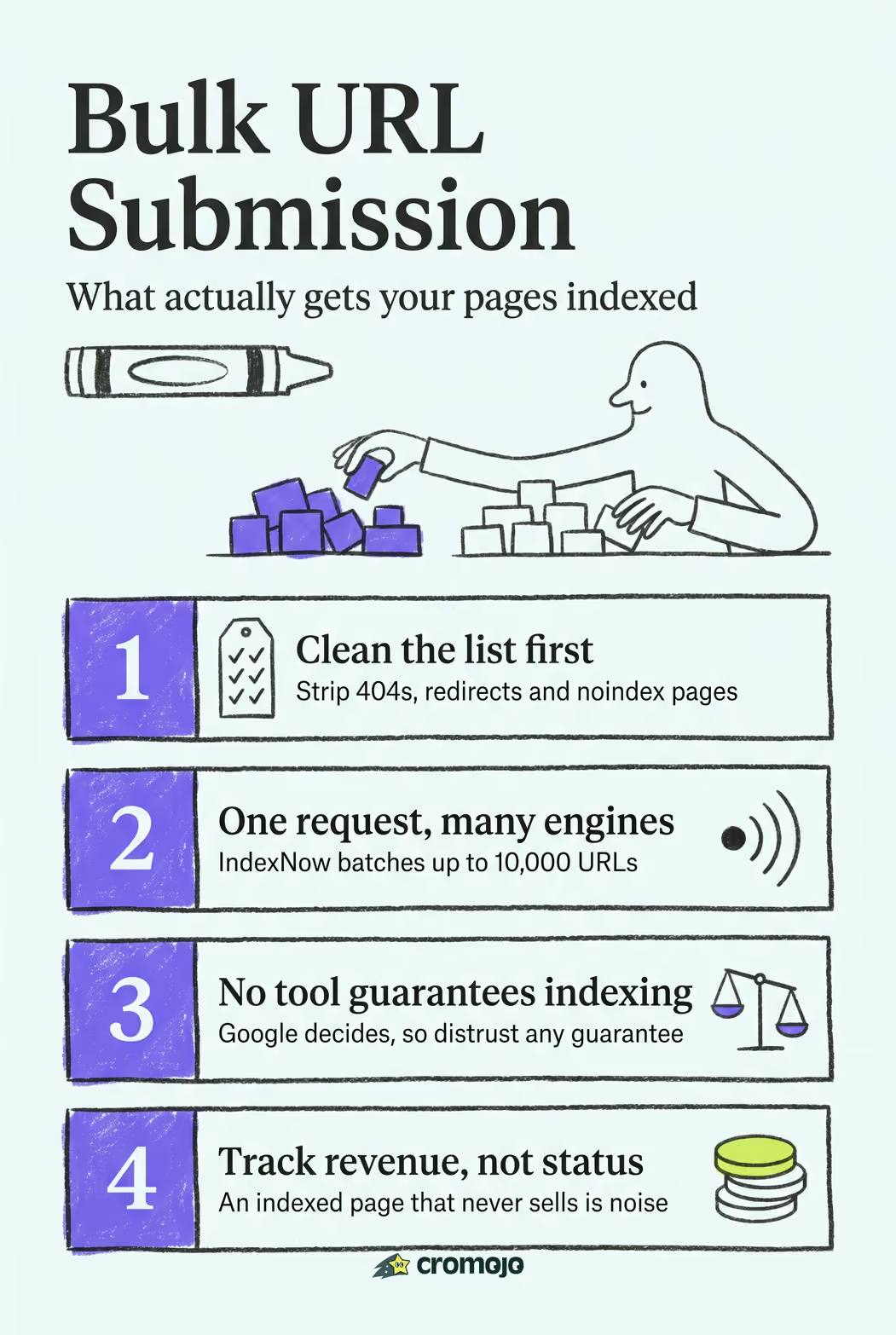
IndexNow-first batch tools are the third option, and they're built around one protocol rather than a full platform. IndexNow's batch endpoint accepts up to 10,000 URLs per request and distributes that batch to every participating engine at once, which includes Bing, Yandex, and Naver. That single-request, multi-engine reach makes IndexNow tools efficient when your priority is broad engine coverage rather than deep Google-specific control.
API and actor automation workflows round out the list for engineering teams. These are scripts or hosted actors that call Google's Indexing API directly, often scheduled inside a CI/CD pipeline or triggered on publish. A workflow like the Apify Indexing API actor fits teams that want indexing baked into their existing deployment process instead of run as a separate manual task.
- Cromojo automated indexing: bulk import, IndexNow and API support, revenue-linked monitoring.
- Multi-channel indexing services: broad campaign capacity with dashboard reporting and refund terms.
- IndexNow-first tools: protocol-level reach across multiple engines in a single request.
- API/actor workflows: programmatic control for scheduled or pipeline-driven submission.
Comparing Bulk Indexing Tools by Capacity and Channels
Volume and channel coverage look similar on paper across most of these options, but the details in validation, monitoring, and refund terms are where they actually diverge. The table below lines up the practical dimensions that matter once you're submitting more than a handful of URLs at a time.
The pattern worth noticing: raw capacity numbers cluster around the same 10,000-URL ceiling, but pre-submission validation and honest monitoring separate the tools worth paying for from the ones that just take your credits and hope.
How Do You Choose the Right Bulk URL Indexer?
Picking a tool comes down to matching its guarantees to your actual risk. Here's what to check before you commit a budget or an engineering sprint to any bulk URL indexer.
- Campaign capacity. Confirm the real ceiling per batch and per month, not just a headline number in the marketing copy.
- Channel coverage. Decide whether you need IndexNow's multi-engine reach, Google's Indexing API specifically, or both.
- Validation and dedupe. A tool should skip 404s, redirects, and noindex pages automatically, since pre-submission checks are one of the strongest trust signals separating credible vendors from credit-burning ones.
- Monitoring and reporting. You want live, per-URL status, not a single "campaign complete" email three weeks later.
- Refund policy. Ask what happens when a URL doesn't index within the stated window.
- API and webhook support. If you publish on a schedule, manual submission doesn't scale.
- Pricing model. Credits per URL versus flat subscription changes your math fast at catalog scale.
Ask any vendor directly: does it auto-skip broken or noindexed pages? Do you get live per-URL status? Is there an API? What are the rate limits and refund terms?
Watch for red flags too. Guaranteed indexing claims are a warning sign, because no service can force Google to index a page that fails its quality checks. Opaque reporting, no retry option for failed URLs, and no API access are equally disqualifying if you're working at any real scale. If pages simply aren't indexing at all, the underlying reasons are usually technical, not a submission problem.
Pro Tip:Prefer an API/actor workflow when indexing needs to happen automatically on publish. Prefer a multi-channel vendor when you want a dashboard and don't want to write code. Prefer IndexNow alone only when broad engine coverage matters more than deep monitoring.
How Do You Prepare and Submit URLs in Bulk?
Getting a large batch indexed cleanly starts before you touch a submission tool at all.
- Step 1: Clean your list. Export canonical URLs only, strip duplicates and query-string variants, and filter out anything returning a 4xx or 5xx status or carrying a noindex tag.
- Step 2: Pick your channel. Use IndexNow's batch endpoint for broad multi-engine reach, Google's Indexing API for verified properties, or a multi-channel vendor pipeline if you want one interface for everything.
- Step 3: Batch it. Community-reported rate limits suggest roughly 600 URL submissions per minute per host, so splitting a large list into 500 to 1,000 URL batches with short pauses between them avoids 429 rate-limit errors even though IndexNow technically accepts up to 10,000 URLs in a single request.
- Step 4: Monitor and resubmit. Check per-URL status, resubmit failures in smaller chunks, and expect crawl latency ranging from hours to several days.
Google's own Indexing API adds a wrinkle here: it requires site verification and has quota constraints before you can submit a single URL, so budget setup time if that's your channel of choice. If a specific page needs to jump the queue faster, manually forcing a recrawl through Search Console is worth doing alongside any bulk campaign, not instead of one.
Why Indexing Speed Is a Revenue Problem, Not Just an SEO One
A product page that sits unindexed during a launch week isn't a technical footnote. It's lost sales you'll never see in a crawl report. That's the gap most indexing tools miss: they tell you a URL got submitted, not whether it mattered. Cromojo was built around that gap, pairing automated indexing with revenue attribution and site monitoring in one workflow, so a status update actually connects to something you can act on.
Get Bulk Indexing That Tracks Revenue, Not Just Status
Most bulk indexing tools stop at a status report. Cromojo's automated indexing feature goes further by tying every submitted URL back to the revenue it generates, so you can see whether your newly indexed product pages actually turned into sales, not just crawl activity.
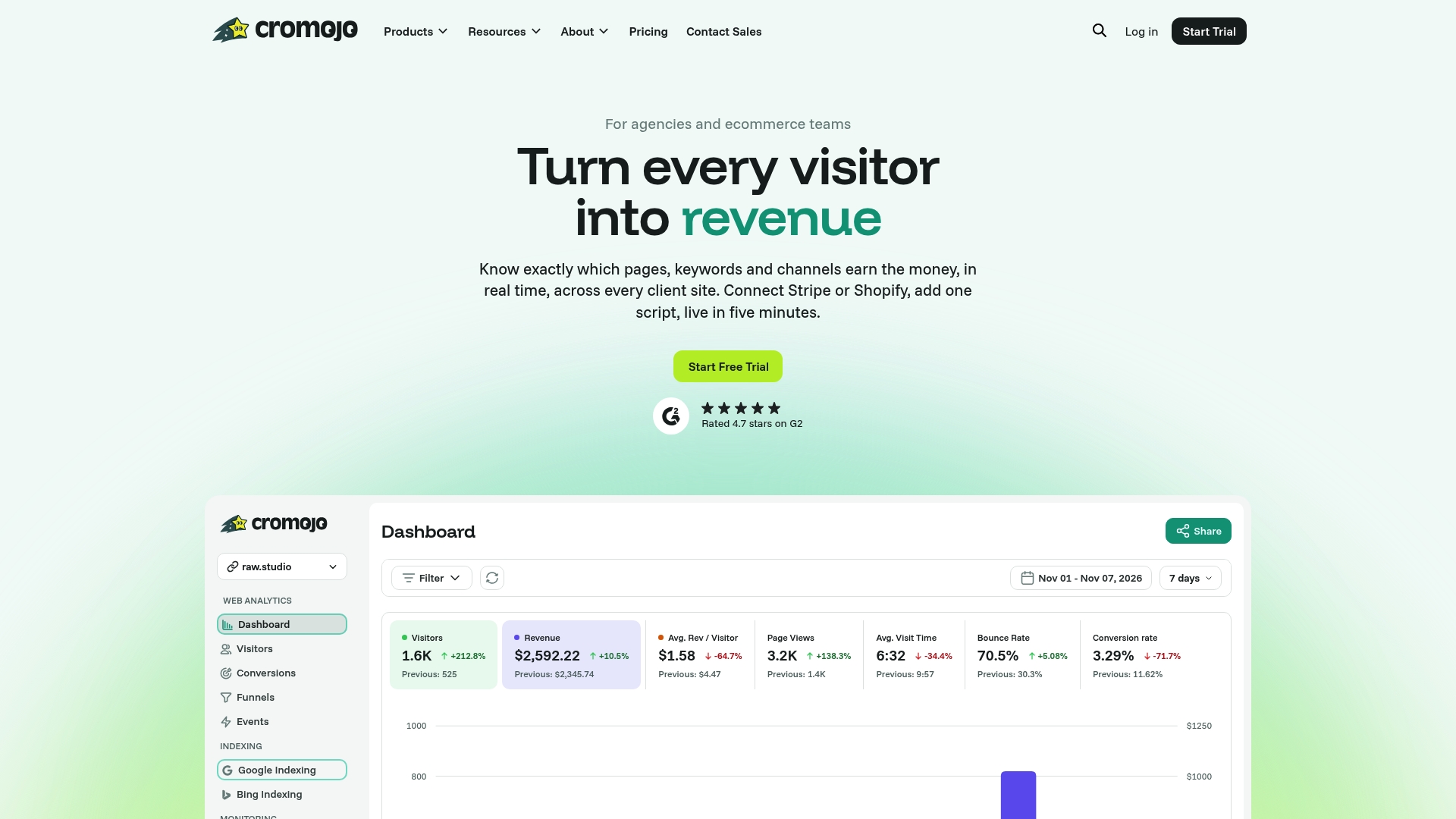
You get bulk CSV and sitemap import, IndexNow and API submission, and live monitoring that feeds straight into the same dashboard tracking your revenue attribution. Pair that with website monitoring and you catch indexing problems and site errors before they cost you a sales day. Start a trial and run your next catalog update through Cromojo's automated indexing feature to see the difference between a submission log and a revenue report.