
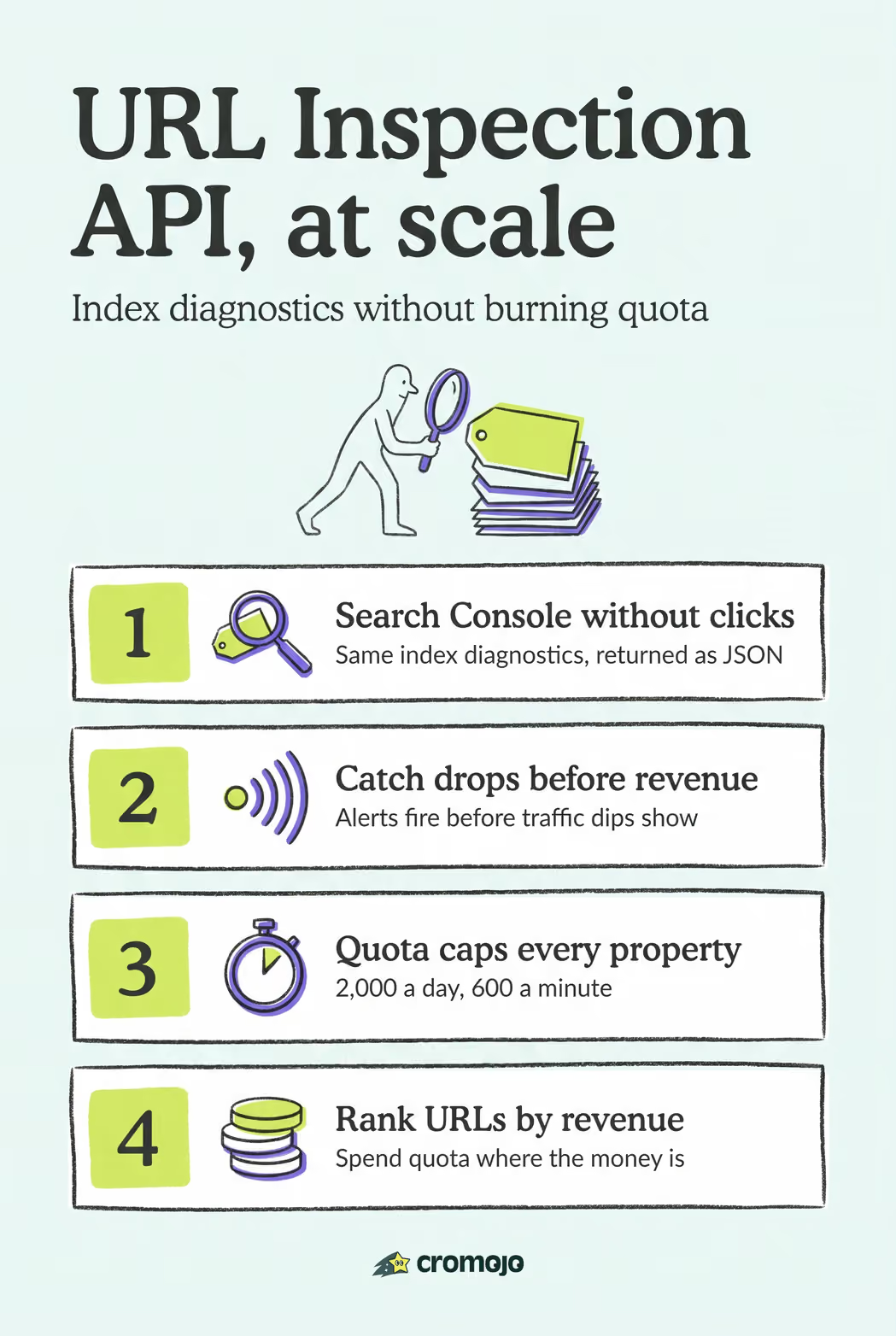
The Google URL Inspection API returns the same indexed-version diagnostics Search Console shows you, index status, structured data, mobile usability, and crawl history, but through a programmable endpoint instead of a manual click. It reports what Google has already indexed, not a live re-fetch of the page. Every property is capped at 2,000 queries a day and 600 a minute, so this tool is built for monitoring at scale, not checking every URL on demand.
What Does the URL Inspection API Return?
Each response centers on a single object: inspectionResult, paired with an inspectionResultLink pointing back to the Search Console UI for a human-readable view. Everything useful for automated decision-making lives inside indexStatusResult.
That sub-object carries the fields you will actually build logic around. The verdict field tells you, in plain terms, whether the URL passed inspection. The coverageState field explains why a URL is or isn't indexed, phrases like "Submitted and indexed" or "Crawled, currently not indexed." The pageFetchState field flags whether Googlebot could even fetch the page. Alongside these, Google documents index status, robots.txt state, last crawl time, canonical URL, and referring URLs as part of the same result.
Three additional objects appear only when relevant:
ampResult, populated only if the URL has an AMP variantrichResultsResult, populated only if structured data was detectedmobileUsabilityResult, populated only if mobile usability data exists for the URL
For automated pipelines, three fields do most of the work: verdict for a pass/fail signal, coverageState for the "why," and pageFetchState for catching crawl failures before they become indexing problems.
How Do You Call the URL Inspection API?
Calling the API is a single POST request, but getting the request body right matters more than it looks.
- Authenticate with OAuth 2.0. You need either the
webmastersorwebmasters.readonlyscope, granted through a standard OAuth 2.0 flow. Read-only scope is sufficient for pure monitoring, use it unless you also need to submit sitemaps or manage properties through other Search Console endpoints. - Send a POST request to
https://searchconsole.googleapis.com/v1/urlInspection/index:inspectwith a JSON body containinginspectionUrl,siteUrl, and optionallylanguageCode. - Match your
siteUrlformat to how the property is verified. A URL-prefix property (https://example.com/) needs the exact scheme and trailing slash; a domain property uses thesc-domain:example.comformat. Mismatching these is the single most common cause of a failed call. - Parse the response, starting with
indexStatusResult.verdict.
Pro Tip: Verify your property type in Search Console before writing a single line of code. A script that works flawlessly against a URL-prefix property will throw authorization errors against a domain property until you fix the siteUrl string.
What Are the Quota Limits and Best Practices?
The ceiling is fixed and non-negotiable: 2,000 queries per day and 600 per minute, enforced separately for each Search Console property. Run inspections across ten properties and you get ten separate quotas, not one shared pool.
A few habits keep you well inside those limits even on large sites:
- Rank URLs by revenue or traffic value first; a product page selling $50,000 a month deserves daily checks, a stale blog post from 2019 does not.
- Cache results for at least 24 hours. Index status rarely changes hour to hour, so re-querying the same URL twice in a morning wastes quota for nothing.
- Stagger requests through the day instead of firing 2,000 calls in one burst; this respects the per-minute cap and makes debugging failures easier.
- Rotate across verified properties when managing large portfolios, splitting URL sets so no single property's quota gets exhausted before the daily reset.
- Build exponential backoff into your retry logic for
429responses; hammering the endpoint immediately after a quota error only extends the wait.
Building Automation and Bulk Inspection Workflows
Manual inspection does not scale past a handful of pages. Automated workflows solve that, and a handful of patterns cover most real-world needs.
- Pull your URL list from your sitemap first. It is the cleanest source of "pages Google should know about," and comparing sitemap entries against inspection verdicts surfaces orphaned or forgotten pages fast.
- Prioritize by business value, not alphabetically. Revenue-generating pages and anything edited in the last 48 hours should sit at the top of the daily queue.
- Batch requests in a Node.js script with a queue and a delay timer, spacing calls to stay under 600 per minute while tracking a running daily counter against the 2,000 cap.
- Trigger checks from events, not just cron jobs. A post-deploy hook that re-inspects changed URLs catches indexing regressions the same day they happen, rather than waiting for a scheduled sweep.
- Borrow from existing tooling where it saves build time. Screaming Frog's automation tutorial demonstrates combining a crawl with API calls to stay inside daily limits, useful groundwork if you are not writing everything from scratch.
How Do You Handle Errors and Missing Fields?
Production scripts break most often on assumptions, not on Google's side. ampResult and richResultsResult are absent, not null, when they don't apply, so checking for the object's existence before reading a property inside it prevents a whole category of runtime crashes.
Three error patterns show up repeatedly:
- Authorization failures usually trace back to an expired OAuth token or the wrong scope; refresh tokens proactively rather than reacting to 401s.
- "URL not in property" errors mean the inspected URL doesn't match a verified property, check the
siteUrlformat again. - Quota-exceeded responses call for backoff, not immediate retry.
Pro Tip: Log every verdict change and every pageFetchState failure as a distinct event, not just a raw API response. That turns your inspection history into a time series you can alert on.
What Are the Best Use Cases for This API?
Inspection data earns its keep when it feeds a workflow, not just a spreadsheet.
- Build an index coverage dashboard scoped to revenue-critical pages, product listings, category pages, high-converting landing pages, and flag any
verdictchange within hours. - Wire inspection calls into your deploy pipeline so a template change that accidentally blocks crawling gets caught the same day, not weeks later when traffic drops.
- Convert a "not indexed" verdict plus a failed
pageFetchStateinto an automatic ticket routed to whoever owns that page, rather than a report someone reads once a month.
How Cromojo Uses URL Inspection Data in Production
Cromojo runs inspection checks against tagged revenue pages, then joins verdict changes and pageFetchState failures with order events from Stripe and Shopify. A dropped indexing status on a top product page triggers an alert before it shows up as a revenue dip, feeding straight into automated indexing and site monitoring workflows for the SEO and engineering teams handling the fix.

When Should You Automate vs. Check Manually?
Automation earns its cost once you're tracking dozens of URLs that matter financially. For a one-off check on a single page you just published, the manual Test Live URL tool in Search Console is faster and gives you live debugging the API can't. Build for scale; check by hand for speed.
A Faster Path to Indexing Visibility
Building your own inspection pipeline means writing OAuth handling, quota tracking, retry logic, and a dashboard, and maintaining all of it as your site grows. Cromojo is the alternative to building that stack yourself: automated indexing and re-indexing across Google, Bing, Yandex, and Baidu, paired with site monitoring that flags downtime, crawl errors, and SEO health issues without you writing a single line of inspection code.
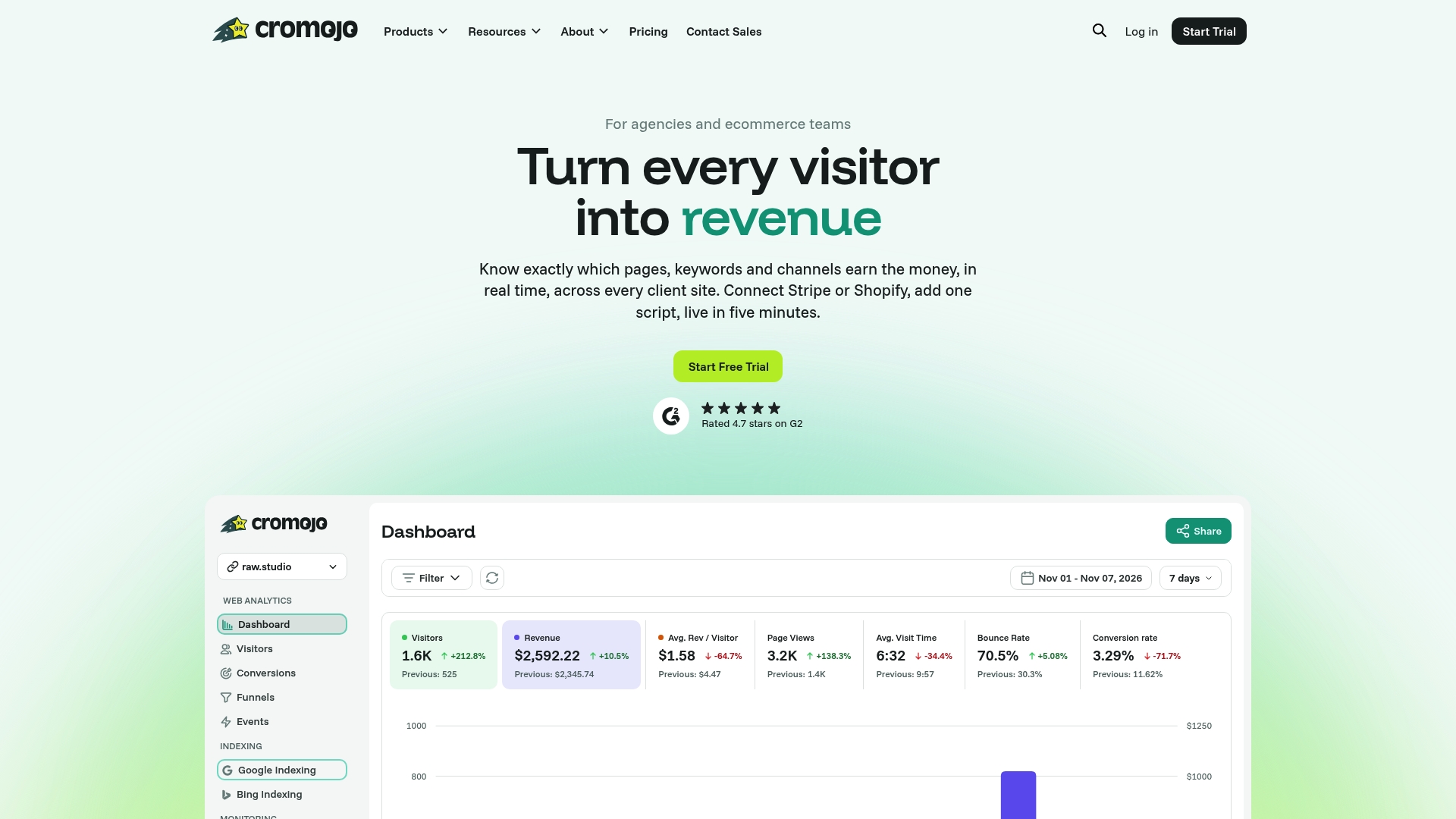
Because Cromojo already ties indexing signals to revenue analytics, you see which unindexed page is actually costing you money, not just which one has a technical flag. Pair that with website monitoring for uptime and error alerts, and the whole stack replaces what would otherwise be weeks of engineering time. Start a trial and connect your site to see index status and revenue impact side by side.