Track Stripe Checkout with stored campaign context and verified server-side payment events, rather than success-page pixels alone. Successful payment, settlement, payout, and recognised revenue are different states. For SaaS, include invoice and subscription events so signup tracking does not omit recurring payments.
Follow Stripe fulfillment guidance, subscription webhooks, and GA4 Measurement Protocol documentation for implementation details.
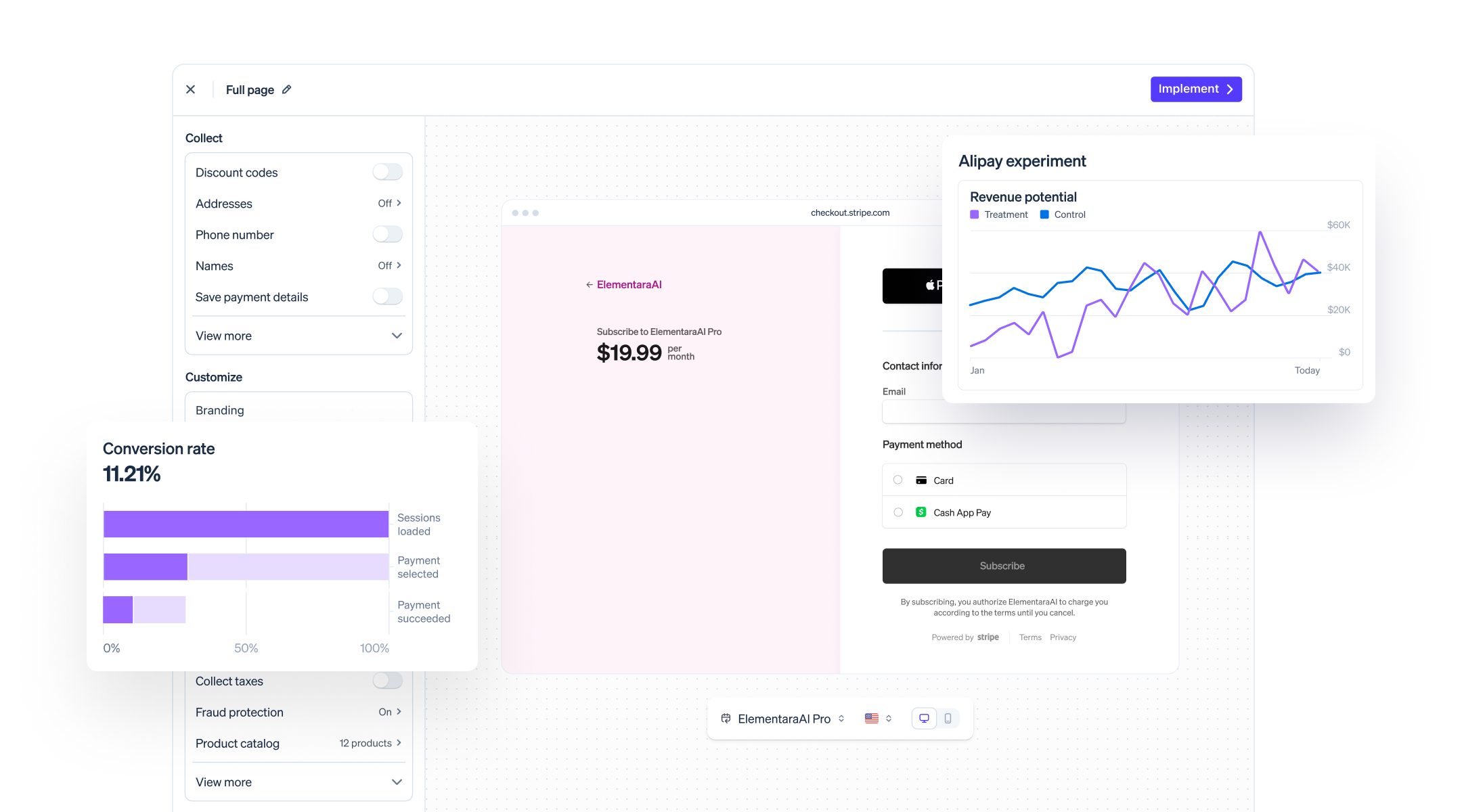
Quick checklist for setting up Stripe Checkout tracking
Store campaign context before redirecting to Checkout, link it to a server-side record, and verify payment outcomes with signed webhooks. Keep separate definitions for a successful payment, funds becoming available, a bank payout, and accounting revenue recognition. In this guide, a payment-confirmed conversion is not proof of bank settlement.
- Capture the source, medium, campaign, and a permitted internal reference.
- Link the reference to the Checkout Session and relevant payment or invoice.
- Verify signatures and make processing idempotent.
- Handle delayed payments, refunds, disputes, and subscription renewals.
- Reconcile the resulting ledger with Stripe reports before trusting attribution totals.
How to attach UTMs and visitor IDs to a Checkout session
For API-created Checkout Sessions, explicitly store attribution in your database and pass selected metadata or client_reference_id when creating the Session. Arbitrary UTM query parameters do not automatically become Session metadata. For Payment Links, Stripe documents UTM parameters on the post-payment redirect and client_reference_id in the completion webhook.
Keep sensitive information out of URLs and metadata. A stable identifier still needs an appropriate collection and retention policy; calling a system cookieless does not make every use anonymous. Preserve acquisition context on your own customer or subscription record for later billing events.
Implementing and securing a webhook handler for checkout.session.completed
Verify Stripe signatures against the raw request body. Check the retrieved Session payment_status before recording a paid conversion; expanding line_items supplies item details, not a separate payment confirmation. A no_payment_required Session can represent a trial or zero-value order rather than cash received.
Persist processed event IDs and enforce a unique business record per payment or invoice, using transactions or equivalent concurrency controls. Stripe API idempotency keys do not deduplicate your incoming webhook handler. Handle retries and out-of-order events without duplicating fulfillment or revenue. A success-page visit is not sufficient evidence of payment.

Handling delayed payments and checking settlement separately
For delayed methods, checkout.session.completed can arrive before payment succeeds. Handle checkout.session.async_payment_succeeded and checkout.session.async_payment_failed, and use the payment outcome to update your ledger. Later refunds and disputes need their own adjustments; a successful payment is not irrevocable.
For SaaS subscriptions, Checkout covers signup rather than every renewal. Process invoice.paid and relevant failure and subscription events, using invoice IDs to prevent counting the first payment twice across Checkout and invoice events. Inspect zero-value invoices and payment details before treating an invoice as newly collected cash. Reconcile actual settlement or payouts separately.
How to send webhook-backed conversion events into GA4
Send GA4 purchase events from your server with the web stream measurement ID and protected API secret, the matching GA client_id where available, and transaction_id, currency, value, and item data. Use valid session context when applicable; an arbitrary internal visitor ID is not automatically the original GA client ID.
Measurement Protocol supplements collection; it does not recreate missing consented browser context or guarantee campaign attribution. Delayed payments can fall outside GA processing or attribution windows. Retain the server ledger as the reconciliation record, validate payloads, and prevent duplicate browser and server purchases with consistent transaction IDs.
Testing, verifying, and reconciling your Stripe Checkout tracking
Use Stripe test mode and the Stripe CLI to exercise card success, delayed success and failure, webhook retries, and refund adjustments. For SaaS, also test free trials, zero-value invoices, renewals, failed renewals, and concurrent delivery of related events. Use the signing secret for the endpoint or CLI listener being tested.
Reconcile payments and adjustments against Stripe balance activity; use payout reconciliation when matching bank deposits. Fees reports explain fees, not all gross sales or payout activity. Define gross versus net, tax, refunds, disputes, currency, and date basis consistently before comparing totals.
Common tracking problems and quick fixes
- Missing purchases: check endpoint delivery, signature verification, payment state, and identity joins.
- Doubled revenue: inspect event-level deduplication and payment or invoice uniqueness across related events.
- Totals differ: compare the same currency, reporting period, gross/net basis, adjustments, and settlement state.
- Missing attribution: inspect the campaign record and matching identifiers, and report unknown sources honestly.
Why a server-side, webhook-first approach is worth the setup
A verified webhook is stronger evidence of a Stripe state change than a success-page pixel. It still must be interpreted correctly: payment success, available balance, and payout are different milestones. Keep the financial ledger distinct from marketing credit, and document which event qualifies as a conversion.
How Cromojo simplifies Stripe Checkout revenue attribution
Cromojo's Revenue Analytics aims to connect observed website activity with revenue so teams can assess pages and channels. Treat these as measurement capabilities to verify in a pilot, not a promise that every payment can be assigned to a keyword or campaign.
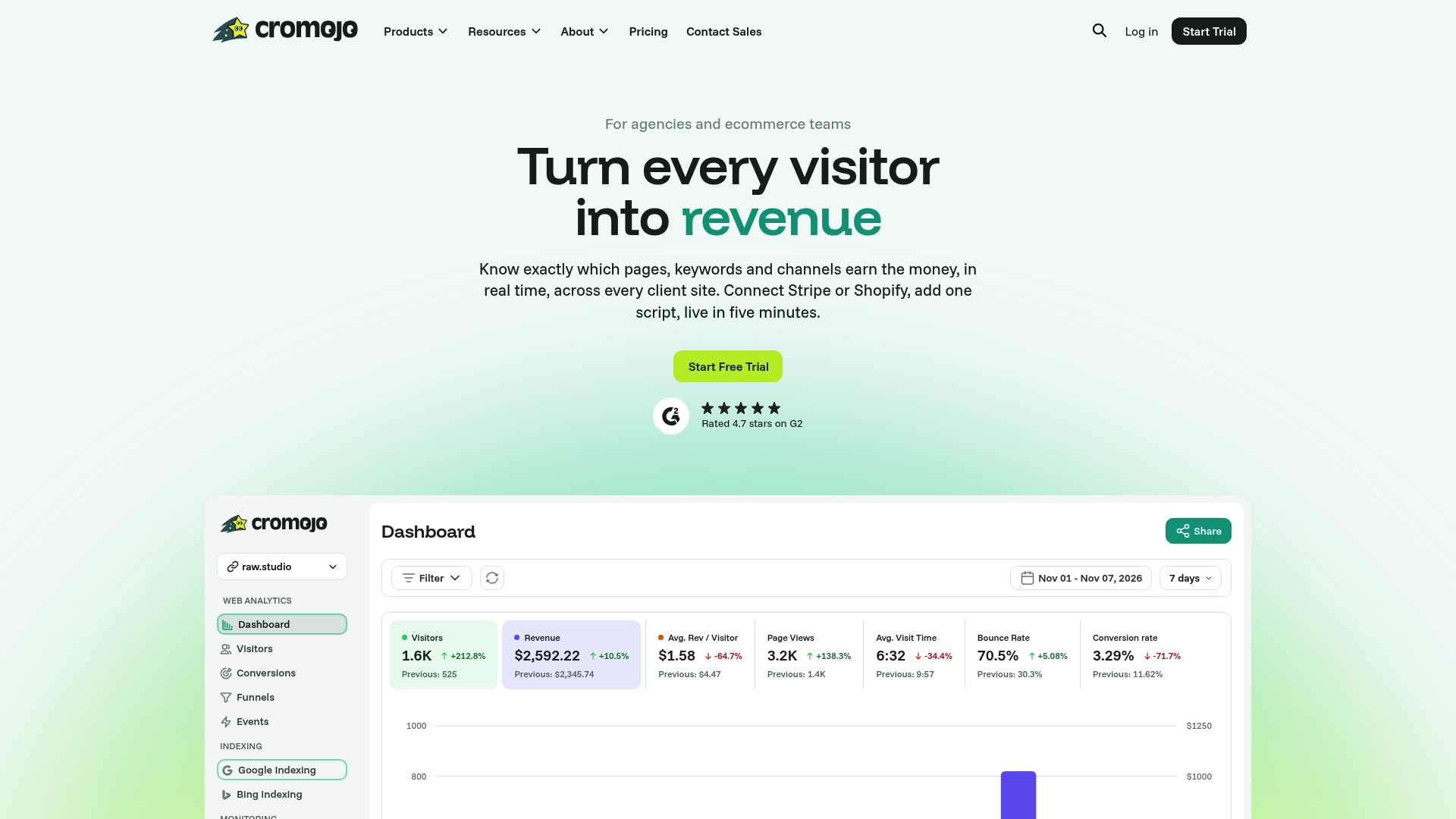
Evaluate Cromojo's Stripe integration against your actual payment, subscription, and attribution requirements. Confirm how renewals, refunds, missing identifiers, and reporting delays are handled. Cookieless collection does not guarantee complete attribution. Review current pricing and integration details before rollout.