


For most sites, the best IndexNow tool is the one already built into your CMS or CDN: enable it, point it at your content, and move on. Reach for the direct API or a hosted submitter only when you manage bulk URLs, multiple domains, or a custom stack without native support. Either way, confirm every submission landed by checking Bing Webmaster Tools before trusting that it worked.
.png)
Which IndexNow route fits your site right now
Picking the right tool takes about five minutes once you know your setup. Match your situation to the list below and skip the ones that don't apply.
- Running a major CMS: check for native support or a compatible plugin or app. Do not assume IndexNow is enabled by default; confirm how the selected integration manages verification and change notifications.
- Sitting behind Cloudflare: flip on Crawler Hints in your dashboard for automatic notifications whenever cached content changes, with zero code.
- Working from a custom build or CI pipeline: call the IndexNow API directly with curl or a POST request at publish or deploy time, so submissions happen the moment content goes live.
- Managing bulk URLs or several domains: use a hosted utility to generate keys, clean up URL lists, and submit validated batches without hand-rolling scripts.
- After any of the above: check Bing Webmaster Tools to confirm the URLs were actually received and processed, not just accepted.
None of these routes are mutually exclusive. A Shopify store behind Cloudflare might run the native plugin for product pages and lean on Crawler Hints for everything else. The point is to pick the lightest tool that covers your publishing pattern, then verify instead of assuming.
How IndexNow works and what it can't do
An IndexNow submission is a notification, not a request: you tell participating search engines that a URL was added, changed, or removed, and they decide what to do with that information. The protocol doesn't guarantee a crawl or an index entry; it just gets your update noticed faster than waiting for the next organic crawl cycle.
Verify ownership by hosting the key file on the host being submitted. Root placement covers that host; a file in a subdirectory limits eligible URLs to that path. Specify keyLocation when required. Do not assume that verification of the main host covers every subdomain.
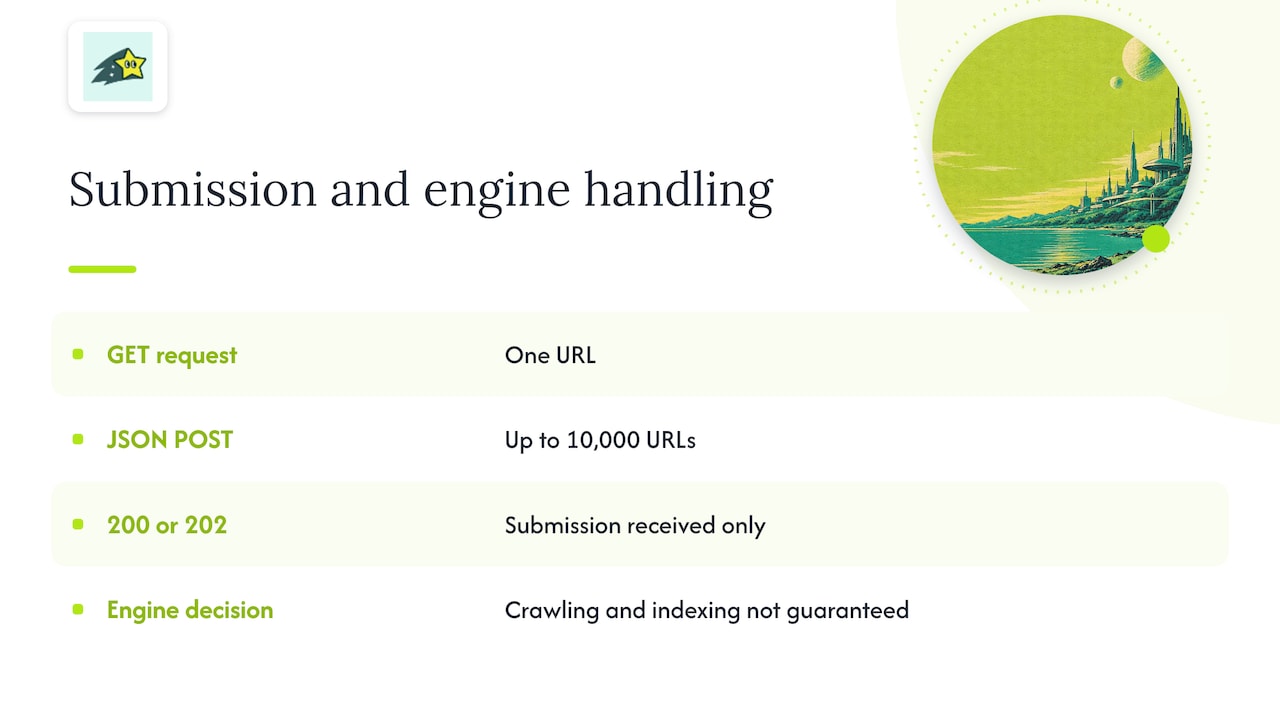
Use GET for a single URL or JSON POST for a batch of up to 10,000 URLs. HTTP 200 indicates successful submission; HTTP 202 indicates receipt with key validation pending. Neither response proves crawling or indexing. IndexNow documentation
The most important limitation to plan around: IndexNow does not submit to Google. Engines like Bing and Yandex participate, but Google relies on its own discovery systems entirely separate from this protocol. If Google visibility matters to you, which it does for almost every site, keep your sitemap and Google Search Console workflow running in parallel rather than assuming IndexNow covers that base.
Setting up IndexNow across CMS, Cloudflare, API, and hosted tools
Here's how each route actually gets configured, with the details that trip people up.
- CMS plugins: On WordPress, look for an IndexNow plugin in the official repository and activate it; most generate and host the key file automatically, so you never touch verification manually. Shopify and similar hosted platforms increasingly bundle this into their SEO apps. When the platform handles key hosting, skip manual setup entirely.
- Cloudflare Crawler Hints: check current availability and configuration for your zone and proxied traffic. It can automate notifications using Cloudflare's signals; do not assume every cache miss proves a meaningful content change.
- Direct API calls: A single URL submission is a simple GET request; batches go through a POST request with a JSON body listing up to 10,000 URLs, per the IndexNow documentation. Host your key at the domain root whenever possible since a keyLocation elsewhere limits verification to that specific path.
- Hosted utilities: Tools like the ones listed on submitnow handle key generation, sitemap extraction, URL normalization, and batch splitting. These save real time when you're cleaning up a messy URL list or submitting from several hosts at once, something worth remembering if you're tracking more than one domain in your analytics setup.
Pro Tip:Treat your IndexNow key like any other credential: never commit it to a public repository, and log every API response so you can spot a pattern of 4xx or 5xx errors before it becomes a silent failure.
Confirming your submissions actually worked
Accepting a submission and acting on it are two different things, so verification has to happen in a separate place from the tool that sent the request.
- Check IndexNow submission information in Bing Webmaster Tools where available, then inspect specific URLs separately for crawl and indexing status. These are different checks, not guaranteed stages in a single submission-history report.
- Log every request with a timestamp, the payload, the endpoint used, and the HTTP response, so a string of 200s next to a stalled index count tells you where the gap is.
- Set a baseline before testing anything new: current indexed page count, crawl frequency, and the traffic those pages pull.
- Compare similar pages and record baseline conditions when evaluating discovery speed. A simple submitted-versus-unsubmitted comparison suggests patterns but does not by itself establish that IndexNow caused the difference.
Bing's submission service accepts up to 10,000 URLs per domain per day, a quota worth tracking if you run a large catalog, since exceeding it wastes submissions that won't be processed until the next window.
Common blockers hide in plain sight: a robots.txt disallow, a stray noindex tag, a canonical pointing elsewhere, or content thin enough that the engine deprioritizes it regardless of how fast you notified them.
Running IndexNow well over time
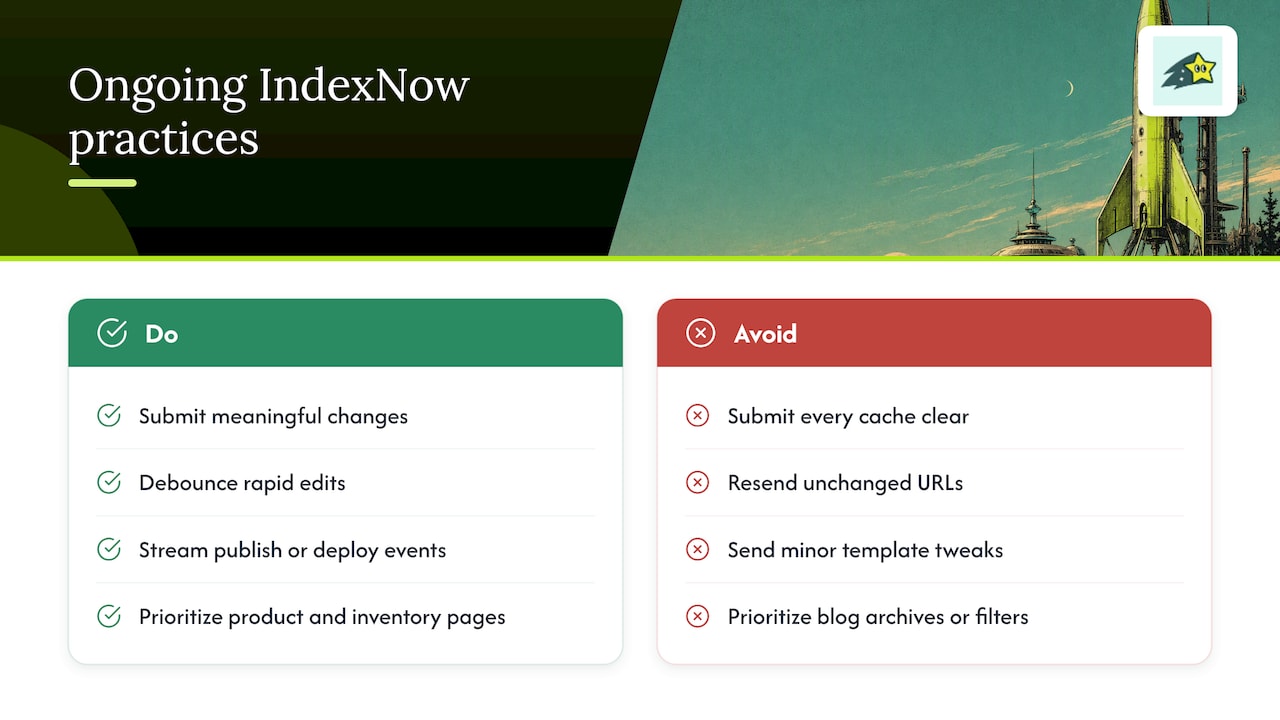
Once the setup works, the discipline that matters is restraint. Submit URLs only when something meaningful changed, a price update, a restock, a content rewrite, not every time a cache clears or a minor template tweak fires. Debounce rapid edits so you're not sending the same URL five times in ten minutes.
Favor streaming submissions tied to your publish or deploy event over periodic bulk batches; save bulk submissions for sitemap-wide updates, migrations, or cleanup after a URL structure change. Resending unchanged URLs burns quota without buying anything, and rotating your key periodically while keeping it root-hosted reduces the chance of a stale or leaked key causing silent rejections.
For ecommerce specifically, prioritize product and inventory pages over blog archives or filter combinations. When a product goes back in stock or a price drops, that's the submission worth making instantly, and tying it to the same event that updates your revenue tracking keeps indexing and business signals in sync.
Pro Tip:If you can't tell whether a recently indexed page actually drove a sale, you're optimizing for discovery without checking whether discovery matters for that page at all.
Why we think about indexing differently at Cromojo
Most indexing advice stops at "did the engine see it." We think the more useful question is whether the pages getting indexed are the ones generating revenue. We pair automated indexing with real-time analytics and site monitoring so you can see whether a newly indexed product page actually converts, not just whether it appeared in a crawl report.
That combination matters most for ecommerce catalogs where hundreds of pages change weekly. Instead of treating indexing and revenue tracking as separate dashboards, we connect them so a spike in indexed pages and a spike in Stripe or Shopify revenue sit on the same timeline.
Philippe
How Cromojo brings indexing and revenue together
If you're managing an ecommerce site or a portfolio of client sites, chasing indexing status in one tool and revenue in another wastes time you don't have. We built a lightweight script that drops into any stack and starts reporting within minutes.
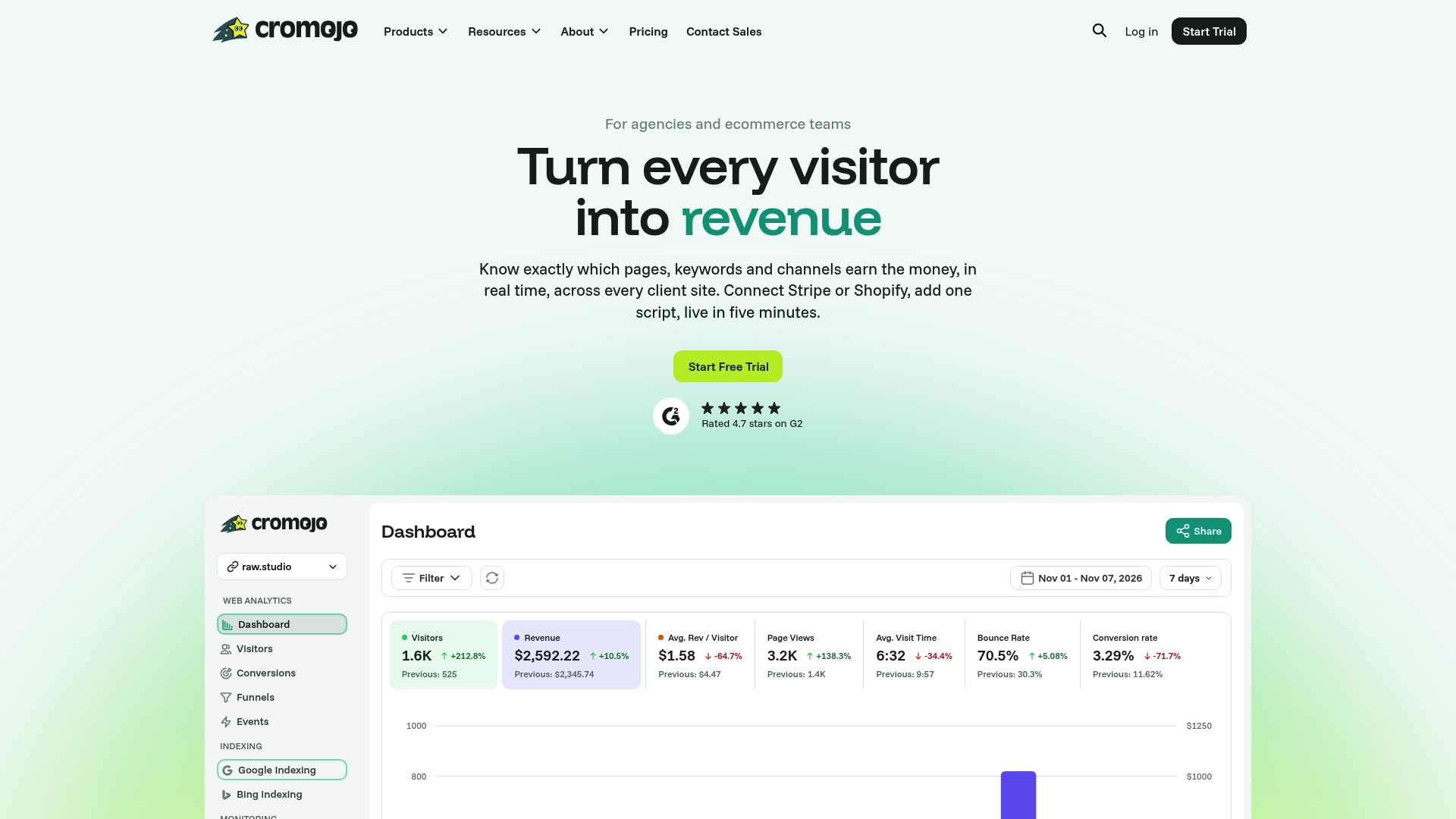
- Automated Indexing submits updated and new URLs to participating search engines without manual batching.
- Real-time Analytics shows which indexed pages are actually driving traffic and sales.
- Website Monitoring flags downtime, crawl errors, and SEO health issues before they quietly undo your indexing work.
This setup fits ecommerce teams and agencies juggling multiple client sites who want one view of discoverability and revenue instead of stitching reports together by hand. Check our automated indexing feature or compare plans starting at $19 per month to see where your site fits.