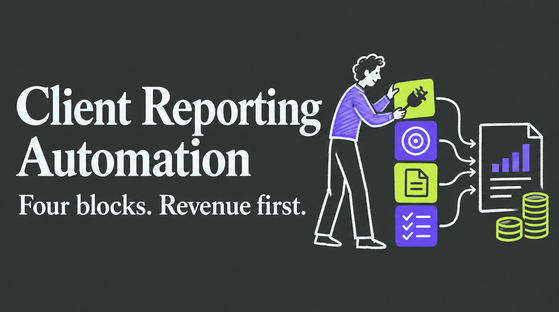


No single tool fully replaces Google Search Console's raw Google data, so stop looking for a one-for-one swap. Instead, layer purpose-built tools around it: enable Bing Webmaster Tools for a second search engine's worth of data, add a spreadsheet exporter to escape GSC's row limits, and if revenue is what you actually care about, start with Cromojo for search-to-revenue attribution, automated indexing, and multi-engine monitoring in one place. Most teams end up here because GSC limits detailed exports and does not include competitor data; it also does not cover Bing, Yandex, or AI overviews that influence site discovery.
Which Tool Category Fits Your Job First?
Before you install anything, figure out what job you're actually hiring a tool to do. Google Search Console is a diagnostic tool, not a growth dashboard, and most of its "limits" are really just scope boundaries. Here's how to match the gap to the category:
- Visualization and reporting: If GSC's own interface feels flat, Looker Studio templates connected via the Search Console API turn the same data into shareable, filterable dashboards without touching a line of code.
- Competitor intelligence: GSC only shows you your own site. Paid SEO suites fill the gap with keyword-gap analysis and backlink data GSC was never built to provide.
- Multi-engine webmaster tools: GSC is Google-only. Bing Webmaster Tools covers Bing directly and, by extension, the Yahoo and DuckDuckGo results it powers.
- Indexing and monitoring: Bulk URL submission, instant indexing alerts, and uptime checks catch problems GSC often reports on with a lag.
- Spreadsheet and API exporters: Add-ons like Search Analytics for Sheets pull raw query data past the UI's row cap for real analysis.
Pick the category that matches your actual complaint, not the one with the flashiest dashboard.
What Do These Alternative Categories Actually Offer?
Each category solves a different frustration, and knowing what to expect before you sign up saves a wasted trial period.
Visualization and reporting tools connect to the Search Console API and rebuild your click, impression, and position data as customizable charts. Setup usually means authorizing a Looker Studio connector with your Google account, mapping your properties, and building a template, roughly an afternoon of work for a working dashboard. The upside: you can segment by device, country, or query intent in ways the native GSC interface makes tedious. The catch: you're still working with GSC's own data ceiling, so if the underlying export is capped, the pretty chart is capped too.
Competitor intelligence suites solve a problem GSC was never designed to touch: what your rivals rank for that you don't. These tools crawl the wider web for keyword gaps and backlink profiles, and pricing for this tier commonly starts in the low hundreds per month depending on tracked keywords and sites, according to comparison roundups. Treat these as an add-on layer, not a GSC replacement. They tell you where opportunity sits; GSC still tells you whether your own pages are actually indexed and earning clicks.
Multi-engine webmaster tools matter more than most SEO checklists admit. Bing alone still drives meaningful desktop search share in several markets, and it powers results for Yahoo and DuckDuckGo. Skipping Bing Webmaster Tools means flying blind on a chunk of your organic traffic. The bigger shift for 2026 is tracking AI visibility: how your pages get cited or summarized inside ChatGPT, Gemini, and Perplexity answers. That's traffic and brand exposure that classic rank trackers were never built to see.
Indexing and monitoring tools close the loop between "I published this page" and "Google actually knows it exists." Instant URL submission and re-index requests shrink the wait between a launch and its first impressions. Site-health checks matter here too: a page that returns intermittent 500 errors or goes down during a crawl window can quietly tank rankings, and GSC often surfaces that only after the damage shows up in the Coverage report days later.
Spreadsheet and API tools exist because GSC's UI export cap makes large-scale analysis painful. Search Analytics for Sheets, a free Google Workspace add-on, pulls query-level data directly into a spreadsheet on a schedule you control, which is often enough for teams doing monthly reporting without buying a full platform.
Pro Tip: Before paying for a competitor-intel suite, run a free trial and export a single week of data as CSV. If the numbers do not roughly match what you already suspect about your top rivals, the tool's crawl freshness is probably behind schedule.
How Should You Evaluate a Search Console Alternative?
Run every candidate through the same five questions before you commit a budget line to it.
- Where does the data actually come from? API-sourced data (direct from Google, Bing, or your ecommerce platform) is more trustworthy than a scraped estimate. Ask directly, and ask for the refresh cadence.
- Does it attribute revenue, or just traffic? Clicks and impressions are vanity numbers if you can't connect them to what actually sold.
- Does it cover more than Google? Bing, and increasingly AI-overview visibility, matter enough now that single-engine tools leave a real blind spot.
- Does it integrate with what you already run? GA4, GSC, Shopify, and Stripe integrations save you from stitching spreadsheets together by hand.
- Can you export the raw data? If a vendor won't let you download your own query-level numbers, that's a lock-in tactic, not a feature.
During any trial, request a sample dataset covering 30 to 90 days before you decide anything. That window is long enough to catch a seasonal blip and short enough that most vendors will hand it over without friction. Pricing for professional suites commonly starts in the low hundreds per month, so treat a vague quote or a hidden overage fee on pageviews as a real red flag, not a minor annoyance.
Cromojo: The Revenue-Focused Pick for This Exact Problem
If your actual question is "which keywords and pages are making money," Cromojo answers it directly instead of leaving you to guess from click counts. It attributes revenue by keyword, page, and channel using direct integrations with Stripe and Shopify, alongside Google Search Console and GA4, so a ranking gain finally connects to a dollar figure.
On the visibility side, Cromojo handles:
- Automated indexing and bulk URL submission across Google, Bing, Yandex, and Baidu
- Site monitoring for downtime, crawl errors, and SEO health issues
- Multi-engine and AI-overview signal tracking, so you're not blind to how AI search surfaces your pages
- Cookieless, privacy-first tracking that avoids consent-banner friction
Pro Tip: Most teams find Cromojo provides usable revenue-by-keyword data shortly after setup, since it reads existing GSC and Stripe/Shopify connections instead of requiring a new tracking script to accumulate history.
Why the "Replace GSC" Framing Misses the Point
Most advice on this topic still treats the question as binary: keep Google Search Console or swap it out. That framing was outdated even before AI overviews became a real referral source. The better question is which job you're missing coverage for, and the honest answer is usually more than one.
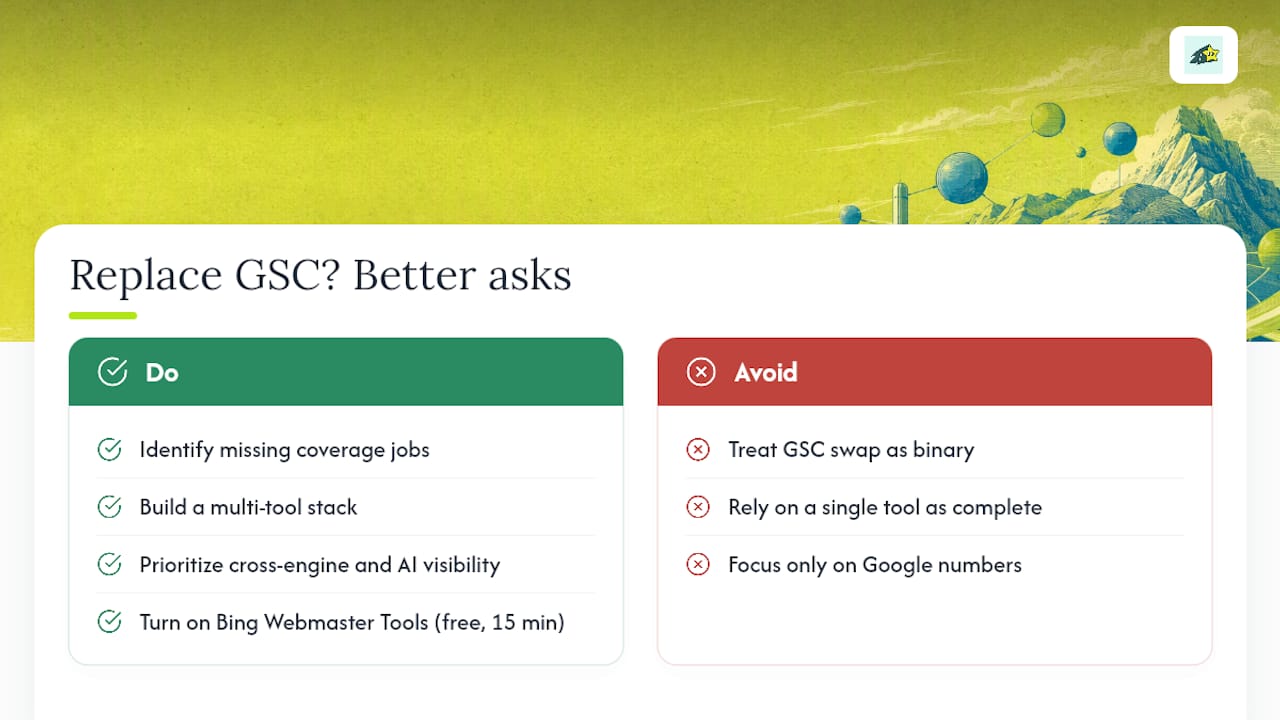
Where conventional advice really falls short is pricing loyalty to a single competitor suite instead of building a stack. A keyword-gap tool tells you nothing about revenue. A revenue platform tells you nothing about Bing's crawl behavior. Treating any one tool as the complete answer just relocates the blind spot instead of closing it.
If you prioritize one thing this year, make it visibility across engines and AI answers, not deeper analysis of the same Google-only numbers you've already got. A ranking bump on a platform you're not tracking is invisible to you, and invisible problems don't get fixed. Start by turning on Bing Webmaster Tools today. It costs nothing and takes fifteen minutes.
Get Revenue Answers Google Search Console Was Never Built to Give
Search Console will always tell you clicks and impressions. It will never tell you which of those clicks bought something. That's the gap Cromojo closes for ecommerce teams and agencies: real-time revenue attribution tied directly to the keyword, page, and channel that generated the sale, built on top of the Stripe, Shopify, GA4, and Search Console data you're already collecting.
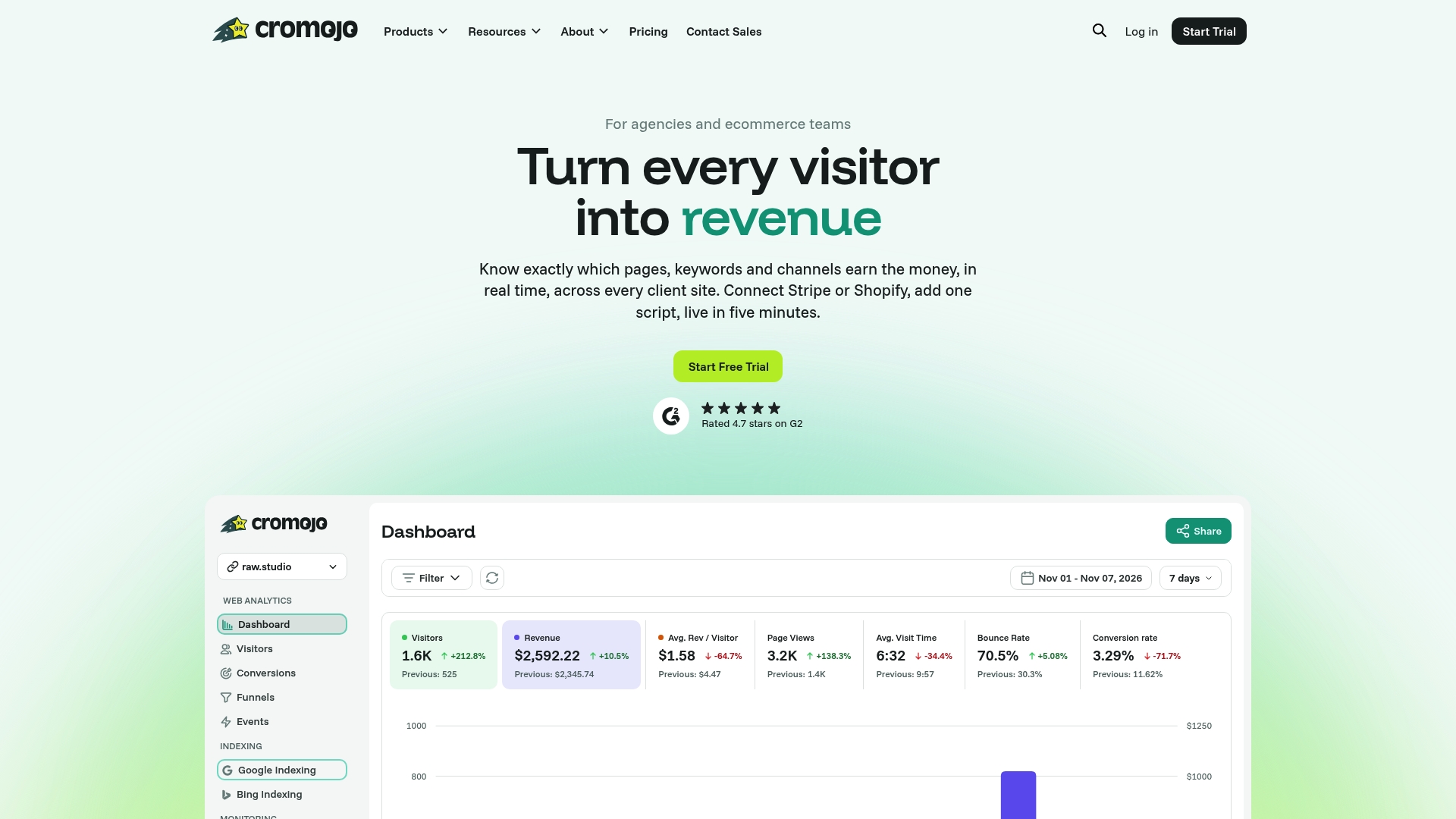
Cromojo layers in what the categories above cover separately: automated indexing across Google, Bing, Yandex, and Baidu, uptime and SEO health monitoring, and cookieless tracking that sidesteps consent-banner drop-off. If you came here comparing dashboards, exporters, and competitor suites, the practical shortcut is a platform that already ties all three together to revenue instead of traffic. Start a free trial and connect your Stripe or Shopify account to see which keywords are actually paying your bills.