

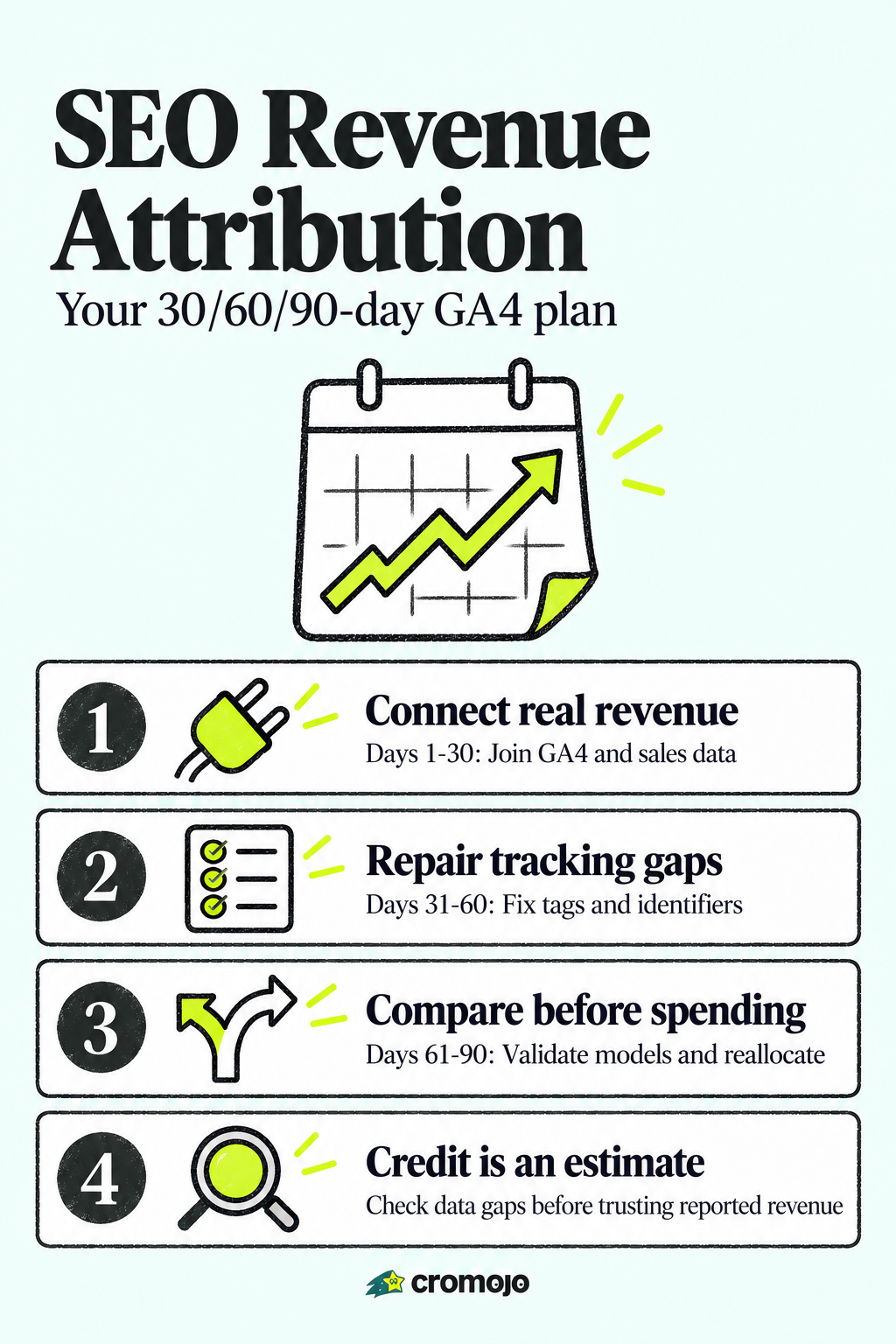
For accurate SEO revenue attribution, start by using GA4's data-driven attribution and joining its key-event revenue to your ecommerce or CRM revenue source. This reveals the organic revenue your leadership cares about, not just sessions or rankings. Success looks like a populated executive KPI card showing organic-attributed revenue and SEO cost per acquisition, both grounded in real transaction data.
Why attribution matters: from vanity metrics to business outcomes
Traffic numbers get attention in a meeting. Revenue numbers get budget approved. That distinction sits at the center of most disagreements between SEO teams and finance leaders, who tend to ask a simple question: what did this actually earn us? Sessions and keyword rankings don't answer that. Revenue attribution does, because it ties organic interactions to a dollar figure your CFO can compare against ad spend or headcount.
Once you can show which pages, keywords, or content clusters generate attributable revenue, prioritization gets easier. You stop guessing whether to invest in a new content hub or fix a slow-loading category page, because the revenue data tells you which one is closer to the money.
A few decisions typically shift once revenue attribution is in place:
- Content teams redirect effort toward topics with proven conversion paths instead of high-volume, low-intent keywords.
- Technical SEO fixes get prioritized by the revenue tied to the affected pages, not just crawl-error counts.
- Link-building budgets shift toward pages already converting, where authority gains compound existing revenue.
This is the real value of moving from vanity metrics to business outcomes: it changes what gets funded, not just what gets reported.

Attribution models and their real impact on SEO revenue reporting
The attribution model you choose changes the revenue number you report, sometimes by a wide margin. GA4's data-driven attribution assigns fractional credit to each touchpoint in a conversion path using the property's own conversion data, rather than crediting only the last click. It tends to work well when a site has enough conversion volume for the model to learn from, since sparse data produces unstable credit assignments.
Last-click attribution, by contrast, hides almost everything that happens before the final session. A shopper who discovers a product through an organic blog post, leaves, and returns two days later through a branded search will show up as a branded conversion under last-click, even though organic search created the demand. This is the most common source of SEO being undervalued in cross-channel reporting.
Running a model comparison is straightforward:
- Open GA4's reporting attribution model comparison and set data-driven against last-click.
- Look at how purchase revenue and total revenue shift for the organic channel under each model.
- Recalculate SEO CPA and ROAS using the data-driven revenue figure, since it reflects contribution more fairly than last-click.
GA4's data-driven attribution distributes fractional credit across touchpoints, so revenue columns can show decimal values that sum to 1.0 for a single key event. That single detail explains why two marketers looking at the same dashboard under different models can report very different organic revenue figures for the same month, as described in GA4's reporting attribution model documentation. Our guide to attribution models breaks down which model fits which business stage in more detail.
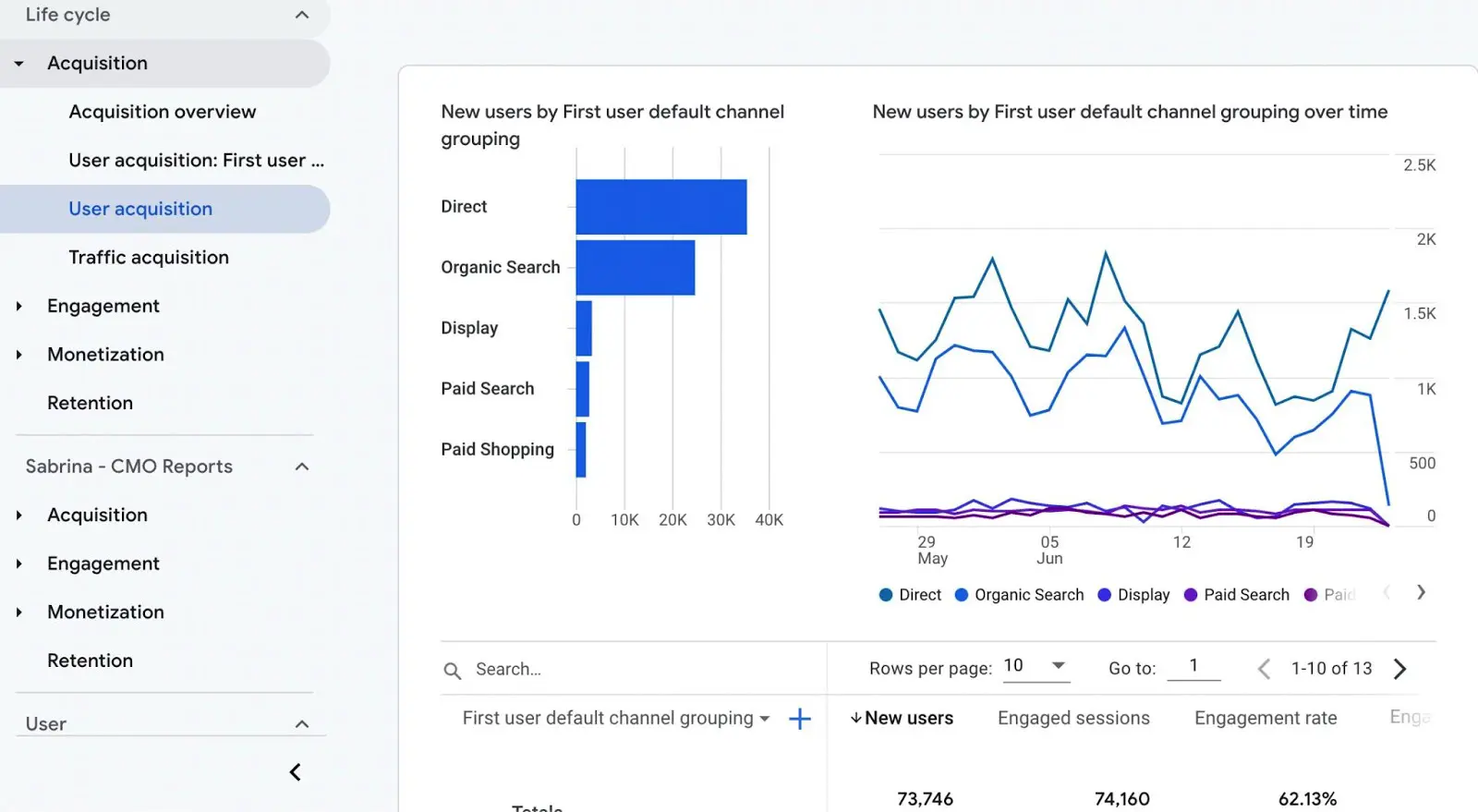
How to connect, measure, and act on SEO revenue data
Turning attribution from theory into a working system takes five stages, each building on the last.
- Connect your revenue source. Link GA4 to your ecommerce platform, such as Stripe or Shopify, or import server-side revenue if you run a subscription or lead-based model.
- Define key events. Decide which actions count as revenue events (purchase, signup, closed deal) and set a lookback window that matches your actual sales cycle.
- Choose your reporting attribution model. Data-driven is the default recommendation when conversion volume supports it.
- Instrument and join identifiers. Make sure user IDs, lead IDs, or order IDs connect analytics sessions to CRM or ecommerce records, and keep UTM parameters consistent across every campaign.
- Validate with the key-event attribution paths report, which shows touchpoints, days to conversion, and revenue by path, helping confirm organic's real role before you trust the numbers.
A few habits keep this process from breaking down over time:
- Audit UTM tagging regularly, since a single malformed link can silently strip attribution from an entire campaign.
- Re-check CRM field mapping whenever your sales team changes tools or workflows.
- Re-run the model comparison quarterly, since conversion volume and buyer behavior shift.
Once the pipeline is validated, translate it into decisions: pull revenue by page and revenue by keyword, then direct content and technical investment toward the clusters already producing measurable returns. Our post on keyword revenue tracking walks through how to build that view without a data team.
Pro Tip:Run the model comparison before you present any organic revenue number to leadership, so you can explain the range rather than defend a single figure.
KPIs and dashboards that prove SEO's business value
A concise KPI set beats a crowded dashboard every time. Industry guidance points to a focused range of five to seven metrics that connect SEO activity to business outcomes rather than tracking every available number, as outlined in HubSpot's SEO KPI guidance.
A workable core set looks like this:
- Organic attributed revenue, the dollar figure tied directly to organic sessions through your chosen attribution model.
- Organic conversion rate, the share of organic sessions that complete a key event.
- SEO CPA or ROAS, comparing SEO cost against attributed revenue or return.
- Pipeline value from organic, relevant for B2B teams tracking deals rather than direct purchases.
- Lifetime value of organic cohorts, showing whether organic customers stick around longer than paid ones.
- Visibility-to-revenue ratio, connecting ranking or impression growth to actual revenue change over the same period.
Segmenting branded from non-branded traffic matters here, since branded search often reflects demand created elsewhere. Breaking KPIs down further by landing page or keyword cluster shows which specific assets are doing the work.
Dashboard needs differ by audience. Executives want a single card showing organic revenue, CPA, and trend direction. Growth teams need the same numbers segmented by page and keyword so they know where to act. Technical teams care less about revenue and more about the crawl, indexing, and page-speed issues that put that revenue at risk.
Technical and data requirements for reliable attribution
Reliable attribution depends on groundwork that has nothing to do with content or keywords. GA4's data-driven attribution needs enough conversion volume to produce stable results, and practitioners generally recommend aiming for at least a few hundred conversions a month before trusting the model's output, per Ahrefs' guidance on SEO KPIs.
Beyond volume, a few integration pieces have to be in place:
- Ecommerce or CRM joins. Connect Stripe or Shopify transaction data directly to GA4, or push closed-deal data from your CRM so revenue events aren't limited to on-site actions.
- Server-side tracking. Reduces signal loss from ad blockers and browser restrictions, which otherwise undercount organic-driven conversions.
- Cookieless tracking options. Useful where privacy regulations or browser changes limit traditional cookie-based measurement.
- Consistent identifiers. User IDs, order IDs, or lead IDs need to travel with the session data so the join between analytics and revenue records doesn't break.
Engineering teams typically need three things handed to them clearly: the event schema, the revenue fields to map, and the lookback window the marketing team wants applied. Skipping any of these usually means weeks of back-and-forth later.
Pro Tip:Ask engineering to pass a single consistent user or order ID through checkout and analytics from day one. Retrofitting it later means months of unreconciled revenue data.

Calculating SEO ROI and how to account for SEO costs
SEO ROI follows a simple formula: (attributed revenue minus total SEO cost) divided by total SEO cost, expressed as a percentage. The tricky part is defining "total SEO cost" honestly.
Costs to include typically cover:
- Internal staff time, calculated by hours spent multiplied by loaded salary cost.
- Content production, including writers, editors, and design.
- Tools and software subscriptions used for research, tracking, or reporting.
- Agency or freelance fees, if any part of the work is outsourced.
- Technical development time spent on SEO-specific fixes.
As an illustrative example: say a company spends $8,000 a month across staff time, content, and tools, and GA4's data-driven attribution shows $32,000 in organic revenue for that month. ROI comes out to ($32,000 minus $8,000) divided by $8,000, or 300%. That figure changes meaningfully depending on the attribution model applied, which is why running the same calculation under both data-driven and last-click models, and presenting conservative, mid, and generous scenarios, gives leadership a more honest picture than a single confident number.
Common pitfalls and fixes
Most attribution errors trace back to a small set of recurring mistakes.
- Branded traffic inflating results. Branded search often reflects demand generated by other channels, so separate it from non-branded traffic before claiming credit for "new demand."
- Broken UTM tagging. Inconsistent or missing UTM parameters break the join between sessions and revenue records, so standardize a tagging convention across every team touching campaigns.
- Incomplete CRM linking. When lead IDs don't carry through to closed-deal records, organic-sourced pipeline disappears from reporting entirely, understating SEO's role in revenue.
- Undercounted assisted conversions. Last-click models hide early-funnel organic touchpoints, so pull the key-event attribution paths report regularly to see where organic initiates journeys it doesn't get credit for closing.
Each of these fixes takes days, not months, but skipping them quietly erodes trust in whatever revenue number ends up in the boardroom deck.
Quick implementation checklist and 90-day playbook
Trustworthy attribution doesn't require a massive rebuild. It requires sequencing the right work in the right order.
- Days 1-30: Connect GA4 to your ecommerce or CRM revenue source, define key events, and enable data-driven attribution.
- Days 31-60: Fix UTM hygiene, join user or order IDs across systems, and build a first-pass executive KPI dashboard.
- Days 61-90: Run a model comparison, validate organic contribution through the key-event attribution paths report, and reallocate content or technical resources based on revenue-by-page findings.
Pro Tip:If you can run a holdout test, pause SEO investment in one low-competition segment for a month and compare revenue against a similar segment that kept investment. It's the closest thing to a controlled experiment most teams can manage.
What implementing revenue-first SEO actually teaches you
The biggest lesson from watching teams adopt revenue attribution is how often the first month reveals a broken join, not a broken strategy. Revenue looks flat or wrong, and the instinct is to blame SEO performance, when the real issue is a missing order ID or a UTM parameter that never made it through checkout.
The second lesson is patience with the model. Data-driven attribution needs volume to stabilize, so a single month's fractional credit numbers deserve skepticism until a quarter of data builds up. Teams that wait for that baseline make better budget calls than teams that react to the first dashboard they see.
Cromojo: an editorially aligned option to speed up revenue attribution
Building the joins described above (Stripe or Shopify data flowing into clean, revenue-attributed reporting) usually falls on whichever engineer has the least on their plate that quarter. Cromojo is built to remove that step, with direct Stripe and Shopify integration that connects revenue to pages, keywords, and channels without a custom data pipeline.
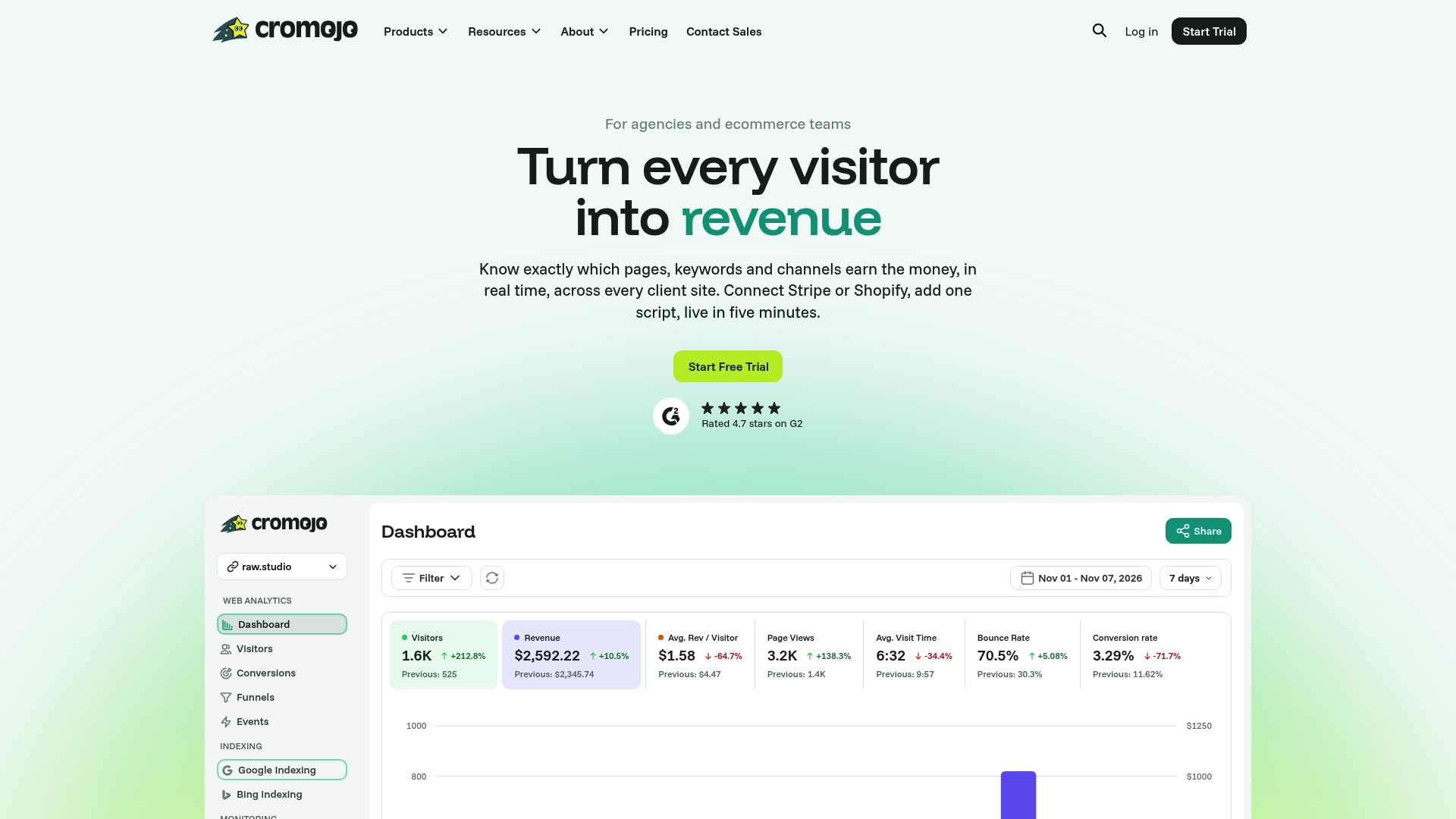
For the 90-day playbook above, that means the connect and measure phases collapse into a shorter setup:
- Real-time revenue attribution by page and keyword, ready without custom event mapping.
- Cookieless tracking that sidesteps consent and signal-loss issues affecting cookie-based setups.
- Automated indexing and site health monitoring, so visibility issues surface before they cost revenue.
Plans start at $19 a month on the Starter plan, with a Free Plan available for teams that want to test the setup first. Teams that want hands-on help turning attribution data into conversion gains can look at Cromojo's Conversion Optimization Services.