

.png)
For related ecommerce domains that share a customer journey, start with a single GA4 property and the same web data stream and tag ID across those domains, then configure cross-domain measurement. Separate properties can be appropriate for unrelated brands or distinct governance requirements. Before rollout, audit each page for duplicate tag deployment and duplicate purchase events.
1. Choosing between properties, subproperties, and roll-ups
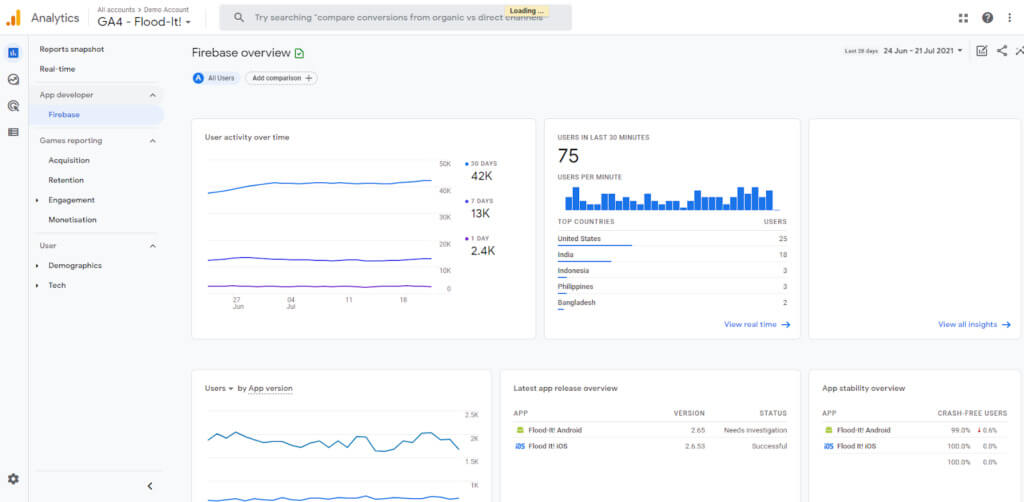
GA4 organizes data in a hierarchy: an account sits at the top, properties live underneath it, and each property collects data through one or more data streams. Each layer controls something specific. The account governs user permissions and billing at the organizational level. The property defines the data set, retention settings, and which audiences and conversions exist. The data stream is simply the connection point, a website or app sending events into that property.
Official GA4 guidance lays out several supported architectures, and picking the right one comes down to how your sites relate to each other in practice.
- A single property with one shared web data stream supports cross-domain measurement for related websites. Additional streams can collect other touchpoints, but multiple web streams alone do not unify a customer journey.
- Separate properties per site make sense when brands need legal separation, independent analytics teams, or compliance with different regional data rules.
- Subproperties let enterprise teams create scoped views (for a regional team, a specific brand, or a vendor) while keeping one source property as the master data set.
- Roll-up properties aggregate data from multiple source properties into a holistic view, useful for leadership reporting across brands, though they require 360 source properties to build correctly.
Ads linking and audience sharing depend on the architecture you choose. Google supports audiences from ordinary, subproperty, and roll-up properties; decide deliberately which property should supply conversions to avoid importing overlapping conversion actions. Standard GA4 is free, while Analytics 360 is a paid tier that adds enterprise features such as subproperties and roll-ups.
2. Building a reliable tagging and testing checklist
Once you know your architecture, implementation quality determines whether the data holds up. A clean setup across five sites with one property beats a messy setup across five properties every time.
- Install a single Google tag per page, either directly or through a centralized Google Tag Manager container, and verify no page is firing a duplicate tag.
- Pick a container strategy upfront: one central GTM container shared across sites, or one container per site with a version control and freeze policy so changes do not go live untested.
- Configure cross-domain measurement in the shared web data stream and use that stream's same G- tag ID on every participating domain. Verify that the _gl linker parameter survives navigation and redirects.
- Standardize event names and parameters across every site and write them down in a shared measurement plan so a "purchase" event means the same thing everywhere.
- Test with Tag Assistant and GA4's realtime reports, run a full purchase or lead flow end to end, and confirm deduplication and user continuity before calling the rollout complete.
Audit for duplicate installation of the same Google tag and duplicate event triggers. A single Google tag can serve multiple configured destinations; the goal is deliberate routing without duplicate measurement, rather than assuming that every multiple-destination setup is invalid.
Pro Tip: Test a full purchase journey in a clean browser session with Tag Assistant and GA4 realtime reports. Check the _gl parameter across domains and confirm a single purchase event and transaction ID. A new device is useful for additional testing, but it is not the only way to detect configuration problems.
3. Turning raw data into cross-site reports
Standard GA4 reports and roll-up properties cover most day-to-day needs: landing page performance by domain, channel comparisons, and conversion trends. Where they fall short is custom joins, like matching a purchase on one domain to an ad click on another, or building a single revenue table across five storefronts. That is when BigQuery export earns its place.
BigQuery export comes in three modes, and the choice affects both cost and how current your data is.
- Daily export batches the previous day's events once, suited to teams that review performance on a weekly or monthly cadence.
- Fresh daily export, available on the 360 tier, updates throughout the day for teams that need same-day visibility.
- Streaming export provides current-day events within minutes for operational monitoring. It is best effort, may contain gaps, and excludes some new-user and new-session attribution data; use the full daily export for stable attribution analysis.
An automated BigQuery pipeline can make cross-site reconciliation more repeatable, but accuracy still depends on consistent identifiers, valid events, transaction deduplication, and reconciliation with store records. Exporting data alone does not guarantee correct attribution.
Once exports are flowing, compare landing-page performance by domain, channel contribution, and transaction revenue using consistent definitions. Review product-link support and select a deliberate conversion-export property so overlapping imports do not count the same outcome twice.

4. Avoiding the governance mistakes that corrupt your data
A common multi-site problem is fragmented user journeys when cross-domain measurement is missing or misconfigured. GA4 roll-ups can deduplicate users across source properties using a shared reporting identity, including domains measured with different streams. Correcting your setup improves future measurement; do not promise that GA4 will automatically reprocess historical journeys.
- Set up cross-domain measurement inside one data stream whenever users move between your sites, not as an afterthought.
- Document consent and cookieless tracking behavior, since both affect how reliably you can identify repeat visitors and attribute revenue.
- Keep event names and parameters identical across properties and subproperties to prevent the same action from being counted under two different labels.
- Use role-based access and subproperties to limit who can edit configuration, while keeping one source property as the single source of truth.
- Put a recurring testing cadence on the calendar, monthly at minimum, to catch tagging regressions before they skew a quarter of reporting.
Pro Tip:Keep a one-page measurement plan listing every event name, parameter, and which property owns it. It takes an hour to write and saves days of reconciliation later.
5. Closing the revenue attribution gap with a dedicated platform
GA4 handles the architecture question well, but mapping a page view or keyword directly to a completed sale across several storefronts still takes extra work, especially once Stripe and Shopify enter the picture. A revenue-first analytics layer fills that gap without replacing the GA4 setup you already built.
Look for a few concrete capabilities when evaluating one:
- Direct Stripe and Shopify integrations so revenue data syncs without manual exports.
- Real-time revenue attribution by page, keyword, and channel instead of generic traffic counts.
- A lightweight script that deploys across any site stack in minutes, not a multi-week implementation project.
Our Revenue Analytics feature is built around exactly this gap: it ties actual sales back to the page, keyword, and channel that drove them, using cookieless tracking so you are not depending on third-party cookies to hold attribution together. Conversion funnels and visitor journey analysis show where a given site leaks revenue, while automated indexing keeps every domain discoverable across search engines without manual submission. Teams typically pilot this on one brand site, confirm the attribution numbers match what Stripe or Shopify already report, then extend the same script to the rest of their portfolio. For a deeper look at tracking several domains under one account, our help documentation on multi-domain setups walks through the configuration directly.
6. What matters most when you scale beyond one site
Consolidating properties helps once your sites share real audience overlap. It backfires when you force unrelated brands into one data set just to simplify reporting, since that trades clarity for a false sense of unity. Prioritize reliable revenue attribution and a setup you can actually test over chasing feature parity across every site. Assign one owner per measurement plan, not a committee, so tagging decisions do not drift.
Put multi-site revenue attribution on autopilot
Agencies and ecommerce teams juggling several storefronts get the most out of pairing a solid GA4 architecture with revenue-first reporting that ties sales directly to the page and channel that earned them.
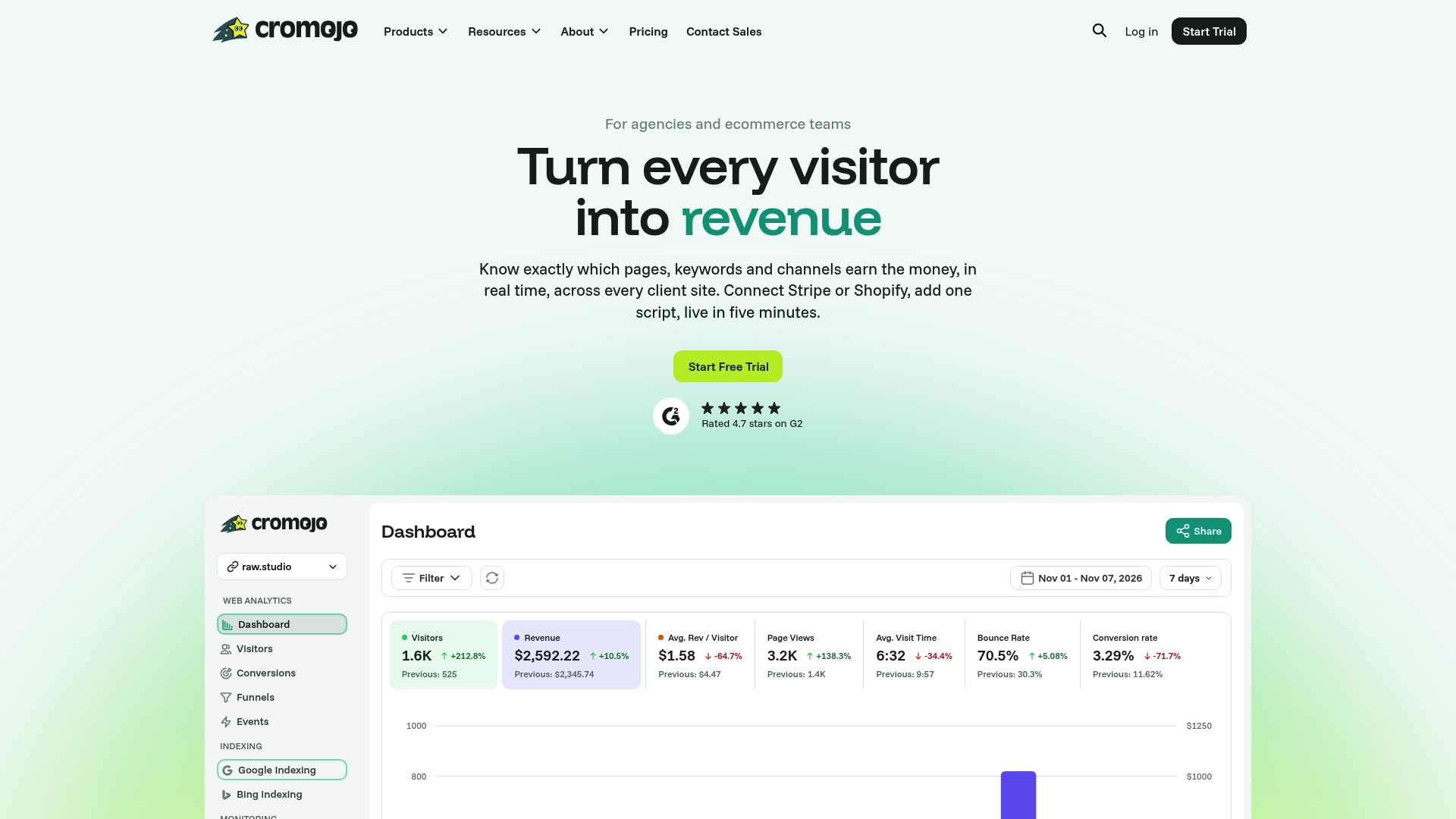
Our pricing page lists the current plans and site limits, including a Free Plan and Starter at $19 per month. Choose a plan that fits your portfolio and test revenue figures against your existing store reports before expanding the rollout. If you need hands-on funnel work, review our Conversion Optimization Services for current scope and pricing.