
.avif)

Website monitoring tools are supposed to give you peace of mind. They exist to answer a simple but critical question: is your website working the way it should?
Free tools appear to solve that problem quickly. They are easy to set up, require no investment, and give you a dashboard that says everything is “up.” For many businesses, that is enough to feel covered.
But that sense of safety is often misleading.
The reality is that most free monitoring tools only tell you part of the story. They confirm that your website is reachable, but they do not confirm that it is usable, fast, or functioning correctly. That gap between “reachable” and “working” is where most hidden issues live.
You do not notice those gaps during normal operations. Everything appears fine on the surface. Traffic is coming in, pages are loading, and your monitoring tool shows green.
Then something subtle breaks.
Maybe a script fails. Maybe a form stops submitting. Maybe your checkout flow stops working on mobile devices. These issues do not take your site offline, so your monitoring tool never flags them. Yet from a user’s perspective, the experience is broken.
This is where free tools fall short. They are reactive and limited. They show you that something has already gone wrong, but only in the most obvious cases. They rarely help you detect problems early or understand their impact.
Research supports this gap. According to research even a one-second delay in page load time can reduce conversions by up to 20 percent. This highlights how issues that are not technically “downtime” can still significantly affect performance and revenue.
What free website monitoring tools actually monitor
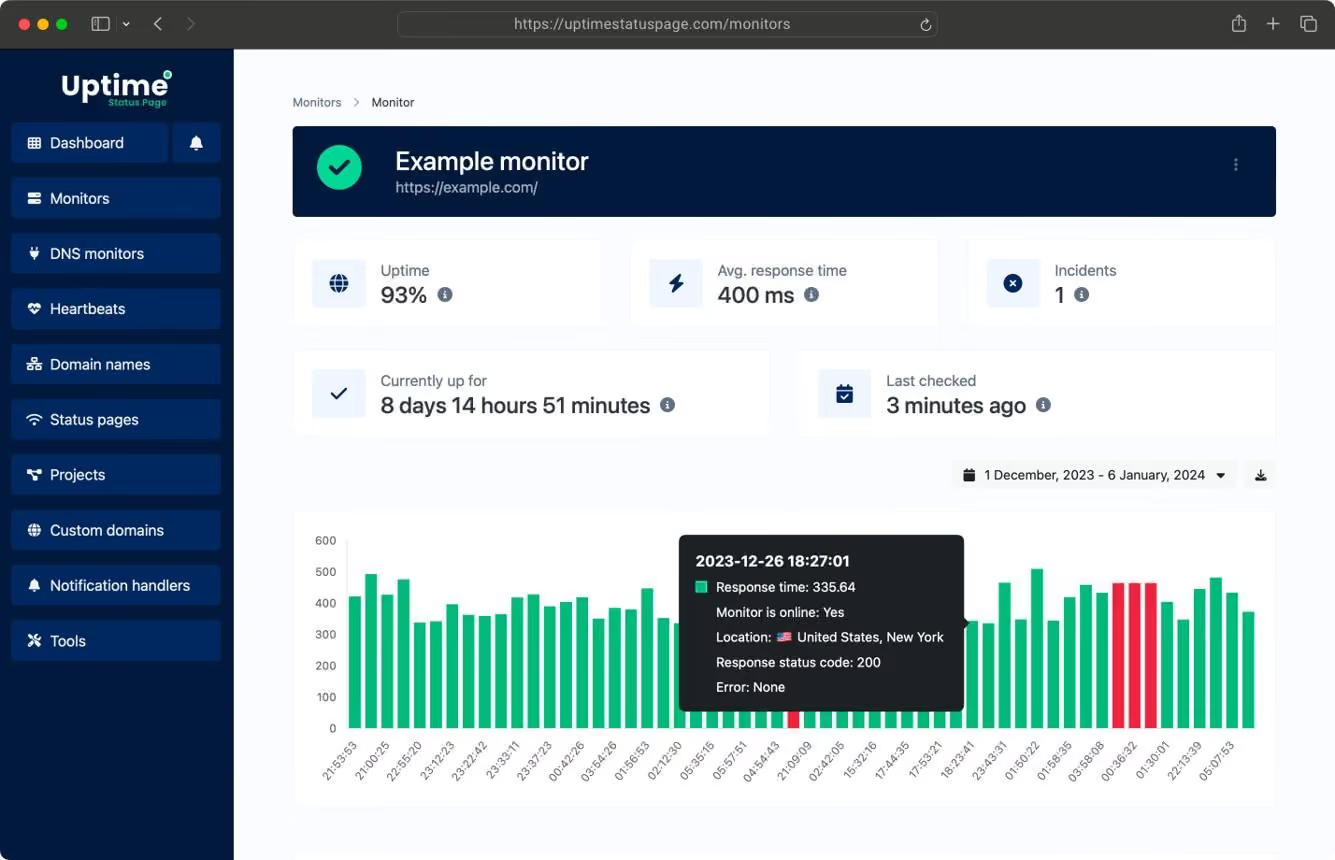
Most free website monitoring tools are built around one core function: uptime checks.
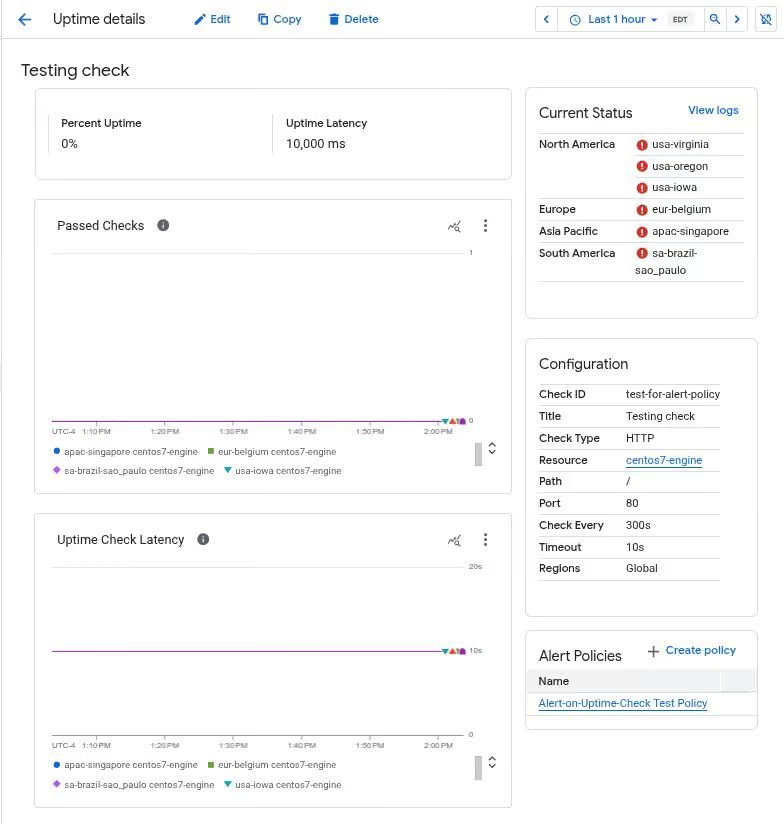
At regular intervals, typically every five to fifteen minutes, the tool sends a request to your website and waits for a response. If your server responds with a successful status code, the system marks your site as “up.” If not, it triggers a basic alert.
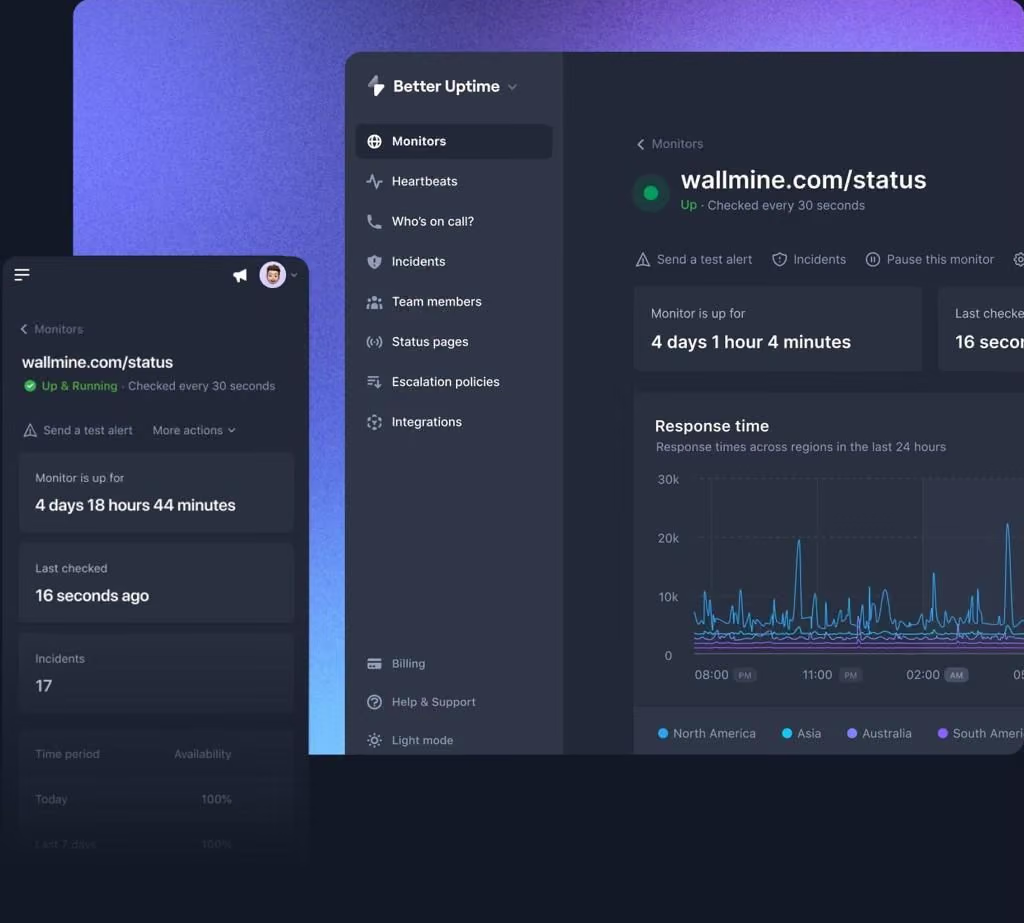
On paper, this sounds like a solid safeguard. In practice, it is a very narrow view of your website’s health.
An uptime check only tells you that your server is responding. It does not tell you what happens after that response. It does not evaluate whether your page renders correctly, whether your scripts execute properly, or whether users can complete meaningful actions.
There is also a timing issue that often gets overlooked.
Because checks are spaced out, short outages can easily go unnoticed. If your site goes down for a few minutes during a high-traffic period, there is a strong chance the monitoring system will miss it entirely. That means no alert, no log, and no clear understanding of what happened.
This limitation is important because modern users expect near-instant reliability. Studies from Nielsen Norman Group show that users begin to lose trust in a system when delays exceed even a few seconds. If reliability drops, so does user confidence.
Alerting is another area where free tools are constrained. Most provide basic email notifications, which can be delayed or overlooked. They rarely support real-time communication channels or escalation systems, which are essential for fast response times.
Where free tools fall short
The biggest limitation of free website monitoring tools is not what they show, but what they fail to show.
Performance is a critical factor.
Speed directly influences how users interact with your site. Research consistently shows that slower websites lead to higher bounce rates and lower engagement. When a page takes too long to load, users leave before they even see your content.
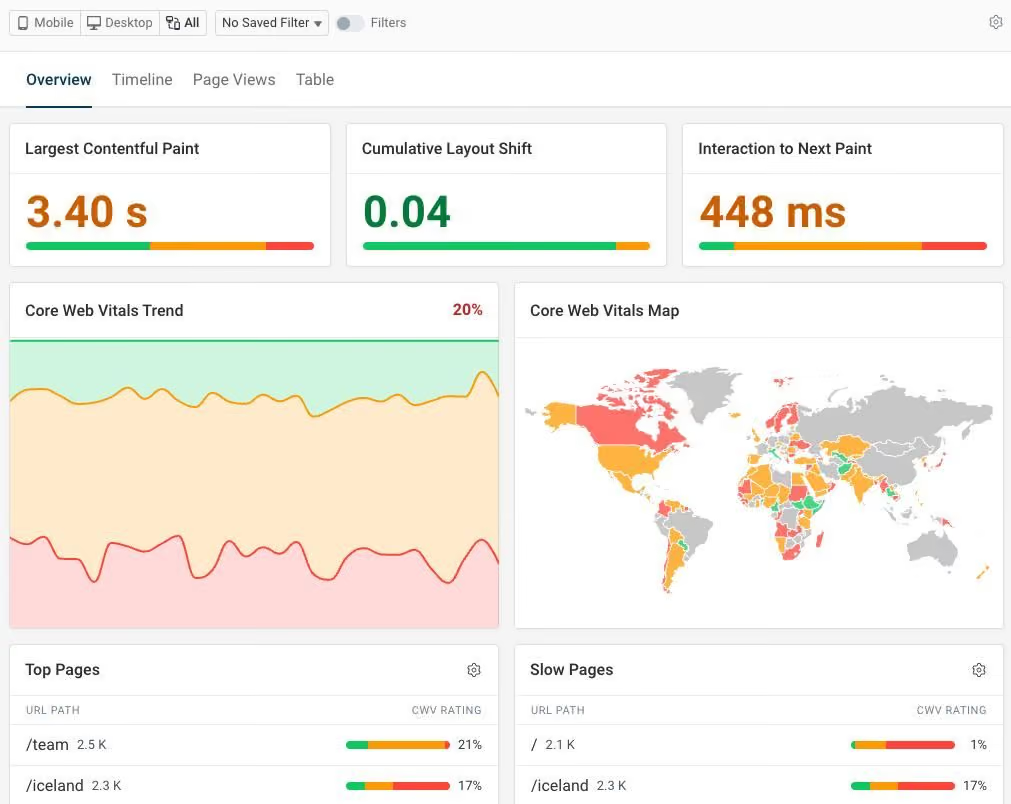
Free tools rarely track performance in depth. They do not measure how long it takes for a page to become usable, how it performs across devices, or how performance changes over time. Without this data, you cannot identify bottlenecks or improve user experience effectively.
Error detection is another major gap.
Modern websites rely on multiple systems working together. When one part fails, the site may still appear functional, but key actions can break. Free monitoring tools do not typically detect issues like failed scripts, broken forms, or incomplete transactions.
This creates a dangerous blind spot.
From your perspective, everything looks normal. From the user’s perspective, the experience is frustrating or unusable.
There is also a lack of historical insight.
Understanding patterns over time is essential for improving performance. Paid tools provide detailed records that help you identify recurring issues and track improvements. Free tools often lack this depth, making it difficult to learn from past incidents.
Finally, context is missing.
Knowing that something went wrong is not enough. You need to understand why it happened and how it affected users. Without context, troubleshooting becomes slower and less effective.
A real scenario most businesses miss
Imagine your website is running a successful campaign.
Traffic is coming in steadily. Users are browsing your pages, engaging with your content, and moving through your funnel. Your monitoring tool shows no issues.
But there is a hidden problem.
Your checkout flow is broken due to a small script error. Users can add items to their cart, but when they try to complete their purchase, the process fails.
This issue does not trigger a downtime alert because your site is still online. It does not appear in your monitoring dashboard because the tool is not tracking that level of interaction.

From your perspective, everything is working.
From your users’ perspective, the experience is broken.
They leave.
According to research referenced by Baymard Institute, the average cart abandonment rate is nearly 70 percent, and technical issues are a significant contributor. Even small friction points can lead to lost revenue.
In this scenario, the cost is not just the immediate lost sale. It is the long-term impact on trust and customer perception.
When free tools are enough
Free website monitoring tools can still be useful in certain situations.
If you are running a personal blog or a small portfolio site, basic uptime monitoring may be sufficient. In these cases, occasional downtime or minor issues are unlikely to have significant consequences.
The same applies to low-traffic websites or projects that are not directly tied to revenue. When the stakes are low, the limitations of free tools are easier to accept.
The key is understanding the impact of failure.
If your website is not critical to your business operations, a lightweight solution can be appropriate.
When you should upgrade to paid monitoring
As soon as your website becomes a core part of your your business, the need for more advanced monitoring becomes clear.
Ecommerce websites depend on smooth user experiences. Any disruption, even a small one, can result in lost sales and reduced customer trust.
SaaS platforms require consistent performance to retain users. Even minor issues can lead to frustration and churn.
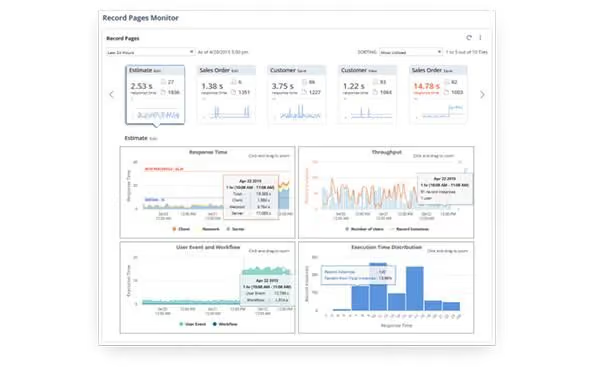
SEO-driven websites rely on speed and reliability to maintain rankings. Performance issues can gradually reduce visibility and traffic.
Agencies managing multiple clients need centralized systems that provide visibility, alerts, and reporting across all properties.
In each of these cases, the cost of missing an issue is far greater than the cost of a monitoring tool.
ROI: why free monitoring can be expensive
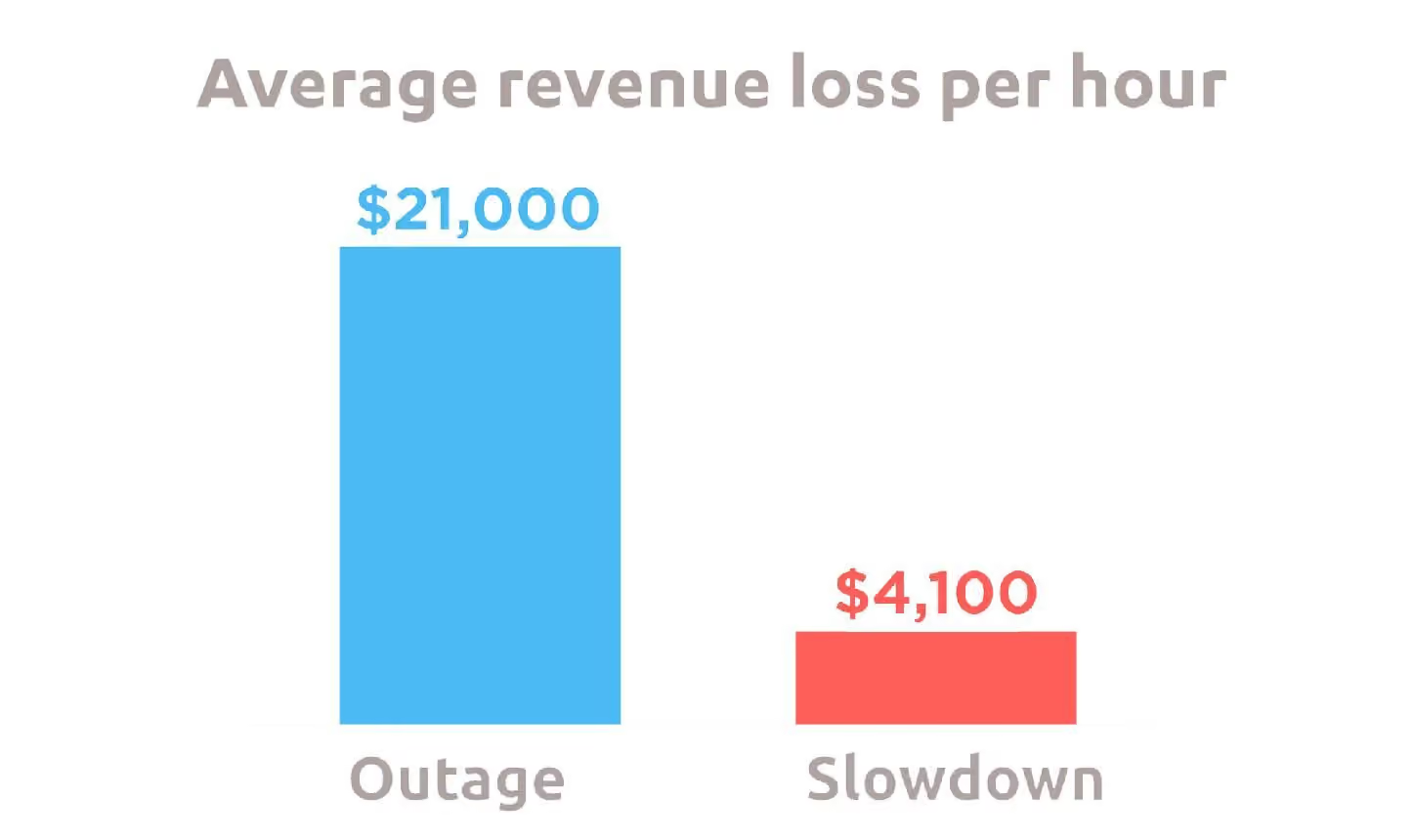
The real question is not whether a tool is free or paid. It is whether it protects your business effectively.
Downtime has an obvious cost, but the more significant impact often comes from issues that do not take your site offline.
A slow page reduces conversions. A broken form eliminates leads. A failed checkout stops purchases. These issues can persist unnoticed when monitoring is limited.
Studies from Google and Nielsen Norman Group consistently show that performance and usability have a direct impact on user behavior. When experience suffers, conversions follow.
Paid monitoring tools provide the visibility needed to detect these issues early. They allow you to move from reacting to problems to preventing them.
Over time, this shift has a measurable impact on revenue and user satisfaction.
Final thoughts
Website monitoring tools are not just technical utilities. They are part of your business infrastructure.
Free tools can provide a starting point, but they are not designed to support growth or protect revenue at scale. As your website becomes more important, your monitoring strategy needs to evolve with it.
The difference between free and paid tools is not just about features. It is about visibility, control, and confidence.
It is about knowing not only that your site is online, but that it is performing exactly as it should.
Ready to monitor your website properly?
If your website drives traffic, leads, or revenue, relying on basic monitoring is a risk you do not need to take.
Cromojo gives you a complete view of your website’s health, from uptime and performance to indexing and real-time insights. It helps you detect issues before they affect your users and your results.